

Intuit Direct Deposit Form (2026)
Put your full paycheck in one account, or split a fixed amount and the rest between two. Fillable, printable copy ready here.
This website is not affiliated with any government agency.
How it works

1. Open the form
Click “Fill form” above to open the form in our editor.

2. Add details
Complete all required fields to finalize your form.

3. Save as PDF
Download your filled form as a PDF, ready to print or submit anywhere.
What is Intuit Direct Deposit Authorization Form?
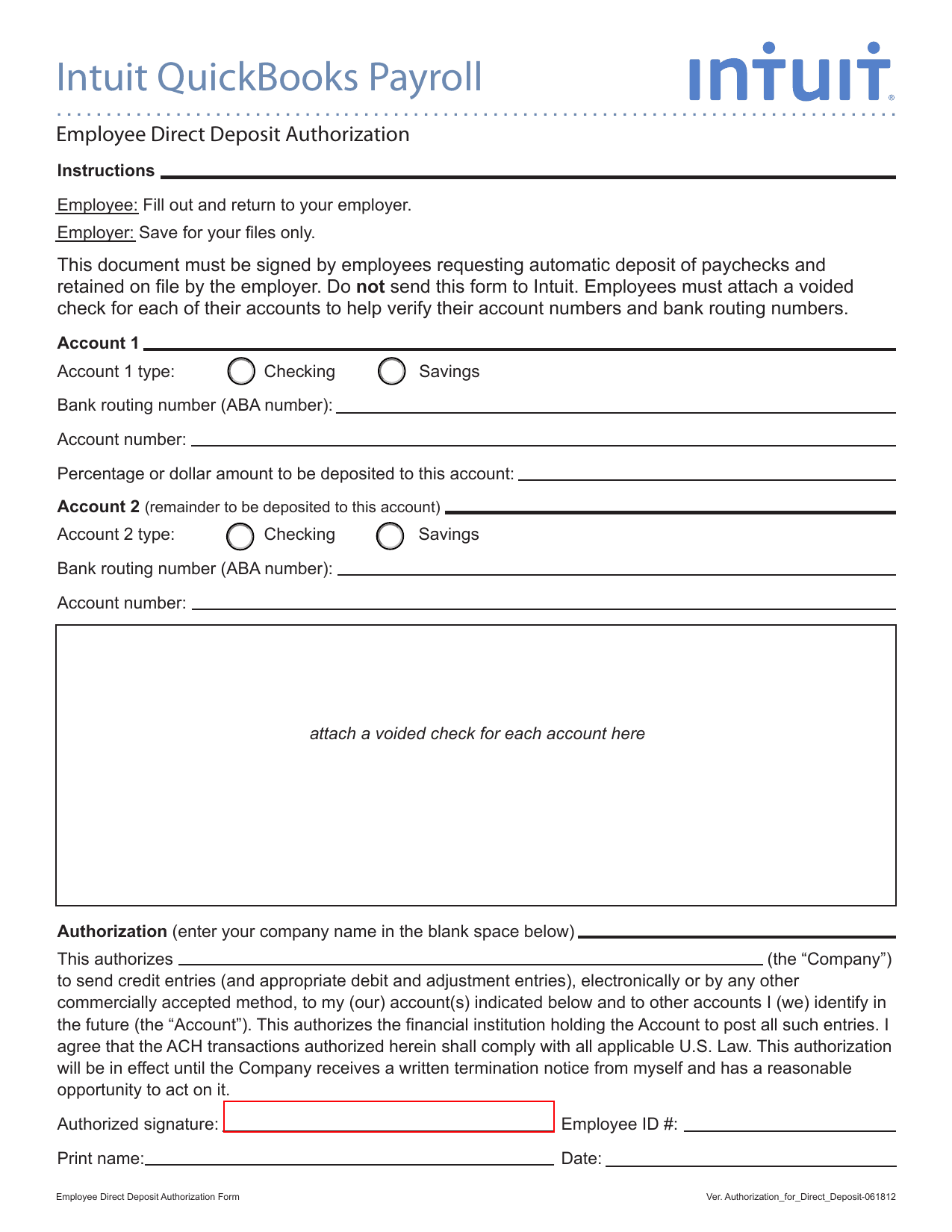
The Intuit Direct Deposit Authorization Form lets you approve electronic payroll deposits from your employer. It is used with QuickBooks Payroll and may allow you to send your pay to one or two bank accounts. Payroll teams may refer to the file as an Intuit Direct Deposit Form PDF or an Intuit QuickBooks Payroll Employee Direct Deposit Authorization Form.
You enter your bank name, routing number, account number, and account type. You may also state how much pay should go into each account. Check every number with your bank records, since an error could delay your pay or send it to the wrong account. Your employer may ask you to attach a voided check to confirm the details. After you sign the authorization, return it through the process your employer provides. An Intuit Direct Deposit Form printable copy can help you keep a record of the information you approved.
What is Intuit Direct Deposit Authorization Form used for?
You use the Intuit QuickBooks Payroll Employee Direct Deposit Authorization Form to start payroll or benefit payments by direct deposit. It lets your employer send ACH transfers to one checking or savings account. You can also split each payment between two accounts, with a fixed amount going to one and the rest going to the other.
You may complete a new form if you change banks, want to replace old account details, or need to stop a prior authorization. You provide your name, address, Social Security number, bank details, account type, and the kind of payment being approved.
How to fill out Intuit Direct Deposit Authorization Form
- 1Click Fill form to open Intuit Direct Deposit Authorization Form in our editor.
- 2Enter the employer or company name.
- 3Select checking or savings for Account #1.
- 4Enter the bank name, routing number, and account number.
- 5Specify the dollar amount or percentage to deposit.
- 6Repeat the account fields for Account #2 if you split the deposit.
- 7Prepare a voided check for each listed account.
- 8Download or print the finished form, attach the check, and give it to your employer. Do not send it to Intuit.
Where to get an Intuit Direct Deposit Authorization Form
Get a blank copy directly in PDFLeader. The form is pre-loaded in our browser-based editor, so you do not need to find or download a template from another website. Intuit issues it for employers that use QuickBooks Payroll.
The blank form is ready for you to complete and save to your device. If your employer requires a different version, ask its payroll team for the correct copy. PDFLeader helps you fill out and download the form, but it does not file or submit it.
Where to send Intuit Direct Deposit Authorization Form
After you sign and download the Intuit Direct Deposit Authorization Form, give it directly to your employer’s HR or payroll department. Do not send it to Intuit or a government agency. Your employer must keep the signed form in its payroll records.
Follow your employer’s payroll process. You may need to upload the form through an employee portal, send it by email, or deliver it in person. Mail it only if your employer tells you to do so and gives you the correct office and address. There is no standard mailing address for this form.
Who needs the Intuit Direct Deposit Authorization Form?
Employees who want their pay sent to a bank account must complete and sign the Intuit Direct Deposit Authorization Form. You provide your bank routing and account numbers. You also attach a voided check for each account to confirm these details. Your employer or HR team requires the form but does not complete it for you.
After you return the form, payroll or HR staff use the details to set up direct deposit in QuickBooks Payroll. The employer keeps the signed form on file and deposits future wages into the approved account. Intuit does not receive the form.
How to sign Intuit Direct Deposit Authorization Form
Check with your employer or HR about its signature rules and review the latest form updates. Complete it in PDFLeader, then download the finished form from our platform. Print it, sign it, and add the date. Follow your employer’s instructions for sending the signed copy, since PDFLeader does not submit forms.
What information/documents are required?
Before you begin, have the full Company Name and your bank details for Account 1: Account 1 Type, Bank Routing Number (ABA Number), Account Number, and the Deposit Amount/Percentage if you plan to split the deposit. Choose Checking Account or Savings Account. If you enter less than 100%, the balance goes to Account 2 or is issued as a check when no second account is listed.
For the Intuit Direct Deposit Form PDF, gather the same details for Account 2 only if you want a split deposit. Otherwise, leave those fields blank. Attach a voided check for each account to verify its routing and account numbers.
For the Employee Identification and Signature Block, have the company name, employee ID, full name, and completion date ready. You must then print, sign, and give the document to your employer or payroll supervisor for processing.
When is Intuit Direct Deposit Authorization Form needed?
There is no fixed government-set due date for Intuit Direct Deposit Authorization Form. Submit the completed form to your employer’s payroll department at least two weeks before you want direct deposit to start. Intuit QuickBooks Payroll may need one to two full pay cycles to activate a new direct deposit authorization.
Your employer’s payroll cutoff controls the actual deadline. Ask HR or payroll for the cutoff date for the pay period you want. If your form arrives after that date, you may receive a paper check for that pay period instead.
When is this direct deposit authorization not required?
Choosing paper checks instead of direct deposit removes the need to complete the Intuit Direct Deposit Authorization Form. An employee can keep receiving paper checks without signing this form.
You also do not need the form when Intuit’s Direct Deposit service pays an independent contractor. The payer selects direct deposit under the contractor’s vendor profile instead. If your employer uses a payroll provider other than QuickBooks, use the authorization form supplied by that employer or provider.
FAQ

What time does Intuit direct deposit hit?
The employee's bank controls when funds appear. The bank has until 11:59 p.m. PT, or 2:59 a.m. ET, on the pay date to post the deposit, though many banks post it earlier.
How long does Intuit direct deposit take to process?
Processing depends on your funding speed. Available schedules may include same-day, next-day, two-day, or five-day funding. These are based on banking days. Same-day funding requires an eligible Premium or Elite payroll plan.
How do I change direct deposit in Intuit Workforce?
Sign in to QuickBooks Workforce and open the Profile menu to update your direct deposit bank details. Your employer must allow employee edits under Payroll Settings and Employee Profile Management. If editing is not available, ask your employer to make the change.
How do I set up direct deposit with Intuit?
You need a U.S. bank account that supports ACH transactions. Gather the business's legal name, address, EIN, and owner details, then activate direct deposit in Payroll settings. Collect each employee's bank details through a signed authorization form or voided check.
How much does Intuit charge for direct deposit?
Charges vary by QuickBooks Payroll plan and may include monthly or per-employee fees. Review the current pricing terms for your Core, Premium, or Elite subscription to confirm the exact cost.
Can I create my own direct deposit authorization?
Yes. Intuit does not require a branded authorization form. Your form should include the employee's bank name, routing number, account number, account type, signature, and date. Confirm that the form also meets your employer's payroll policies and applicable laws.
Does PDFLeader have a refund policy?
Yes. The Refund Policy sets out the cases where a refund applies and how to send a request.
What if I have any issues and need help?
We've got your back 24/7! Just call +1 (844) 548-9416 or email support@pdfleader.com, and we'll sort things out for you.
How do I cancel PDFLeader?
You can cancel your subscription from account settings, or contact the support team and ask them to cancel it. You keep access until the current billing period is over.
Related forms
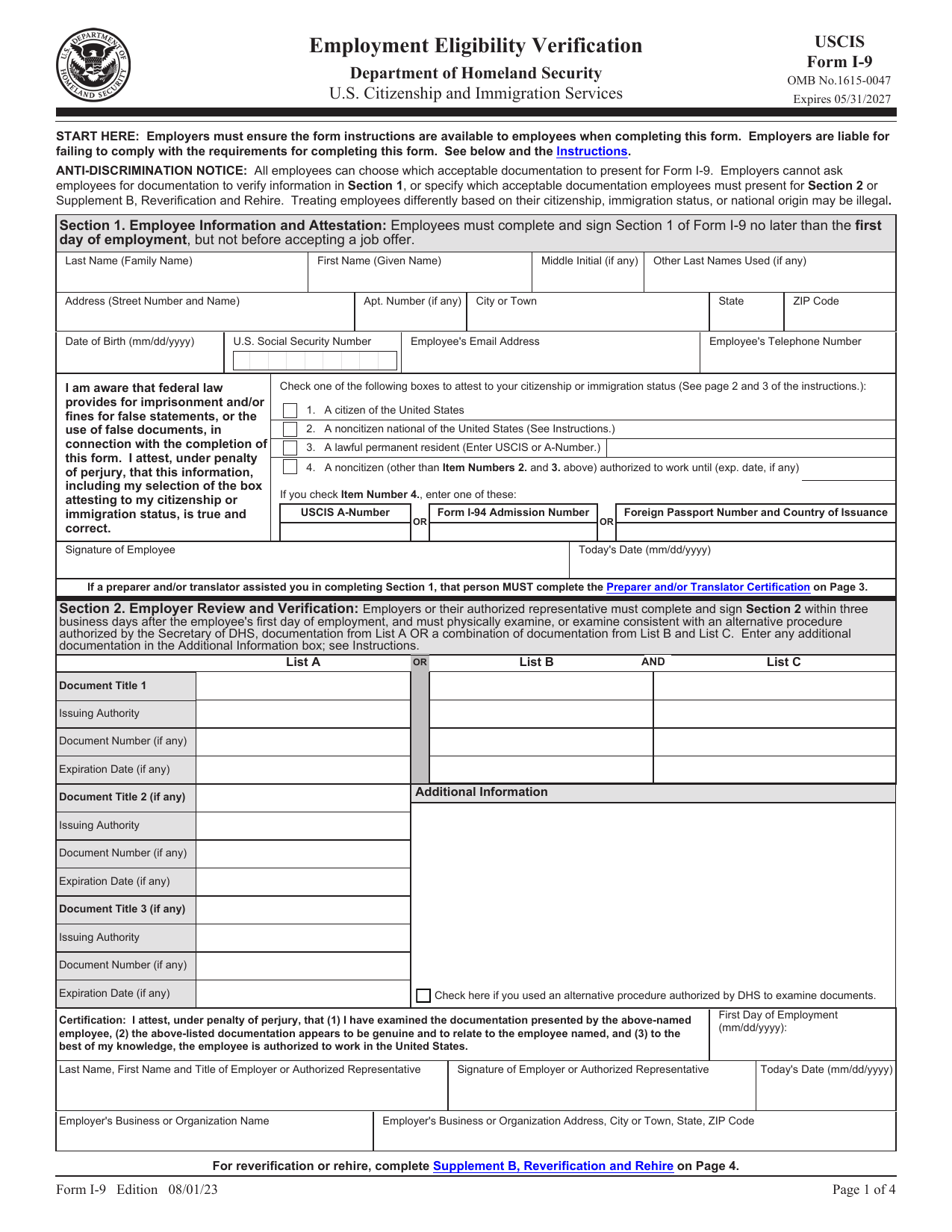 I-9 FormEmployment & HR FormsA fillable, printable copy is ready here to record how your employer verified your identity and U.S. work authorization.Updated Oct 5, 2026
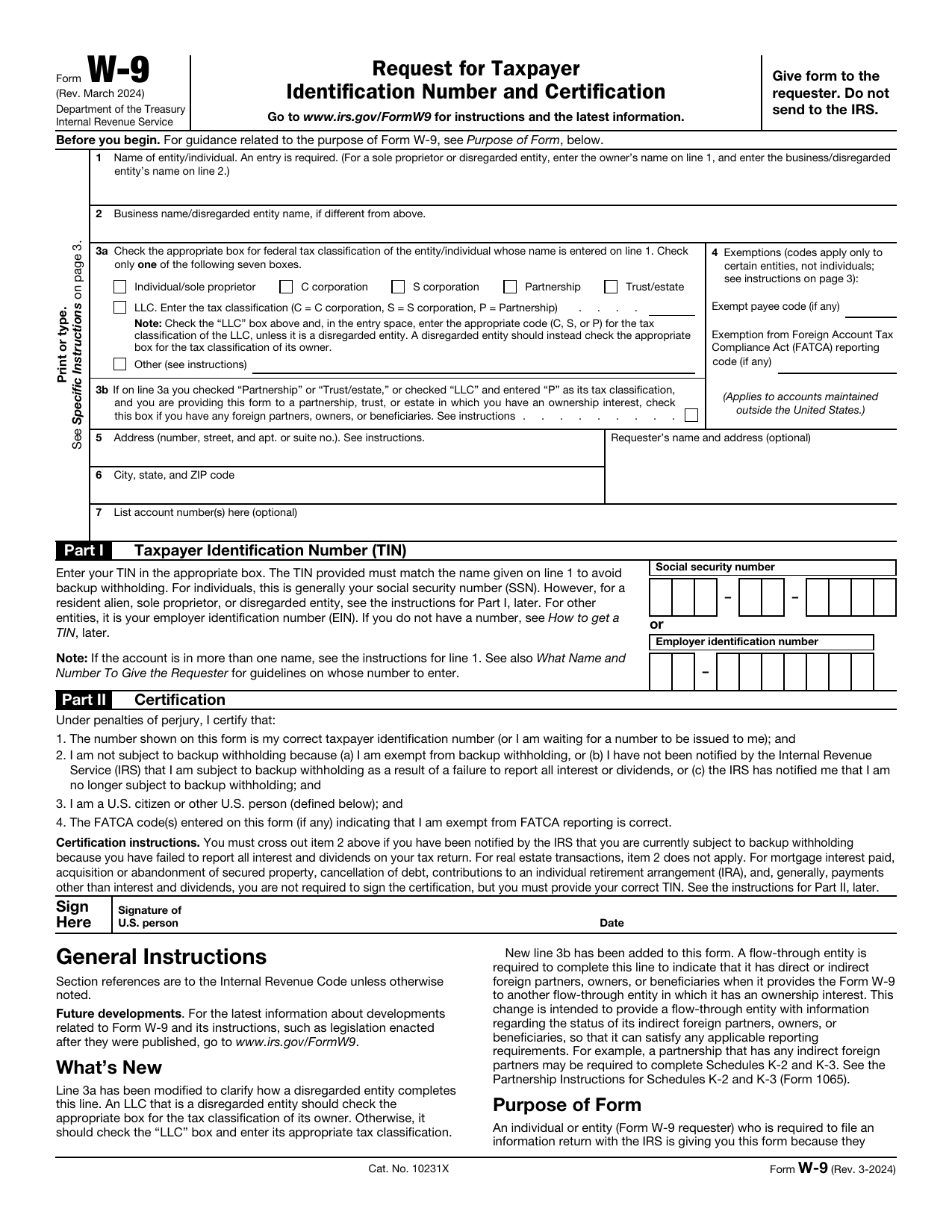 W-9 FormTax FormsGive a requester your correct TIN and certify your U.S. person and backup withholding status in a fillable, printable copy.Updated Oct 5, 2026
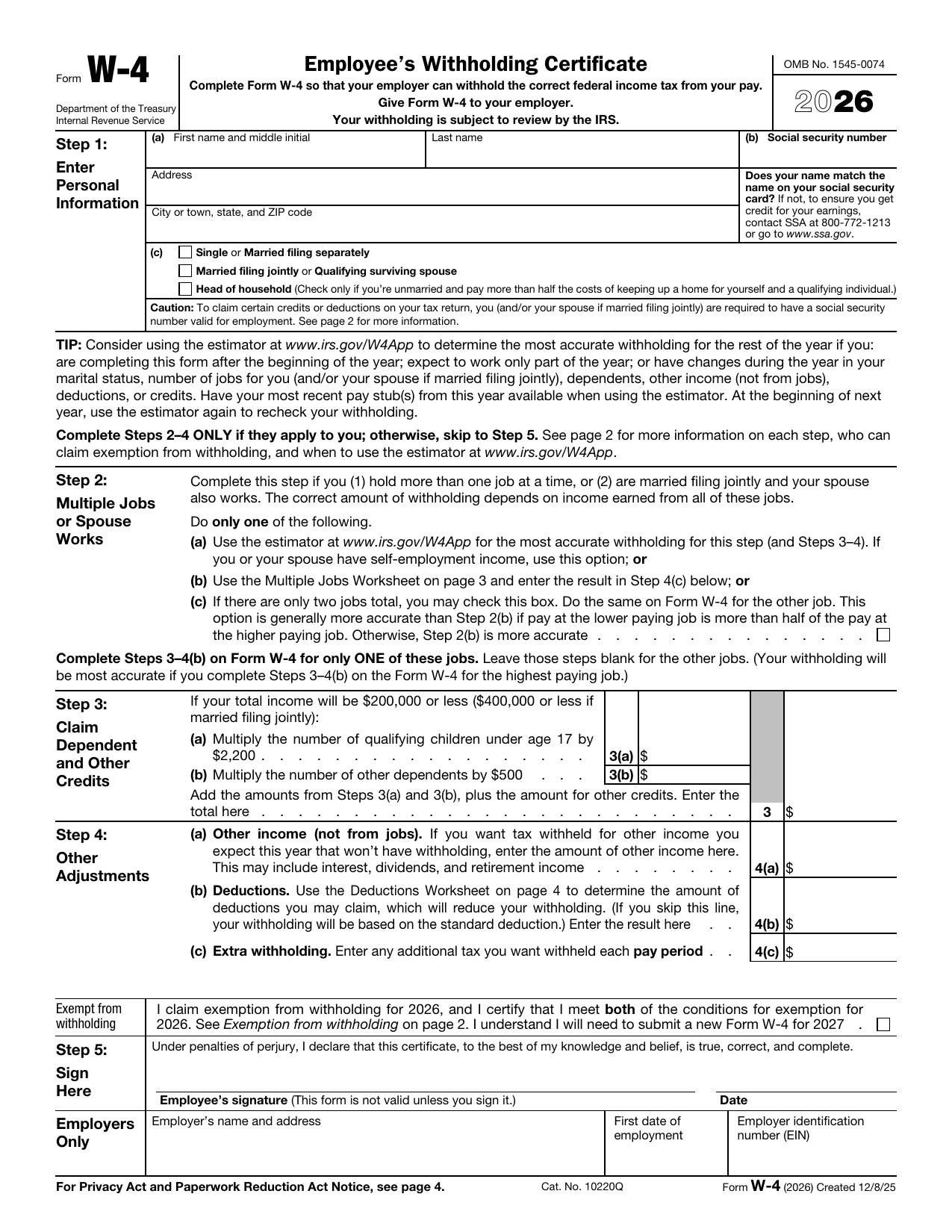 W-4 FormTax FormsSet how much federal income tax your employer withholds from your pay. A fillable, printable copy is ready here.Updated Oct 5, 2026
 DS-82 FormImmigration & Travel FormsPrepare to renew your eligible adult passport book or card by mail with the fillable, printable copy ready here.Updated Oct 5, 2026