

Form DS-11: Fill Out Online in 2026
Get a fillable, printable copy here for your first passport, a child under 16, or to replace one lost, stolen, or damaged.
This website is not affiliated with any government agency.
How it works

1. Open the form
Click “Fill form” above to open the form in our editor.

2. Add details
Complete all required fields to finalize your form.

3. Save as PDF
Download your filled form as a PDF, ready to print or submit anywhere.
What is Form DS-11?
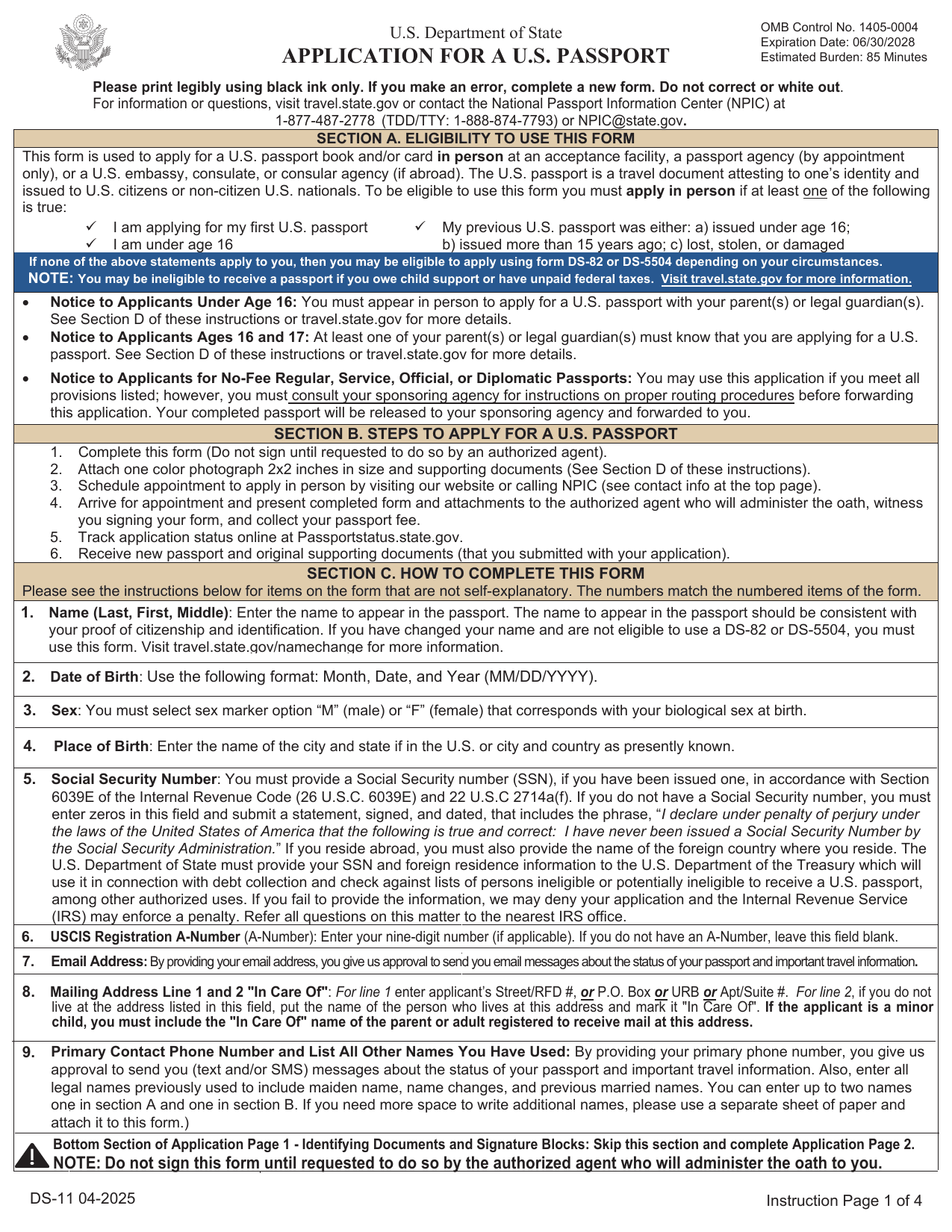
Form DS-11 is the U.S. Department of State application for a new U.S. passport. You use it when applying for your first passport or when you cannot renew by mail. Common cases include replacing a lost or stolen passport, applying with a passport issued more than 15 years ago, or applying with one issued when you were under age 16.
You must apply in person at a passport acceptance facility. Bring proof of U.S. citizenship, acceptable photo identification, a photocopy of that ID, and a recent passport photo that meets State Department rules. Do not sign Form DS-11 before your appointment. You must sign it only when the acceptance agent tells you to do so.
An approved application leads to a passport, which serves as official proof of U.S. citizenship and identity for international travel.
What is Form DS-11 used for?
You use Form DS-11 to apply for your first U.S. passport or replace one that was lost, stolen, or damaged. For a lost or stolen passport, you may also need to report the loss to the U.S. Department of State.
A child under age 16 must apply in person with Form DS-11, since passports for children cannot be renewed. You also use it if your last passport was issued before you turned 16 or was issued 15 or more years ago. If your name changed and you cannot provide the required legal name-change document for another renewal process, you may need Form DS-11. The application helps the State Department review your identity, citizenship, and request for a new passport.
How to fill out Form DS-11
- 1Click the Fill Form button to open Form DS-11 in our editor.
- 2Enter your name exactly as shown on your citizenship document.
- 3Provide your date of birth, sex, place of birth, Social Security number, email, and phone.
- 4Add your mailing address and any other names used.
- 5Complete the parental information fields.
- 6Fill in the marriage information section, if it applies.
- 7Enter your height, hair color, eye color, occupation, and employer or school.
- 8Provide your permanent address and emergency contact.
- 9Add your travel plans, if known.
- 10Download the completed form and print it single-sided with clear black text.
Where to get a blank Form DS-11
You can get a blank Form DS-11 from the U.S. Department of State, which issues the form. Copies are available on the Department of State website and may also be available at passport acceptance facilities, passport agencies, and U.S. embassies or consulates.
PDFLeader has a blank Form DS-11 preloaded in our browser-based editor, so you do not need to download a template from another source. PDFLeader helps you fill out and download the completed form, but it does not file or submit it. You must apply in person at an approved location.
Where to send Form DS-11
Take your downloaded Form DS-11 to a designated passport acceptance facility. You may also submit it at a passport agency if you have an appointment. If you are abroad, take it to a U.S. embassy, consulate, or consular agency.
Do not mail the application directly or submit it through an online portal. You must appear in person so an authorized agent can confirm your identity, witness your signature, and administer the required oath. Do not sign Form DS-11 until the agent tells you to do so. The facility will seal the application and forward it to the passport processing agency.
Who needs to complete Form DS-11?
You must complete Form DS-11 if you are applying for your first U.S. passport or cannot renew your current passport. This includes children under 16, applicants whose last passport was issued before age 16, and first-time applicants ages 16 or 17. A parent or legal guardian must help with an application for a child under 16 and provide consent. Applicants ages 16 or 17 must show that a parent or guardian knows about the application.
After you complete the form, an authorized passport acceptance agent reviews your ID and documents, gives the oath, and tells you when to sign. For a child under 16, the child and parent or guardian must appear in person. The U.S. Department of State then processes the application.
How to sign Form DS-11
Download the filled form from PDFLeader, then print it. Do not sign Form DS-11 before your appointment. Wait until an authorized passport acceptance agent asks you to sign. You must add your handwritten signature in ink, in person, while the agent watches. Electronic and digital signatures are not accepted. PDFLeader does not submit the form, so complete that step outside our platform. Check the latest State Department instructions before your appointment.
What information/documents are required?
Have your name (last, first, middle), date of birth in MM/DD/YYYY format, sex as M or F based on biological sex at birth, place of birth, and Social Security number ready. If you have no Social Security number, enter zeros. You also need your mailing address line 1 and 2 “In Care Of,” permanent address if required, and emergency contact details for someone not traveling with you.
Bring original or certified evidence of U.S. citizenship, such as a U.S. birth certificate, plus a photocopy. You also need an accepted photo ID and a photocopy of it, along with one passport photo. If your current name differs from your citizenship evidence or ID, bring a certified name-change document, such as a marriage certificate or court order.
When is Form DS-11 needed?
Form DS-11 has no fixed deadline. You need it when applying for your first U.S. passport, applying for a child under 16, or replacing a passport that was lost, stolen, or damaged. You also need it if your prior passport was issued before you turned 16 or more than 15 years ago.
Submit Form DS-11 in person at an authorized passport acceptance facility. You cannot submit it by mail. Plan around your travel date, current passport processing times, and appointment availability. All children under 16 must apply in person with this form.
When is Form DS-11 not required?
Form DS-11 is not required when you qualify to renew by mail with Form DS-82. You must have your prior passport, and it must be undamaged. It must also have been issued when you were age 16 or older and within the past 15 years. The passport must show your current name, or you must provide proof of a legal name change.
A citizen under age 16 may use Form DS-5504 in limited correction or name-change cases. Otherwise, Form DS-11 applies. Do not sign Form DS-11 until an acceptance agent tells you to do so. Signing early invalidates the application and may delay processing.
FAQ

Can I get a DS-11 Form at the post office?
Yes. USPS passport acceptance facilities provide Form DS-11. You can also download it from the U.S. Department of State website, print it, and bring it unsigned to your appointment.
Does DS-11 need to be printed in color?
No. You may print Form DS-11 in black and white on standard 8.5-by-11-inch paper. Your passport photo must be in color.
What is the difference between DS-11 and DS-82?
Form DS-11 is generally for first-time applicants, children under 16, and people who do not qualify to renew. It requires an in-person application. Form DS-82 is for eligible renewals and can usually be submitted by mail. Your prior passport must generally be undamaged, issued within the last 15 years when you were at least 16, and in your current name unless you provide proof of a legal name change.
Does PDFLeader have a refund policy?
Yes. The Refund Policy sets out the cases where a refund applies and how to send a request.
What if I have any issues and need help?
We've got your back 24/7! Just call +1 (844) 548-9416 or email support@pdfleader.com, and we'll sort things out for you.
How do I cancel PDFLeader?
You can cancel your subscription from account settings, or contact the support team and ask them to cancel it. You keep access until the current billing period is over.
Related forms
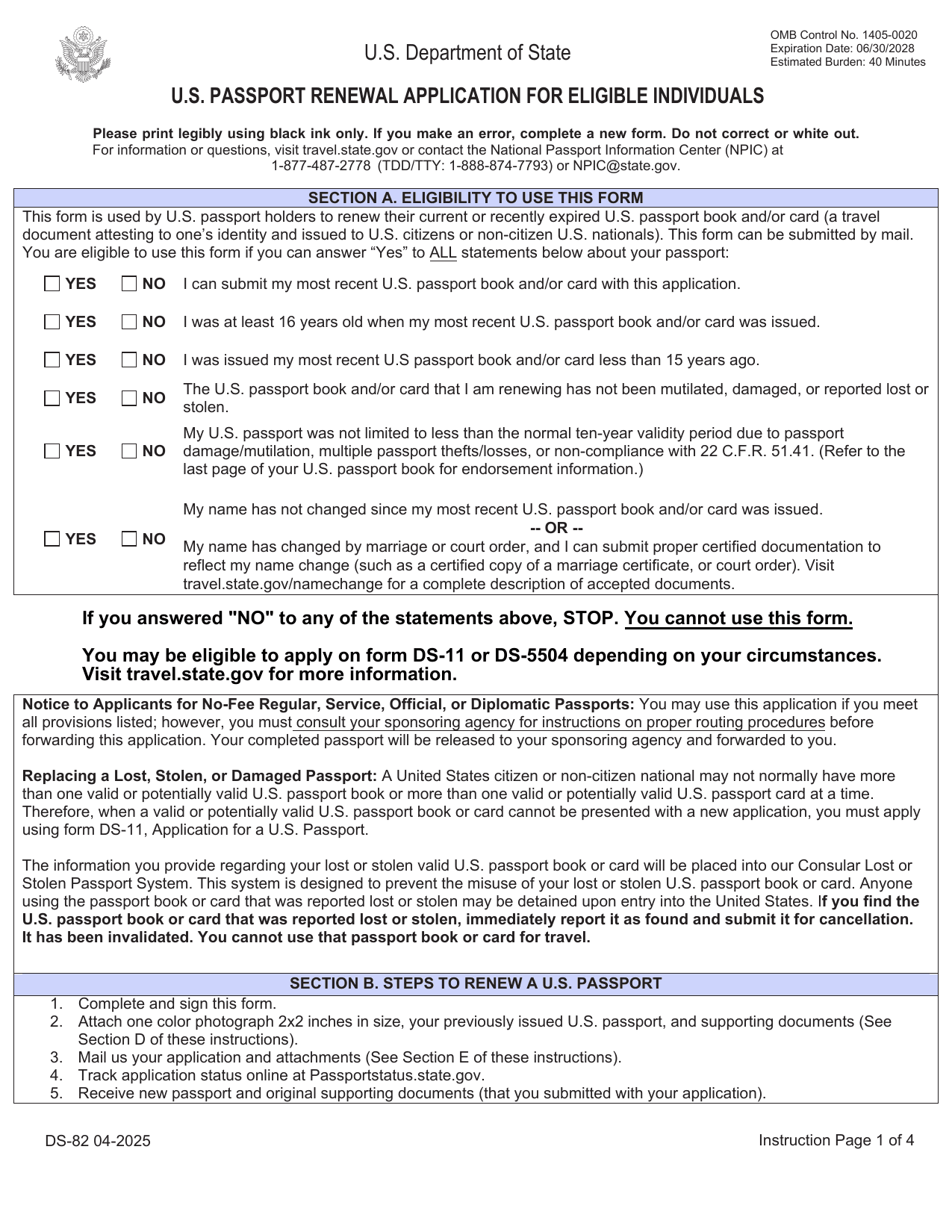 DS-82 FormImmigration & Travel FormsPrepare to renew your eligible adult passport book or card by mail with the fillable, printable copy ready here.Updated Oct 5, 2026
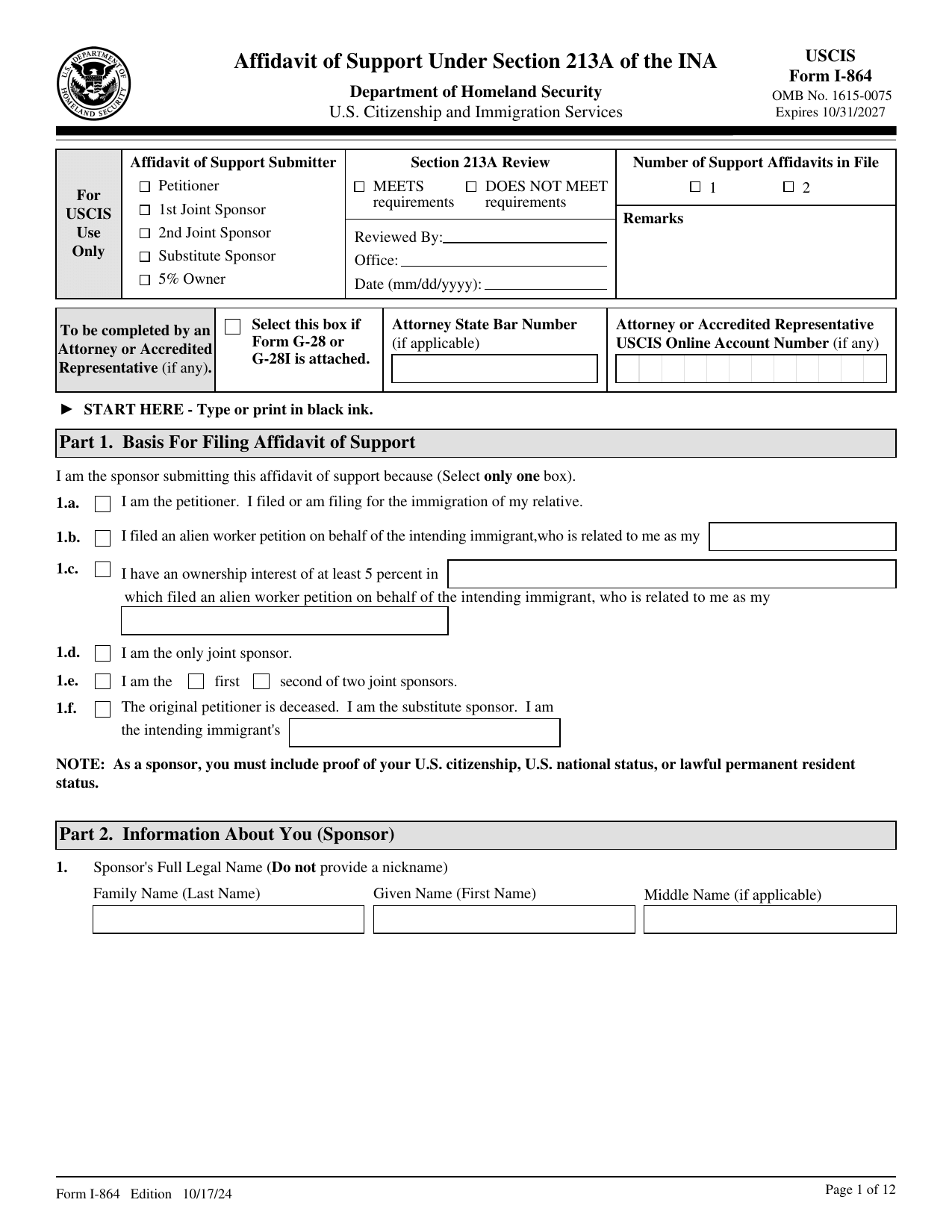 I-864 FormImmigration & Travel FormsMake your binding promise to support an intending immigrant; a fillable, printable copy is ready here.Updated Oct 5, 2026
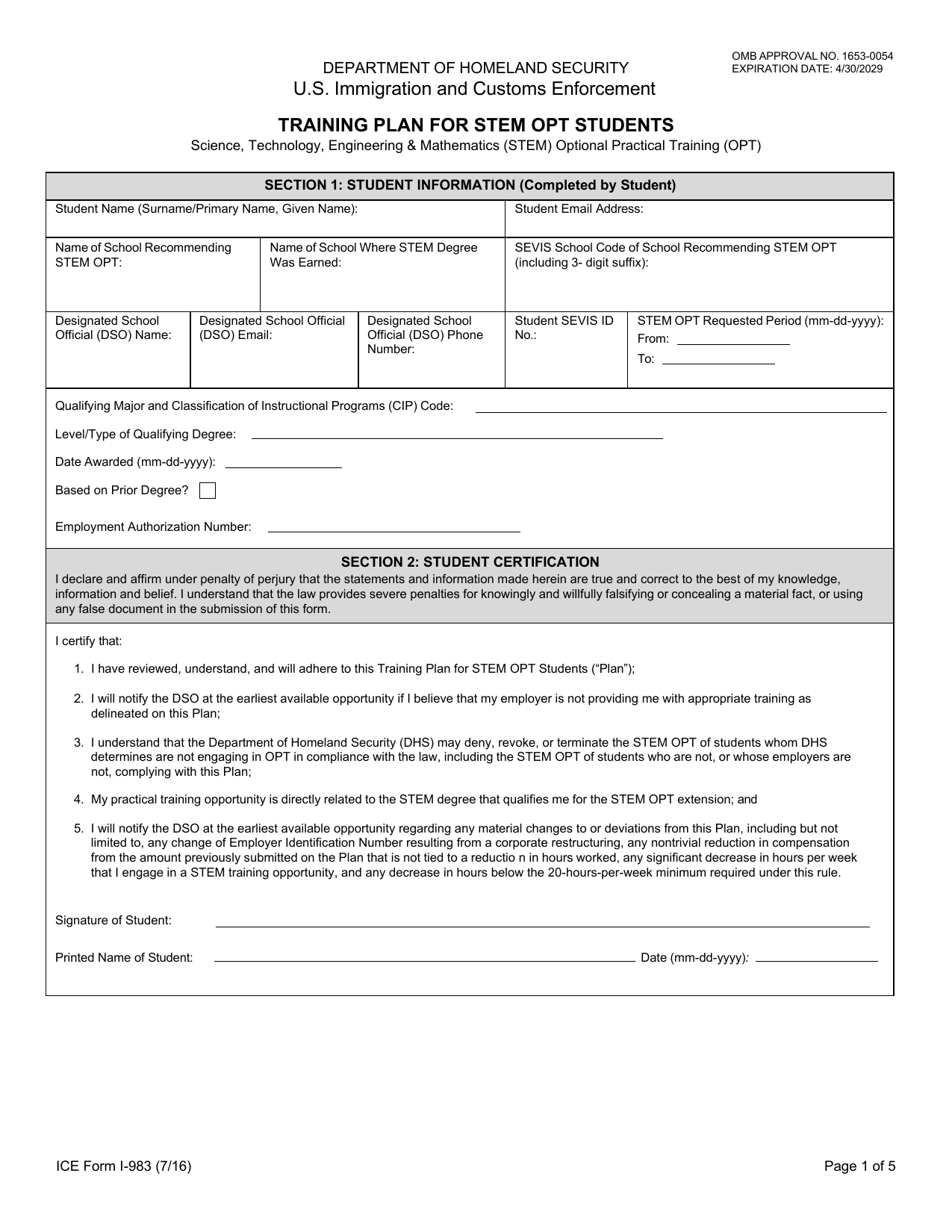 I-983 FormImmigration & Travel FormsLink your STEM work to your degree, set goals, and show supervision and evaluations in a fillable, printable copy ready here.Updated Oct 6, 2026
 N-400 FormImmigration & Travel FormsRecord your background, travel, family, and naturalization eligibility in a fillable, printable copy ready here.Updated Oct 6, 2026