

Form CMS-1500: Fill Out Online in 2026
Record your outpatient care, diagnoses, and charges for health insurers in a fillable, printable copy ready here.
This website is not affiliated with any government agency.
How it works

1. Open the form
Click “Fill form” above to open the form in our editor.

2. Add details
Complete all required fields to finalize your form.

3. Save as PDF
Download your filled form as a PDF, ready to print or submit anywhere.
What is Form CMS-1500?
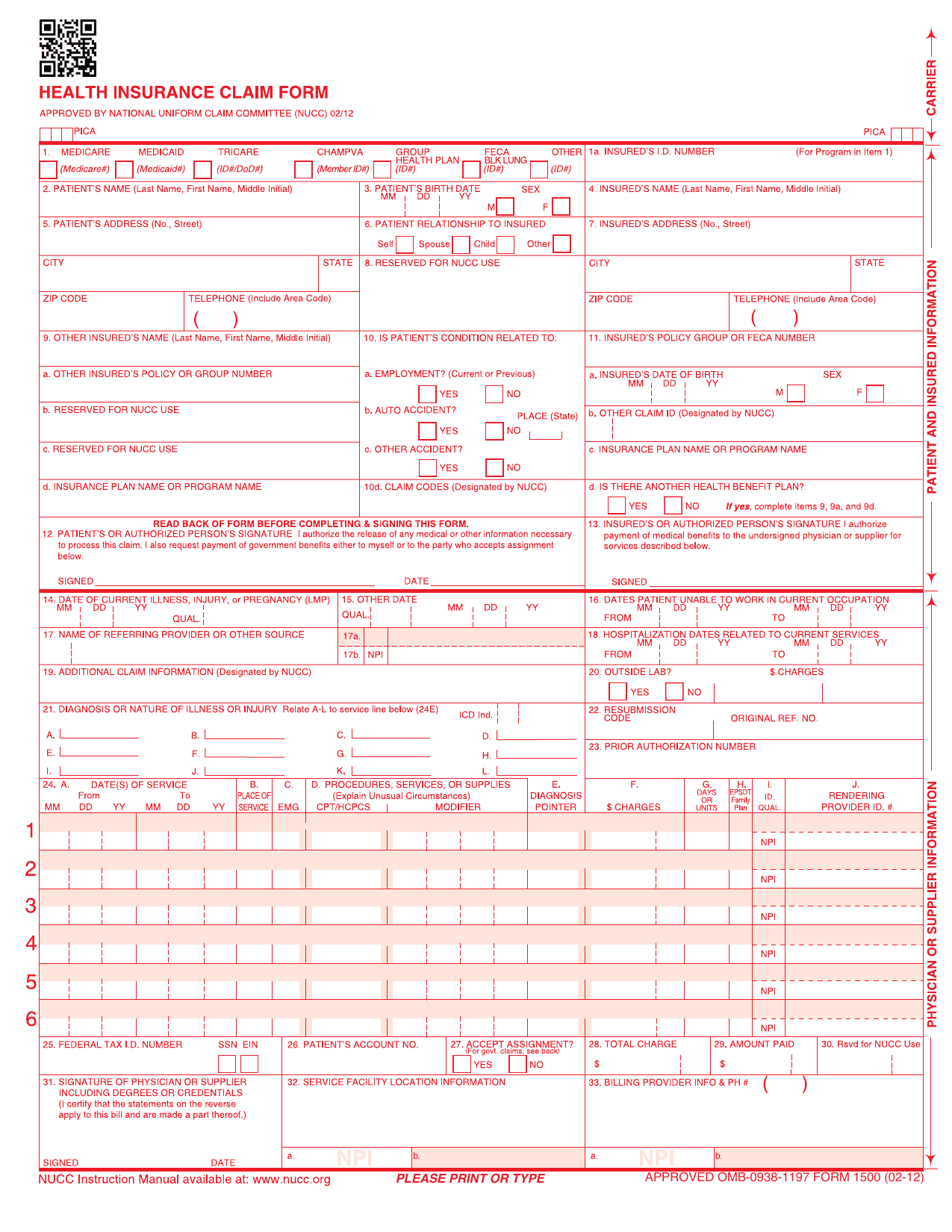
Form CMS-1500 is the standard paper claim form for non-institutional health care providers and suppliers. Doctors, therapists, outpatient clinics, and certain medical equipment suppliers may use it to bill an insurance program for covered care. Medicare accepts it when a provider or supplier qualifies for a waiver from electronic claim submission rules. Some state Medicaid agencies also accept it.
The form gives insurers a consistent way to review medical, surgical, and diagnostic services. It records details about the patient, provider, diagnosis, treatment, service dates, and charges. This standard format helps the insurer decide who provided the care, why it was needed, and how much may be paid. In simple terms, Form CMS-1500 helps outpatient providers request proper payment for services given to patients.
What is Form CMS-1500 used for?
Healthcare professionals use Form CMS-1500 to bill Medicare, Medicaid, TRICARE, and many commercial health plans for outpatient care. It is common in non-institutional settings, such as doctors’ offices, therapy practices, and chiropractic clinics.
The form reports medical, surgical, and diagnostic services in a standard format. The insurer reviews these details to process the claim, decide what the plan will pay, and determine any amount the patient owes. Information from the claim may also be added to the patient’s medical record, which can help support continued care.
How to fill out Form CMS-1500
- 1Click Fill Form below to open Form CMS-1500 in our editor.
- 2Tick the insurance program in Item 1, then enter the insured’s ID number in Item 1a.
- 3Enter the patient and insured details in Items 2 through 11, keeping text inside each block.
- 4Complete the claim details in Items 14 through 20. Use 8-digit dates in every date field.
- 5Enter the correct Item 17 qualifier and the referring provider’s valid NPI in Item 17b.
- 6Add current diagnosis codes in Item 21 at the highest available specificity.
- 7Complete each Item 24 service line with valid procedure codes, dates, charges, units, and NPI details.
- 8Enter the billing totals and provider details in Items 25 through 33.
- 9Download or print the finished form.
Where to get a blank Form CMS-1500
You can get a blank Form CMS-1500 through PDFLeader. A copy is pre-loaded in our browser-based editor, so you do not need to find and download a template from another source.
The Centers for Medicare & Medicaid Services, part of the U.S. Department of Health and Human Services, designates the form for use. The National Uniform Claim Committee designs and maintains it, with CMS taking part in that committee. PDFLeader lets you fill out and download the completed form for future use, but PDFLeader does not file or submit it.
Where to send Form CMS-1500
For a Medicare claim, send Form CMS-1500 to the Medicare Administrative Contractor (MAC) or Durable Medical Equipment MAC with jurisdiction over the provider’s location. If you qualify for a paper-filing exception, mail the completed Revised Form CMS-1500 (02/12) to the contractor’s paper claims address. In-person delivery is not the standard method.
Most providers must send Medicare claims electronically to the applicable MAC. Providers billing an A/B MAC may also enter claim data through its direct data entry screens. For a non-Medicare claim, follow the private insurer’s rules. The insurer may accept claims by mail, through its provider portal, or through another approved electronic claims system.
Who needs to complete Form CMS-1500?
Non-institutional health care providers and suppliers complete Form CMS-1500, often through their billing staff. This group includes physicians, therapists, chiropractors, psychologists, independent laboratories, durable medical equipment suppliers, and other outpatient practices. For Medicare paper claims, the provider must generally qualify for an exception or waiver from the electronic submission rules under ASCA.
After completion, Medicare Administrative Contractors receive and process Medicare claims. State Medicaid agencies and commercial insurers may also use the form. These payers check the submitted details, apply coverage and payment rules, and send a reimbursement or denial decision to the provider.
How to sign Form CMS-1500 online
Before signing Form CMS-1500, check the latest CMS and payer updates. CMS guidance says authentication may use a handwritten or electronic signature. An electronic signature must be clearly marked as electronic, not just typed. Stamp signatures are generally not allowed, except in cases of physical disability. You can add a simple electronic signature in PDFLeader, then download the completed form. PDFLeader does not submit claims, so send it using the payer’s required method.
What information/documents are required?
Have the patient’s Medicaid and Medicare cards ready. For Item 1a, copy the nine-digit Insured’s I.D. Number from the Medicaid card. For Item 2, enter the Patient’s Name as shown on the Medicare card. You also need the Patient’s Birth Date, Sex, complete Patient’s Address, and telephone number for Items 3 and 5.
If other insurance applies, gather the policy or insurance card. Use it for the Insured’s Name in Item 4, Insured’s Address in Item 7, and Insured’s Policy Group or FECA Number in Item 11. Include the details for Items 11a through 11d. If another health benefit plan exists, complete Items 9, 9a, and 9d. For Items 17, 17a, and 17b, have the referral or order record ready with the provider’s name, payer-required other ID, and NPI.
When is Form CMS-1500 due?
Form CMS-1500 has no single due date for all payers. For Medicare, you must file the claim with the proper Medicare Administrative Contractor no later than 12 months, or one calendar year, after the date of service. Medicare denies claims filed after this deadline.
Commercial insurers and Medicaid programs set their own timely filing rules. Their deadlines are often 90 to 180 days after the service date, but the exact period varies. Check the payer’s policy before filing to confirm the deadline that applies to your claim.
When is Form CMS-1500 not required?
You do not need Form CMS-1500 when you submit a Medicare professional claim electronically using the 837P format. The Administrative Simplification Compliance Act generally requires Medicare suppliers to file claims electronically. You also do not use this Form when another claim format applies, such as the UB-04 for an institutional claim, or when a billing agent files the claim for you.
Some exceptions allow paper filing. They include small providers with fewer than 10 full-time equivalent employees, staff-wide disabilities that prevent computer use, and other documented unusual circumstances. These exceptions waive the electronic filing rule, but you may still need Form CMS-1500 for a paper professional claim.
FAQ

How do CMS-1500 and CMS-1450 differ?
Form CMS-1500 is used by physicians and other practitioners to bill for professional services, often under Medicare Part B. Form CMS-1450, also called the UB-04, is used by hospitals and other facilities to bill for institutional services, such as room and board, supplies, and equipment, often under Medicare Part A.
Can Form CMS-1500 be printed on plain white paper?
No. For paper submission, you must use an original red-and-white Form CMS-1500 printed with Flint OCR Red, J6983 ink. A copy printed on plain white paper may be returned as unprocessable because scanners may not read its color or scale correctly. You can prepare and download the form with PDFLeader, but confirm your payer's submission rules and obtain an approved printed form for mailing.
How should you correct a mistake on Form CMS-1500?
Do not use correction fluid, correction tape, or handwritten strike-throughs. Replace the incorrect form and type or print a clean original using black ink. Check all entries before submission so the claim contains clear, accurate, and unaltered information.
Does PDFLeader have a refund policy?
Yes. The Refund Policy sets out the cases where a refund applies and how to send a request.
What if I have any issues and need help?
We've got your back 24/7! Just call +1 (844) 548-9416 or email support@pdfleader.com, and we'll sort things out for you.
How do I cancel PDFLeader?
You can cancel your subscription from account settings, or contact the support team and ask them to cancel it. You keep access until the current billing period is over.
Related forms
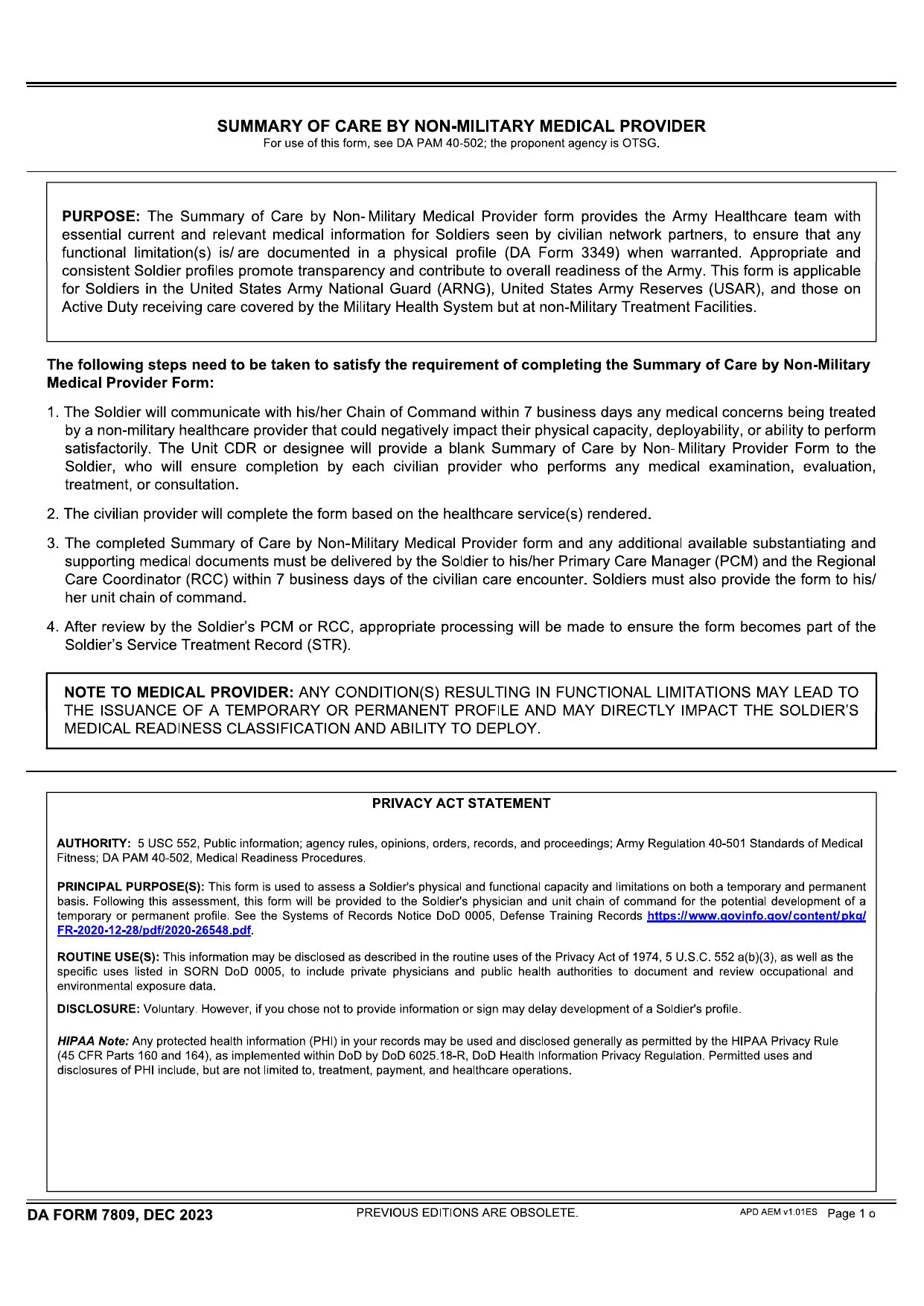 DA Form 7809Healthcare FormsRecord your care from a non-military provider with the fillable, printable copy ready for you here.Updated Oct 6, 2026
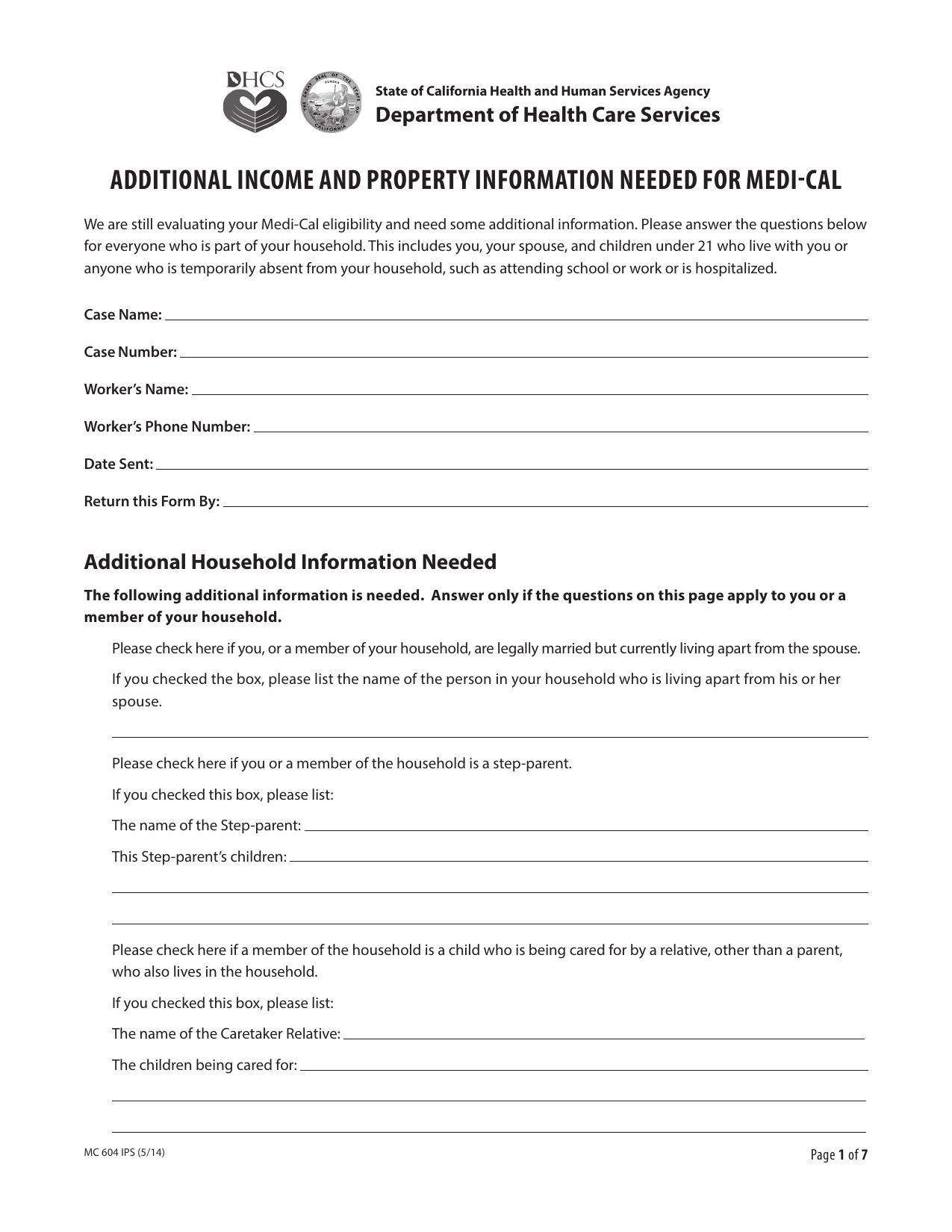 MC 604 IPS FormHealthcare FormsRecord your finances and household ties for institutionalized and community spouses in a fillable, printable copy ready here.Updated Oct 6, 2026
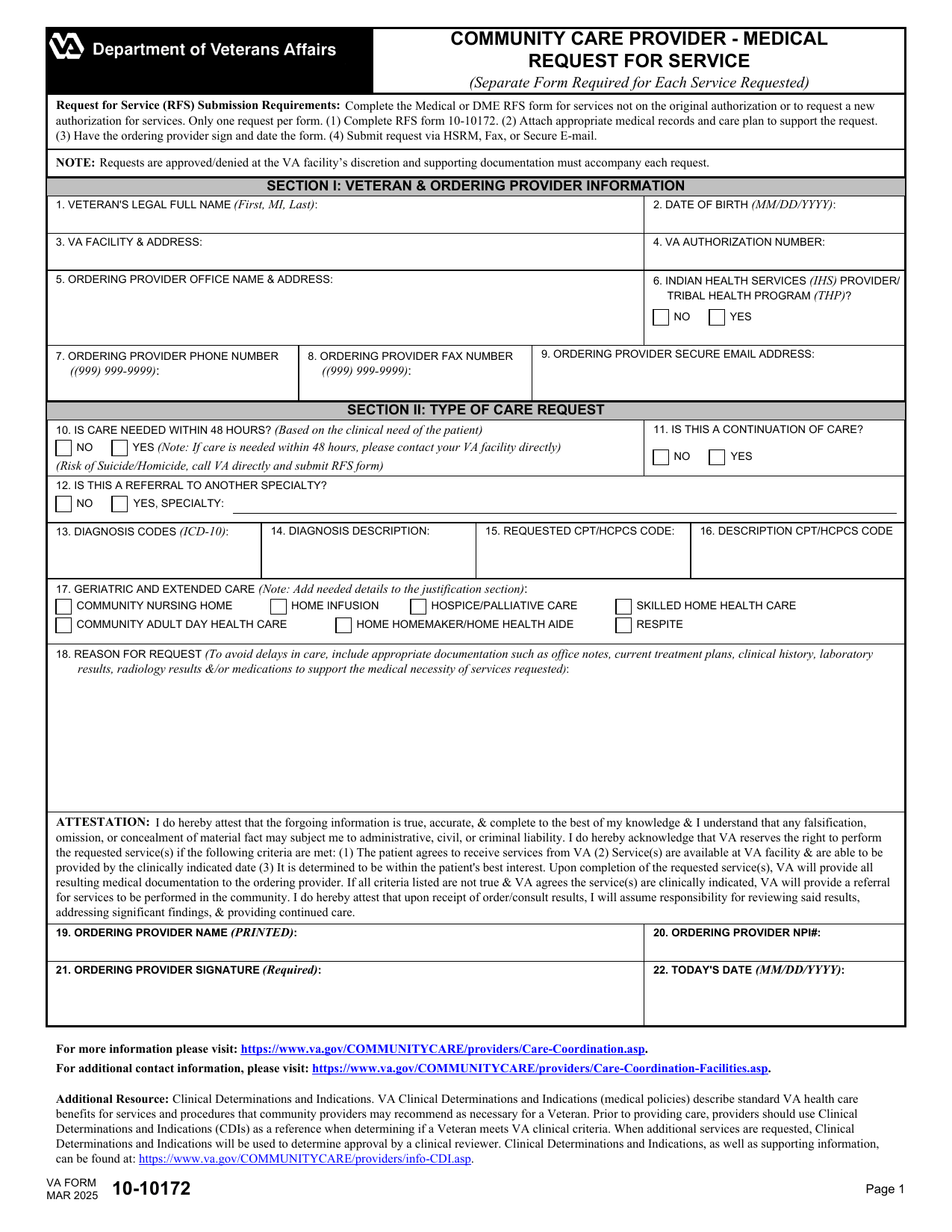 VA Form 10-10172Healthcare FormsYour fillable, printable copy is ready here to request extra visits or referral time, care, tests, oxygen, or equipment.Updated Oct 6, 2026
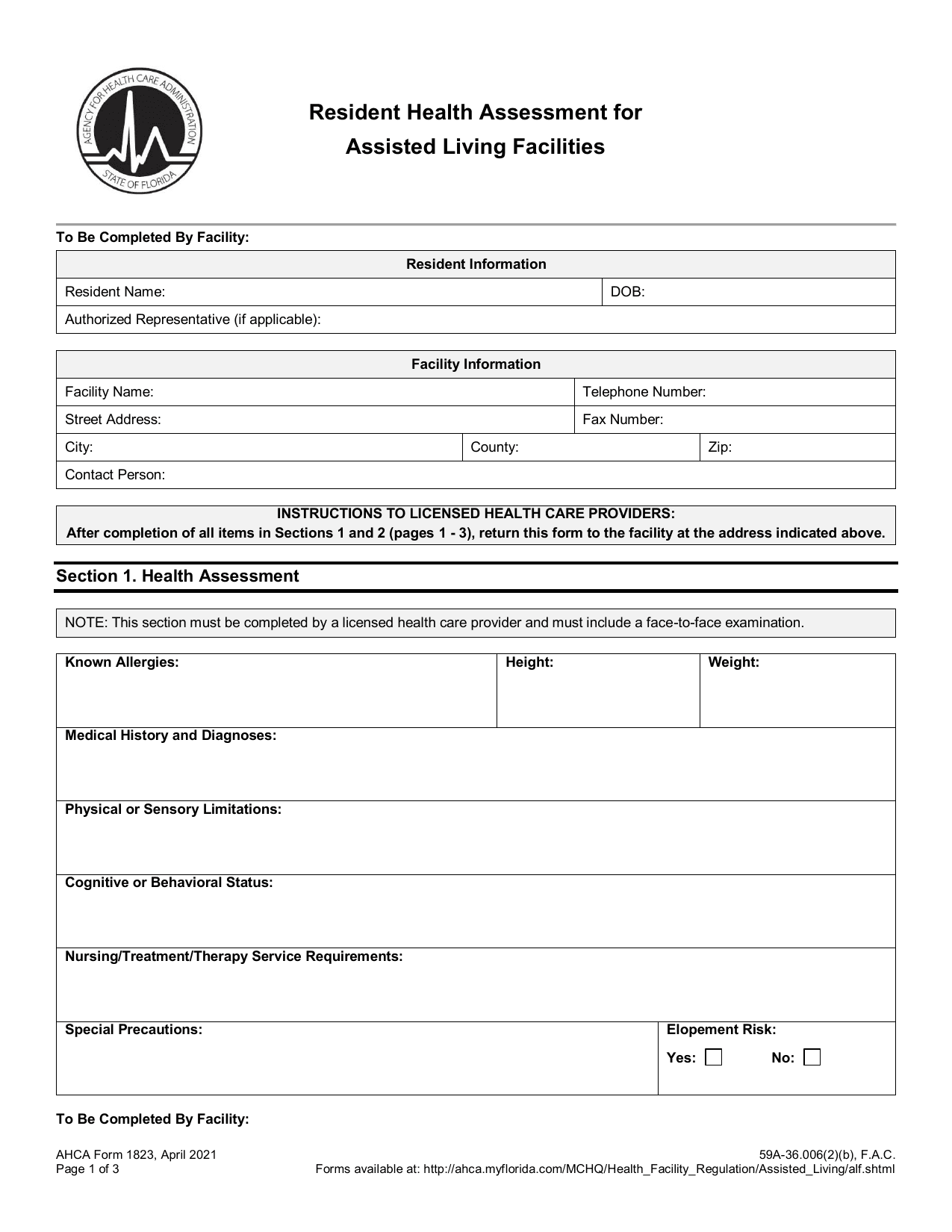 AHCA 1823 FormHealthcare FormsRecord exam findings to assess your eligibility for Florida assisted living services using the fillable, printable copy here.Updated Oct 6, 2026