

Fill Out VA Form 10-10172 in 2026
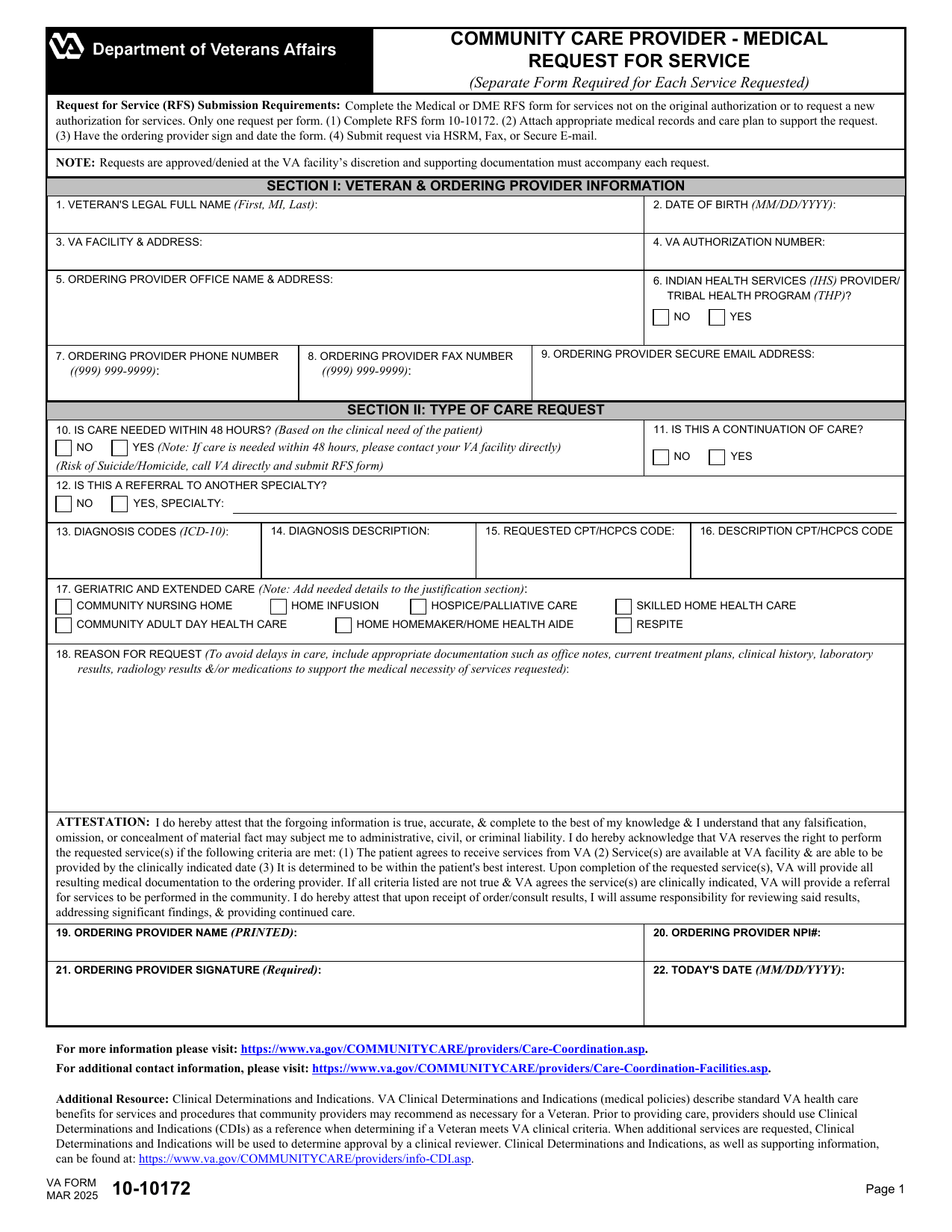
Your fillable, printable copy is ready here to request extra visits or referral time, care, tests, oxygen, or equipment.
This website is not affiliated with any government agency.
How it works

1. Open the form
Click “Fill form” above to open the form in our editor.

2. Add details
Complete all required fields to finalize your form.

3. Save as PDF
Download your filled form as a PDF, ready to print or submit anywhere.
What is VA Form 10-10172?
VA Form 10-10172 (Request for Service) is used by a community care provider to ask the Department of Veterans Affairs to approve care beyond a veteran’s current authorization. The request may cover more visits, a longer treatment period, or needed medical equipment. You may also see it called VA RFS Form 10-10172.
A provider should complete VA Form 10-10172 before the active referral expires or reaches its approved limit. The form gives VA the details needed to review the requested care. Sending a request does not mean VA has approved it. The provider must wait for authorization and follow VA instructions before giving added services, unless urgent care rules apply. Proper authorization can help prevent a break in treatment and reduce the risk of denied payment for care outside the referral’s limits.
What is VA Form 10-10172 used for?
You may receive VA Form 10-10172 (Request for Service) when a patient needs more visits or time under an active VA referral, including one that will soon expire. Providers also use it to ask VA to authorize new services, added treatment, or continued care within VA or in the community.
The request may cover specialty care, diagnostic tests, geriatrics or extended care, home oxygen, and durable medical equipment or prosthetics. Routine durable medical equipment requests should be sent within 24 hours, or by the next business day, after the service that led to the prescription. The details help VA decide if it will authorize the requested care, service period, or equipment.
How to fill out VA Form 10-10172
- 1Click the Fill Form button below to open VA Form 10-10172 in our editor. Use one form per request.
- 2Enter the VA facility and referral information, plus the veteran identifiers, in Section I.
- 3Provide the provider’s name, NPI, emergency contact number, office phone, fax number, and secure email address.
- 4Specify the requested service, specialty, and location preference. For DME or prosthetics, add HCPCS codes, ICD-10 codes, descriptions, and quantity.
- 5Attach the medical records and care plan that support the request.
- 6Download or print the finished form.
Where to get a blank VA Form 10-10172
The U.S. Department of Veterans Affairs (VA) issues VA Form 10-10172. PDFLeader has a blank VA Form 10-10172 fillable in our browser-based editor, so you do not need to download a template from another source. You can also get the blank form from the VA website.
You can fill out the blank form and download the completed VA Form 10-10172 PDF for future use. PDFLeader does not submit or file the form with the VA.
Where to send VA Form 10-10172
Send the completed VA Form 10-10172 Request for Service to the veteran’s local VA community care office. There is no single national mailing address. The correct office is part of the VA medical facility that manages the veteran’s community care.
Approved delivery methods include the HealthShare Referral Manager portal, Electronic Fax, Direct Messaging, traditional fax, or mail. Providers may submit online through the portal, Direct Messaging, or secure electronic fax when they have access to those systems. For mail or traditional fax, use the details supplied by the local VA community care office. In-person delivery is not listed as an approved method, so confirm with that office before attempting it.
Who needs to complete VA Form 10-10172?
The ordering or treating clinician at the community care provider completes VA Form 10-10172, not the veteran. The clinician must provide the required clinical details, attach medical records and a care plan, then sign and date the form. By signing, the provider confirms that the information is true, accurate, and complete.
After the provider sends the VA Form 10-10172 Request for Service through HSRM, fax, or secure email, VA community care staff review it. The local VA health care facility uses the form and supporting records to decide if continued community care services should be approved or denied.
How to sign VA Form 10-10172 online
The provider requesting care, not the veteran, must sign VA Form 10-10172. The signature may be electronic or handwritten, and no cryptographic digital certificate is required. You can add a simple electronic signature on PDFLeader, complete the blank form in your browser, and download it. PDFLeader does not submit the form, so send it through the required channel after downloading. Check the latest VA updates before you sign.
What information/documents are required?
Before completing VA Form 10-10172, gather the VA Facility Information: facility name, today’s date in mm/dd/yyyy format, and fax number. For Veteran Information, have the last four Social Security number digits, date of birth, and name listed as last name, first name, and middle initial. Then collect the Ordering/Requesting Provider Information and Provider Identifiers & Contact Details, including practice and provider names, 24-hour emergency contact number, NPI, email, daytime phone, specialty type, facility address, and fax number.
For Requested Service, enter only one request per form. For Field 18 – Reason for Request, attach records that support medical necessity, such as office notes, current treatment plans, clinical history, laboratory or radiology results, and medication details. The ordering provider must accept the Attestation Statement, then sign and date the form. Attach the appropriate medical records and care plan before submission.
When is VA Form 10-10172 needed?
VA Form 10-10172 has no fixed deadline. Submit it when you need VA authorization for added services or continued care beyond the current authorization.
Send the request 3 to 4 weeks before the current authorization expires. VA review currently takes about 3 to 4 weeks. VA may accept an RFS packet after the authorization expires, so you should still submit it if services are needed. A late request will not receive faster processing.
When is VA Form 10-10172 not required?
VA Form 10-10172 is not required when the requested care is already covered by an active referral or authorized Standardized Episode of Care (SEOC). The request must not add visits, a new specialty, or a procedure outside the current authorization.
You also do not need this form for dental services or in vitro fertilization and assisted reproductive technology (IVF/ART) services. For dental care, submit a complete ADA Dental Claim Form instead.
FAQ

Does submitting VA Form 10-10172 guarantee that VA will authorize the requested care?
No. The VA facility reviews each request and its supporting records, then decides whether to approve or deny it. VA may also provide the requested service at a VA facility instead of authorizing community care.
Can a community provider begin treatment before VA approves the request?
No. The requesting provider must submit and sign the form, and VA must authorize the request before planned additional or continued community care begins.
Is a separate VA Form 10-10172 required for each veteran?
Yes. Each form applies to one veteran and one requested service. Submit a separate form for each veteran and each additional service request.
How can a provider correct or update a submitted VA Form 10-10172?
Submit a corrected form to the local VA community care staff through the same approved method used for the original request, such as fax, secure email, or the HealthShare Referral Manager portal. Contact the local office if you need instructions for linking the correction to the first request.
How can a provider check the status of a Request for Service?
Check the HealthShare Referral Manager portal if the request was submitted there. For requests sent by another method, contact the local VA community care office and provide the veteran and request details needed to locate the record.
Does PDFLeader have a refund policy?
Yes. The Refund Policy sets out the cases where a refund applies and how to send a request.
What if I have any issues and need help?
We've got your back 24/7! Just call +1 (844) 548-9416 or email support@pdfleader.com, and we'll sort things out for you.
How do I cancel PDFLeader?
You can cancel your subscription from account settings, or contact the support team and ask them to cancel it. You keep access until the current billing period is over.
Related forms
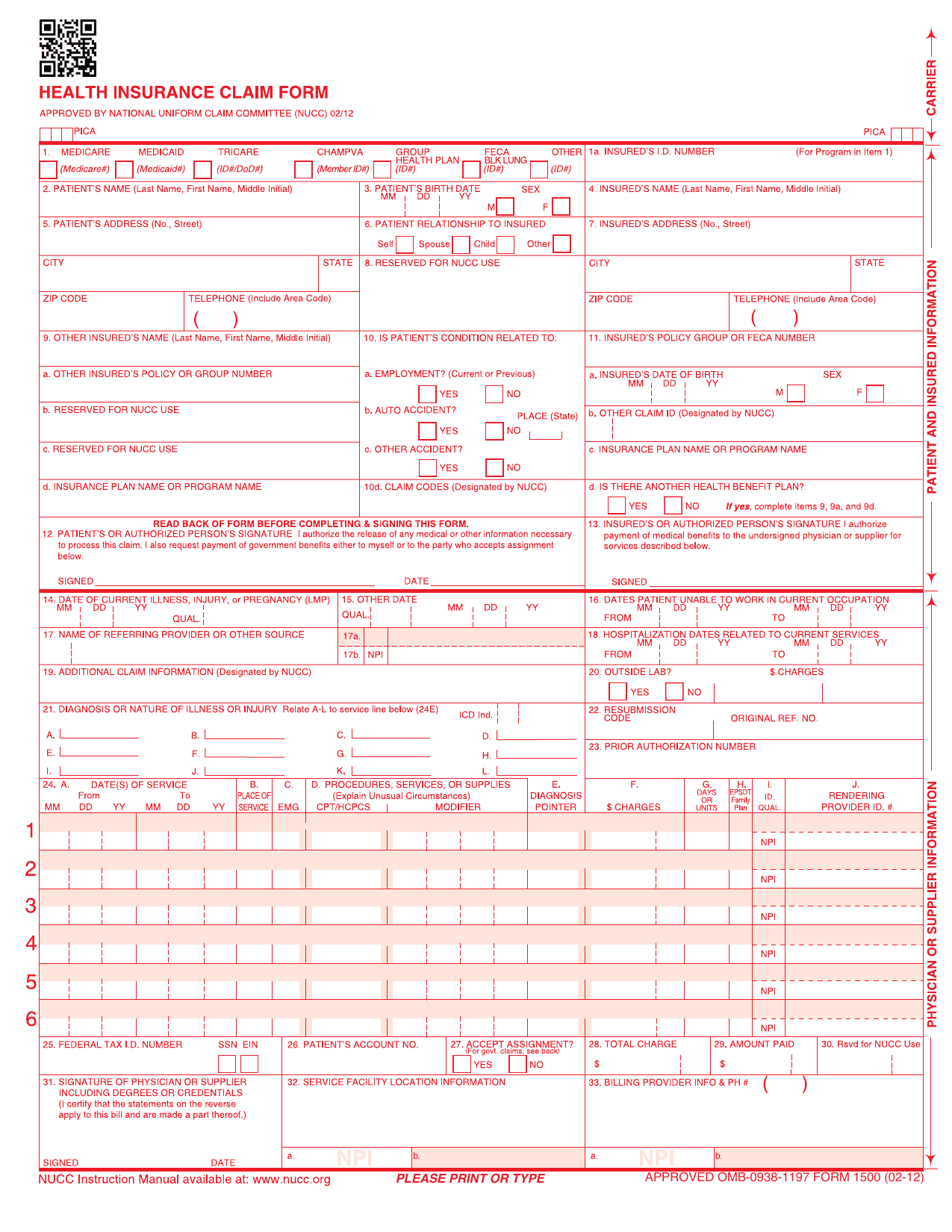 CMS-1500 FormHealthcare FormsRecord your outpatient care, diagnoses, and charges for health insurers in a fillable, printable copy ready here.Updated Oct 5, 2026
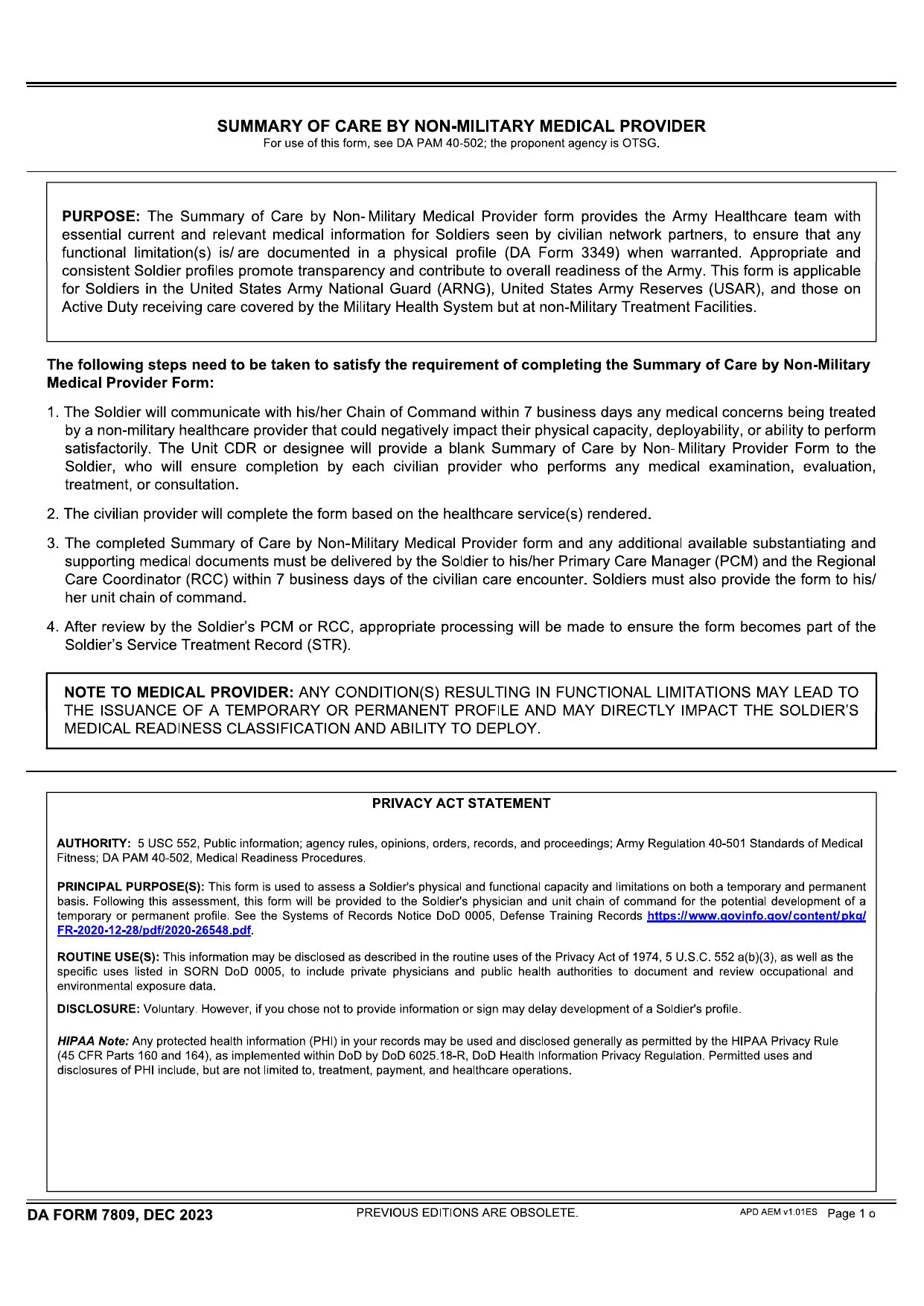 DA Form 7809Healthcare FormsRecord your care from a non-military provider with the fillable, printable copy ready for you here.Updated Oct 6, 2026
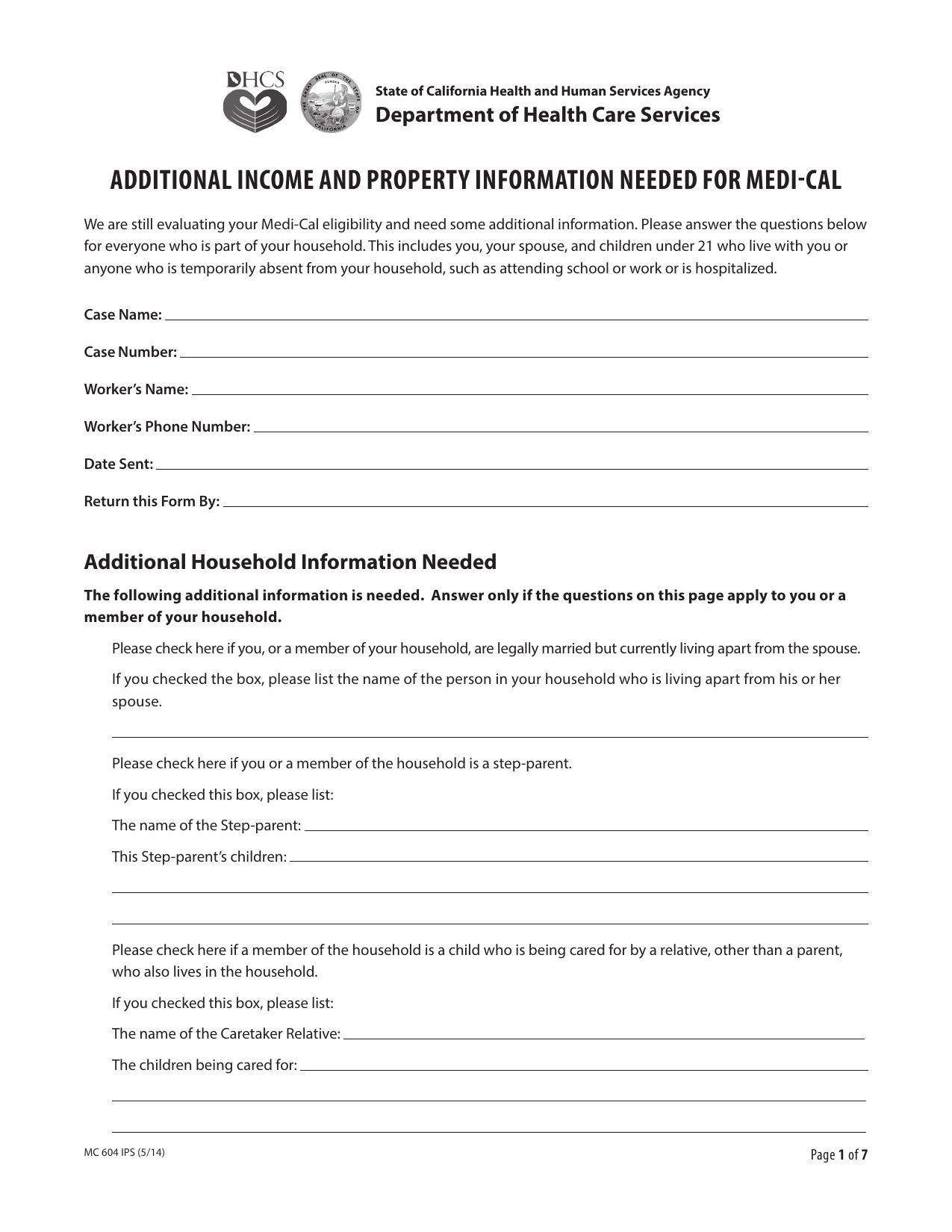 MC 604 IPS FormHealthcare FormsRecord your finances and household ties for institutionalized and community spouses in a fillable, printable copy ready here.Updated Oct 6, 2026
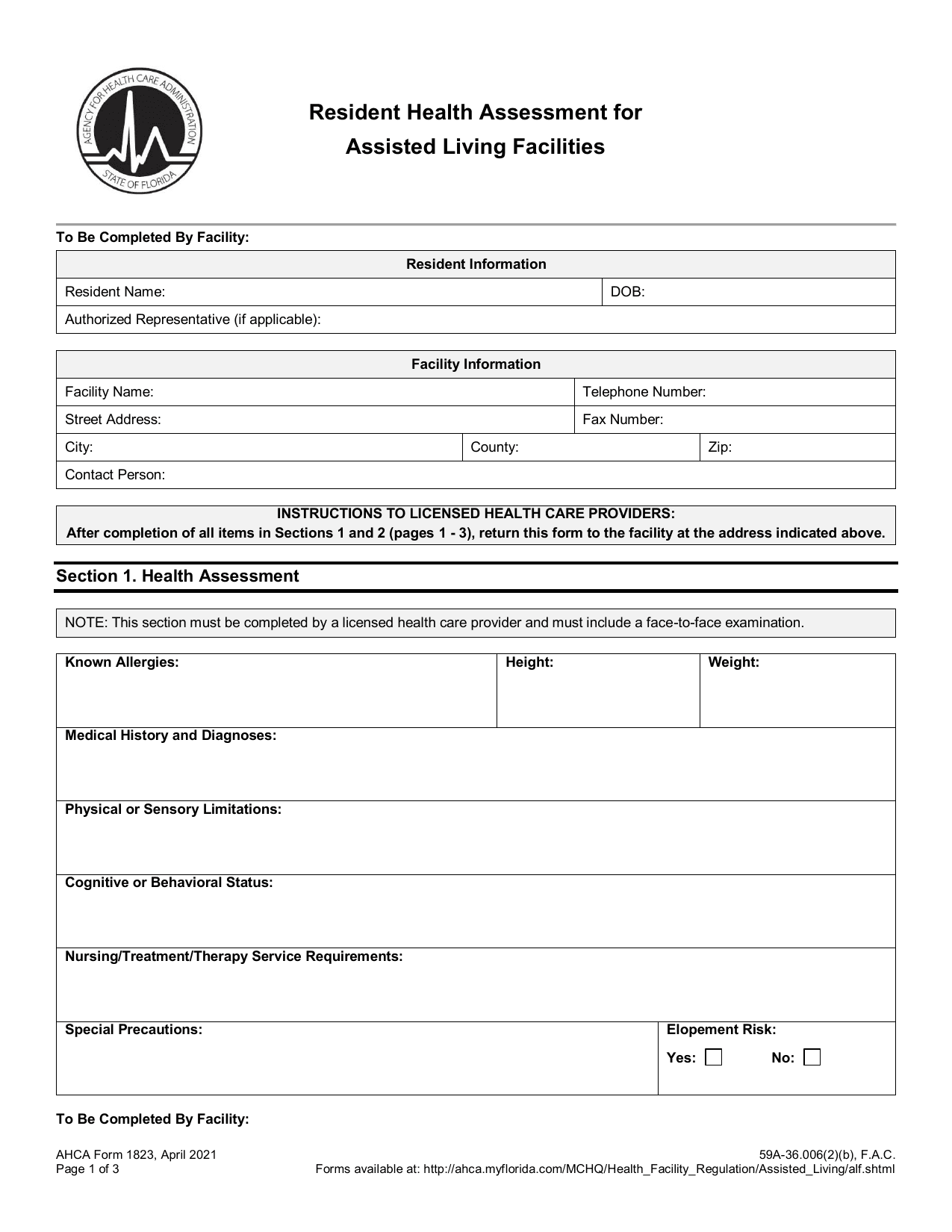 AHCA 1823 FormHealthcare FormsRecord exam findings to assess your eligibility for Florida assisted living services using the fillable, printable copy here.Updated Oct 6, 2026