

DA Form 7809: Fill Out Online in 2026
Record your care from a non-military provider with the fillable, printable copy ready for you here.
This website is not affiliated with any government agency.
How it works

1. Open the form
Click “Fill form” above to open the form in our editor.

2. Add details
Complete all required fields to finalize your form.

3. Save as PDF
Download your filled form as a PDF, ready to print or submit anywhere.
What is DA Form 7809?
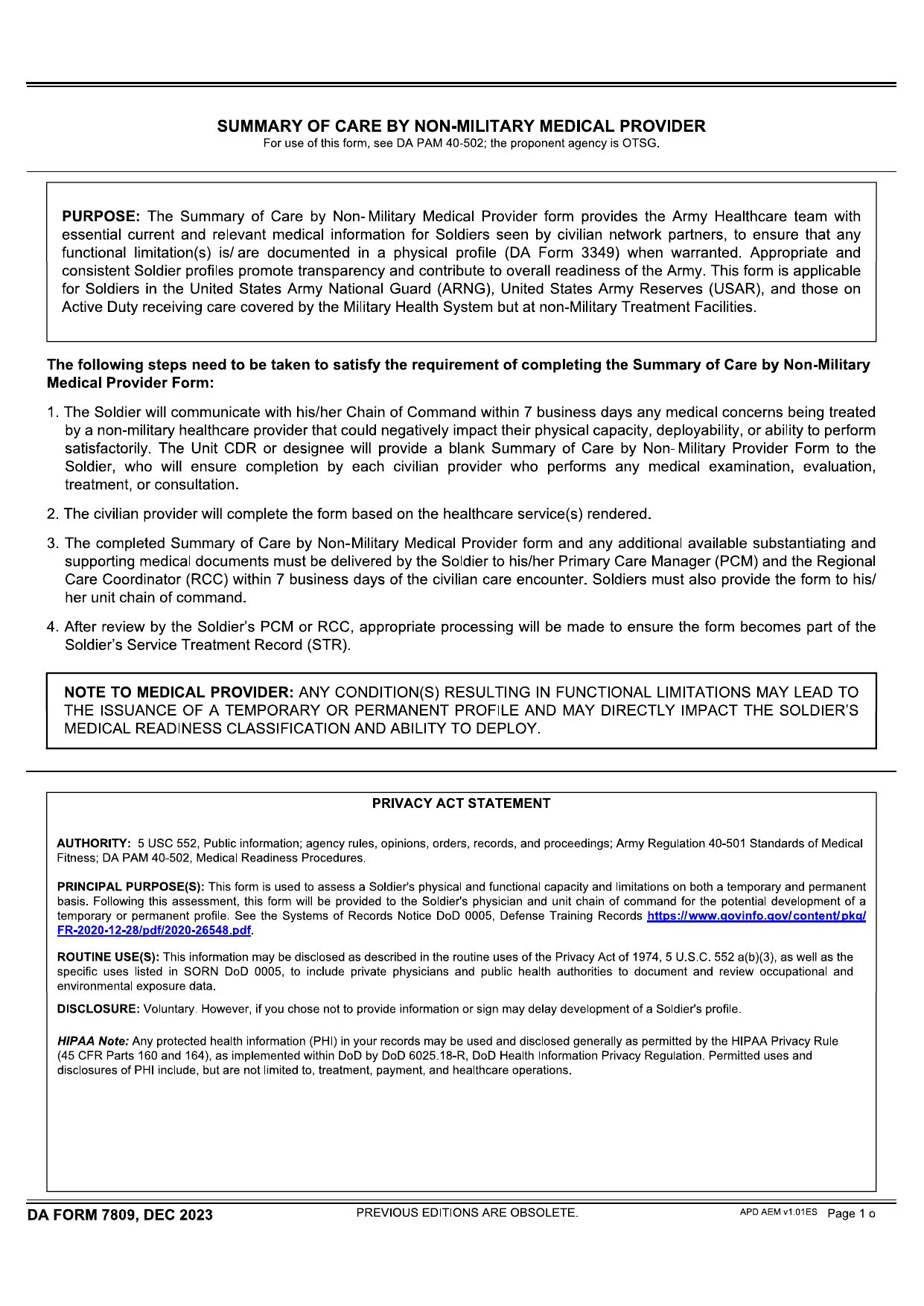
DA Form 7809, Summary of Care by Non-Military Medical Provider, records medical care a Soldier receives outside a military hospital. A civilian doctor or other non-military health care provider completes the form. The provider lists the services given during the visit so the Army can add the details to the Soldier’s medical record.
The Soldier must submit the completed form within seven business days after civilian treatment. Missing this deadline may delay the creation or update of a medical profile. That delay can affect the Soldier’s readiness status and ability to deploy. Timely submission helps keep military health records accurate and complete.
What is DA Form 7809 used for?
DA Form 7809 is used when a service member receives care from a non-military medical provider. It records the diagnosis, treatment, prescriptions, and follow-up needs from that visit. This gives the military healthcare team the details needed to continue the member’s care and keep medical records complete.
The DA Form 7809 Army process also helps officials assess a Soldier’s physical and functional limits. The reported medical facts may support a temporary or permanent profile and help set duty limits based on the Soldier’s condition.
How to fill out DA Form 7809
- 1Click the Fill Form button to open DA Form 7809 in our editor.
- 2Enter the Soldier’s name, SSN/DoD ID, and unit.
- 3Record the diagnosis, treatment, and care details provided by the non-military provider.
- 4Note any functional limits that affect duty, deployability, or physical capacity.
- 5Attach supporting medical records and test results, if applicable.
- 6Download the completed form, then print it if needed.
Where to get a blank DA Form 7809
DA Form 7809 is issued by the U.S. Department of the Army. The Army released this version on June 1, 2019. You can get the official blank form through Army publications sources.
PDFLeader also has a blank DA Form 7809 fillable copy pre-loaded in our browser-based editor, so you do not need to find and download a template elsewhere. PDFLeader helps you fill out and download the completed form for future use, but it does not file or submit it.
Where to send DA Form 7809
After you download the completed DA Form 7809, give it to the service member’s Primary Care Manager and unit or chain of command within the required timeframe. These offices route it for inclusion in the Service Treatment Record. If local guidance names a Regional Care Coordinator, route the form through that coordinator as directed.
No official Department of Defense instructions identify a dedicated online portal or central mailing office for this form. Delivery is usually in person to medical or unit staff, or through normal unit channels. Ask your unit’s administrative or medical office whether it requires hand delivery, internal routing, or another local method.
Who needs to complete DA Form 7809?
The Soldier completes Part I, Patient Data. This section asks for identifying and administrative details that the patient must provide. The civilian medical provider completes and signs Parts II–V. These parts cover clinical care, diagnoses, and treatment details that the provider can confirm.
After completion, Army administrative staff review the supplied information, enter it into the proper records when required, and route the form to the right medical personnel. Military medical facilities, authorized healthcare providers, and other personnel involved in the Soldier’s care then use the information to support treatment decisions and maintain care records.
How to sign DA Form 7809 online
DA Form 7809 does not state which signature method to use. Army records policy may require a handwritten signature or an authorized DoD PKI/CAC digital signature. A simple electronic signature may not be accepted for official Army records. You can add an electronic signature with PDFLeader and download the completed form. If a digital or wet signature is required, complete that step elsewhere. Check Army Publishing Directorate for the latest updates before submission. PDFLeader does not submit the form.
What information/documents are required?
Have the patient’s Name (Patient), Home Address, DoD ID Number, Rank and Grade, Date of Birth, and Primary Phone Number, including the area code. You also need the patient’s Component and VA Disability Benefits status. If the answer is “Yes,” gather all covered medical conditions and the overall rating %.
The non-military provider should have their name and contact information, the date of care, diagnoses, medications prescribed, a summary of the care provided, and details about follow-up care. Keep the related medical record on hand to confirm these facts. The provider must also complete the certification that the information is true and accurate. No separate Army instruction sheet provides a line-by-line field key, so check the current DA Form 7809 PDF from Army Publishing Directorate before completion.
When is DA Form 7809 due?
DA Form 7809 is due within seven business days of the civilian care encounter. This deadline helps ensure that medical concerns affecting your physical capacity, deployability, or duty performance reach the right military contacts without delay.
If you submit the form for a profile request, it must be dated within the past 60 days. You must deliver the completed form to your Primary Care Manager and Regional Care Coordinator. You must also provide it to your unit chain of command.
When is DA Form 7809 not required?
Care received at a military treatment facility (MTF) does not require DA Form 7809. You also do not need to complete the form if you had no medical evaluation or treatment from a civilian provider.
The form may also be unnecessary if other forms or medical records already document your condition and care. Current guidance does not set a dollar or time threshold for these cases. Check with your unit or medical staff if you are unsure whether your existing records are enough.
FAQ

Can the Army see my civilian medical history?
The Army does not automatically receive your full civilian medical history. Information documented on DA Form 7809, such as your diagnosis, treatment, and follow-up needs, may enter your military health record. Authorized personnel can access submitted information. Other civilian records may be obtained with your consent or when allowed by law.
Who is required to fill out DA Form 7809?
You usually complete the patient identification section. Your civilian healthcare provider completes the medical sections, including details about the care you received, and certifies that the information is accurate.
When do I need to submit DA Form 7809 after seeing a civilian doctor?
Submit the completed form within seven business days of the civilian care visit. Follow any shorter deadline set by your unit or medical readiness staff.
Do I need DA Form 7809 if I was treated at a military hospital?
No. DA Form 7809 is generally not needed for treatment at a military treatment facility because the visit is recorded within the military health system. The form is meant for care provided outside military facilities.
What information must the civilian provider include on the form?
The provider should record the date and type of care, diagnoses, treatment, prescribed medications, and required follow-up care. They must also complete the provider details and certify that the information is accurate.
Does PDFLeader have a refund policy?
Yes. The Refund Policy sets out the cases where a refund applies and how to send a request.
What if I have any issues and need help?
We've got your back 24/7! Just call +1 (844) 548-9416 or email support@pdfleader.com, and we'll sort things out for you.
How do I cancel PDFLeader?
You can cancel your subscription from account settings, or contact the support team and ask them to cancel it. You keep access until the current billing period is over.
Related forms
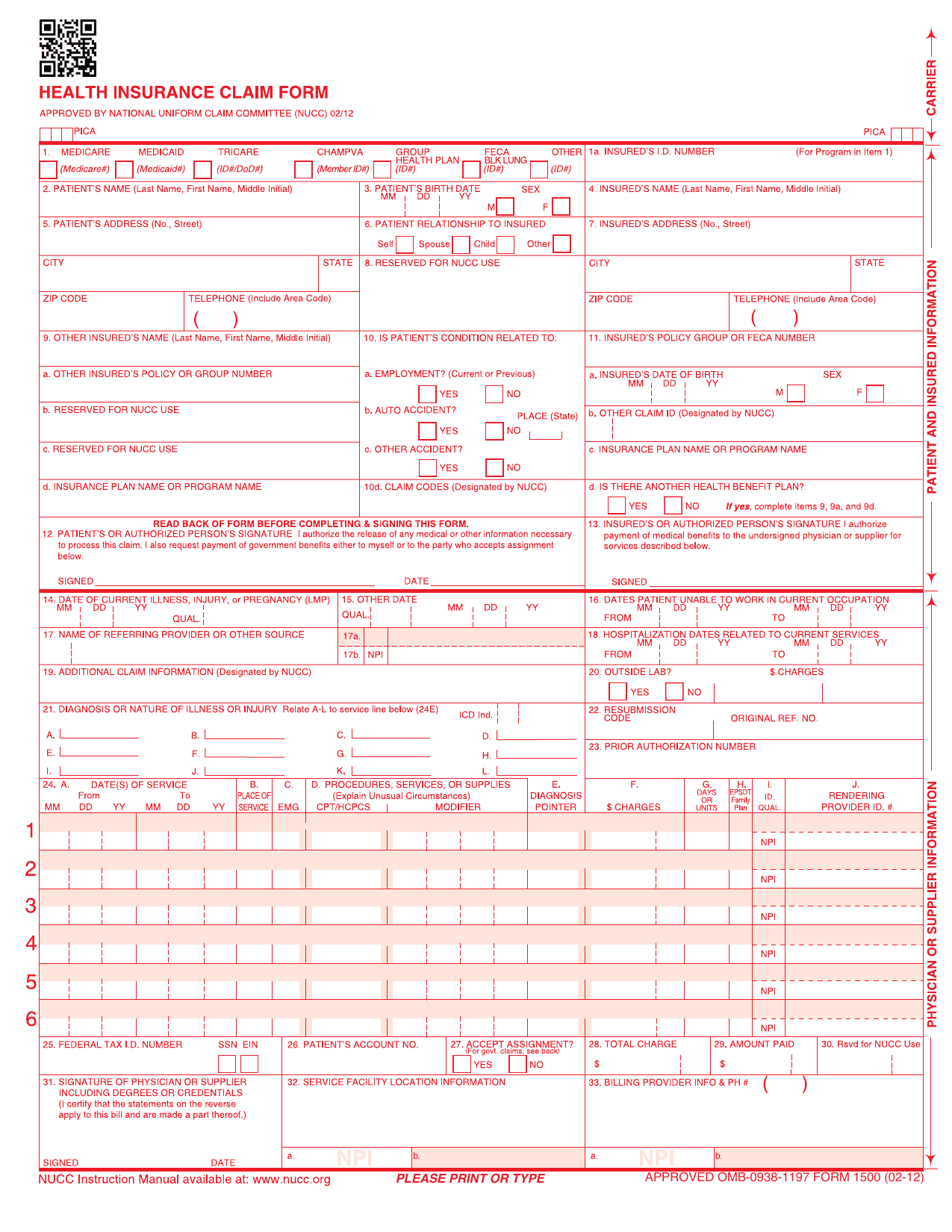 CMS-1500 FormHealthcare FormsRecord your outpatient care, diagnoses, and charges for health insurers in a fillable, printable copy ready here.Updated Oct 5, 2026
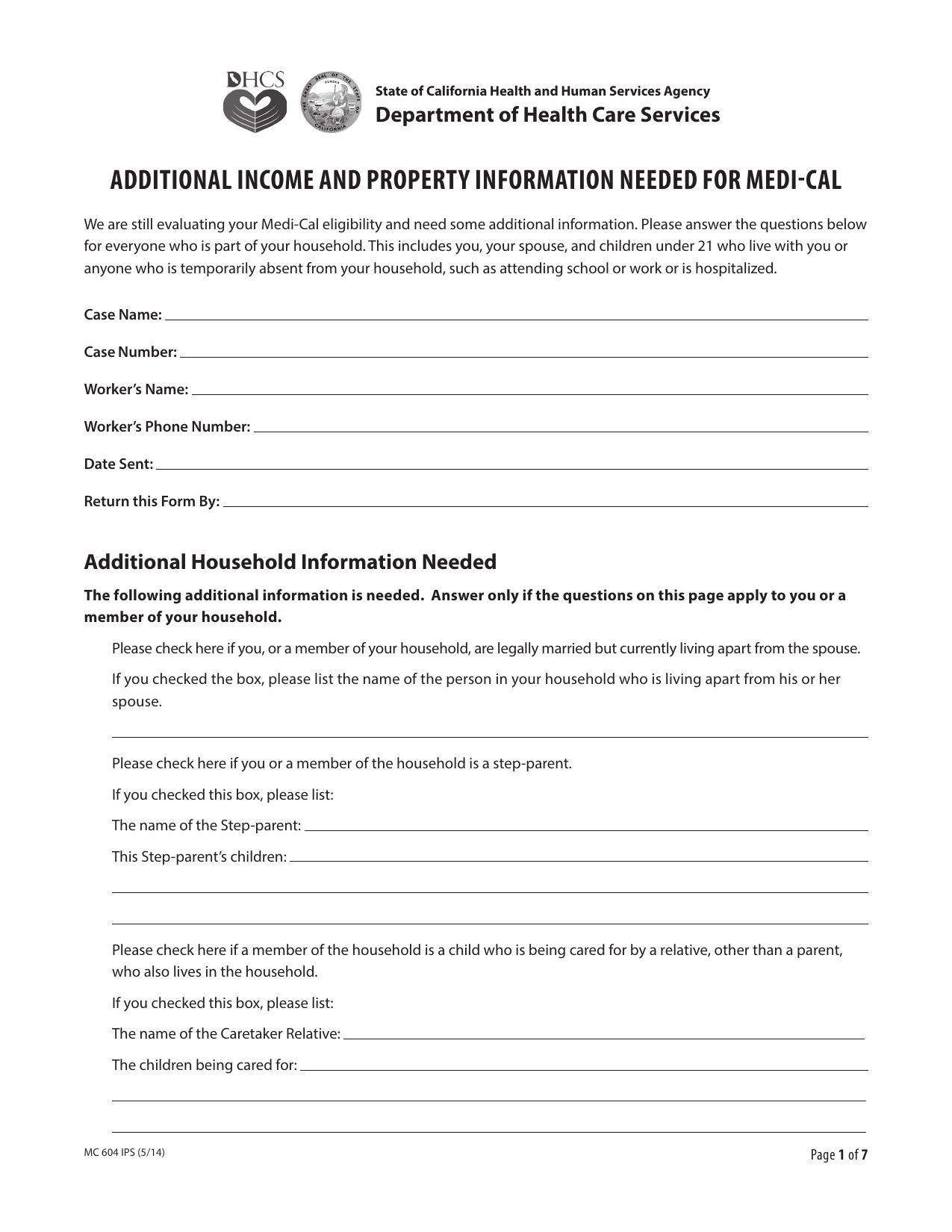 MC 604 IPS FormHealthcare FormsRecord your finances and household ties for institutionalized and community spouses in a fillable, printable copy ready here.Updated Oct 6, 2026
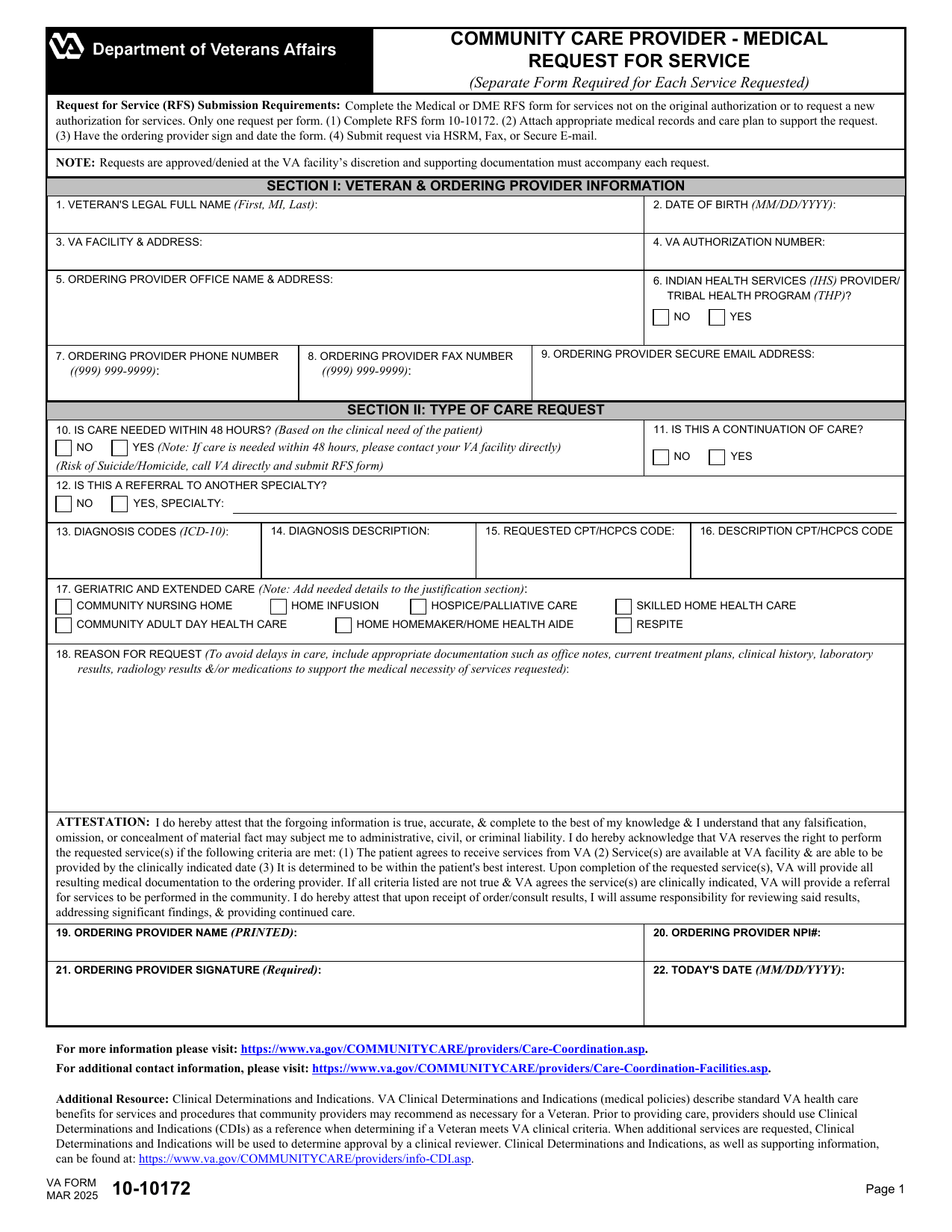 VA Form 10-10172Healthcare FormsYour fillable, printable copy is ready here to request extra visits or referral time, care, tests, oxygen, or equipment.Updated Oct 6, 2026
 AHCA 1823 FormHealthcare FormsRecord exam findings to assess your eligibility for Florida assisted living services using the fillable, printable copy here.Updated Oct 6, 2026