

Fillable Form W-9 (2026)
Give a requester your correct TIN and certify your U.S. person and backup withholding status in a fillable, printable copy.
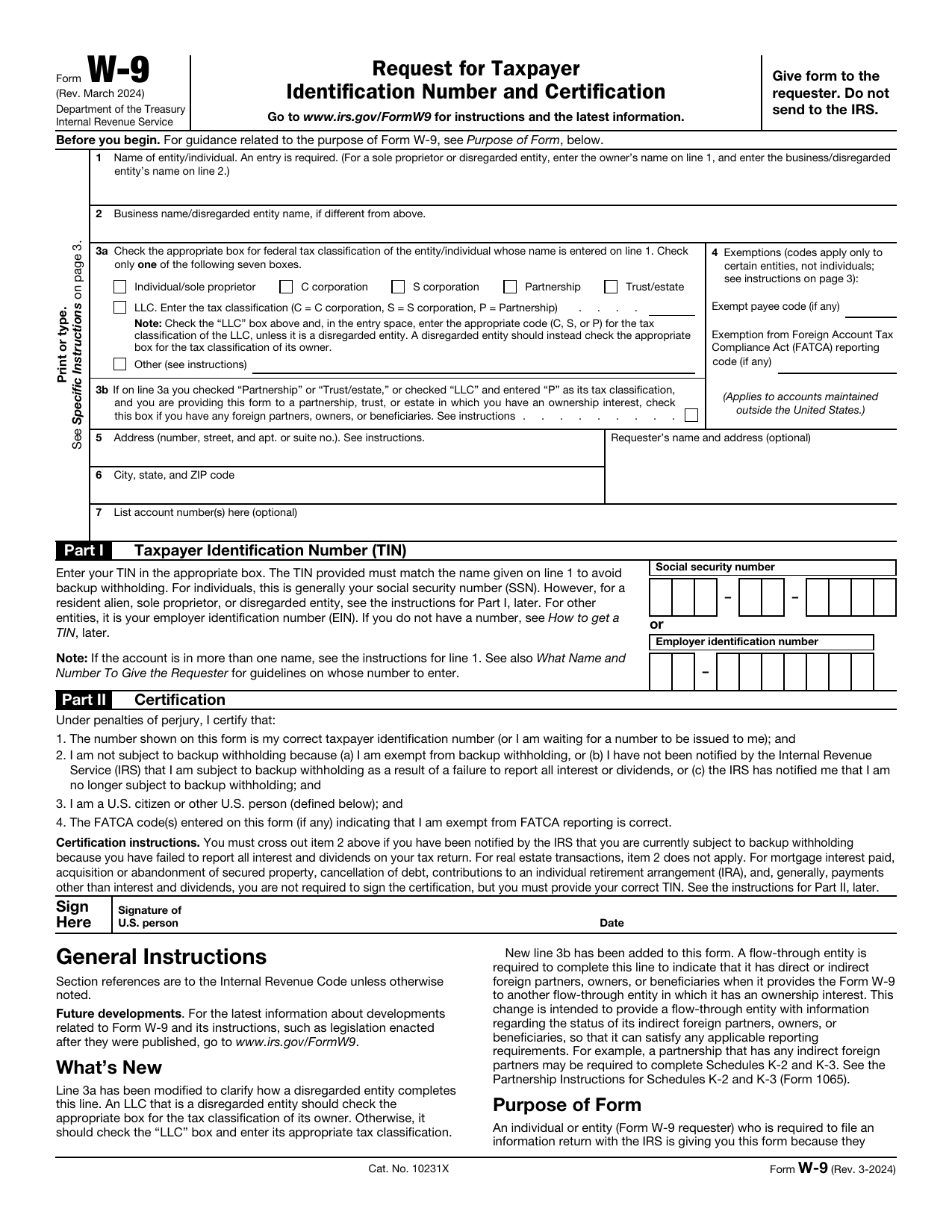
This website is not affiliated with any government agency.
How it works

1. Open the form
Click “Fill form” above to open the form in our editor.

2. Add details
Complete all required fields to finalize your form.

3. Save as PDF
Download your filled form as a PDF, ready to print or submit anywhere.
What is Form W-9?
Form W-9, Request for Taxpayer Identification Number and Certification, is an IRS tax form. You complete it when a person or business needs your correct Taxpayer Identification Number, or TIN, to report payments made to you. A TIN may be a Social Security Number or an Employer Identification Number. You also provide your legal name, tax classification, and certain certifications.
The W-9 Form purpose is to help the requester prepare an information return, often Form 1099, for the IRS. For W-9 vs. 1099, you give Form W-9 to the requester, while the requester later prepares Form 1099 to report qualifying payments. You do not normally send Form W-9 to the IRS. A properly completed and signed Form W-9 can also help the requester avoid backup withholding on payments to you.
What is Form W-9 used for?
The W-9 Form purpose is to give your correct taxpayer identification number, or TIN, to a business or other requester that must report certain details to the IRS. You may be asked to complete it after receiving income, taking part in a real estate transaction, paying mortgage interest, having debt canceled, or making IRA contributions.
By signing Form W-9, you certify that your TIN is correct and that you are a U.S. person. You also confirm that you are not subject to backup withholding, unless stated otherwise. If FATCA reporting applies, you may certify the proper exemption code.
How to fill out Form W-9
- 1Click the Fill Form button below to open Form W-9 in our editor.
- 2Enter the entity’s or individual’s legal name on Line 1.
- 3Add the business or DBA name on Line 2, if applicable.
- 4Check the correct federal tax classification box on Line 3a.
- 5Indicate foreign partners or owners on Line 3b, if required.
- 6Enter any exemption codes that apply on Line 4.
- 7Provide the mailing address, including street, city, state, and ZIP code.
- 8Enter the TIN in Part I, using the SSN or EIN that matches Line 1.
- 9Download or print the finished form.
Where to get a blank Form W-9
The Internal Revenue Service (IRS), the U.S. federal tax agency, issues Form W-9. You can get an official blank copy from the IRS website. PDFLeader also has a blank version preloaded in our browser-based editor, so you do not need to find and download a W-9 template before you start.
Our platform lets you fill out the form and download the completed PDF for future use. PDFLeader does not submit or file Form W-9 with the IRS or any other party.
Where to send Form W-9
After you download the completed Form W-9, give it directly to the person or organization that requested it. This may be a client, business, financial institution, or other payer that needs your taxpayer identification information. Do not send the form to the IRS.
Follow the requester’s delivery instructions. You may need to mail it to the named office, hand it to the requester in person, or upload it through the requester’s secure portal. The IRS does not set a delivery method because the requester keeps the form for its records.
Who needs to complete Form W-9?
U.S. persons and U.S. entities that receive reportable payments generally complete IRS Form W-9 when a payer requests it. This group includes independent contractors, freelancers, vendors, landlords, attorneys, service providers, and other nonemployee payees. A bank or investment firm may also ask you to complete it when you open an account or expect reportable interest or dividends.
The business or financial institution that requested the form uses it afterward. It keeps the completed Form W-9 in its records and uses your legal name and TIN to prepare an information return, often Form 1099-NEC, Form 1099-MISC, or Form 1099-INT. The requester files that return with the IRS and gives you a copy. You normally return Form W-9 to the requester, not the IRS.
How to sign Form W-9 online
Before signing, check the latest IRS updates and ask the requester which signature method they require. You can add a simple electronic signature to Form W-9 on our platform, then download the completed form. If a handwritten signature is required, print and sign it. PDFLeader does not submit the form, so send it to the requester outside our platform.
What information/documents are required?
Before completing Form W-9, have your legal name and tax records handy. Enter the name of entity/individual on Line 1. Add the business name/disregarded entity name on Line 2, if applicable. For federal tax classification on Line 3a, know your entity type and LLC classification. A flow-through entity may also need foreign partner, owner, or beneficiary details for Line 3b.
Have any exemption codes for Line 4, your address and city, state, and ZIP code for Lines 5 and 6, and optional account number(s) for Line 7. For Part I, have the correct Taxpayer Identification Number (TIN), such as an SSN, EIN, or individual taxpayer identification number. Part II may require your signature and date. Form W-9 does not require supporting documents to be attached, but use official tax records to confirm each entry.
When is Form W-9 needed?
Form W-9 has no fixed IRS deadline. You should give it to the requester before you receive your first payment. A business will often request it if it expects to pay an independent contractor $600 or more during the calendar year.
Submit the form as soon as it is requested. If you do not provide a correct taxpayer identification number, future payments may be subject to 24% backup withholding. Prompt delivery also gives the payer the details needed to prepare and send the proper Form 1099 by the January 31 deadline.
When is Form W-9 not required?
Form W-9 is generally not required when a payment does not trigger an information-reporting duty. This may apply when payments stay below the reporting threshold, cover personal expenses outside your trade or business, or pay only for goods, merchandise, or freight.
Do not use Form W-9 for a foreign person. The payee should provide the correct Form W-8 or Form 8233 instead. Certain exempt payees, such as corporations and government entities, may also qualify for an exemption. However, corporate status does not always remove the requirement. Payments for legal or medical services may still require reporting, so check the IRS rules for the payment type.
FAQ

What should I enter on Line 2 if I do not have a business name?
Leave Line 2 blank. Use it only if your business, trade, DBA, or disregarded entity name differs from the name on Line 1.
Which federal tax classification should I select for a single-member LLC?
Select the tax classification of the LLC's owner, not the LLC box, if the LLC is a disregarded entity. If one individual owns it, check Individual/sole proprietor. Different rules may apply if the owner is another type of entity.
Should I enter my Social Security number or Employer Identification Number?
If you are a sole proprietor, you may enter your Social Security number or an Employer Identification Number issued to you. For a disregarded single-member LLC, enter the owner's SSN or EIN, not a separate EIN issued only to the LLC.
What should I enter in the exemption code boxes if they do not apply to me?
Leave the exemption code boxes blank. Most individuals, including sole proprietors, do not enter an exempt payee code or an exemption from FATCA reporting code.
How do I correct Form W-9 after I have given it to the requester?
Complete and sign a new Form W-9 with the correct details, then give it to the requester so it can replace the prior version. Do not send Form W-9 to the IRS.
Does PDFLeader have a refund policy?
Yes. The Refund Policy sets out the cases where a refund applies and how to send a request.
What if I have any issues and need help?
We've got your back 24/7! Just call +1 (844) 548-9416 or email support@pdfleader.com, and we'll sort things out for you.
How do I cancel PDFLeader?
You can cancel your subscription from account settings, or contact the support team and ask them to cancel it. You keep access until the current billing period is over.
Related forms
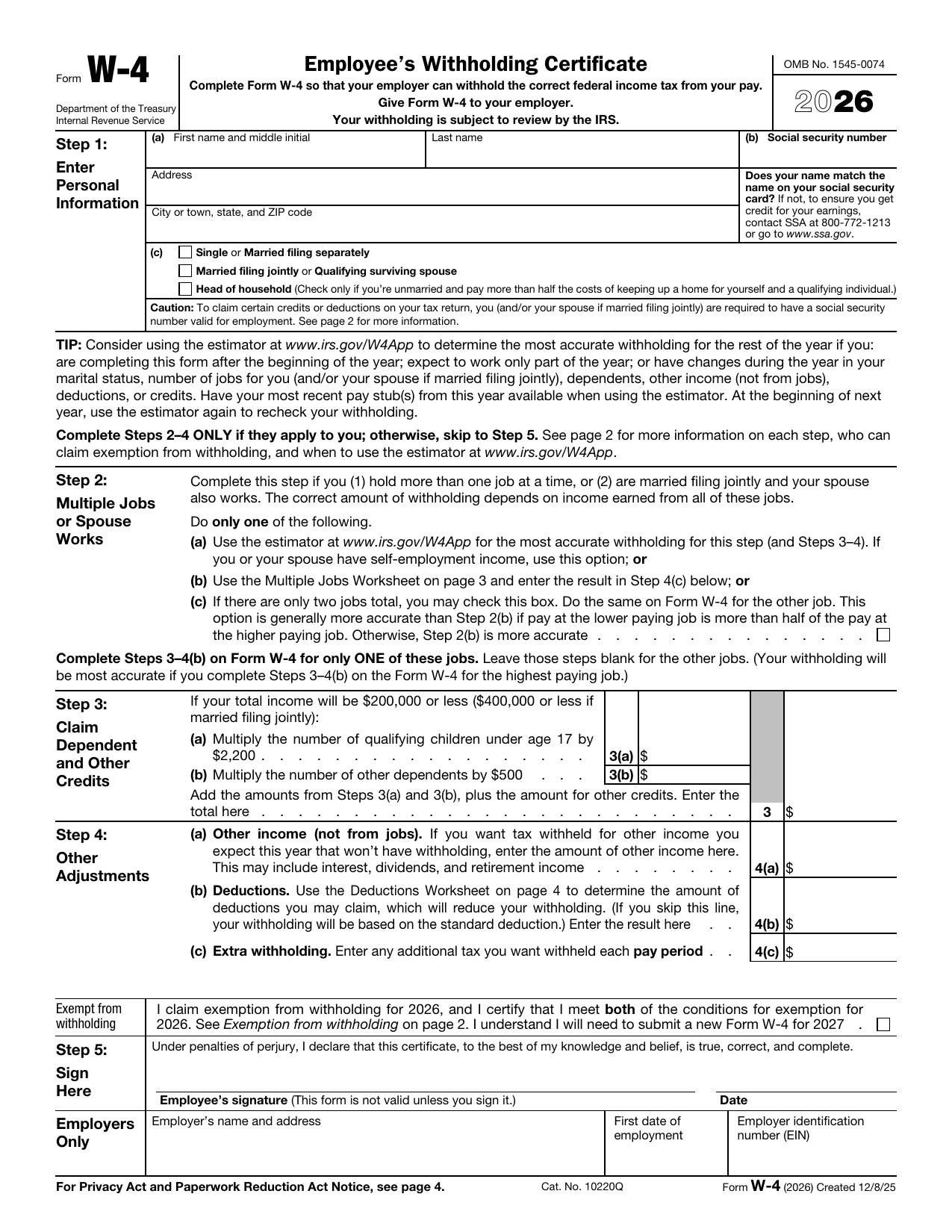 W-4 FormTax FormsSet how much federal income tax your employer withholds from your pay. A fillable, printable copy is ready here.Updated Oct 5, 2026
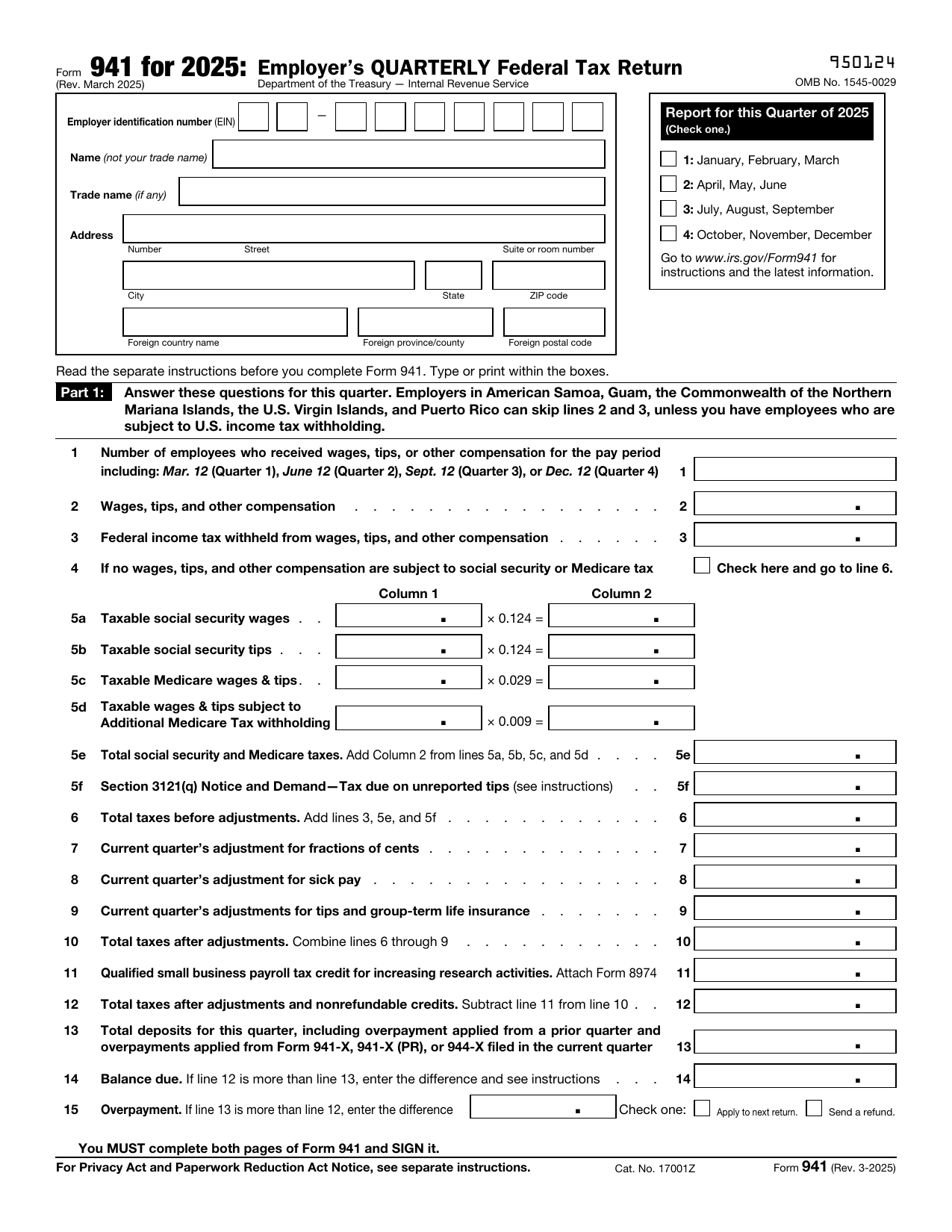 941 FormTax FormsReport your quarterly wages, withheld income tax, and payroll tax share with a fillable, printable copy ready here.Updated Oct 5, 2026
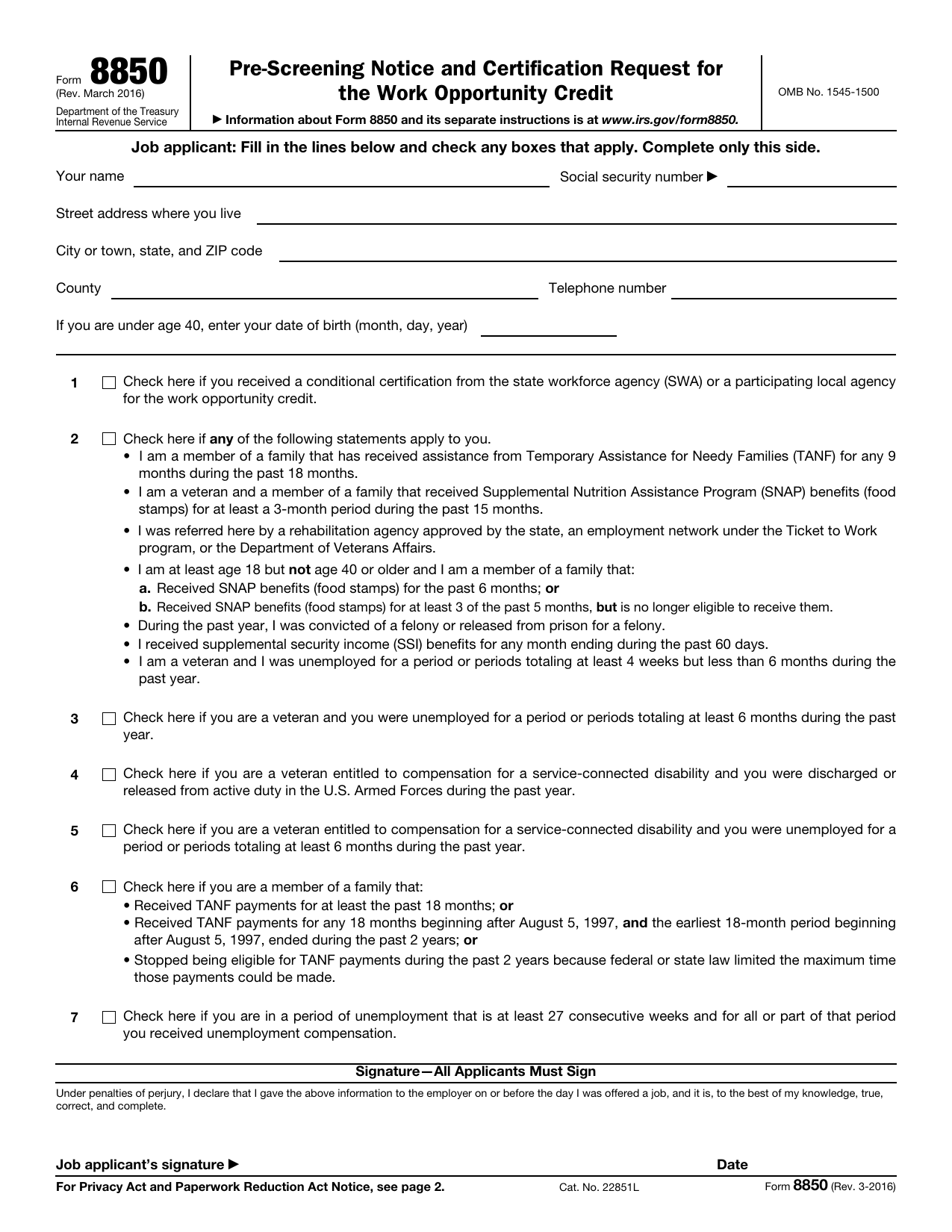 8850 FormTax FormsAsk your state agency to certify your new hire for the work opportunity credit. Your fillable, printable copy is ready here.Updated Oct 5, 2026
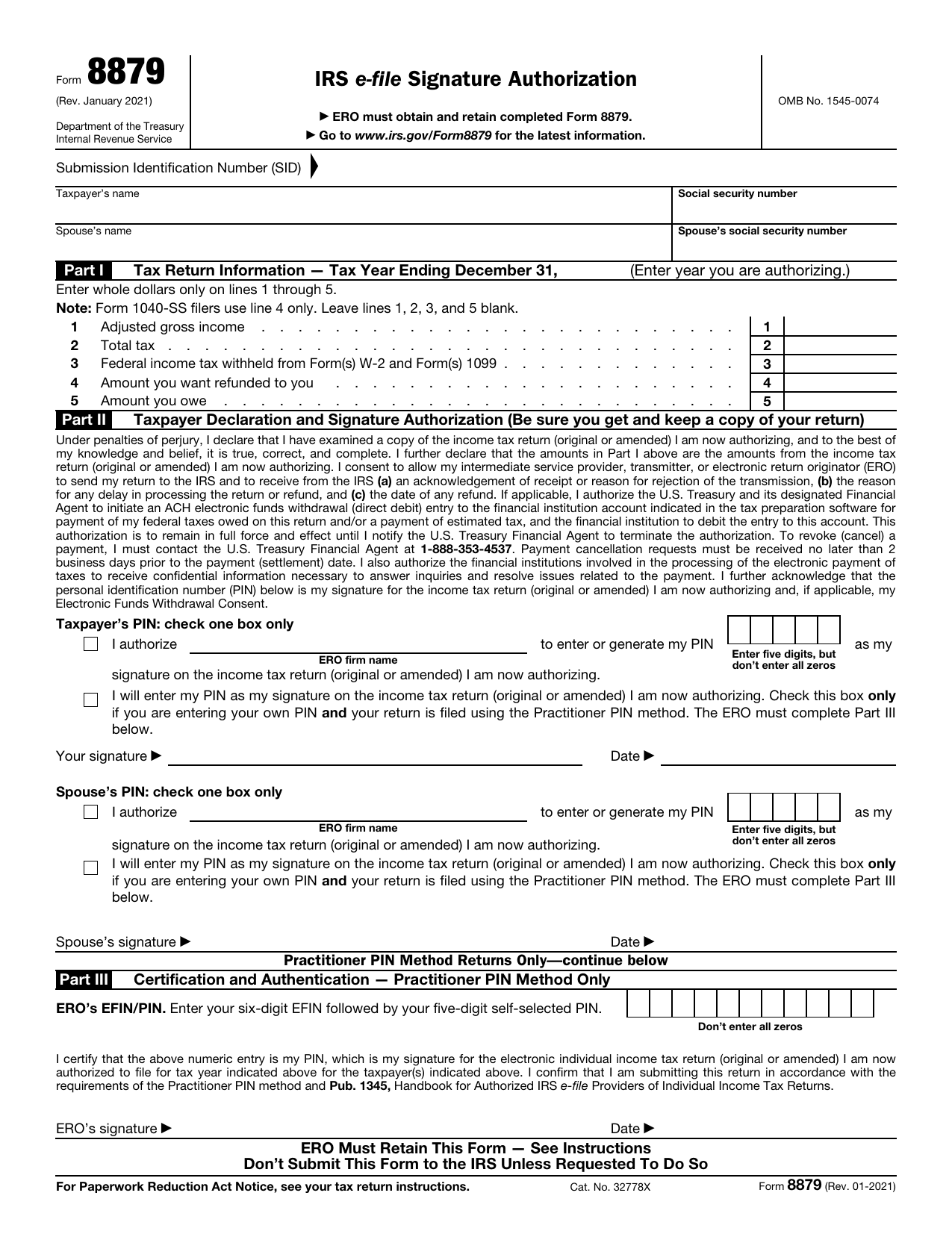 8879 FormTax FormsReview your return and authorize your e-file originator to enter or generate your PIN in the fillable, printable copy here.Updated Oct 5, 2026