

Fillable Form 8879 Online in 2026
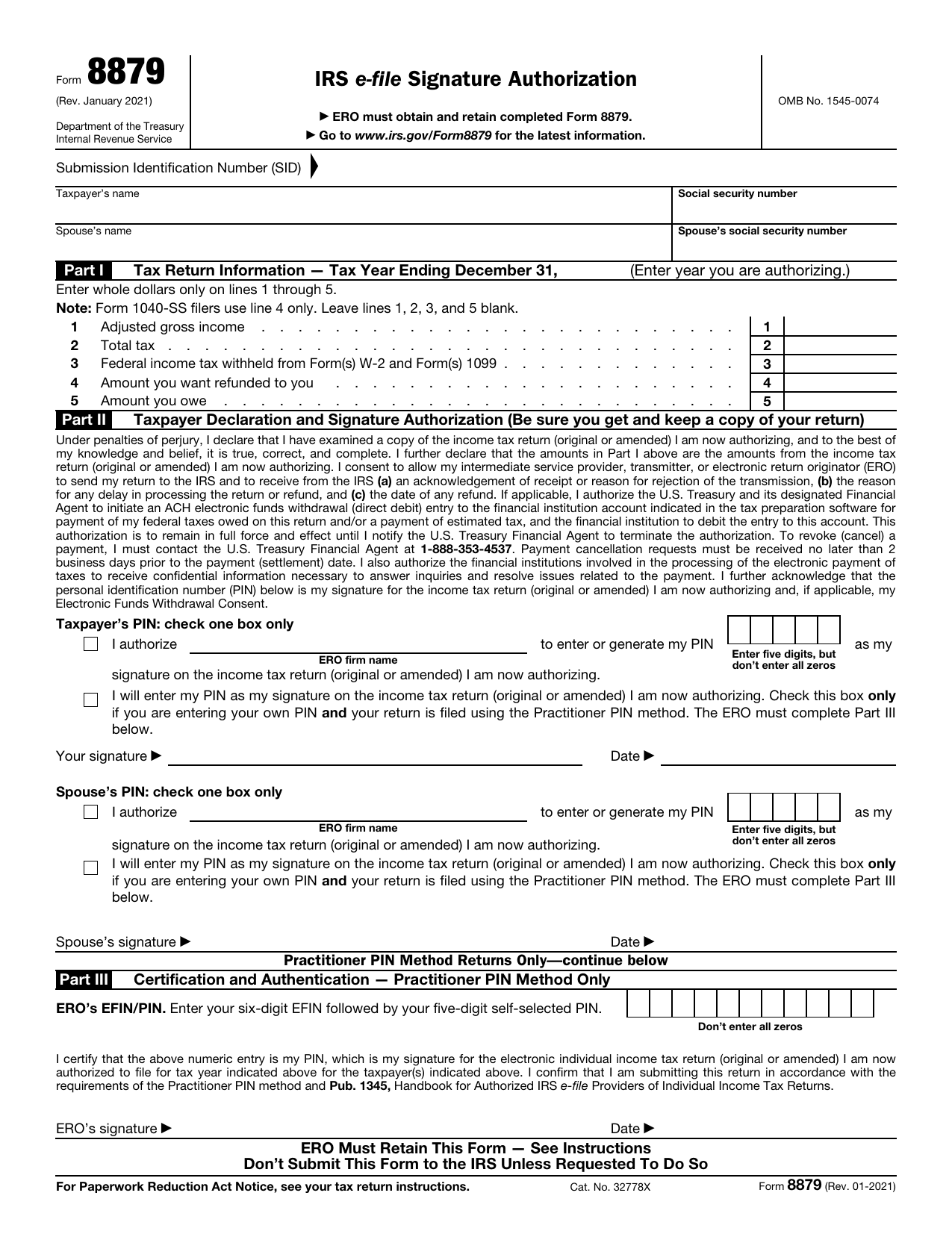
Review your return and authorize your e-file originator to enter or generate your PIN in the fillable, printable copy here.
This website is not affiliated with any government agency.
How it works

1. Open the form
Click “Fill form” above to open the form in our editor.

2. Add details
Complete all required fields to finalize your form.

3. Save as PDF
Download your filled form as a PDF, ready to print or submit anywhere.
What is Form 8879?
IRS Form 8879 is a signature authorization for certain federal tax returns filed online by an electronic return originator, or ERO. An ERO is often a tax professional who prepares and sends your return to the IRS. The form covers Forms 1040, 1040-SR, 1040-NR, 1040-SS, and 1040-X.
By signing Form 8879, you confirm that you reviewed the return and authorize the ERO to enter your five-digit personal identification number, or PIN, as your signature. You must sign it before the ERO files your return. The ERO keeps the signed form and provides it to the IRS only if requested. Form 8879 is not your tax return and does not replace Form 1040 or another covered return.
What is Form 8879 used for?
You may receive IRS Form 8879 when an electronic return originator (ERO), such as a tax preparer, plans to e-file your individual income tax return using the Practitioner PIN method. By signing it, you authorize the ERO to enter or generate your personal identification number as your electronic signature.
The form also confirms that you reviewed the return and believe it is accurate before filing. If your return includes an electronic withdrawal to pay tax, your signature authorizes the Treasury Department to debit the listed financial account.
How to fill out Form 8879
- 1Click the Fill Form button to open Form 8879 in our editor.
- 2Enter the taxpayer’s name, SSN, and tax year at the top.
- 3Complete Part I with the income, tax, and withholding amounts shown on the e-filed return.
- 4Check the correct Part II PIN box for the ERO-generated PIN or the taxpayer’s own PIN.
- 5Enter the ERO information in Part III if the taxpayer uses their own PIN.
- 6Download the finished form for the ERO’s records.
Where to get a blank Form 8879
The Internal Revenue Service (IRS), a bureau of the U.S. Department of the Treasury, issues Form 8879. You can find the official IRS Form 8879 PDF on the IRS website.
PDFLeader has a blank version pre-loaded in our browser-based editor, so you do not need to download a template from another source. You can fill out the form and download the completed copy for future use. PDFLeader does not file or submit Form 8879 to the IRS.
Where to send Form 8879
After you download and sign Form 8879, return it to your electronic return originator (ERO), usually your tax preparer. You may give it to the ERO in person or return it by mail, private delivery service, email, fax, or the preparer’s website or portal, based on the options the ERO accepts.
Do not mail Form 8879 to the IRS or include it with your tax return. The ERO keeps the signed form in its records. A copy goes to an IRS office only if the IRS later asks the ERO for it.
Who needs to complete Form 8879?
You and your electronic return originator (ERO), often a tax professional, must complete Form 8879. Each taxpayer must check the accuracy of the income tax return and either authorize the ERO to create or enter a PIN or use their own PIN. For a joint return, both spouses must provide authorization. The ERO completes the required sections when using the Practitioner PIN method or entering the taxpayer’s PIN.
Afterward, the ERO keeps the signed Form 8879 as proof of your authorization for that tax year. The ERO also gives you a copy of the completed return and related electronic filing records. You and the ERO should retain copies for IRS recordkeeping or an audit. Do not send the form to the IRS unless the agency asks for it.
How to sign Form 8879 online
You can add a simple electronic signature to Form 8879 on our platform, then download the completed form. A typed name alone does not meet the IRS e-signature process for ERO software, which includes identity checks and records certain taxpayer details. You may sign by hand after downloading instead. Check the latest IRS updates and your ERO’s instructions, then return the form outside PDFLeader, since our platform does not submit or file it.
What information/documents are required?
Have the completed Form 1040 available before completing Form 8879. You need the taxpayer’s name and SSN or ITIN. For a joint return, you also need the spouse’s name and SSN or ITIN. Part I, Tax Return Information, contains dollar amounts imported from Form 1040, such as total income, total tax, refund, or amount owed.
In Part II, review the Taxpayer Declaration and Signature Authorization statements. Check the box that lets the ERO enter or generate your five-digit PIN, or the box stating that you will enter your own PIN under the Practitioner PIN method. Then provide the taxpayer’s signature and date. A spouse must also sign and date a joint return. If using the Practitioner PIN method, the ERO completes Part III with the ERO’s EFIN/PIN, signature, and date.
When is Form 8879 needed?
Form 8879 has no fixed IRS filing deadline because it is not sent to the IRS. You must sign and date it before the electronic return originator (ERO) transmits your return. Your signature authorizes the ERO to originate the electronic submission.
The ERO must keep Form 8879 for three years from the return’s due date or the date the IRS receives the return, whichever is later. This retention period applies to the ERO, not as a separate filing deadline for you.
When is Form 8879 not required?
Form 8879 is not required when you prepare and electronically file your own return. It is also not required when the Practitioner PIN method is not used and you personally enter your PIN on the electronic return originator’s system. In that case, the electronic record must include the authentication required by IRS rules.
There is no income or tax amount that removes the requirement. If a return cannot use an electronic signature, the filing process may require Form 8453 instead. Form 8453 is not a general substitute for Form 8879.
FAQ

What is the difference between Forms 8879 and 1040?
Form 1040 is your federal income tax return. It reports your income, deductions, credits, and tax. Form 8879 authorizes an electronic return originator to file that return electronically. It includes selected figures from Form 1040, but it is not the return itself.
Is Form 8879 a tax return?
No. The Form 8879, IRS e-file Signature Authorization, records your approval for an electronic return originator to submit your return. It serves as proof of authorization, not as your federal income tax return.
What is the difference between Forms 8878 and 8879?
Form 8879 authorizes an electronic return originator to enter your PIN for an electronically filed individual income tax return. Form 8878 covers PIN authorization for Form 4868 or Form 2350, which request more time to file.
Can Form 8879 be signed electronically?
Yes. The IRS accepts electronic signatures that meet its identity verification, tamper-evidence, and recordkeeping standards. Signature-pad signing requires you to be present in the ERO's office. PDFLeader can add a simple electronic signature, but you and your ERO must confirm that the signing method meets IRS rules. PDFLeader does not provide digital signatures or file the form.
What is the ERO on Form 8879?
ERO means electronic return originator. This is the person or business that prepares your return for electronic filing or sends it to the IRS. The ERO keeps IRS Form 8879 as proof that you approved the electronic submission.
Where is the AGI on Form 8879?
Your current-year adjusted gross income appears in Part I, line 1. It is copied from the related income tax return. Your prior-year AGI does not appear on Form 8879 and may be requested elsewhere for identity checks.
Does the tax preparer also sign Form 8879?
The ERO signs Part III of Form 8879. If your tax preparer is also the ERO, that person signs it. An ERO may use an allowed facsimile signature, mechanical device, or software method. A preparer who is not the ERO does not sign Form 8879 only because they prepared the return.
Who signs Form 8879 for a deceased taxpayer?
An appointed executor, administrator, or other personal representative may sign for the deceased taxpayer and state their title. On a joint return, a surviving spouse generally signs their own name and may sign for the deceased spouse as the surviving spouse if no personal representative has been appointed.
How long do I need to keep/retain Form 8879?
The ERO must retain Form 8879 for three years from the return's due date or the date the IRS received the return, whichever is later. Keep your copy with the related tax records for at least the same period.
What do I do with Form 8879 after signing?
Return the signed form to your ERO using a method the ERO accepts, such as hand delivery, mail, fax, email, or a website. Do not send Form 8879 to the IRS unless the IRS asks for it. If you complete the blank form in PDFLeader, download it before sending it to your ERO.
Does PDFLeader have a refund policy?
Yes. The Refund Policy sets out the cases where a refund applies and how to send a request.
What if I have any issues and need help?
We've got your back 24/7! Just call +1 (844) 548-9416 or email support@pdfleader.com, and we'll sort things out for you.
How do I cancel PDFLeader?
You can cancel your subscription from account settings, or contact the support team and ask them to cancel it. You keep access until the current billing period is over.
Related forms
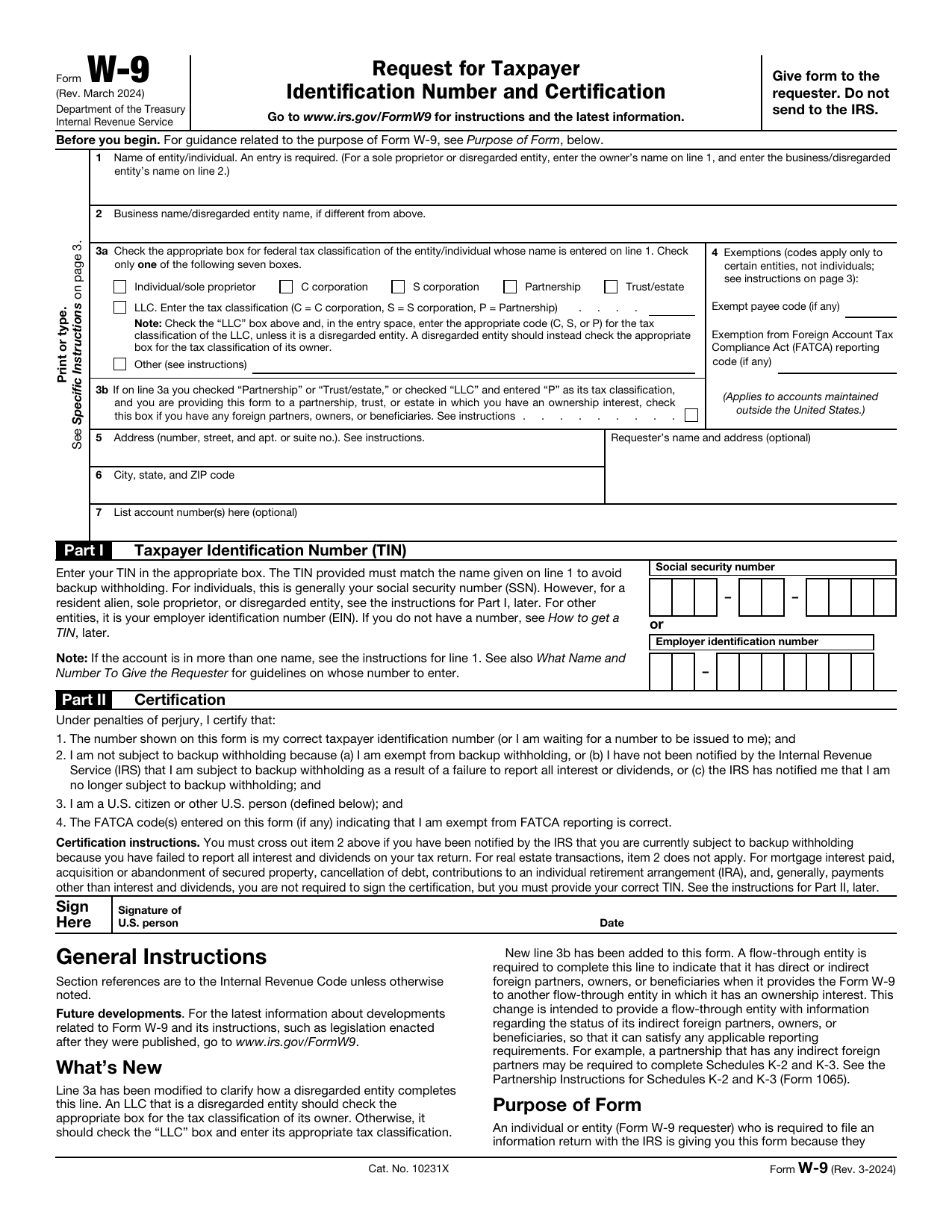 W-9 FormTax FormsGive a requester your correct TIN and certify your U.S. person and backup withholding status in a fillable, printable copy.Updated Oct 5, 2026
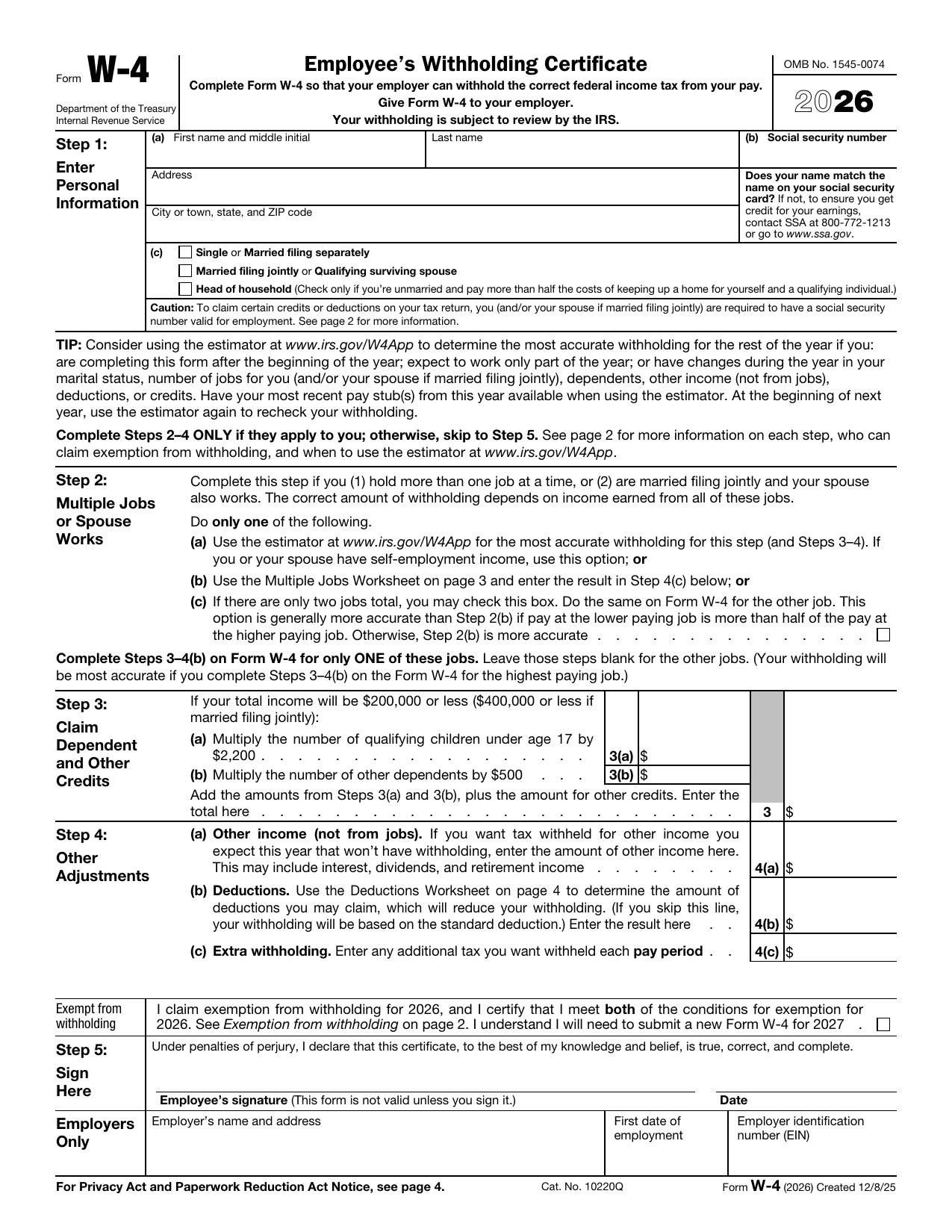 W-4 FormTax FormsSet how much federal income tax your employer withholds from your pay. A fillable, printable copy is ready here.Updated Oct 5, 2026
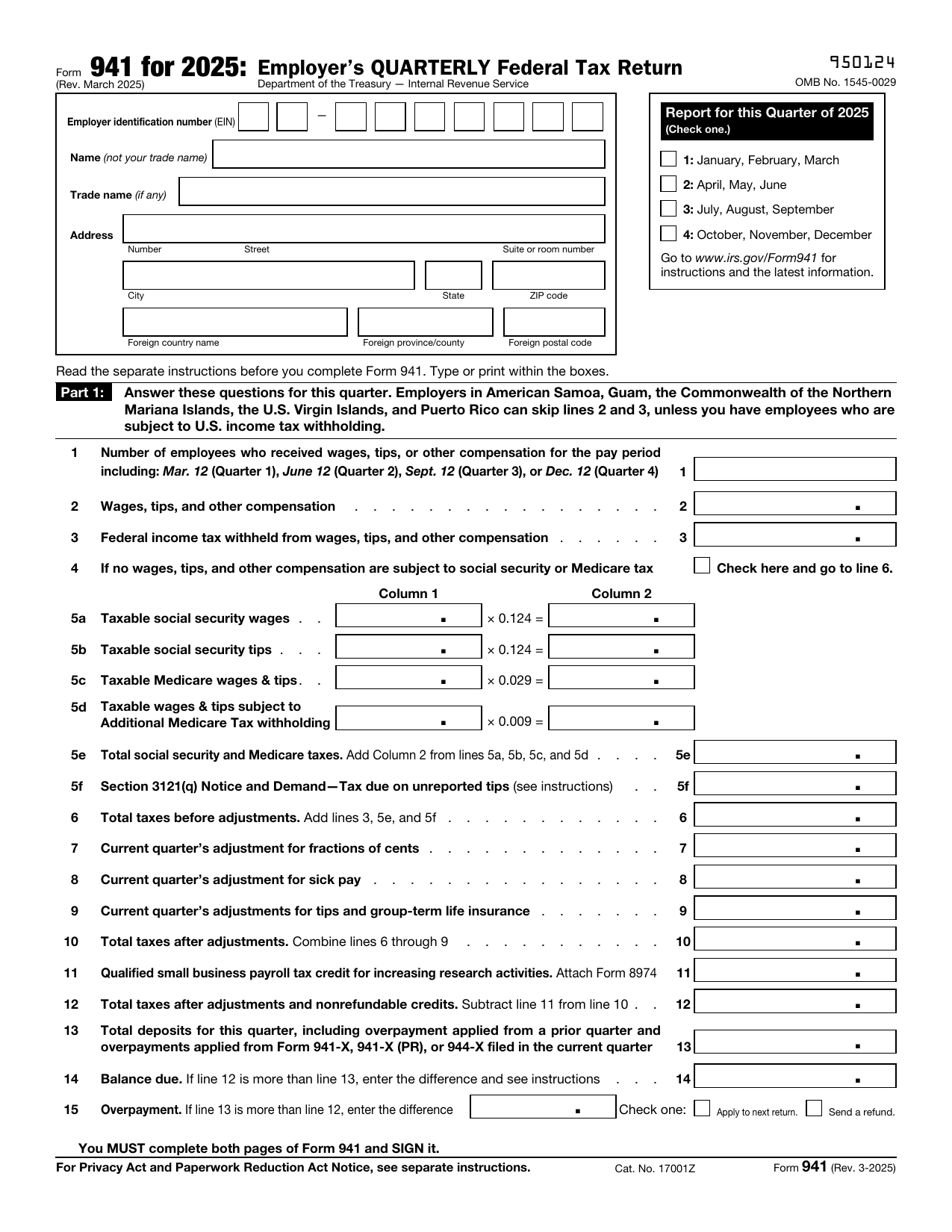 941 FormTax FormsReport your quarterly wages, withheld income tax, and payroll tax share with a fillable, printable copy ready here.Updated Oct 5, 2026
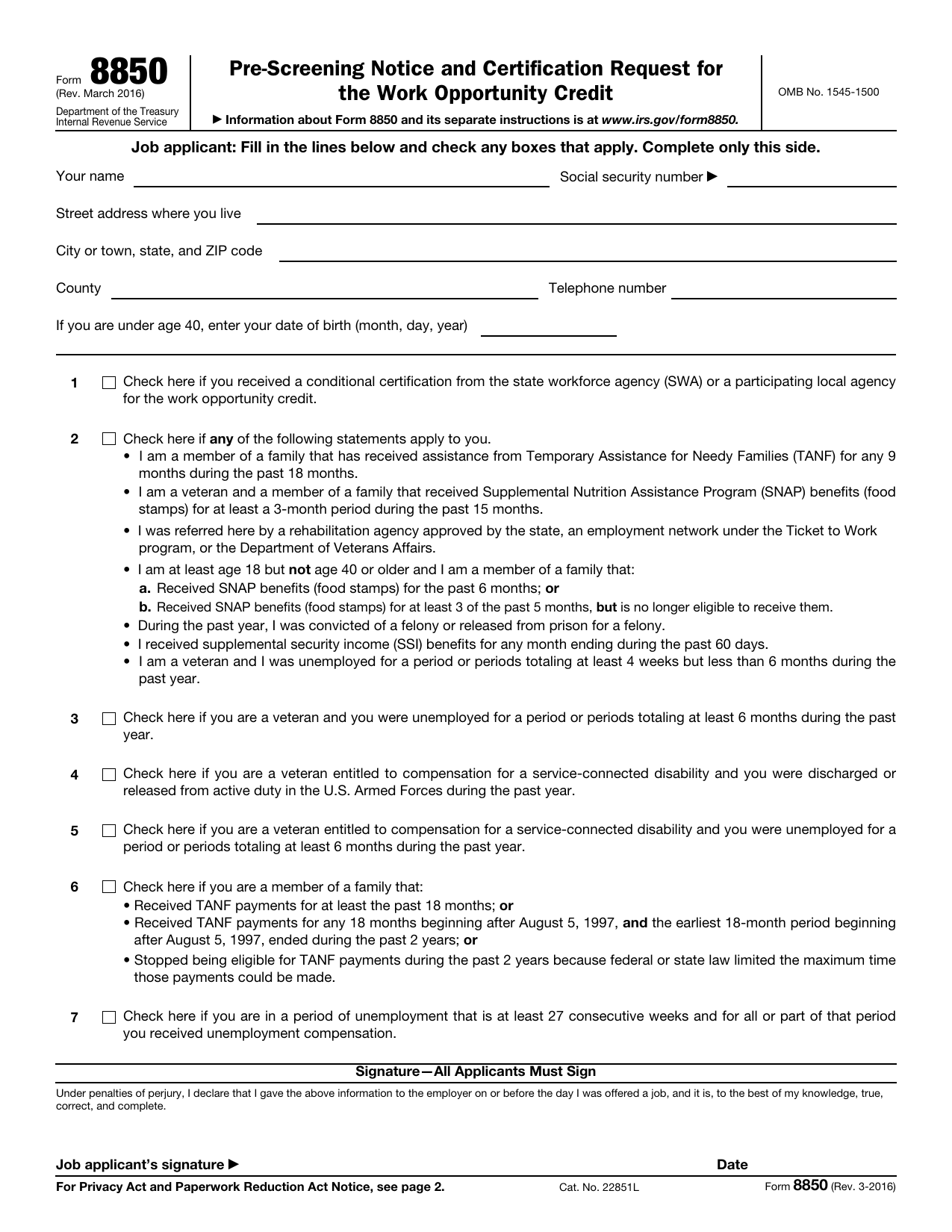 8850 FormTax FormsAsk your state agency to certify your new hire for the work opportunity credit. Your fillable, printable copy is ready here.Updated Oct 5, 2026