

Form 941: Fill Out Online in 2026
Report your quarterly wages, withheld income tax, and payroll tax share with a fillable, printable copy ready here.
This website is not affiliated with any government agency.
How it works

1. Open the form
Click “Fill form” above to open the form in our editor.

2. Add details
Complete all required fields to finalize your form.

3. Save as PDF
Download your filled form as a PDF, ready to print or submit anywhere.
What is Form 941?
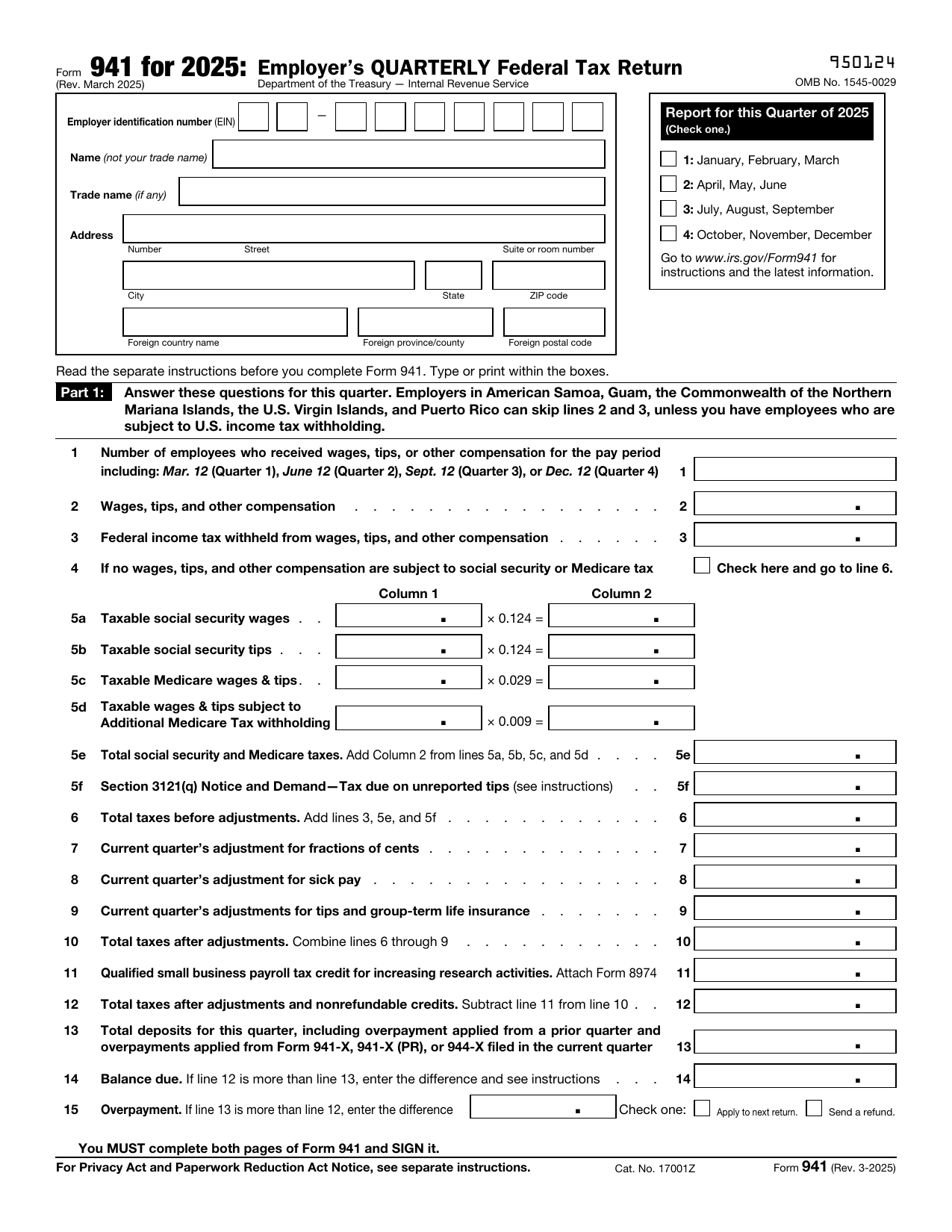
Form 941, Employer’s QUARTERLY Federal Tax Return, is an IRS form that most employers file every three months. You use it to report wages paid to employees, tips employees reported to you, and federal income tax withheld from their pay. It also reports both the employer and employee shares of Social Security and Medicare taxes.
The form shows your total employment tax liability for the quarter. You compare that amount with the tax deposits you already made. This calculation tells the IRS if you have a balance due or an overpayment. Accurate reporting helps the IRS confirm that it received the correct tax amount and can help you avoid interest and penalties. Some employers have different filing rules, so check the current IRS instructions for your situation.
What is Form 941 used for?
Employers use Form 941 each quarter when they have paid wages, tips, or other compensation and withheld federal income tax, Social Security tax, or Medicare tax from employees’ pay. It also reports the employer’s share of Social Security and Medicare taxes, plus Additional Medicare Tax withheld from wages and tips that meet the rules for line 5d.
The return compares your total payroll tax liability with the deposits you made during the quarter. This shows whether you still owe tax or have paid too much. You can also report allowed credits and adjustments, such as an adjustment for sick pay. Most employers with employees subject to these payroll taxes must complete it unless the IRS directs them to use another return.
How to fill out Form 941
- 1Click the Fill Form button to open Form 941 in our editor.
- 2Enter your EIN, legal name, trade name, if any, and address. Leave SSN/ITIN blank.
- 3Check the box for the quarter filed. Match the quarter on any Schedule B.
- 4Complete Part 1 on both pages, including wages, taxes withheld, adjustments, deposits, and the balance due or overpayment.
- 5Report your tax liability in Part 2. If you are a semiweekly depositor, make line 16 match Schedule B.
- 6Check any seasonal-employer or final-return box that applies, and complete the other non-signature fields in Parts 3–5.
- 7Label each attachment with your name, EIN, “Form 941,” tax year, and quarter.
- 8Download or print the completed form.
Where to get a blank Form 941
You can get a blank Form 941 from the Internal Revenue Service (IRS), which issues the form. The IRS is a bureau of the U.S. Department of the Treasury. A blank copy is also preloaded in PDFLeader’s browser-based editor, so you do not need to download a template from another source.
PDFLeader helps you fill out and download the completed form for your records or later submission. PDFLeader does not file Form 941 with the IRS.
Where to send Form 941
To file 941 online, send the downloaded return through an IRS-approved e-file provider. PDFLeader does not file or submit the return. You cannot deliver Form 941 in person to an IRS office.
For paper filing, the correct 941 mailing address depends on your location and whether you include a payment. Returns with payment generally go to the IRS in Louisville, Kentucky. If you need to know where to mail 941 without payment, the destination is usually the IRS in Kansas City, Missouri, or Ogden, Utah. Check the current Form 941 instructions before mailing, since the IRS may update addresses.
Who needs to complete Form 941?
Most employers that pay wages subject to federal income tax withholding, Social Security tax, or Medicare tax must complete Form 941 each quarter. This rule applies to many business types, from sole proprietors to C corporations. Certified professional employer organizations generally must file Form 941 and Schedule R (Form 941) electronically. Section 3504 agents filing an aggregate Form 941 must also attach Schedule R.
The IRS uses the completed form to compare payroll taxes withheld with deposits made during the quarter. Employers, payroll providers, and tax professionals also use it to reconcile payroll records. Employees may later see related employer-reported amounts reflected in their year-end Form W-2 information.
How to sign Form 941 online
PDFLeader lets you add a simple electronic signature to Form 941 in your browser and download the completed form. This signature does not replace the IRS signing method. For paper filing, download and print the form, then have an authorized person sign it in wet ink. For e-filing, complete the required IRS 94x Online Signature PIN process or Form 8453-EMP elsewhere. PDFLeader does not submit or file the form. Check the latest IRS updates before filing.
What information/documents are required?
Before completing Form 941, have your EIN, name, trade name, address, and quarter ready. Do not use an SSN or ITIN. Gather payroll records for the number of employees, wages, tips, and other compensation, and federal income tax withheld. Use Forms W-2 data for amounts that belong in box 1.
You also need records for taxable Social Security wages, taxable Social Security tips, Medicare wages and tips, Additional Medicare Tax withholding, and unreported tips. Keep documents for current-quarter adjustments involving fractions of cents, sick pay, tips, or group life insurance. For an overpayment refund, have the banking information requested on lines 15a through 15e. Include 941 Schedule B if you are a semiweekly schedule depositor or had a $100,000 next-day deposit obligation during the quarter.
When is Form 941 due?
Form 941 is due by the last day of the month after each quarter ends. The usual deadlines are April 30 for the first quarter, July 31 for the second, October 31 for the third, and January 31 for the fourth.
If a deadline falls on a Saturday, Sunday, or legal holiday, you may file on the next business day. If you deposited all taxes in full and on time, you have 10 additional calendar days after the standard due date to file. Check the current Form 941 instructions for any date changes.
When is Form 941 not required?
Form 941 is not required when the IRS tells you to file Form 944 instead. This may apply if your estimated annual employment tax liability is $1,000 or less. Do not switch forms unless the IRS notifies you or approves your request.
You also generally do not file Form 941 for household employees. Report those taxes on Schedule H with your income tax return. Do not use Form 941 for agricultural wages paid to farm employees. Report those wages and taxes on Form 943 instead. If you are a seasonal employer, you do not have to file Form 941 for a quarter in which you paid no wages and had no tax liability.
FAQ

What is the difference between Forms 940 and 941?
Form 940 is an annual return for federal unemployment tax, or FUTA. Employers pay this tax. Form 941 reports federal income tax withheld from wages, plus the employer and employee shares of Social Security and Medicare taxes.
How often is Form 941 filed?
Most employers file Form 941 once each quarter, which means four returns per year. The usual due dates are April 30, July 31, October 31, and January 31. If a due date falls on a weekend or legal holiday, the deadline moves to the next business day.
Do I have to file Form 941 if I have no employees/no wages?
You generally must file a zero return if the IRS still requires you to file Form 941, even when you paid no wages during the quarter. Keep filing until the IRS ends the requirement or you submit a final return after closing the business or stopping wage payments. Special rules may apply to seasonal employers.
Can Form 941 be filed electronically (and is it mandatory)?
The IRS accepts electronic and paper returns, and electronic filing is generally not mandatory. If you want to file 941 online, use an IRS-approved filing option. Federal tax deposits generally must be made electronically. PDFLeader lets you complete and download the form in your browser, but it does not file or submit it.
Can I file Form 941 for previous years?
Yes. Use the Form 941 revision that applies to the quarter and year you missed. The IRS keeps prior revisions on its website. If you need to correct a return that was already filed, use Form 941-X instead. Do not use Form 941 for 2026 to report a quarter from an earlier year.
What happens if you don't file Form 941?
The IRS may charge a failure-to-file penalty, usually 5% of the unpaid tax for each month or part of a month the return is late, up to 25%. Interest and separate late-payment or late-deposit penalties may also apply. In serious cases, the IRS may assess the Trust Fund Recovery Penalty against responsible people who willfully failed to collect, account for, or pay trust fund taxes.
How many days do you have to pay 941 taxes?
There is no single number of days after the quarter ends. Your deposit schedule controls the deadline. Monthly schedule depositors generally pay by the 15th day of the next month. Semiweekly schedule depositors generally pay by Wednesday or Friday, based on the payday. The $100,000 next-day deposit rule can require payment by the next business day. Check the current Form 941 instructions for your exact deadline. If every deposit was made on time and in full, you generally receive 10 extra calendar days to file the return.
Does PDFLeader have a refund policy?
Yes. The Refund Policy sets out the cases where a refund applies and how to send a request.
What if I have any issues and need help?
We've got your back 24/7! Just call +1 (844) 548-9416 or email support@pdfleader.com, and we'll sort things out for you.
How do I cancel PDFLeader?
You can cancel your subscription from account settings, or contact the support team and ask them to cancel it. You keep access until the current billing period is over.
Related forms
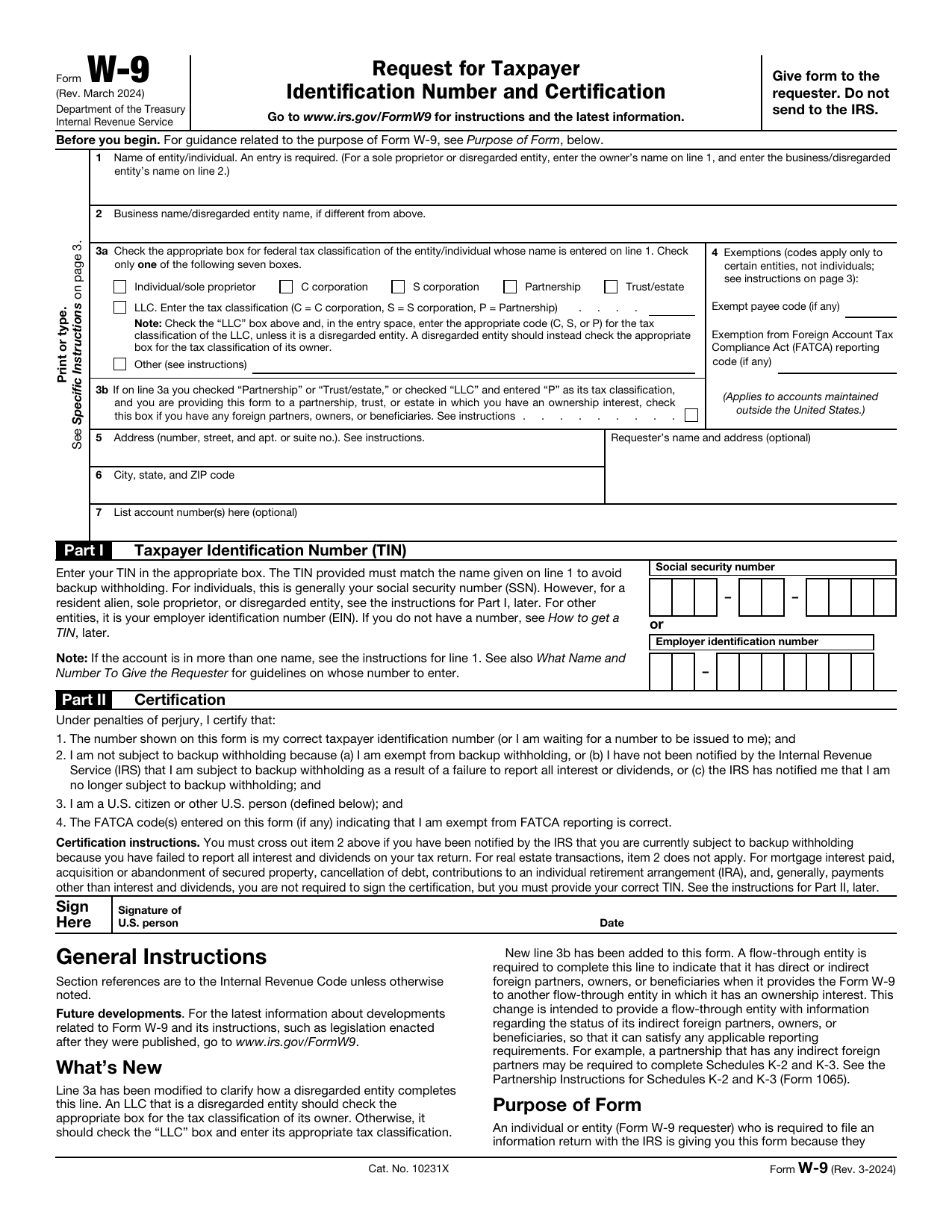 W-9 FormTax FormsGive a requester your correct TIN and certify your U.S. person and backup withholding status in a fillable, printable copy.Updated Oct 5, 2026
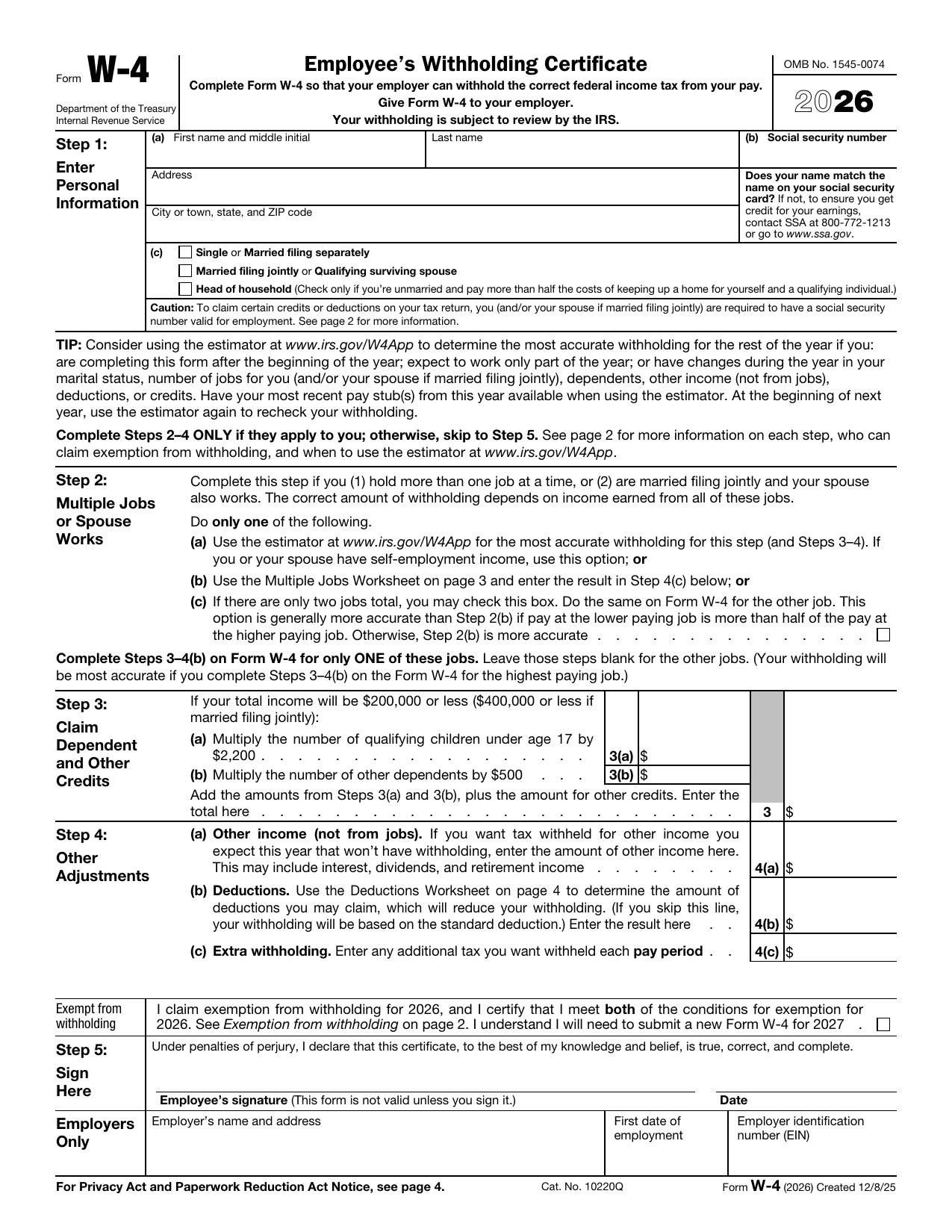 W-4 FormTax FormsSet how much federal income tax your employer withholds from your pay. A fillable, printable copy is ready here.Updated Oct 5, 2026
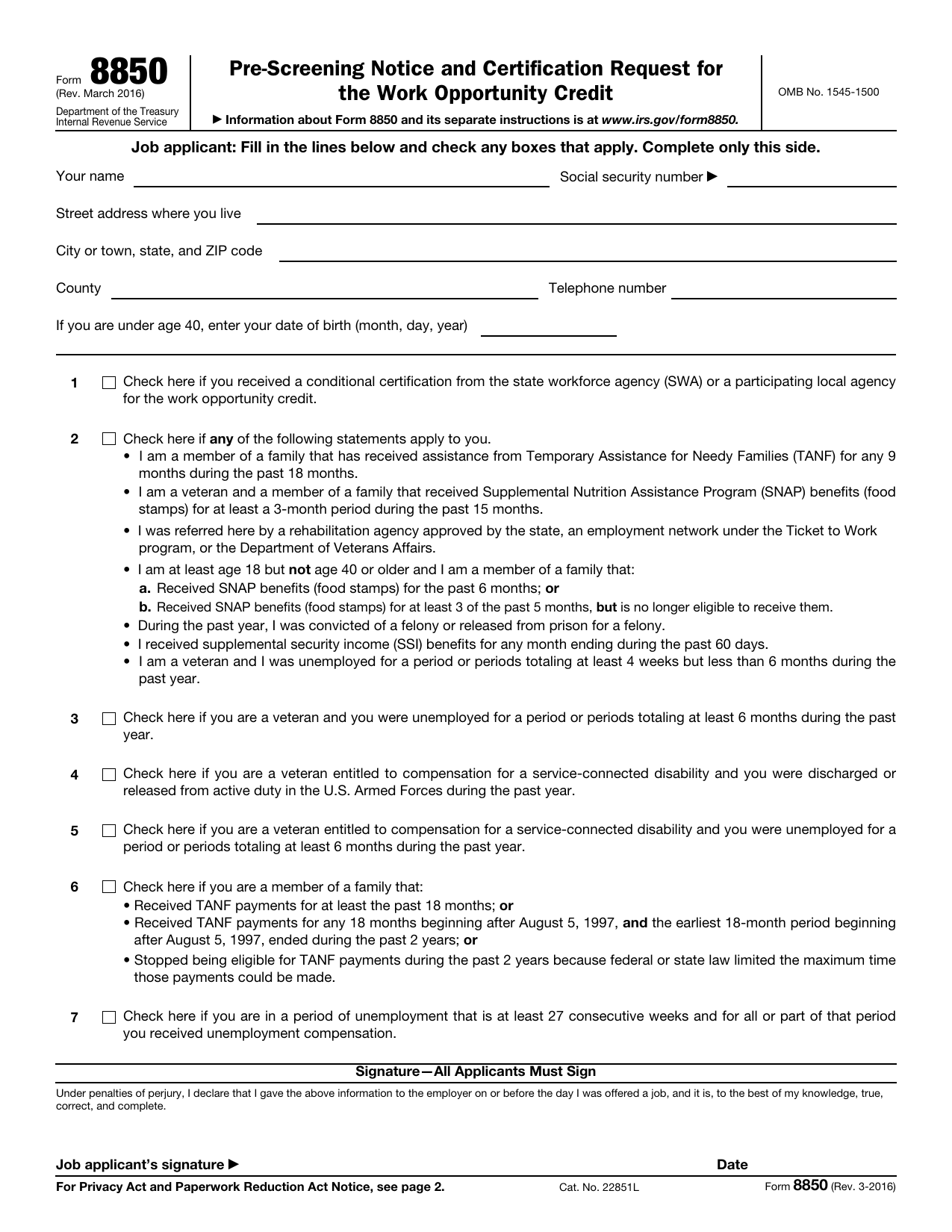 8850 FormTax FormsAsk your state agency to certify your new hire for the work opportunity credit. Your fillable, printable copy is ready here.Updated Oct 5, 2026
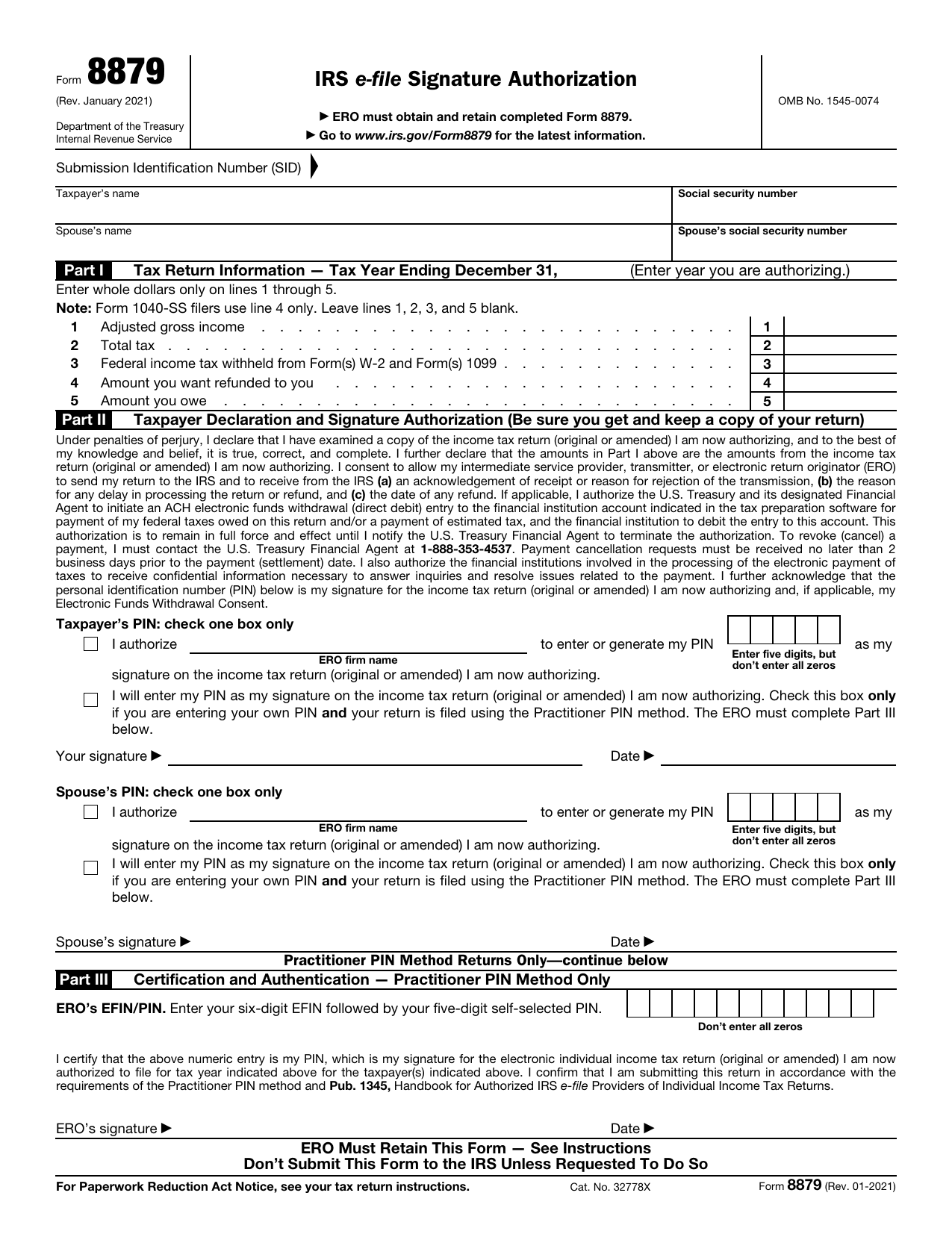 8879 FormTax FormsReview your return and authorize your e-file originator to enter or generate your PIN in the fillable, printable copy here.Updated Oct 5, 2026