

Fill Out Form W-4 Online in 2026
Set how much federal income tax your employer withholds from your pay. A fillable, printable copy is ready here.
This website is not affiliated with any government agency.
How it works

1. Open the form
Click “Fill form” above to open the form in our editor.

2. Add details
Complete all required fields to finalize your form.

3. Save as PDF
Download your filled form as a PDF, ready to print or submit anywhere.
What is Form W-4?
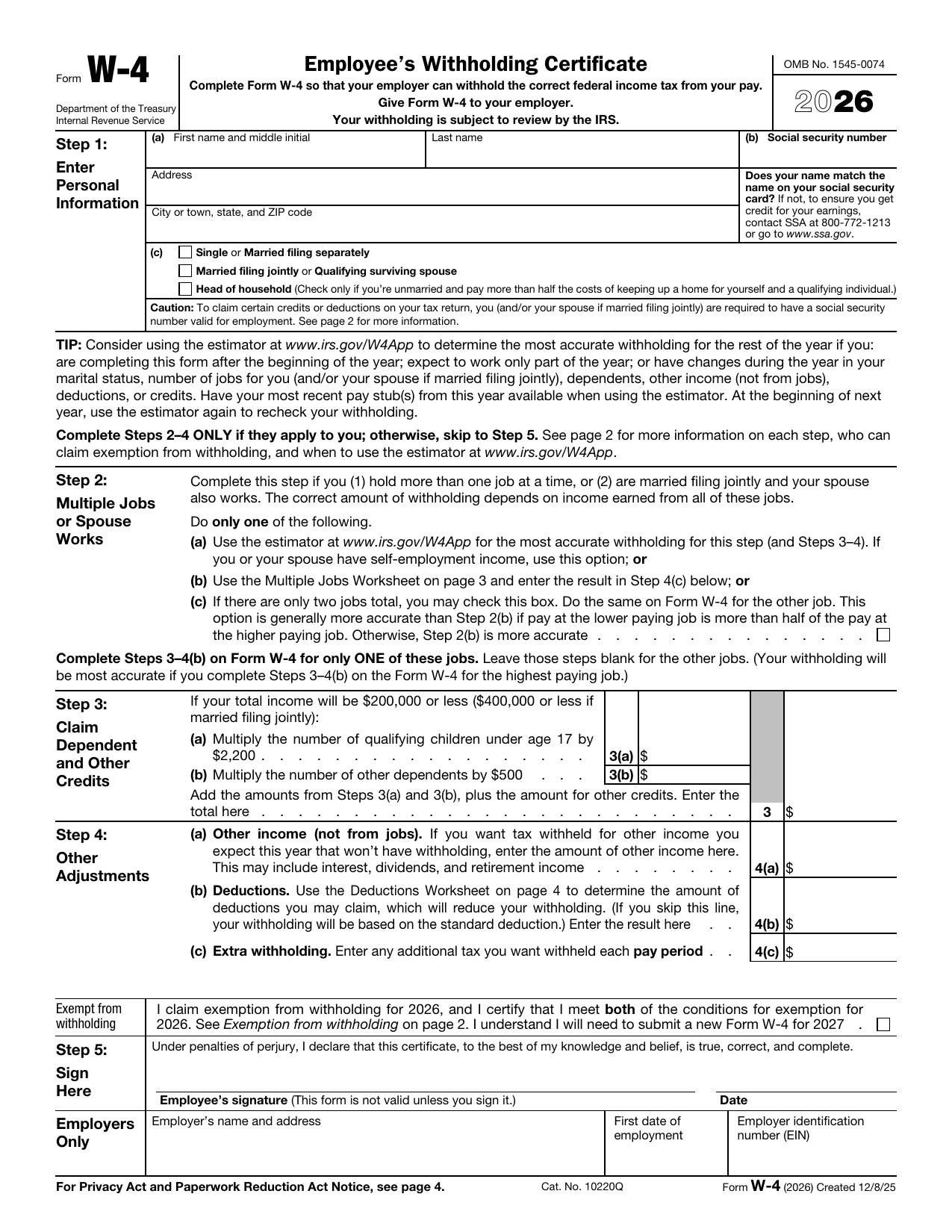
Form W-4, Employee’s Withholding Certificate, tells your employer how much federal income tax to take from each paycheck. You usually complete it when you start a new job. You may also submit a new Form W-4 after a change in income, filing status, dependents, or other tax details. You give the completed form to your employer, not the IRS.
Your entries affect both your take-home pay and your tax balance when you file a federal income tax return. If too little tax is withheld, you may owe tax and could face a penalty. If too much is withheld, you may receive a larger refund but have less money in each paycheck. If you do not provide Form W-4, your employer must generally withhold tax as if you are single or married filing separately, with no other adjustments.
What is Form W-4 used for?
You complete Form W-4 when you start a job so your employer can withhold the right amount of federal income tax from your pay. Your entries cover your filing status, dependents, and tax credits. They can also account for more than one job in your household.
You may use Step 4 to include other income, such as interest or dividends, deductions above the standard deduction, or any extra tax you want withheld. Consider giving your employer a new Form W-4 each year or after a major change, such as marriage, divorce, a new child, a second job, or a shift in income.
How to fill out Form W-4
- 1Click the Fill Form button to open Form W-4 in our editor.
- 2Enter your name, address, Social Security number, and filing status in Step 1.
- 3Complete Step 2 if you have multiple jobs or your spouse works. Use the estimator, worksheet, or checkbox method.
- 4Claim dependents and other credits in Step 3, if applicable.
- 5Enter other income, deductions, or extra withholding in Step 4, if applicable.
- 6Download or print the completed form for delivery to your employer.
Where to get a blank Form W-4
You can get an official blank Form W-4 from the Internal Revenue Service (IRS), a bureau of the U.S. Department of the Treasury. The IRS issues the form and provides the current version.
PDFLeader has a blank Form W-4 pre-loaded in our browser-based editor, so you do not need to download a template from another source. PDFLeader helps you fill out and download the completed form, but it does not file or submit Form W-4 for you.
Where to send Form W-4
Send your completed Form W-4 to your employer, not the IRS or another government agency. Your employer keeps the certificate on record and uses it to calculate federal income tax withholding from your pay.
Follow your employer’s submission process. You may need to give a printed copy to your HR or payroll office in person. If your employer allows electronic submission, upload the completed form through its internal HR portal or payroll system. Mail a paper copy to your employer only if instructed. Ask your HR or payroll office which method it accepts.
Who needs to complete Form W-4?
New employees must complete Form W-4 and give it to their employer. Current employees may submit a new form after changes to their filing status, dependents, income, deductions, or number of jobs. Employees who claim exemption from federal income tax withholding must submit a new Form W-4 each year.
The employer uses the completed form to calculate how much federal income tax to withhold from the employee’s pay. Employers usually keep Form W-4 in their records rather than send it to the IRS.
How to sign Form W-4 online
You can add a simple electronic signature to Form W-4 on PDFLeader, then download the completed form. The IRS requires you to sign Form W-4 under penalties of perjury, so check the latest IRS instructions and updates before signing. PDFLeader does not submit or file the form. After downloading it, give it to your employer using the method your employer provides.
What information/documents are required?
Have your legal name, address, and Social Security card ready so your Social Security number matches the card. Choose your filing status. For Step 2, gather current pay details for each job, including your spouse’s job if you file jointly. You may also need the Multiple Jobs Worksheet or results from the IRS estimator.
For Step 3, have records for qualifying children, other dependents, and other credits. For Step 4(a), gather records of other income (not from jobs), such as interest, dividends, and retirement income. For Step 4(b), complete the Deductions Worksheet using records for itemized and other deductions you expect to claim. Decide if you want extra withholding in Step 4(c), including any amount from the Multiple Jobs Worksheet. You must provide your signature in Step 5 for Form W-4 to be valid.
When is Form W-4 needed?
Form W-4 has no single fixed deadline. As a new employee, you must give it to your employer on or before your first day of paid work.
If you submit a new Form W-4 due to a change in your status or withholding choices, your employer must apply it by the start of the first payroll period ending on or after the 30th day after receiving it. If you claim exemption from withholding, you must submit a new Form W-4 each year. For 2026, the deadline is February 17, 2026, to keep your exempt status.
When is Form W-4 not required?
You do not need to submit a new Form W-4 if your current withholding choices have not changed. This includes employees whose latest Form W-4 was filed before 2020. Your employer may keep using the most recent version you provided.
You must submit Form W-4 each year to claim exemption from withholding. If you do not provide it, your employer generally withholds tax as if you selected single or married filing separately with no other adjustments. Independent contractors usually provide Form W-9 instead. A nonresident alien may provide the proper Form W-8 for payments that are not wages. For certain government payments, you may choose voluntary withholding with Form W-4V.
FAQ

What are allowances on W-4?
The current Form W-4 does not use withholding allowances. They were removed because federal law suspended personal exemptions. You now enter dollar amounts and other details that affect your withholding.
What should I claim on my W-4?
Enter accurate personal details in Step 1 and sign in Step 5. Complete Steps 2 through 4 only when they apply to your jobs, dependents, other income, deductions, or desired extra withholding. The IRS Tax Withholding Estimator can help you choose amounts.
Can you claim yourself as a dependent on W-4?
No. Form W-4 has no option to claim yourself as a dependent or take a personal exemption. Step 3 is for qualifying children and other qualifying dependents you expect to claim.
What is extra withholding on W-4?
Extra withholding is an added dollar amount taken from each paycheck for federal income tax. Enter the amount on line 4(c). It may help cover tax on other income or reduce the chance of owing tax when you file.
Do you have to claim multiple jobs on W-4?
Complete Step 2 if you have more than one job at the same time or if you are married filing jointly and your spouse works. Your withholding depends on the combined income from those jobs.
How many dependents should I claim on W-4?
Use Step 3 for qualifying dependents you expect to claim on your tax return. The current Form W-4 asks for credit amounts, not just a number of dependents. You may enter less or leave Step 3 blank if you want more tax withheld.
Can both parents claim dependents on W-4?
Both parents should not count the same dependent's tax credit if only one will claim that dependent on a tax return. The parent who expects to claim the dependent should enter the related amount in Step 3. IRS rules decide who may claim a shared dependent.
Can you change your W-4 anytime?
Yes. Give your employer a new Form W-4 whenever you want to adjust federal income tax withholding. Consider updating it after a major change in income, jobs, marriage, or dependents.
Does PDFLeader have a refund policy?
Yes. The Refund Policy sets out the cases where a refund applies and how to send a request.
What if I have any issues and need help?
We've got your back 24/7! Just call +1 (844) 548-9416 or email support@pdfleader.com, and we'll sort things out for you.
How do I cancel PDFLeader?
You can cancel your subscription from account settings, or contact the support team and ask them to cancel it. You keep access until the current billing period is over.
Related forms
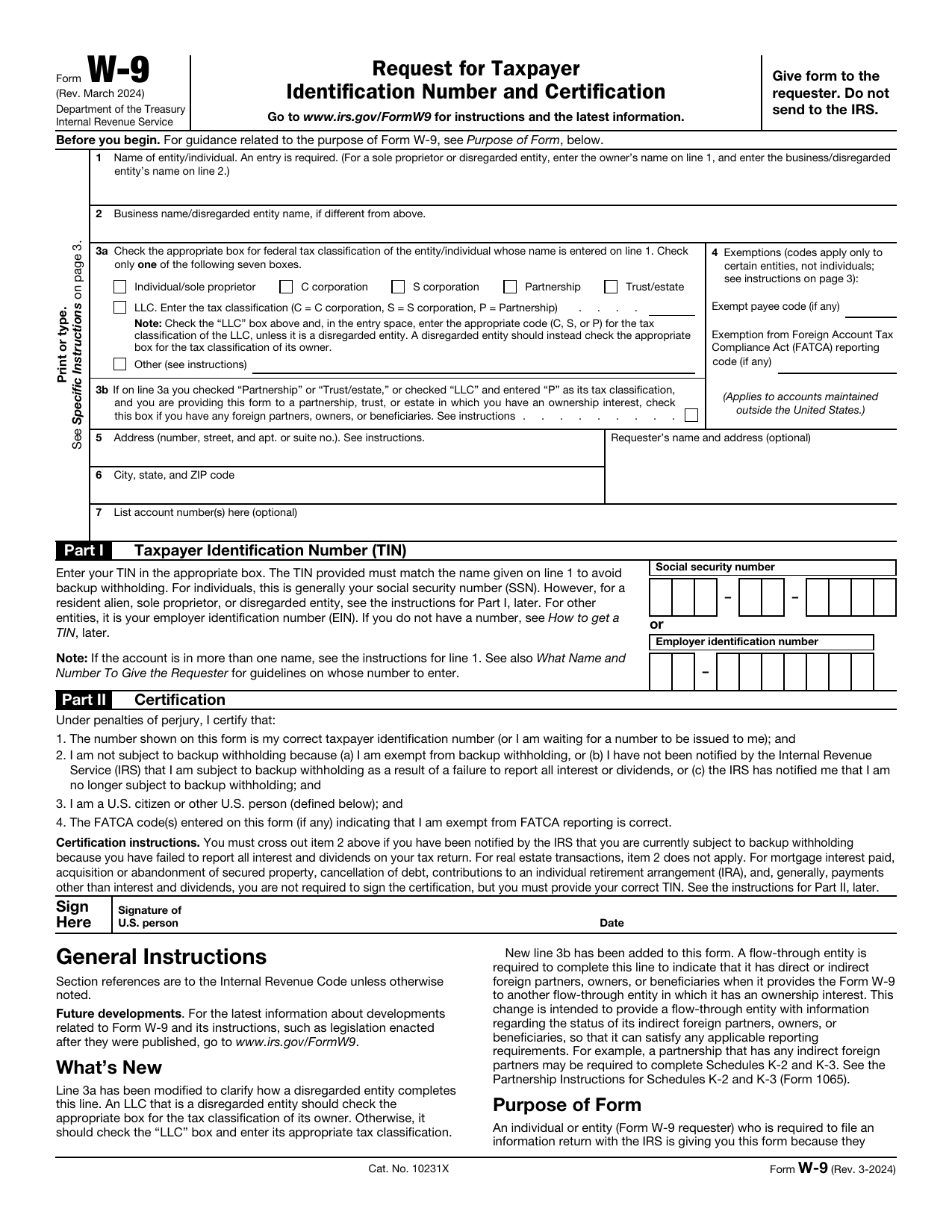 W-9 FormTax FormsGive a requester your correct TIN and certify your U.S. person and backup withholding status in a fillable, printable copy.Updated Oct 5, 2026
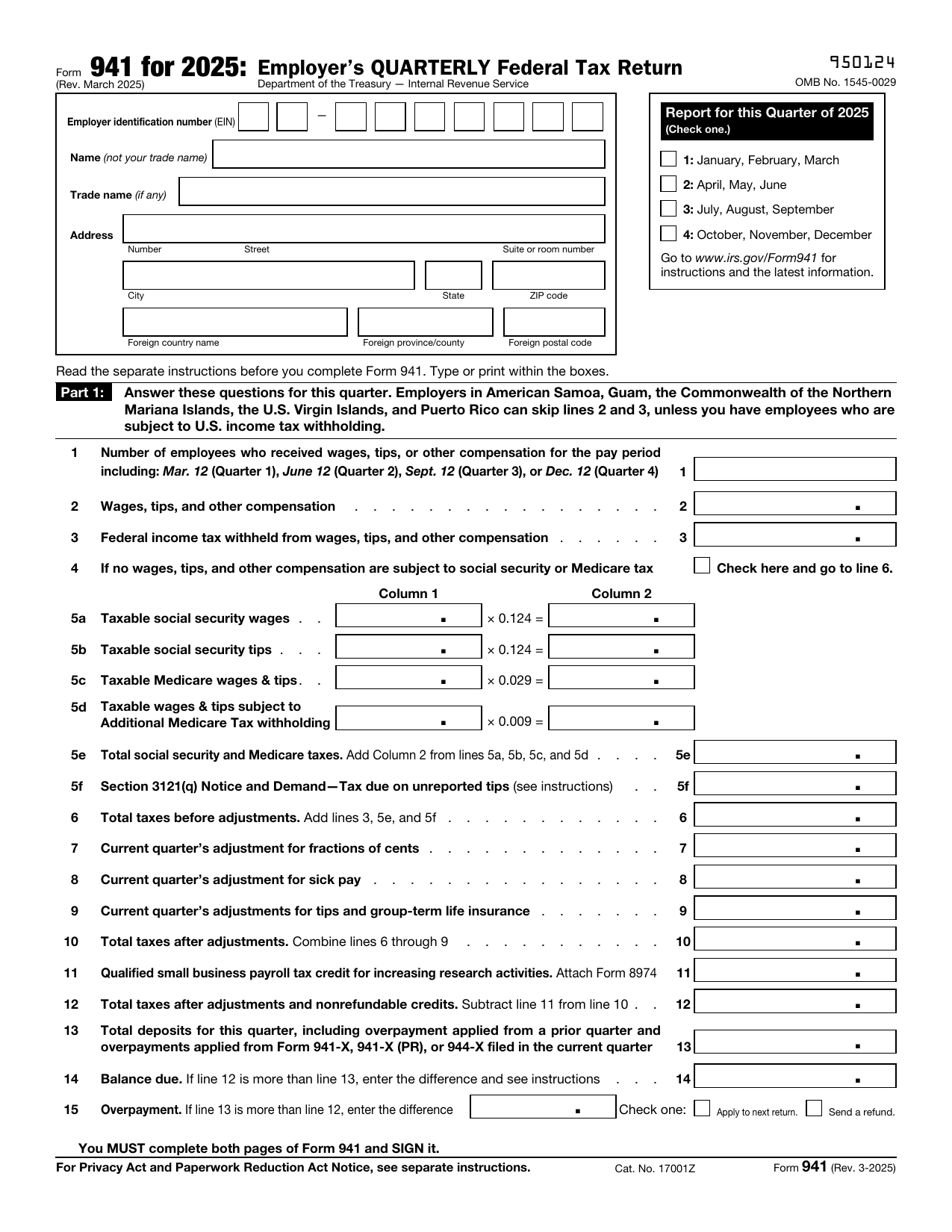 941 FormTax FormsReport your quarterly wages, withheld income tax, and payroll tax share with a fillable, printable copy ready here.Updated Oct 5, 2026
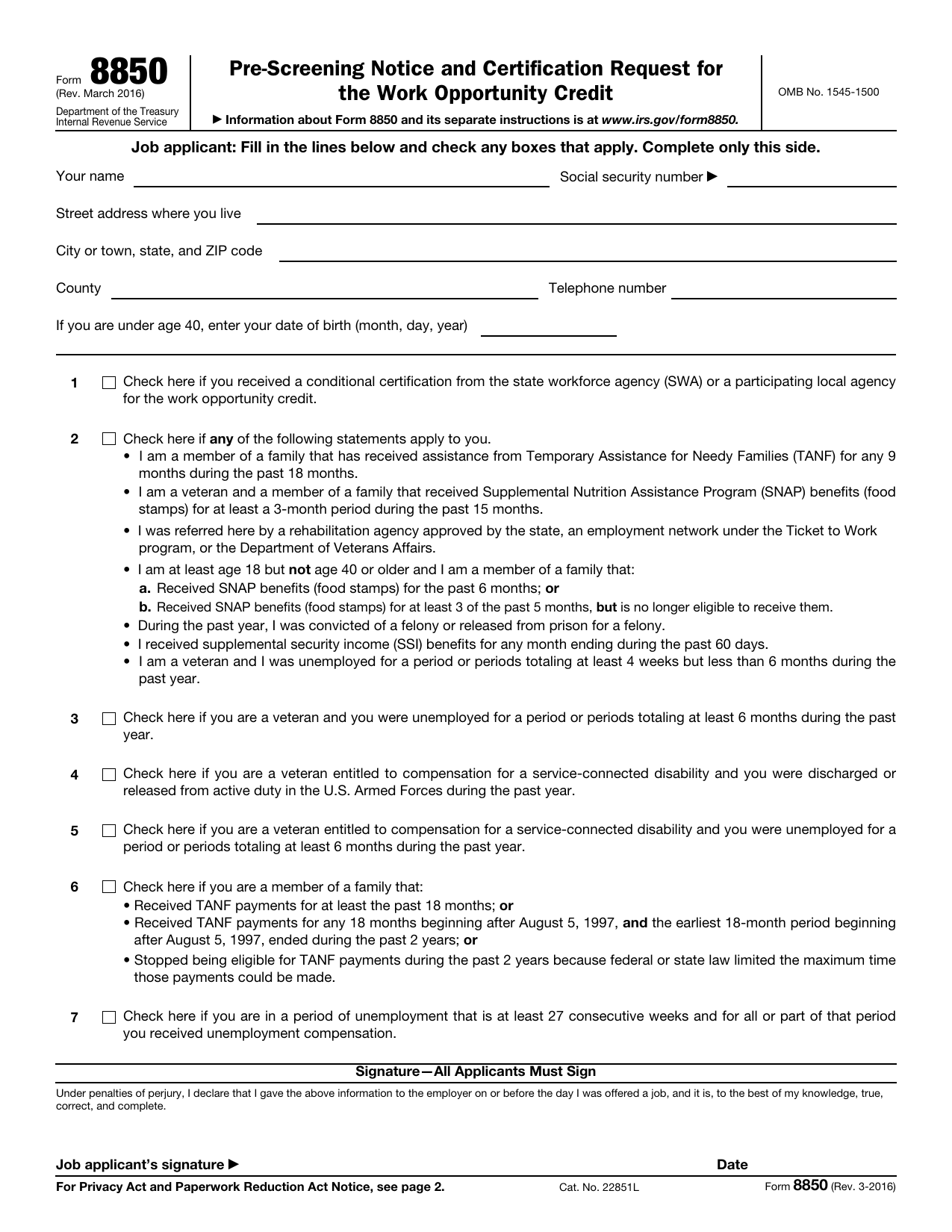 8850 FormTax FormsAsk your state agency to certify your new hire for the work opportunity credit. Your fillable, printable copy is ready here.Updated Oct 5, 2026
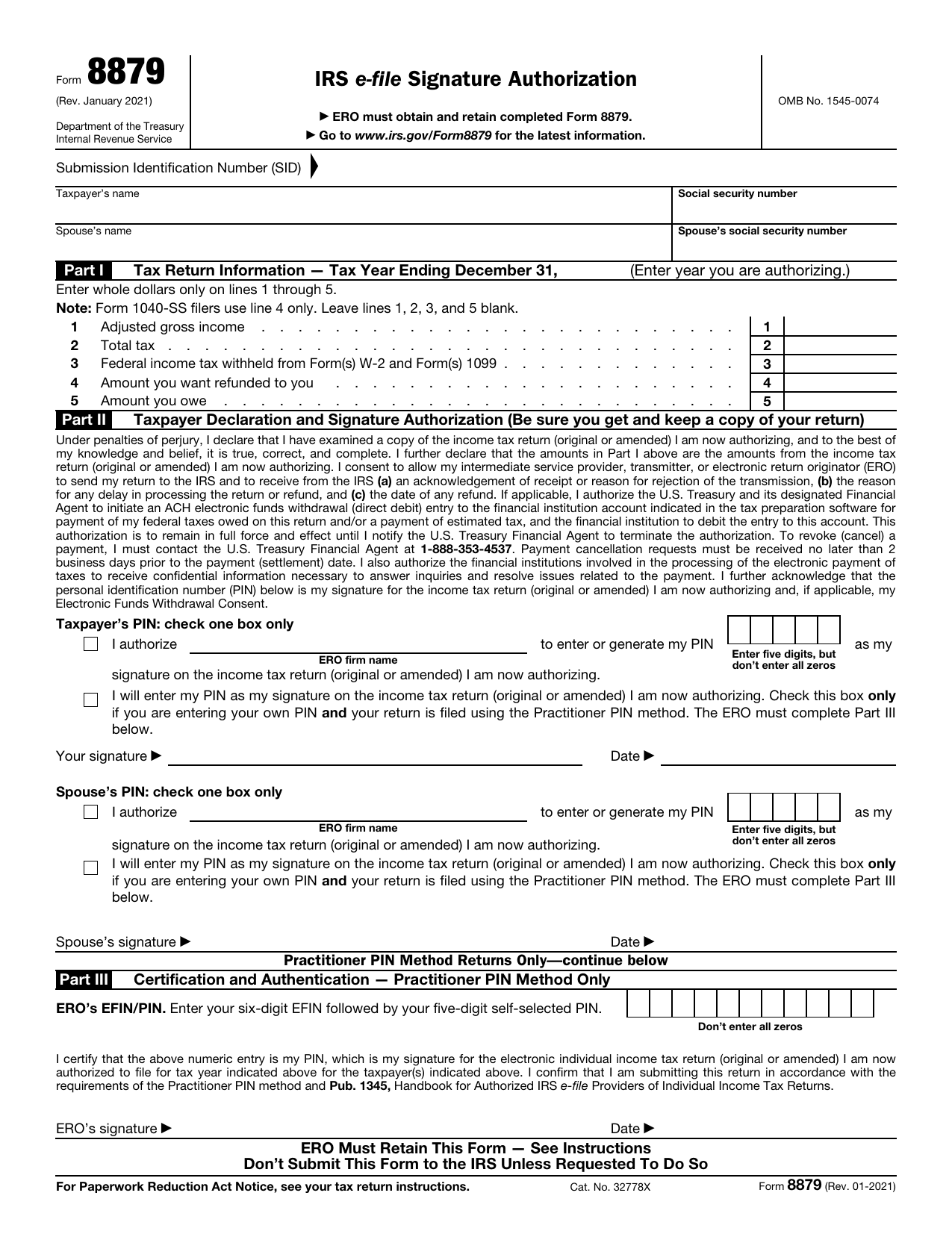 8879 FormTax FormsReview your return and authorize your e-file originator to enter or generate your PIN in the fillable, printable copy here.Updated Oct 5, 2026