

Fillable Form 8850 (2026)
Ask your state agency to certify your new hire for the work opportunity credit. Your fillable, printable copy is ready here.
This website is not affiliated with any government agency.
How it works

1. Open the form
Click “Fill form” above to open the form in our editor.

2. Add details
Complete all required fields to finalize your form.

3. Save as PDF
Download your filled form as a PDF, ready to print or submit anywhere.
What is Form 8850?
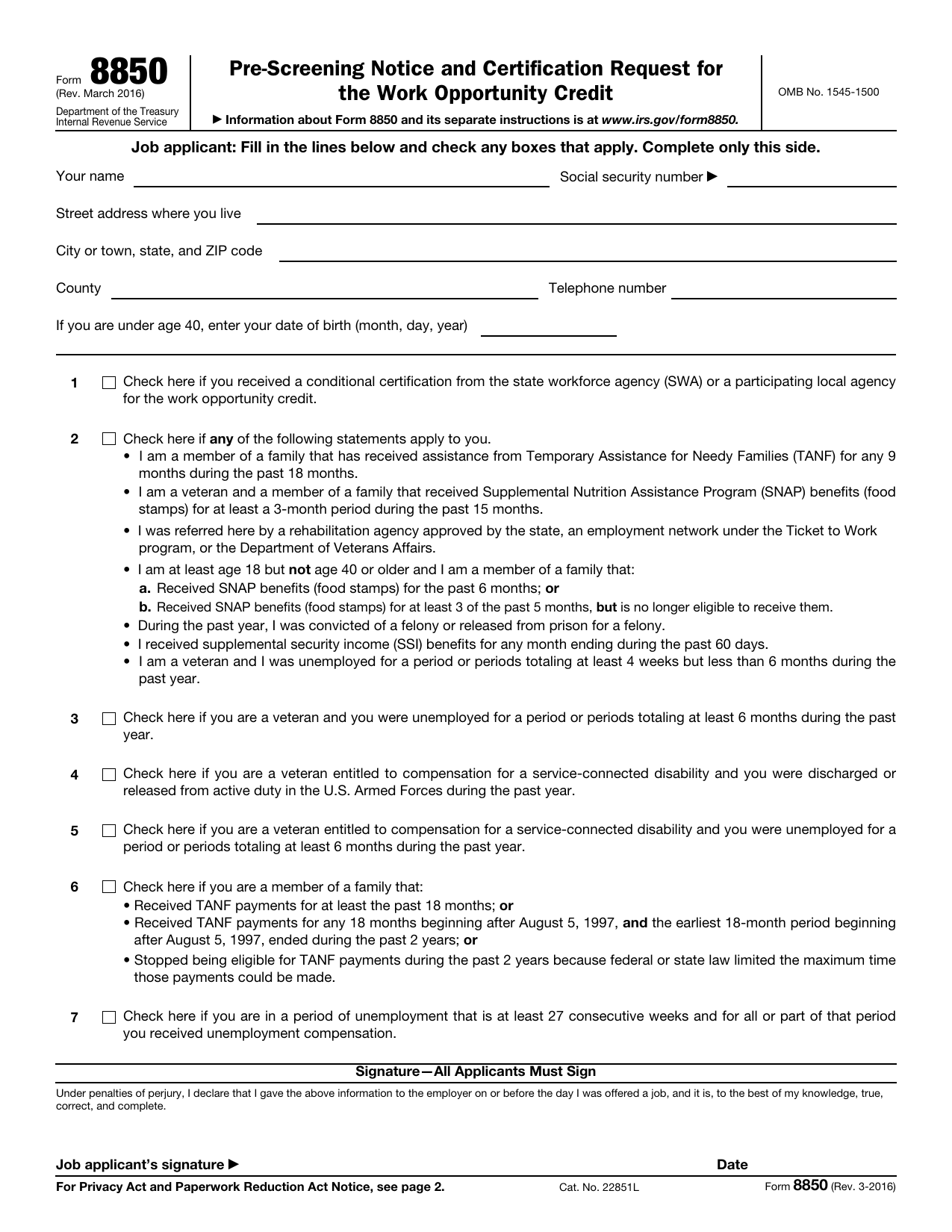
Form 8850 is an IRS pre-screening notice and certification request used for the Work Opportunity Tax Credit. Employers use it to ask their state workforce agency to certify that a new hire belongs to a targeted group. These groups include certain veterans, qualified ex-felons, and some long-term public assistance recipients. You may also see it called the WOTC Form 8850.
The job applicant provides personal details and answers pre-screening questions. The employer then completes its section. The completed form must reach the state workforce agency within 28 calendar days after the worker starts the job. Certification may help the employer qualify for the credit, but Form 8850 does not claim the credit itself. Missing the deadline can prevent the employer from receiving certification for that worker.
What is Form 8850 used for?
Historically, employers used Form 8850 to ask a state workforce agency to certify that a job applicant belonged to a targeted group for the work opportunity credit. The applicant provided the required details on or before the day the employer offered the job. Both the applicant and employer had to sign it. The employer then had 28 calendar days after the employee’s start date to send it to the designated local agency.
Form 8850 is no longer in use as of March 19, 2026. The credit does not apply to employees who begin work after December 31, 2025.
How to fill out Form 8850
- 1Click the Fill Form button below to open Form 8850 in our editor.
- 2Enter the applicant’s name, Social Security number, address, telephone number, and date of birth where required.
- 3Check each Part I statement that applies, including the conditional certification box if relevant.
- 4Complete Part I on or before the job offer date.
- 5Add the employer name, EIN, address, telephone number, and contact person in Part II.
- 6Record the dates the information was given, the job was offered, the applicant was hired, and work began.
- 7Enter the starting wage, position, and weekly hours.
- 8Identify the applicant’s targeted group in Part III by the job offer date.
- 9Download or print the finished form.
Where to get a blank Form 8850
A blank Form 8850 is preloaded in PDFLeader, so you do not need to get a template from another source. The form is issued by the Internal Revenue Service, part of the U.S. Department of the Treasury.
The IRS reported on March 19, 2026, that Form 8850 is no longer in use. The work opportunity credit does not apply to employees who begin work after December 31, 2025. Check current IRS guidance before preparing the form. PDFLeader lets you fill out and download the blank form, but it does not file or submit it.
Where to send Form 8850
As of March 19, 2026, Form 8850 is no longer in use, so do not send it to an agency. Check current IRS and state workforce agency guidance before taking any action related to the Work Opportunity Tax Credit.
When the form was in use, employers sent it to the state workforce agency for the state where the business was located and the employee worked. It did not go to the IRS and was not attached to a tax return. The delivery method depended on the state: some agencies required physical mail, some used an online portal, and some accepted either method. Employers followed the instructions from their own state workforce agency.
Who needs to complete Form 8850?
Job applicants and employers both complete Form 8850. The applicant gives the required information to the employer on or before the day a job offer is made. If the employer believes the applicant belongs to a targeted group, the employer completes its section by that same day. Both parties must sign the form by the date it is submitted to the state workforce agency (SWA).
After completion, the employer sends the form to the SWA in the state where the business is located, not to the IRS. In general, it is due by the 28th calendar day after the employee starts work. The state WOTC coordinator then decides whether to certify the applicant as a targeted group member. If certified, the employer may claim the credit using Form 5884.
How to sign Form 8850 online
A handwritten signature is required by default. Electronic signatures are allowed only through a state workforce agency system that meets IRS rules, with both the applicant and employer signing under penalties of perjury. You can add an electronic signature to Form 8850 on PDFLeader and download it, but PDFLeader does not submit the form. Check with your state workforce agency first, and review the latest updates before signing.
What information/documents are required?
For Part I, have the applicant’s name, Social Security number, street address where you live, city or town, state, and ZIP code, county, and telephone number. Applicants under age 40 also need their date of birth. If Line 1 applies, keep the conditional certification from the state workforce agency or participating local agency on hand. Review the Line 2 targeted group statements and, if applicable, know the designated community resident or summer youth group number for Line 3.
You also need the dates when the applicant gave information, was offered the job, was hired, and started the job, plus the applicant’s signature. For Part II, gather the employer name, telephone number, EIN, and address, point-of-contact details, and any different contact information. The employer must provide the employer’s signature, title, and date.
When is Form 8850 due?
Form 8850 must be submitted to the state workforce agency, not the IRS, within 28 calendar days after the new hire’s start date. The applicant must complete their part by the day the job offer is made. The employer must complete the rest by that same day. Both parties must sign the form no later than the date it is submitted to the agency.
The WOTC’s statutory authority expired for employees hired after December 31, 2025. Unless Congress renews it, employers may not claim the credit for later hires. Check current IRS guidance before preparing an 8850 Form 2026.
When is Form 8850 not required?
As of March 19, 2026, Form 8850 is no longer in use, so you do not need to prepare it for current hires.
Before that date, you did not need Form 8850 if you were not seeking the Work Opportunity Tax Credit or the new hire was not a targeted-group member. Certification was also not required for New York Liberty Zone business employees. See Form 8884 for that credit. If a partner filed Form 8850, you did not need to file another copy.
FAQ

Is Form 8850 voluntary or mandatory?
It is voluntary. The WOTC Form 8850 states that you do not have to provide the information. An employer cannot make completing it a condition of employment.
Should I say yes or no to WOTC on a job application?
Answer based on your actual history, such as veteran status or receipt of public assistance. There is no preferred answer. A state workforce agency checks the information before it certifies eligibility.
Is the WOTC still in effect for 2026?
No. As of January 1, 2026, employers cannot claim WOTC based on wages paid after December 31, 2025. Congress may extend the credit retroactively, as it has before. The search term 8850 Form 2026 may still lead to the form, but it does not confirm that the credit has been extended.
How do I know if I qualify for WOTC?
You may qualify if you belong to a targeted group, such as certain veterans, SNAP or TANF recipients, or qualified ex-felons. Other groups may also qualify. Your state workforce agency makes the final certification decision.
Is it safe to give my SSN for WOTC?
It is generally appropriate to provide your SSN to a legitimate employer for WOTC certification. Information on Form 8850 is covered by federal confidentiality rules under 26 U.S.C. § 6103. Before entering your SSN in a Form 8850 PDF, confirm who requested it and why.
Does being asked to fill out Form 8850 mean I got the job?
No. Form 8850 is used during pre-screening, often on or before the date of a job offer. A request to complete it does not guarantee an interview, an offer, or employment.
Does PDFLeader have a refund policy?
Yes. The Refund Policy sets out the cases where a refund applies and how to send a request.
What if I have any issues and need help?
We've got your back 24/7! Just call +1 (844) 548-9416 or email support@pdfleader.com, and we'll sort things out for you.
How do I cancel PDFLeader?
You can cancel your subscription from account settings, or contact the support team and ask them to cancel it. You keep access until the current billing period is over.
Related forms
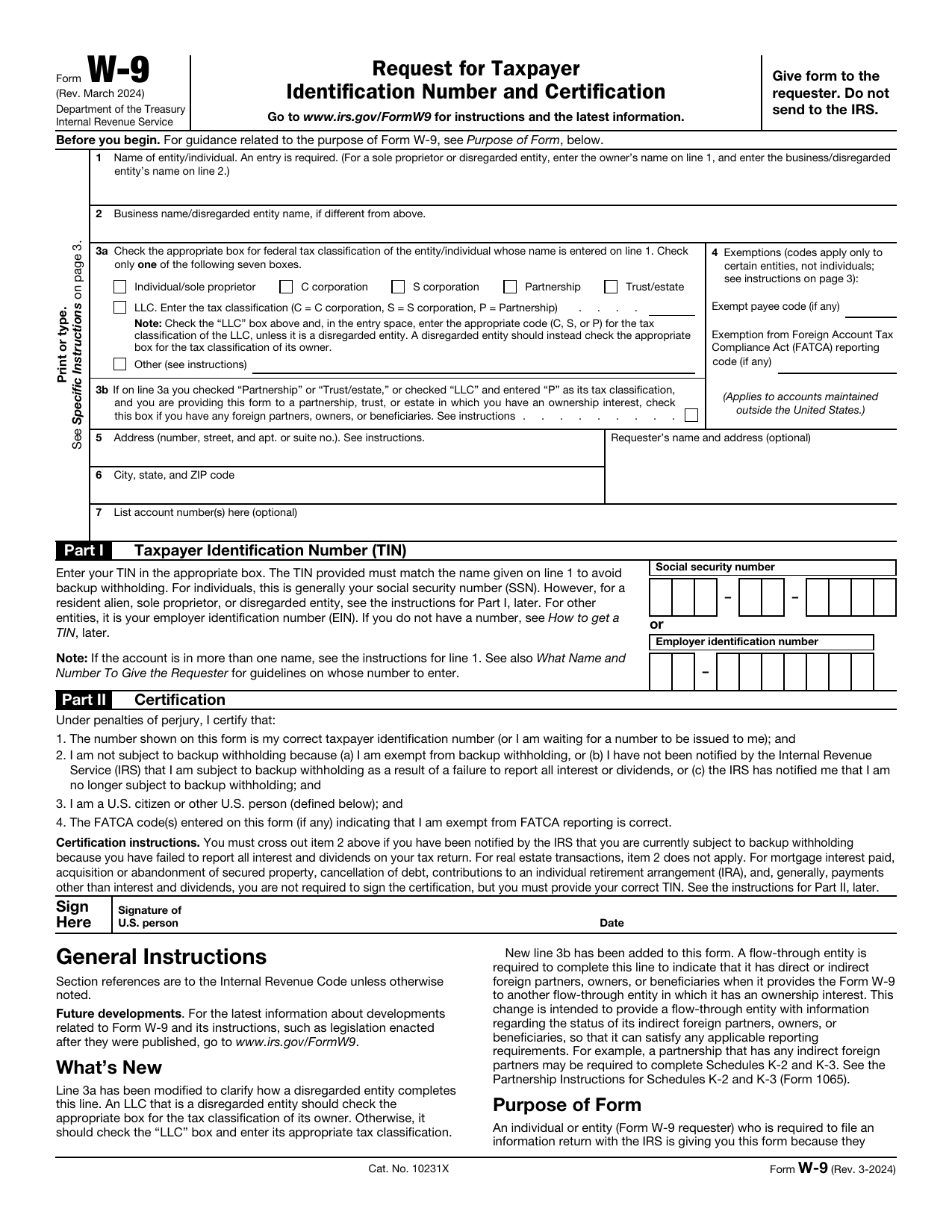 W-9 FormTax FormsGive a requester your correct TIN and certify your U.S. person and backup withholding status in a fillable, printable copy.Updated Oct 5, 2026
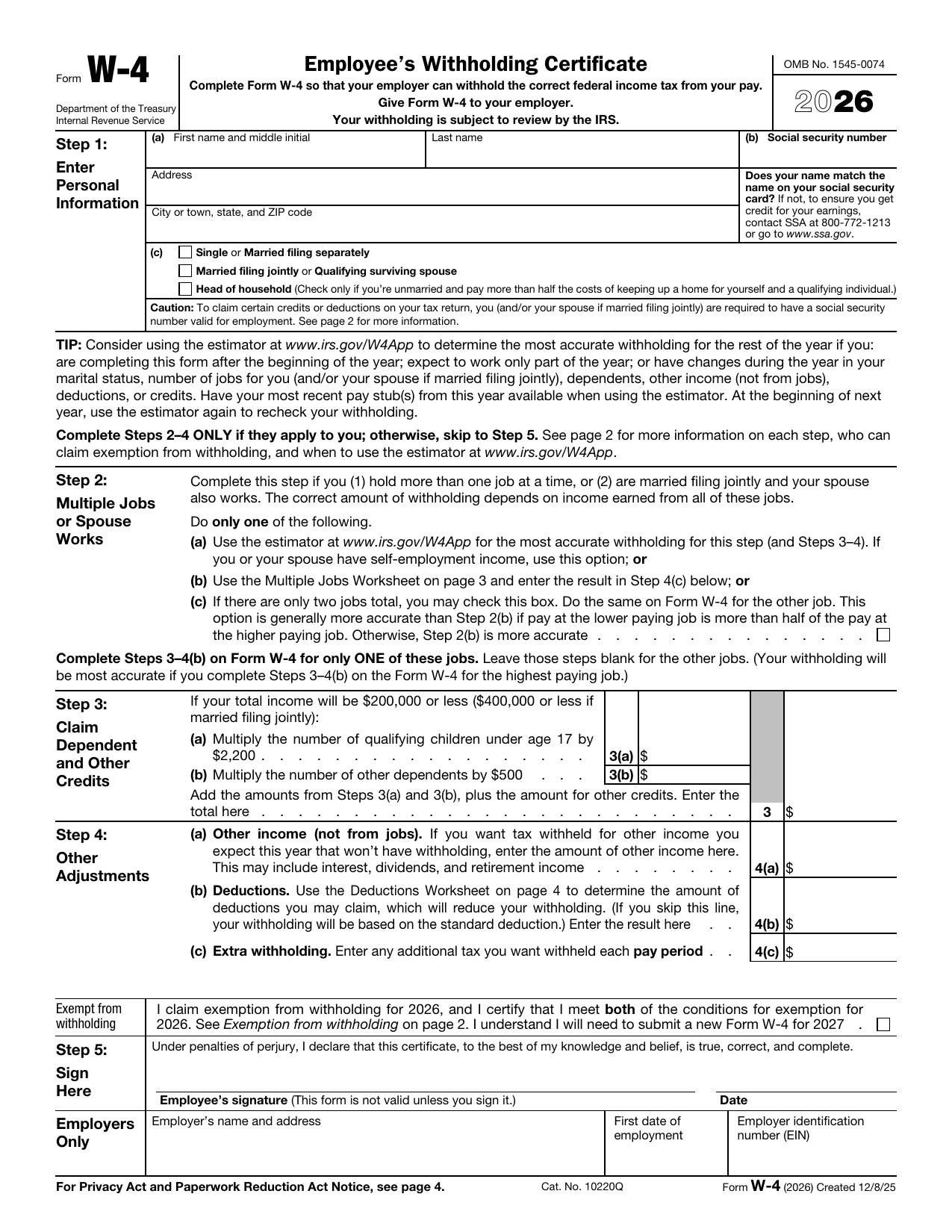 W-4 FormTax FormsSet how much federal income tax your employer withholds from your pay. A fillable, printable copy is ready here.Updated Oct 5, 2026
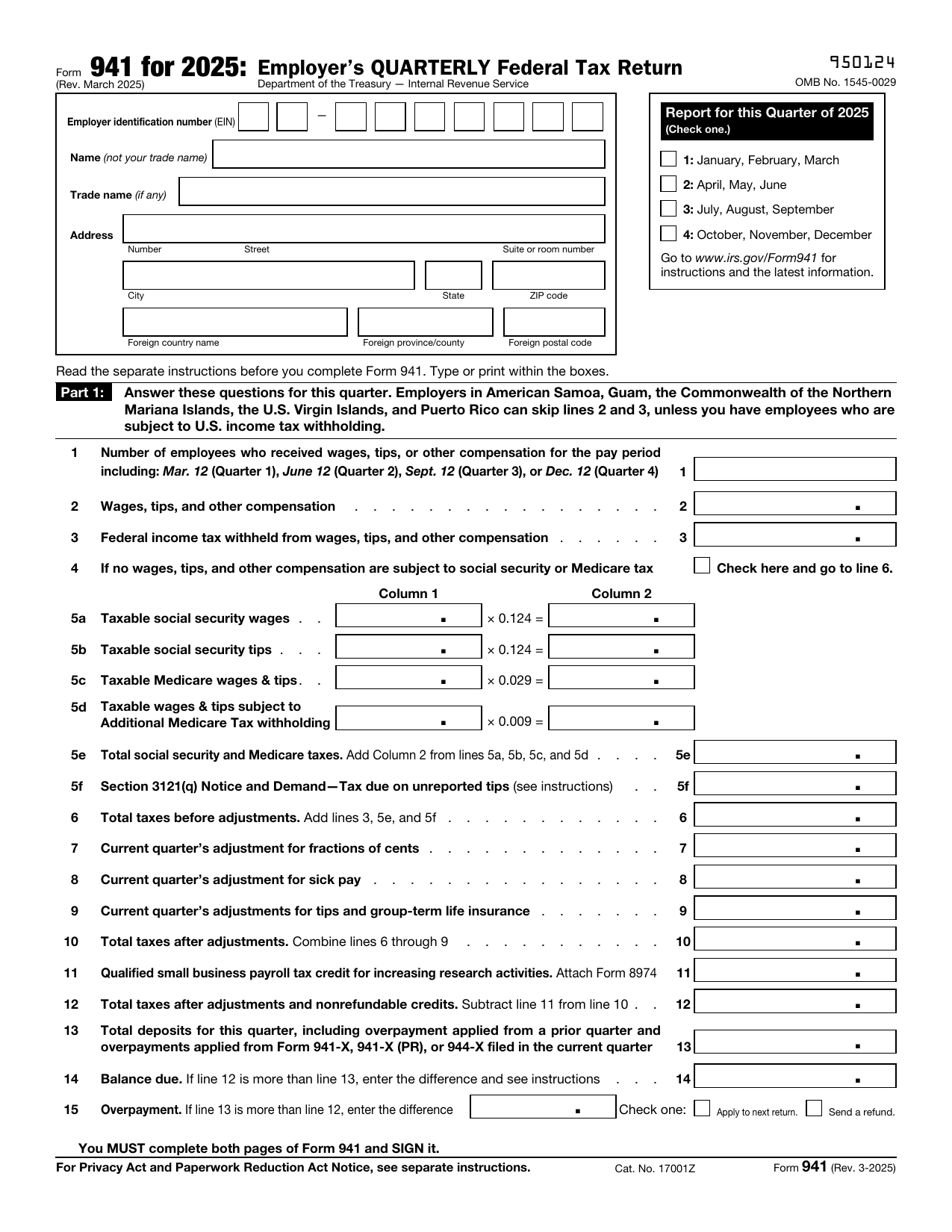 941 FormTax FormsReport your quarterly wages, withheld income tax, and payroll tax share with a fillable, printable copy ready here.Updated Oct 5, 2026
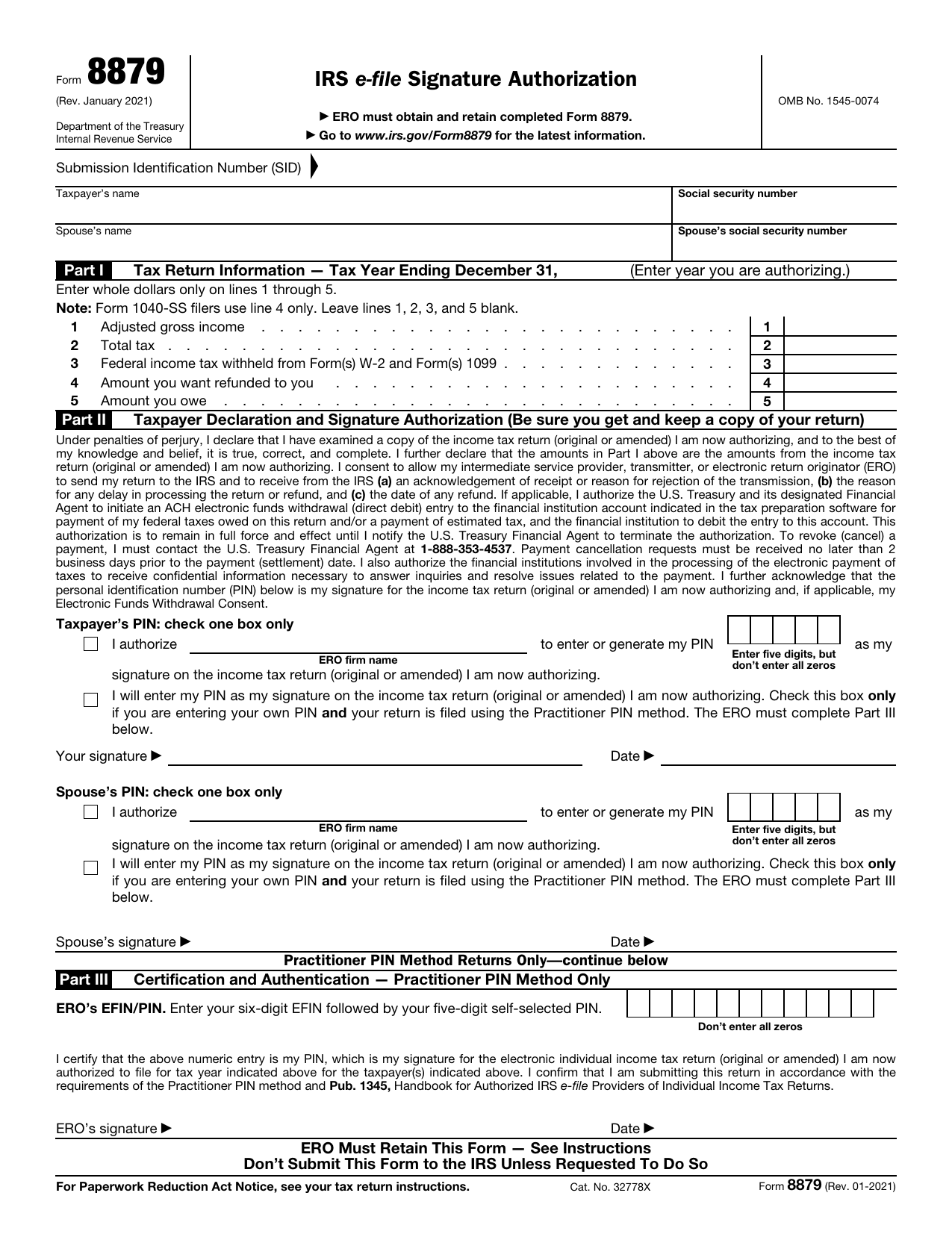 8879 FormTax FormsReview your return and authorize your e-file originator to enter or generate your PIN in the fillable, printable copy here.Updated Oct 5, 2026