

Form I-983: Fill Out Online in 2026
Link your STEM work to your degree, set goals, and show supervision and evaluations in a fillable, printable copy ready here.
This website is not affiliated with any government agency.
How it works

1. Open the form
Click “Fill form” above to open the form in our editor.

2. Add details
Complete all required fields to finalize your form.

3. Save as PDF
Download your filled form as a PDF, ready to print or submit anywhere.
What is Form I-983?
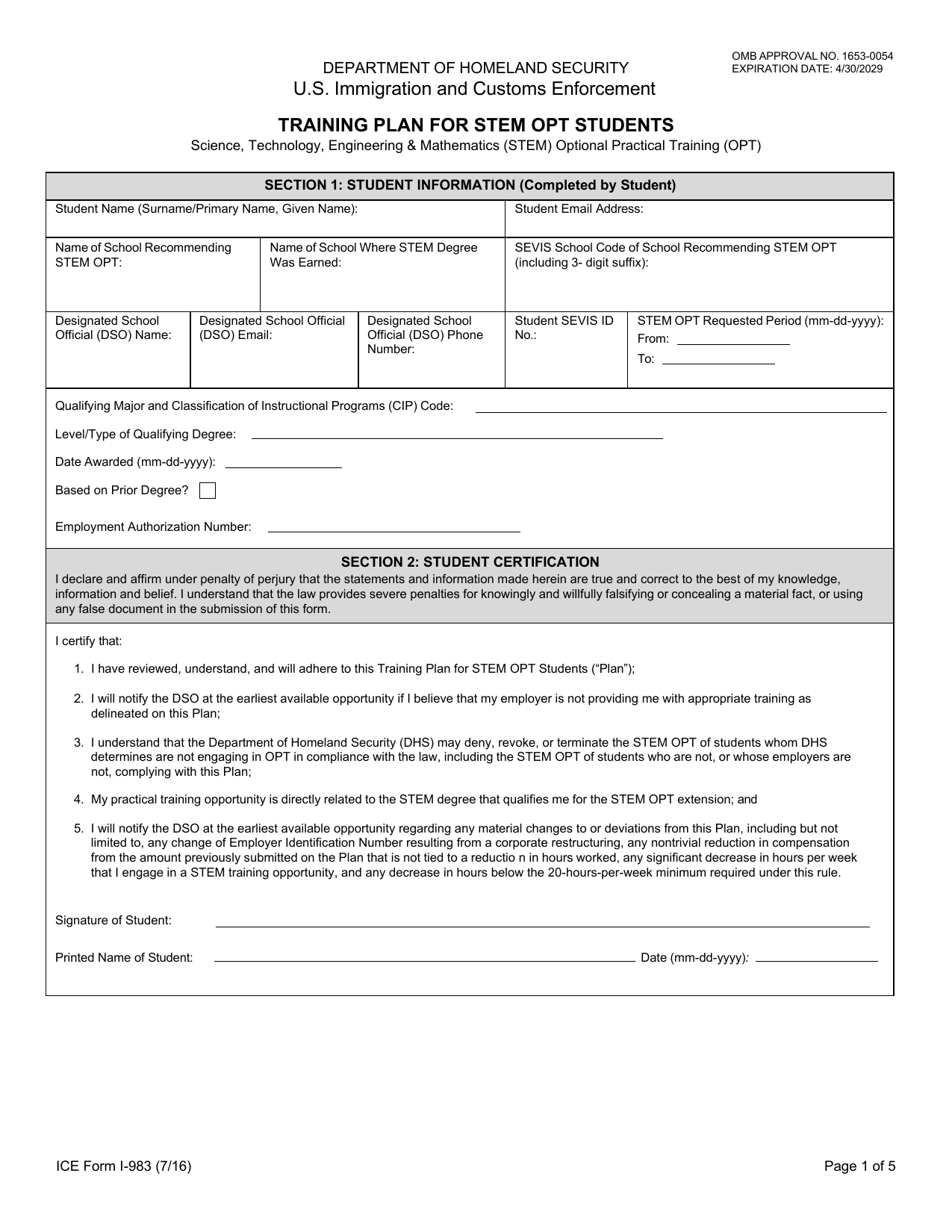
Form I-983, Training Plan for STEM OPT Students, is a Department of Homeland Security document. You must complete it with your employer when seeking the 24-month STEM Optional Practical Training extension for F-1 students. The form explains how your job relates to your STEM degree, what you plan to learn, and how your employer will help you meet those goals.
Your designated school official, or DSO, must review the completed Form I-983 before recommending the STEM OPT extension in the Student and Exchange Visitor Information System, known as SEVIS. The training plan helps confirm that your position offers real, degree-related learning rather than regular employment alone. A complete and accurate plan supports your F-1 status and helps protect the integrity of the STEM OPT program.
What is Form I-983 used for?
You complete Form I-983 with your employer before you apply for a 24-month STEM OPT extension. Your designated school official, or DSO, uses it to review your proposed training and decide whether to recommend the extension in SEVIS. It shows how the work relates to your STEM degree, the goals you plan to meet, and how your employer will supervise and assess your progress.
The form also confirms that your employer has the staff and resources to provide proper training and that a real employer-employee relationship exists. You and your employer later use it to record the required 12-month and final evaluations.
How to fill out Form I-983
- 1Click the Fill Form button to open Form I-983 in our editor.
- 2Enter your Student Information and details about your SEVP-Certified School in Section 1.
- 3Add the Employer Information and employment site details in Section 3.
- 4Complete the Training Plan for STEM OPT Students in Section 5, including compensation, hours, dates, student role, goals, employer oversight, and assessments.
- 5Fill in the Evaluation of Student Progress after 12 months and the Final Evaluation when your training ends.
- 6Download or print the finished form, then give it to your DSO as required.
Where to get a blank Form I-983
Form I-983 is issued by U.S. Immigration and Customs Enforcement (ICE), an agency within the Department of Homeland Security. You can get the official blank form from ICE.
PDFLeader also has a blank Form I-983 pre-loaded in our browser-based editor, so you do not need to download a template from another source. PDFLeader helps you fill out and download the completed form for future use, but it does not file or submit it.
Where to send Form I-983
After you and your employer complete and sign Form I-983, submit it to your designated school official (DSO) at your school. Your DSO keeps the Training Plan with your student records and updates your SEVIS record as required.
Your school’s international student office sets the delivery method. It may accept the form by email, through a school portal, or in person. Follow your school’s instructions. Do not mail Form I-983 to USCIS or upload it with a USCIS filing.
Who needs to complete Form I-983?
The STEM OPT student and their prospective employer must complete and sign Form I-983 together. The student provides personal and academic details. The employer describes the job duties and training commitments. Both parties sign to confirm the student’s learning goals and the employer’s plan to support them.
The student then gives the completed Form I-983 to the designated school official, or DSO. The DSO reviews it to confirm that it is complete, signed, and meets STEM OPT program rules. The DSO uses the form to recommend the STEM OPT extension in SEVIS and keeps it in the student’s file for compliance purposes.
How to sign Form I-983 online
You can add an electronic signature to Form I-983 on PDFLeader. Each required signer must add their own signature, which may include a scanned image of a physical signature. Check the latest ICE and SEVP instructions for updates. Once the form is complete, download it and submit it through the required channel outside PDFLeader.
What information/documents are required?
Before completing Form I-983, have your Form I-20 and SEVIS details ready. You need your full name as shown in those records, current SEVIS ID number, email address, recommending school’s SEVIS code, DSO contact information, and requested STEM OPT period. You must complete Student Certification with a signature. The form permits an electronic signature produced with software.
Your employer must provide Employer Information, including its name, address, E-Verify Company ID, EIN, and NAICS code. For the Training Plan, gather the Site Name/Site Address and Name/Title/Email/Phone of Official. Prepare details for Student Role, Goals and Objectives, Employer Oversight, and Measures and Assessments. Additional Remarks are optional. An authorized employer representative signs both employer certifications. The progress evaluations are completed later. The first is due within 12 months of the STEM OPT start date.
When is Form I-983 due?
Form I-983 has no single calendar deadline. You and your employer must complete and sign it, then submit it to your designated school official before you apply to USCIS for a STEM OPT extension.
After your STEM OPT period starts, complete the first evaluation within 12 months of the start date. Submit the 12-month and final evaluations no later than 10 days after the related reporting period ends. If you change employers, submit your final self-evaluation within 10 days after that employment ends.
When is Form I-983 not required?
You do not need Form I-983 during the standard 12-month period of optional practical training. The form becomes required only when you apply for the 24-month STEM OPT extension. You also do not complete it for other work authorization categories that are not part of the STEM OPT extension.
There is no exemption based on your degree level, your employer’s size, or who prepares the application. Every student applying for a STEM OPT extension must complete Form I-983 with their employer and give it to their designated school official.
FAQ

Do I need to submit Form I-983 to USCIS?
No. Do not mail Form I-983 to USCIS or include it with your Form I-765 application. Complete and sign it, then give it to your designated school official before applying for the STEM OPT extension. DHS or the Student and Exchange Visitor Program may request it later.
Can Form I-983 be handwritten?
Yes, but you should type your answers when possible. If you fill it out by hand, write clearly and make every response legible. Unreadable handwriting may lead to resubmission and processing delays.
What are the signature requirements for Form I-983?
The student and employer may use wet-ink signatures or accepted electronic signatures. A scanned image or other digitally reproduced copy of a handwritten signature is also allowed. Typing a name into a signature field does not count as a valid signature.
Can you provide a sample answer for the I-983 self-evaluation?
A suitable self-evaluation might say: "During this evaluation period, I improved my data analysis skills by working with the tools listed in my training plan. I applied concepts from my STEM degree to complete assigned projects and learned how to document and review my work. I made progress toward my goal of performing more advanced analysis with less supervision." Adapt the wording to your actual work, learning goals, STEM field, and school instructions.
Does PDFLeader have a refund policy?
Yes. The Refund Policy sets out the cases where a refund applies and how to send a request.
What if I have any issues and need help?
We've got your back 24/7! Just call +1 (844) 548-9416 or email support@pdfleader.com, and we'll sort things out for you.
How do I cancel PDFLeader?
You can cancel your subscription from account settings, or contact the support team and ask them to cancel it. You keep access until the current billing period is over.
Related forms
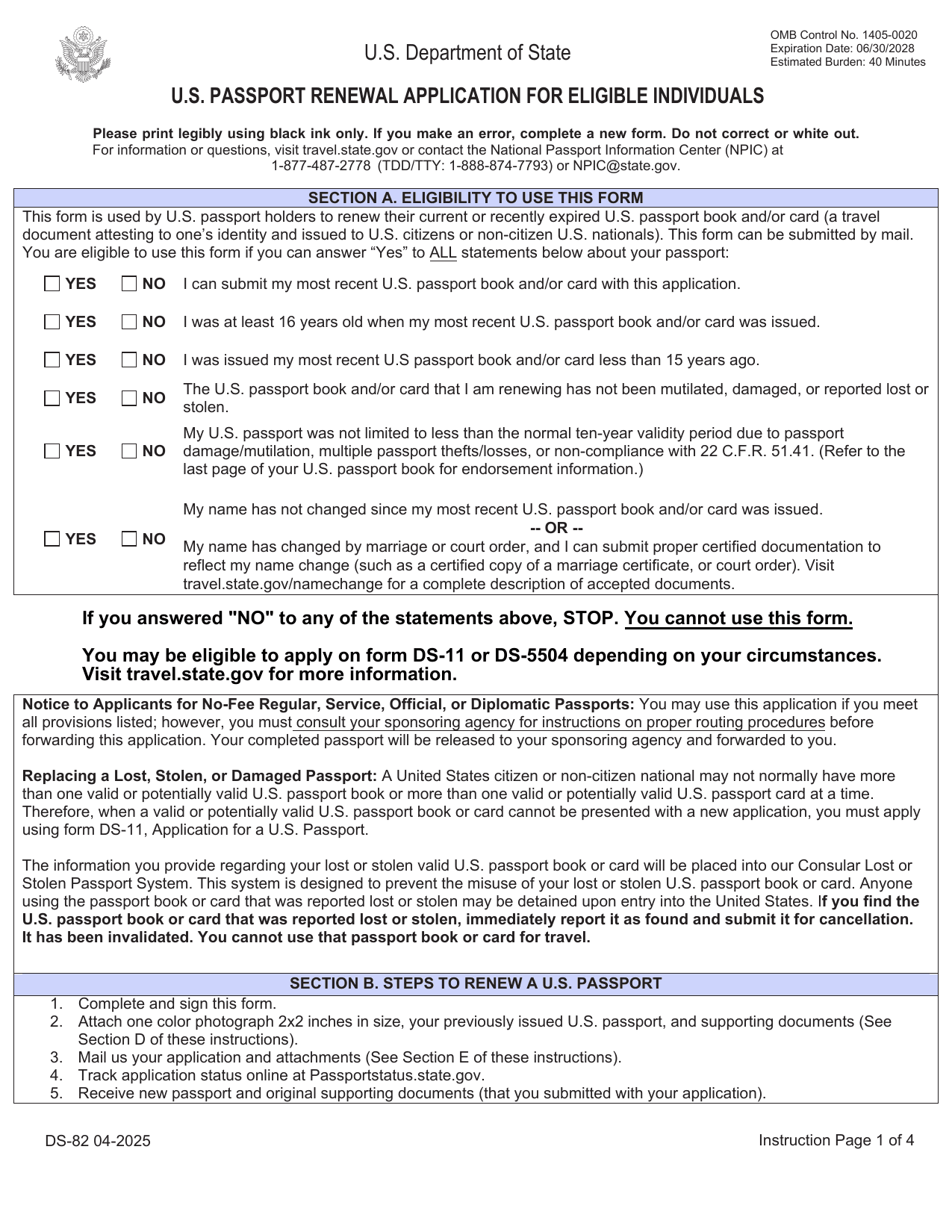 DS-82 FormImmigration & Travel FormsPrepare to renew your eligible adult passport book or card by mail with the fillable, printable copy ready here.Updated Oct 5, 2026
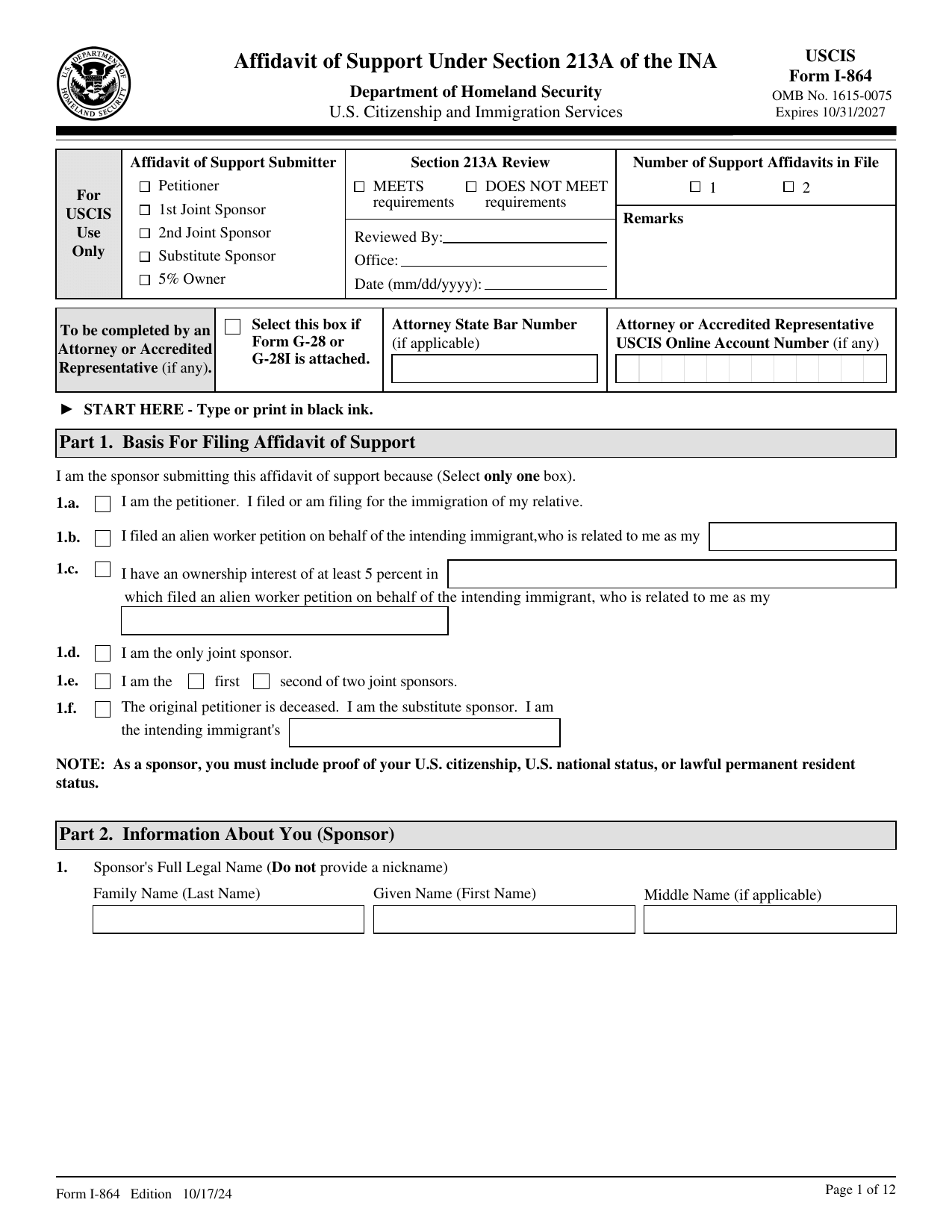 I-864 FormImmigration & Travel FormsMake your binding promise to support an intending immigrant; a fillable, printable copy is ready here.Updated Oct 5, 2026
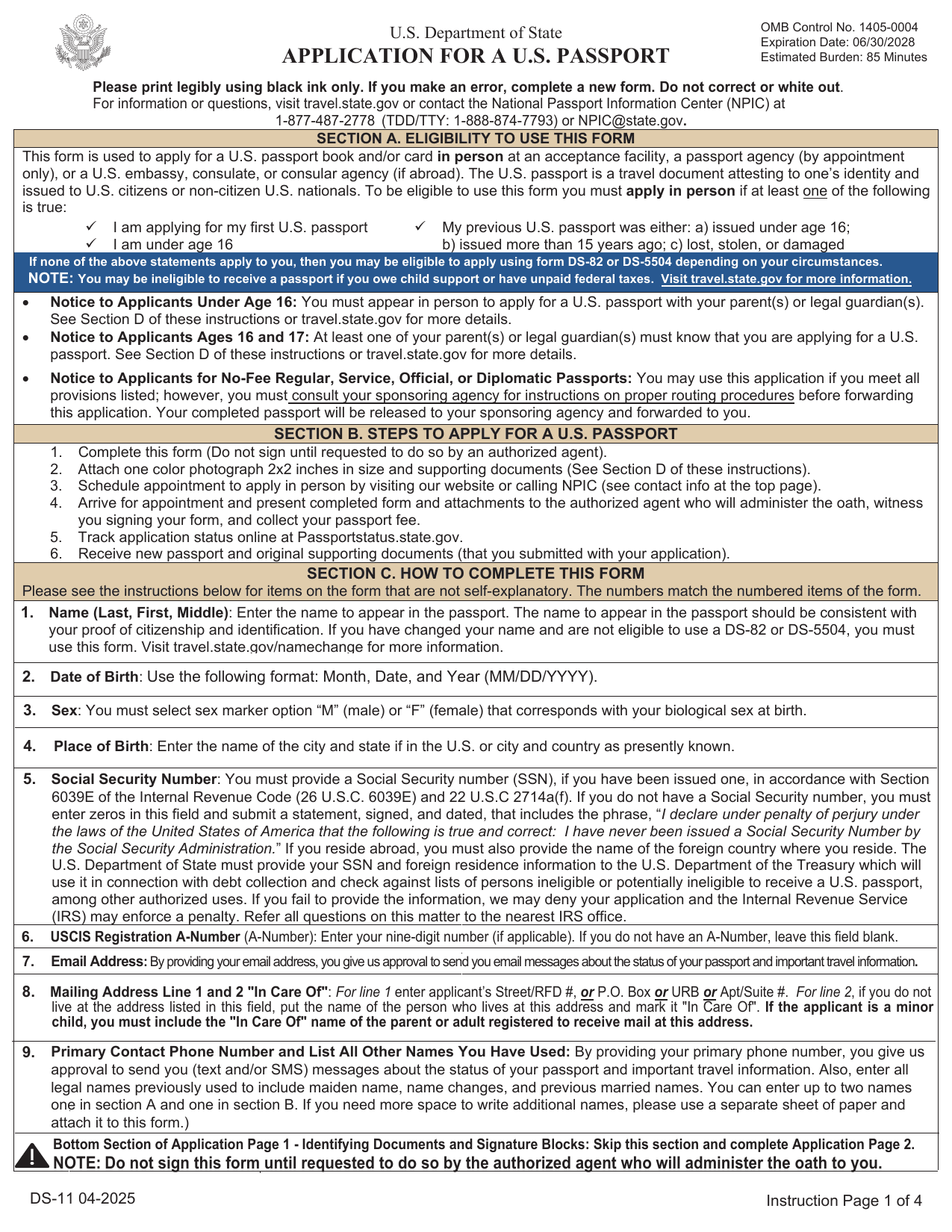 DS-11 FormImmigration & Travel FormsGet a fillable, printable copy here for your first passport, a child under 16, or to replace one lost, stolen, or damaged.Updated Oct 5, 2026
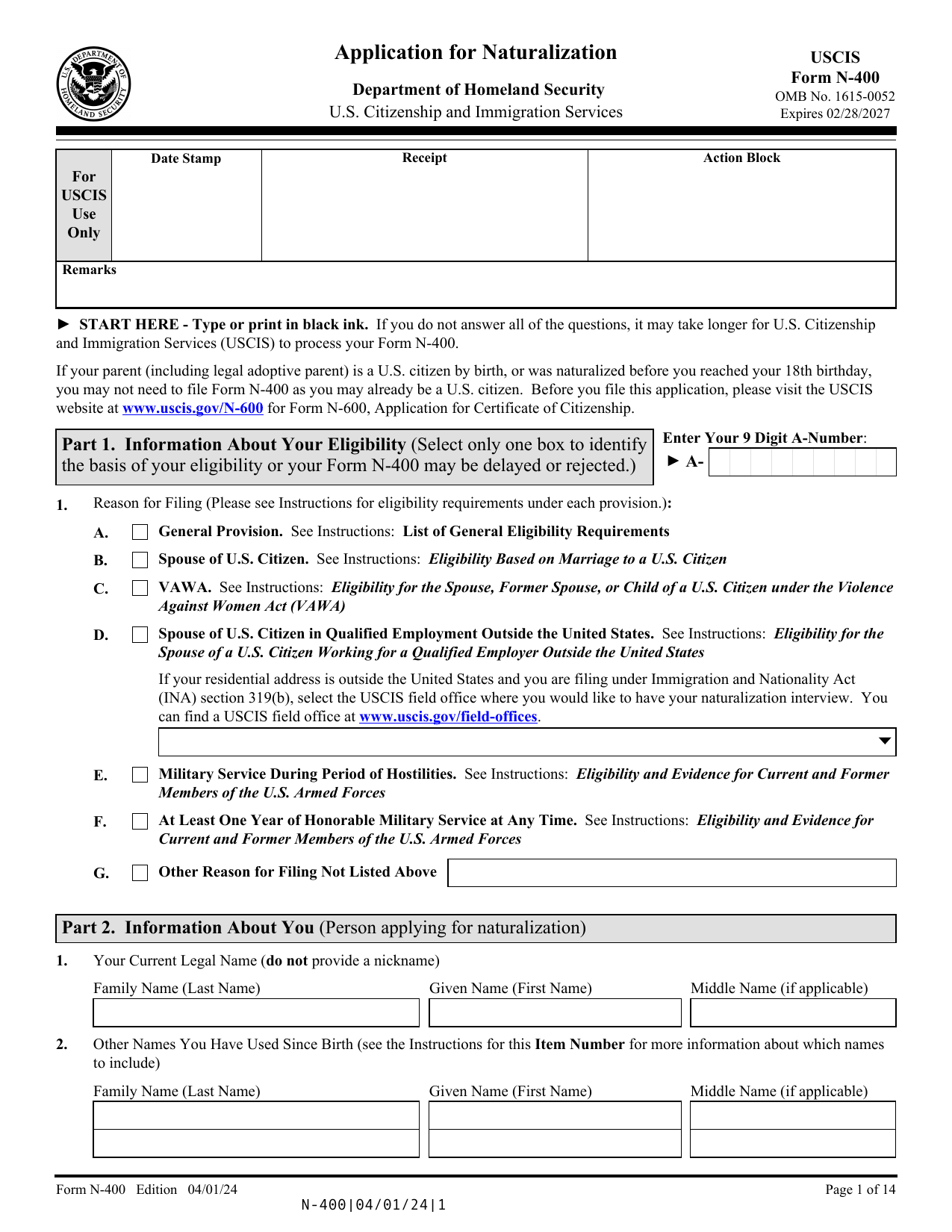 N-400 FormImmigration & Travel FormsRecord your background, travel, family, and naturalization eligibility in a fillable, printable copy ready here.Updated Oct 6, 2026