

Fill Out Form N-400 Online in 2026
Record your background, travel, family, and naturalization eligibility in a fillable, printable copy ready here.
This website is not affiliated with any government agency.
How it works

1. Open the form
Click “Fill form” above to open the form in our editor.

2. Add details
Complete all required fields to finalize your form.

3. Save as PDF
Download your filled form as a PDF, ready to print or submit anywhere.
What is Form N-400?
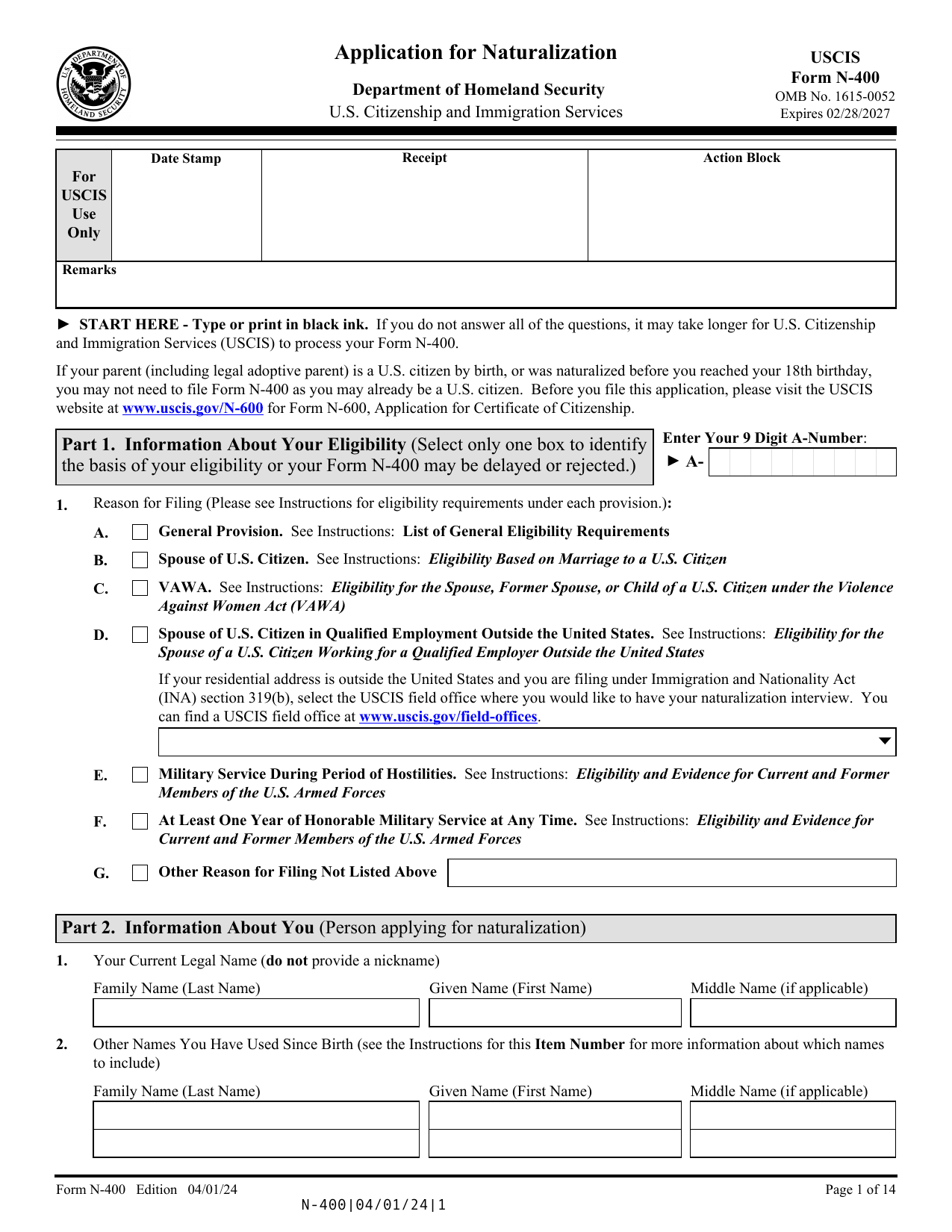
Form N-400, Application for Naturalization, is the application most lawful permanent residents use to request U.S. citizenship through naturalization. Filing it with U.S. Citizenship and Immigration Services (USCIS) starts your official case. You may also see it called the USCIS N-400 or N-400 application, but the official form number includes a hyphen.
USCIS uses the form to review your identity, background, family details, residence, and travel history. It also checks whether you meet N-400 eligibility rules, such as continuous residence, physical presence, and good moral character. The naturalization process may include biometrics, an interview, and English and civics tests unless you qualify for an exception. If USCIS approves your application, you must take the Oath of Allegiance before you become a U.S. citizen.
What is Form N-400 used for?
You submit an N-400 application to USCIS when you want to become a U.S. citizen through naturalization. It is commonly used by eligible lawful permanent residents and certain military applicants. USCIS reviews your residence, travel history, family details, moral character, and ability to meet English and civics rules before deciding your case.
You may also ask USCIS to share information with the Social Security Administration. This can help you request a Social Security number or card and update your citizenship status after naturalization. Form N-400 also lets you request a legal name change, though the change may depend on a court conducting your oath ceremony.
How to fill out Form N-400
- 1Click the Fill Form button to open Form N-400 in our editor.
- 2Select your basis under Information About Your Eligibility.
- 3Enter Information About You and Biographic Information.
- 4Provide Information About Your Residence and Marital History.
- 5List Information About Your Children.
- 6Record Employment and Schools You Attended.
- 7Report Time Outside the United States.
- 8Answer every item in Additional Information About You, using “None” where directed and adding written explanations when required.
- 9Complete Request for a Fee Reduction and contact, interpreter, or preparer sections that apply.
- 10Download or print the finished form and gather the required evidence.
Where to get a blank Form N-400
Get a blank Form N-400 from U.S. Citizenship and Immigration Services (USCIS), a part of the U.S. Department of Homeland Security. USCIS provides the official blank form and current instructions.
PDFLeader also has a blank Form N-400 preloaded in our browser-based editor, so you do not need to download a template from another source. You can fill out the form and download the completed PDF for future use. PDFLeader does not submit or file Form N-400 with USCIS.
Where to send Form N-400
File Form N-400 with U.S. Citizenship and Immigration Services (USCIS). For online filing, sign in to your USCIS online account and complete the N-400 application in the USCIS portal. A downloaded PDF is not filed automatically, so use it as a saved copy or reference when entering your details online.
For paper filing, print the completed form, sign it as required, and mail it with the fee and supporting documents. If you request a reduced fee or fee waiver, you must file by mail, not through the portal. USCIS does not use one mailing office for every application. Check the current USCIS direct filing address for your eligibility category and location before mailing it.
Who needs to complete Form N-400?
A lawful permanent resident seeking U.S. citizenship must complete Form N-400 and confirm their N-400 eligibility, personal history, and answers under penalty of perjury. If a qualifying disability or mental impairment prevents the applicant from completing the naturalization process, a legal guardian, surrogate, or eligible designated representative may act for them. A lawyer, paralegal, or other preparer may help, but the applicant remains responsible for the information provided.
After filing, USCIS officers use Form N-400 to review the case, run background and security checks, and conduct the naturalization interview. The applicant must attend the interview and, unless exempt, take the English and civics tests. USCIS then decides the application and, if approved, arranges the Oath of Allegiance.
How to sign Form N-400 online
You can add a simple electronic signature to Form N-400 on our platform, then download it. PDFLeader does not submit the form. For paper filing, USCIS requires a handwritten signature and does not accept a typed, stamped, or autopen signature. If you file online, sign through the USCIS system as directed. Check the latest Form N-400 instructions and USCIS updates before signing and filing.
What information/documents are required?
Start with Information About Your Eligibility and select only one box. For Your Current Legal Name, use the name on your birth certificate or the name set by marriage, divorce, or court order. Keep the related certificate, decree, or court order with your N-400 document checklist if your name changed. Enter Your Name Exactly As It Appears on Your Permanent Resident Card and have the card ready. Enter “N/A” if you do not have one.
Next, provide any Requested Legal Name Change and complete Biographic Information. Gather your Current Home Address, any separate Mailing Address, and your Physical Address History for the past five years if the general provision applies. For Information About Your Marital History, report every marriage, including annulled marriages, and use your marriage and termination records to confirm the details.
When is Form N-400 needed?
Form N-400 has no fixed deadline. You may submit your N-400 application up to 90 calendar days before you complete the continuous residence period required for naturalization. This period is usually five years as a permanent resident or three years if you qualify based on marriage to a U.S. citizen.
There is no upper time limit for filing Form N-400. You can wait after completing the required residence period, but filing before the 90-day early filing window may cause USCIS to deny your application.
When is Form N-400 not required?
Form N-400 is not required when a child automatically becomes a U.S. citizen under INA Section 320. This may happen if you naturalize while your child is under 18, unmarried, and a lawful permanent resident living in your legal and physical custody.
A person born abroad who acquired U.S. citizenship through a U.S. citizen parent also does not apply for naturalization. That person may file Form N-600 to request a Certificate of Citizenship. Form N-600 documents existing citizenship, rather than granting it.
FAQ

How much does Form N-400 cost?
As of September 2026, N-400 fees are $710 for online filing and $760 for paper filing. A proposed DHS fee increase is not in effect. Some applicants may qualify for a reduced fee or fee waiver and must file on paper. Check the current USCIS fee schedule before filing.
How long does it take to become a citizen after filing Form N-400?
The N-400 processing time is about 8 to 17.5 months as of September 2026, but it varies by USCIS field office and case. This period may include biometrics, the interview, a decision, and the oath ceremony. Check the USCIS Case Processing Times tool and your N-400 status for current details.
Can I file Form N-400 online?
Yes. You can create a USCIS account, complete the USCIS N-400 filing process, upload supporting files, pay the fee, and track your case online. Applicants requesting a reduced fee or fee waiver generally must file on paper. PDFLeader lets you complete and download a blank N-400 application PDF, but it does not submit or file it.
Can I file Form N-400 by myself?
Yes. You may prepare and file your own N-400 application by following the current Form instructions from USCIS. Consider speaking with a qualified immigration attorney if you have arrests, convictions, long trips outside the United States, unpaid taxes, or past immigration problems. An attorney can also help you prepare for N-400 interview questions linked to those issues.
What is the 9-digit A-Number on Form N-400?
Your A-Number, or Alien Registration Number, is the identifier DHS uses for your immigration record. It appears on your Green Card and certain USCIS notices. If your number has fewer than nine digits, the Form instructions may require you to add leading zeros.
How long is the N-400 Form?
The current Form N-400 is about 20 pages, not including its separate instructions. The page count may change with a new edition. Confirm that you have the current edition listed by USCIS before you complete it.
What disqualifies you from getting U.S. citizenship?
Issues that may block or delay naturalization include certain criminal convictions, false statements to USCIS, failure to meet good moral character rules, unresolved tax problems, and failure to meet continuous residence or physical presence rules. Selective Service violations may also affect some male applicants. Not every issue creates a permanent bar, so seek legal advice if any part of your N-400 eligibility is unclear.
Does PDFLeader have a refund policy?
Yes. The Refund Policy sets out the cases where a refund applies and how to send a request.
What if I have any issues and need help?
We've got your back 24/7! Just call +1 (844) 548-9416 or email support@pdfleader.com, and we'll sort things out for you.
How do I cancel PDFLeader?
You can cancel your subscription from account settings, or contact the support team and ask them to cancel it. You keep access until the current billing period is over.
Related forms
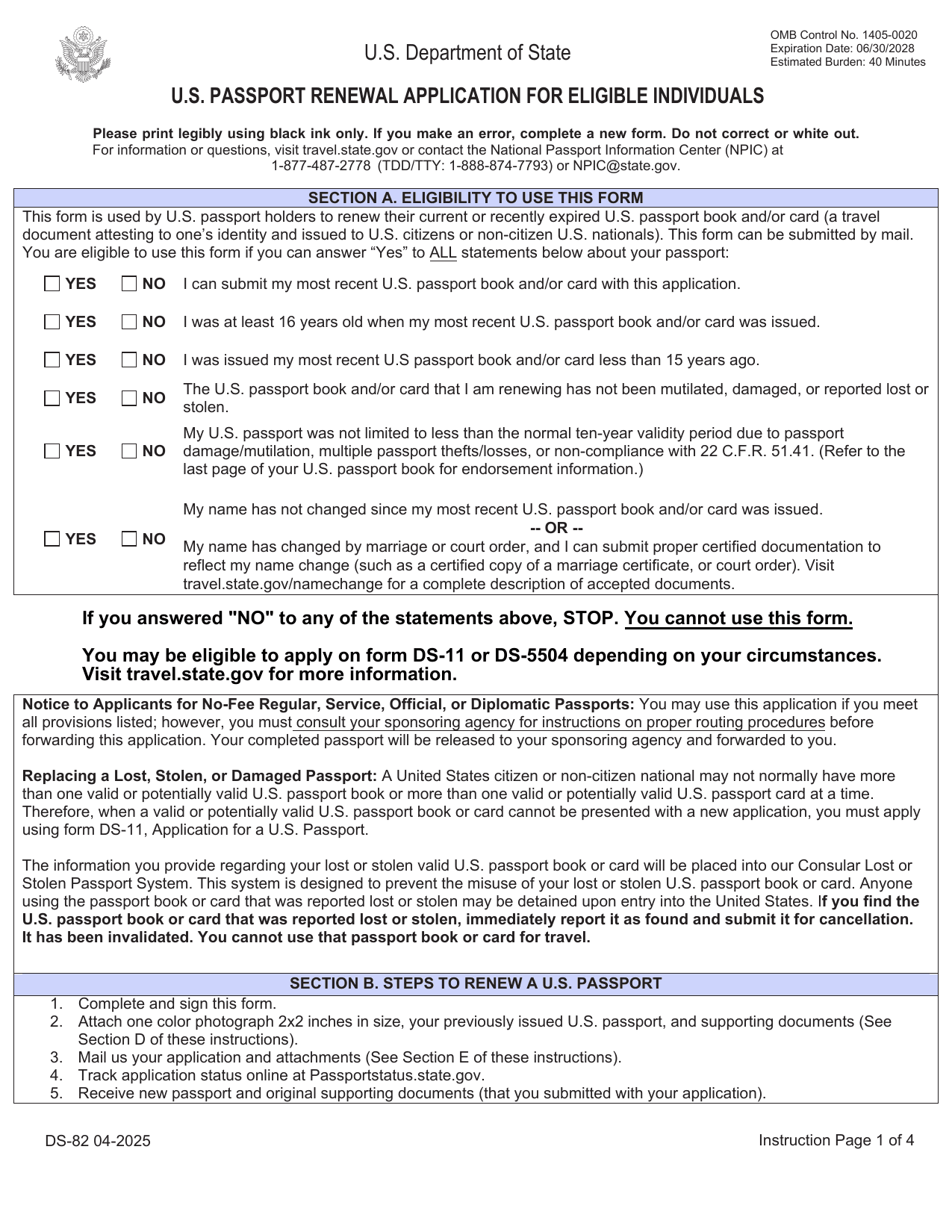 DS-82 FormImmigration & Travel FormsPrepare to renew your eligible adult passport book or card by mail with the fillable, printable copy ready here.Updated Oct 5, 2026
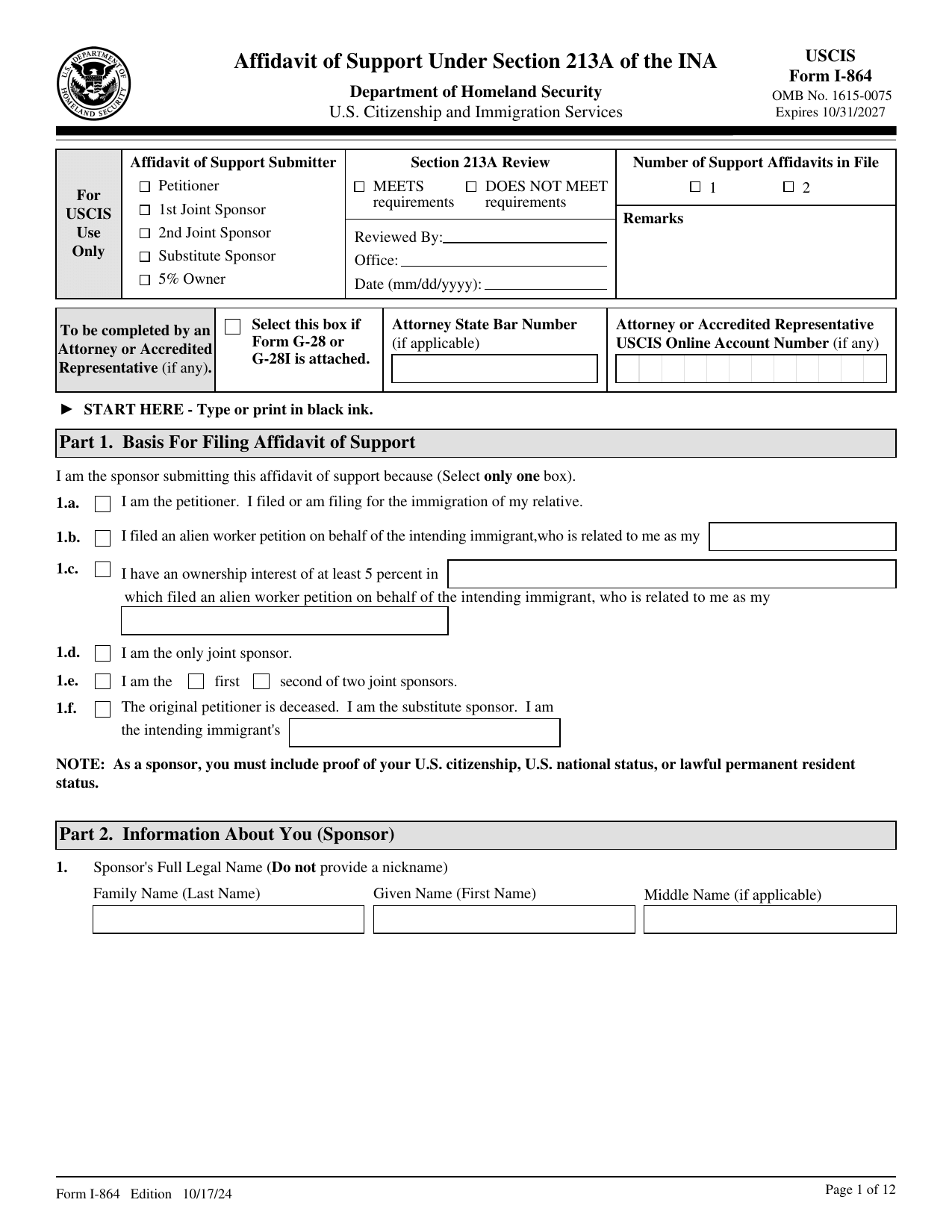 I-864 FormImmigration & Travel FormsMake your binding promise to support an intending immigrant; a fillable, printable copy is ready here.Updated Oct 5, 2026
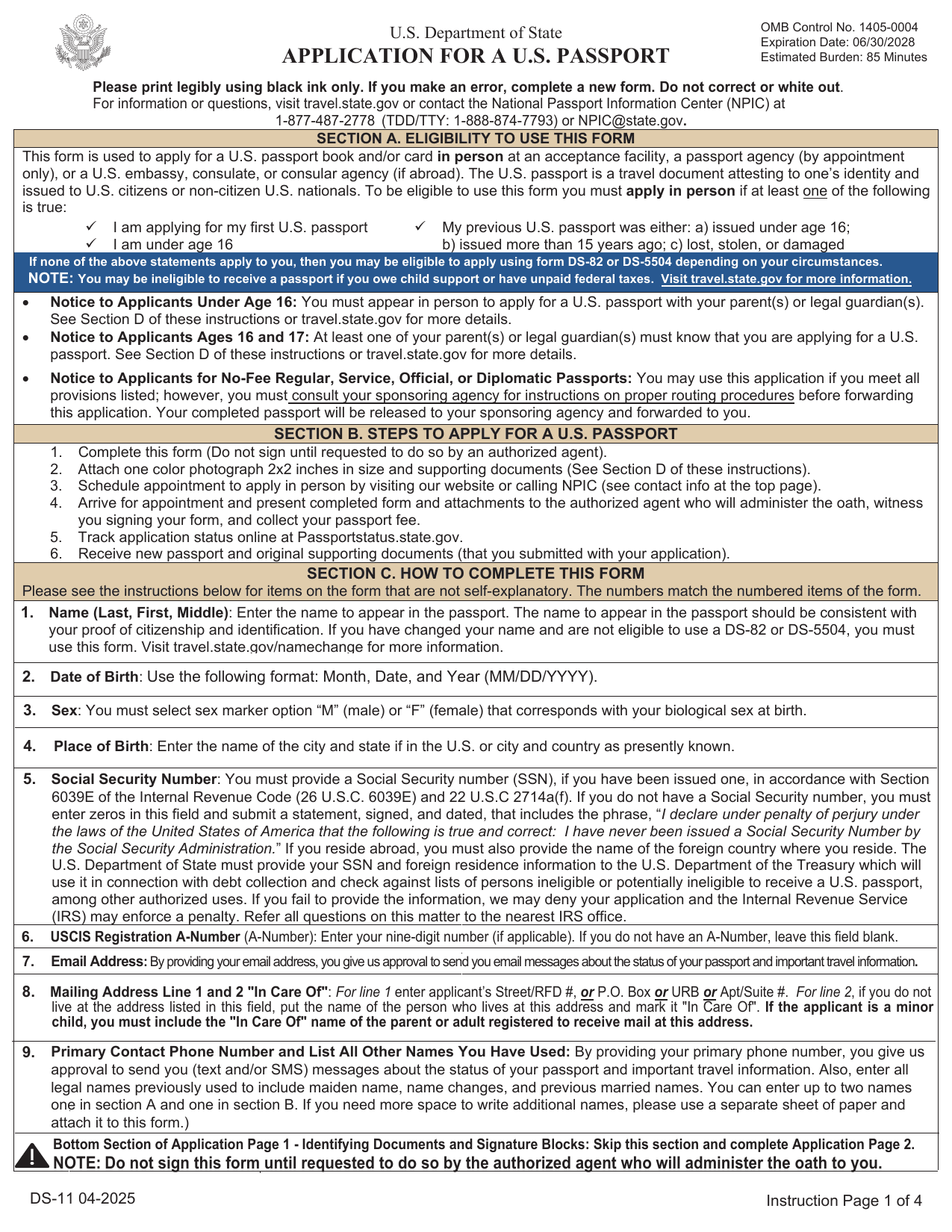 DS-11 FormImmigration & Travel FormsGet a fillable, printable copy here for your first passport, a child under 16, or to replace one lost, stolen, or damaged.Updated Oct 5, 2026
 I-983 FormImmigration & Travel FormsLink your STEM work to your degree, set goals, and show supervision and evaluations in a fillable, printable copy ready here.Updated Oct 6, 2026