

Fill Out Form SF 2818 Online in 2026
Choose to continue, reduce, or cancel FEGLI Basic coverage and set Optional reductions with a fillable, printable copy here.
This website is not affiliated with any government agency.
How it works

1. Open the form
Click “Fill form” above to open the form in our editor.

2. Add details
Complete all required fields to finalize your form.

3. Save as PDF
Download your filled form as a PDF, ready to print or submit anywhere.
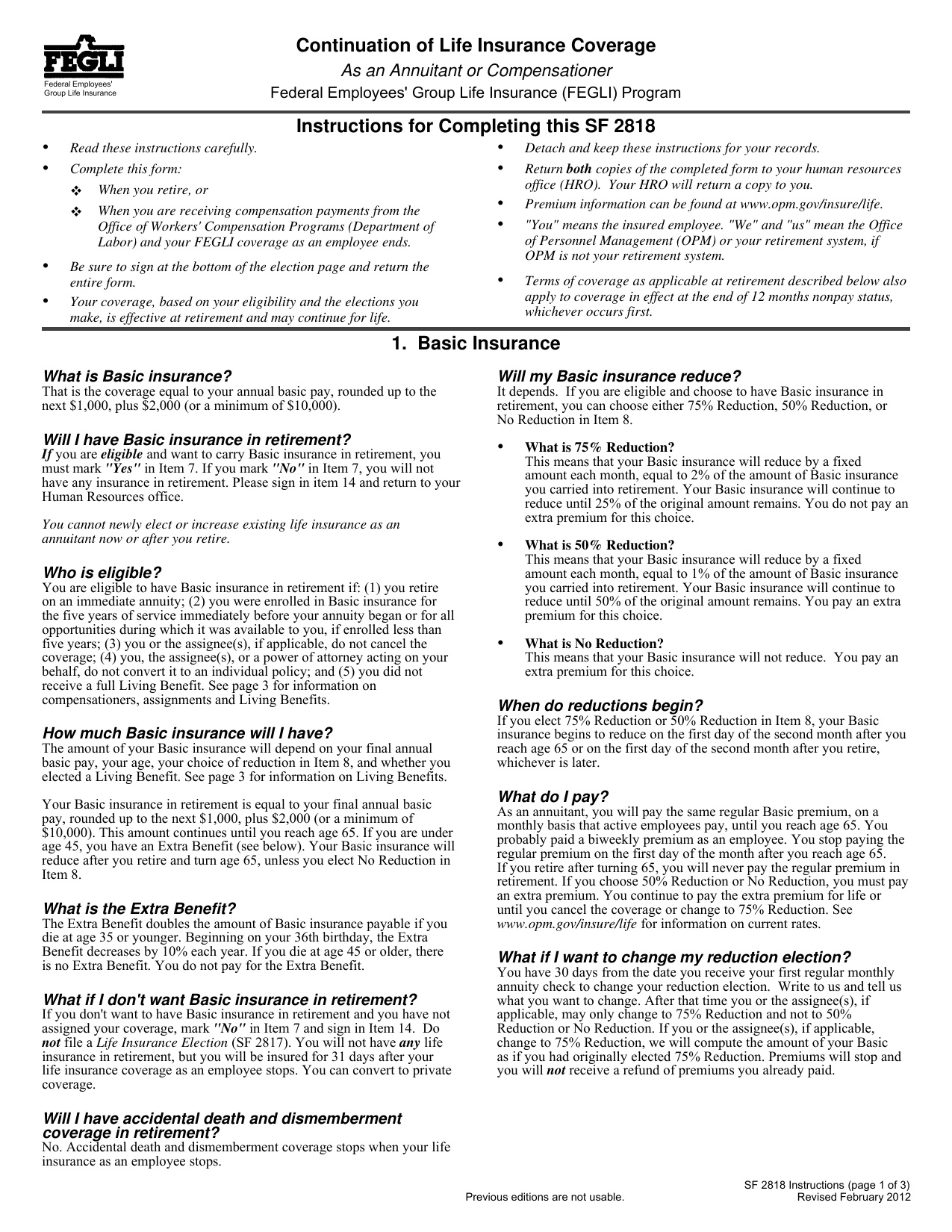
What is Form SF 2818?
Form SF 2818, Continuation of Life Insurance Coverage As an Annuitant or Compensationer, records your choices for keeping Federal Employees’ Group Life Insurance (FEGLI). You use it when you retire from federal service and become an annuitant, or when you begin receiving workers’ compensation and become a compensationer.
You must complete this form if you want to continue Basic FEGLI coverage. Any Optional insurance you already have will generally continue unless you choose to reduce or cancel it. Read the SF 2818 instructions and review each coverage choice before signing. Correct information helps the responsible federal office process your election and maintain the life insurance benefits you chose after retirement or during compensation.
What is Form SF 2818 used for?
Retiring federal employees and people receiving workers’ compensation payments complete Form SF 2818 to record their Federal Employees’ Group Life Insurance (FEGLI) choices. For Basic coverage, you can continue or cancel coverage and choose a 75% Reduction, 50% Reduction, or No Reduction. The selected reduction starts at age 65.
You also use the form to continue or cancel Option A, Option B, and Option C coverage. For Options B and C, you select Full Reduction or No Reduction. If coverage has been assigned, only the assignee or assignees may make certain later changes, such as changing Basic to a 75% Reduction, changing Option B to Full Reduction, or canceling coverage.
How to fill out Form SF 2818
- 1Click the Fill Form button to open Form SF 2818 in our editor.
- 2Enter the requested information in Section A.
- 3Select your Basic life insurance election in Section B.
- 4Mark your Option A election.
- 5Choose your Option B election.
- 6Choose your Option C election.
- 7Complete the “Ending 12 months in nonpay status” period, if applicable.
- 8Download the finished form, then print it if needed.
Where to get a blank Form SF 2818
A blank Form SF 2818 is preloaded in PDFLeader, so you do not need to find or download a template from another source. The U.S. Office of Personnel Management (OPM) issues the official form and manages the Federal Employees’ Group Life Insurance (FEGLI) program.
You can open the SF 2818 fillable PDF in our browser-based platform, enter your details, and download the finished file for future use. PDFLeader helps you fill out and download the form, but it does not file or submit it.
Where to send Form SF 2818
Form SF 2818 must be submitted on paper, not through an online portal. If you are retiring or applying for compensation, send or deliver the completed form to your servicing human resources or benefits office. Include it with your retirement or compensation application package and follow that office’s instructions for mail or in-person delivery.
If you have already separated or retired and need to correct or update your election, mail the form directly to the U.S. Office of Personnel Management’s Retirement Operations Center.
Who needs to complete Form SF 2818?
Federal employees who are retiring or starting to receive workers’ compensation payments need to complete Form SF 2818. The insured employee completes Part A. If the employee’s coverage has been assigned, the insured employee still completes the form. The assignee does not complete it.
After the employee returns the form, the employing agency’s benefits or HR office checks that it is correct and complete. The office gives Copy 2 to the employee and attaches the original to Form SF 2821. OPM, or another retirement system when OPM is not responsible, then processes the employee’s FEGLI elections.
How to sign Form SF 2818 online
Check the latest OPM updates before signing Form SF 2818. Current OPM guidance prefers a handwritten signature when possible. If you cannot sign by hand, you can sign it electronically on our platform. PDFLeader creates simple electronic signatures, not digital signatures. After signing, download the completed form and submit it through the method required by the proper agency. PDFLeader does not submit or file forms.
What information/documents are required?
Before completing the form, have your FEGLI eligibility and current coverage details ready. For Item 7, decide whether you want Basic insurance in retirement/compensation. For Item 8, choose 75% Reduction, 50% Reduction, or No Reduction. Then decide whether to continue Option A in Item 9 and Option B in Item 10. Both options require Basic coverage. For Option B, know the number of multiples and choose one coverage level.
For Option C, decide how many multiples go under NO REDUCTION and FULL REDUCTION. Enter 0 where none apply, and keep the combined total at five or less. For Item 14, the insured provides the Signature (Do not print.) and Date (mm/dd/yyyy). The SF 2818 instructions do not list a supporting document to attach. Guardians, conservators, and persons acting under a power of attorney should check OPM’s special signature rules before signing.
When is Form SF 2818 due?
Form SF 2818 is due within 60 days after OPM mails it to you. Return the completed form by that deadline to keep your right to choose a lesser reduction in Basic FEGLI coverage.
Your Basic FEGLI coverage will be reinstated as of your annuity start date or the date OPM receives your retirement application, whichever is later. If you miss the 60-day deadline, OPM will apply the automatic 75% Reduction. You will permanently lose the option to choose a lesser reduction.
When is Form SF 2818 not required?
You do not need Form SF 2818 if you are not enrolled in Federal Employees’ Group Life Insurance (FEGLI) when you retire or begin receiving workers’ compensation. This includes cases where you waived FEGLI before retirement and did not restore coverage.
Do not complete the form if you fully assigned your coverage. Assignees do not complete it. If you want to cancel all FEGLI coverage rather than continue it, complete the proper sections of Form SF 2817 and submit it to your employing agency. Review the current SF 2818 instructions from OPM if your coverage status changed near retirement.
FAQ

Can I change my life insurance coverage election after completing Form SF 2818?
Generally, no. Once OPM processes your retirement, your elections are final. There is no open season or correction period for a missed election. You may later change an Option B or Option C multiple from "No Reduction" to "Full Reduction," but not the reverse. If coverage has been assigned, only the assignee can make certain changes, such as choosing a 75% Basic reduction, changing Option B to Full Reduction, or canceling coverage.
How do the reduction choices on Form SF 2818 affect my coverage after age 65?
Reductions begin after age 65 or retirement, whichever is later. With the 75% Reduction, Basic coverage drops by 2% each month until 25% remains, and the Basic premium ends when reductions begin. With the 50% Reduction, coverage drops by 1% each month until 50% remains, and you keep paying an extra premium. With No Reduction, the coverage amount stays the same, but the premium is higher.
What happens if I do not make an election on Form SF 2818?
Your Basic coverage defaults to the 75% Reduction. Option B and Option C default to Full Reduction. These default elections are permanent, so you cannot later choose a smaller reduction.
Can a legal representative complete Form SF 2818 for an incapacitated person?
No. OPM does not accept the signature of a guardian, conservator, assignee, fiduciary, or person acting under a power of attorney on behalf of the insured person. Only the insured employee or annuitant may sign Form SF 2818. Contact the employing office or OPM for guidance if the insured person cannot sign.
Can I change my life insurance beneficiaries with Form SF 2818?
No. Form SF 2818 covers continuation and reduction elections for Basic coverage and Options A, B, and C. To change beneficiaries, complete Form SF 2823, Designation of Beneficiary. The insured person, or the assignee if coverage was assigned, must sign Form SF 2823. A guardian, conservator, or person acting under a power of attorney cannot sign for them.
Does PDFLeader have a refund policy?
Yes. The Refund Policy sets out the cases where a refund applies and how to send a request.
What if I have any issues and need help?
We've got your back 24/7! Just call +1 (844) 548-9416 or email support@pdfleader.com, and we'll sort things out for you.
How do I cancel PDFLeader?
You can cancel your subscription from account settings, or contact the support team and ask them to cancel it. You keep access until the current billing period is over.
Related forms
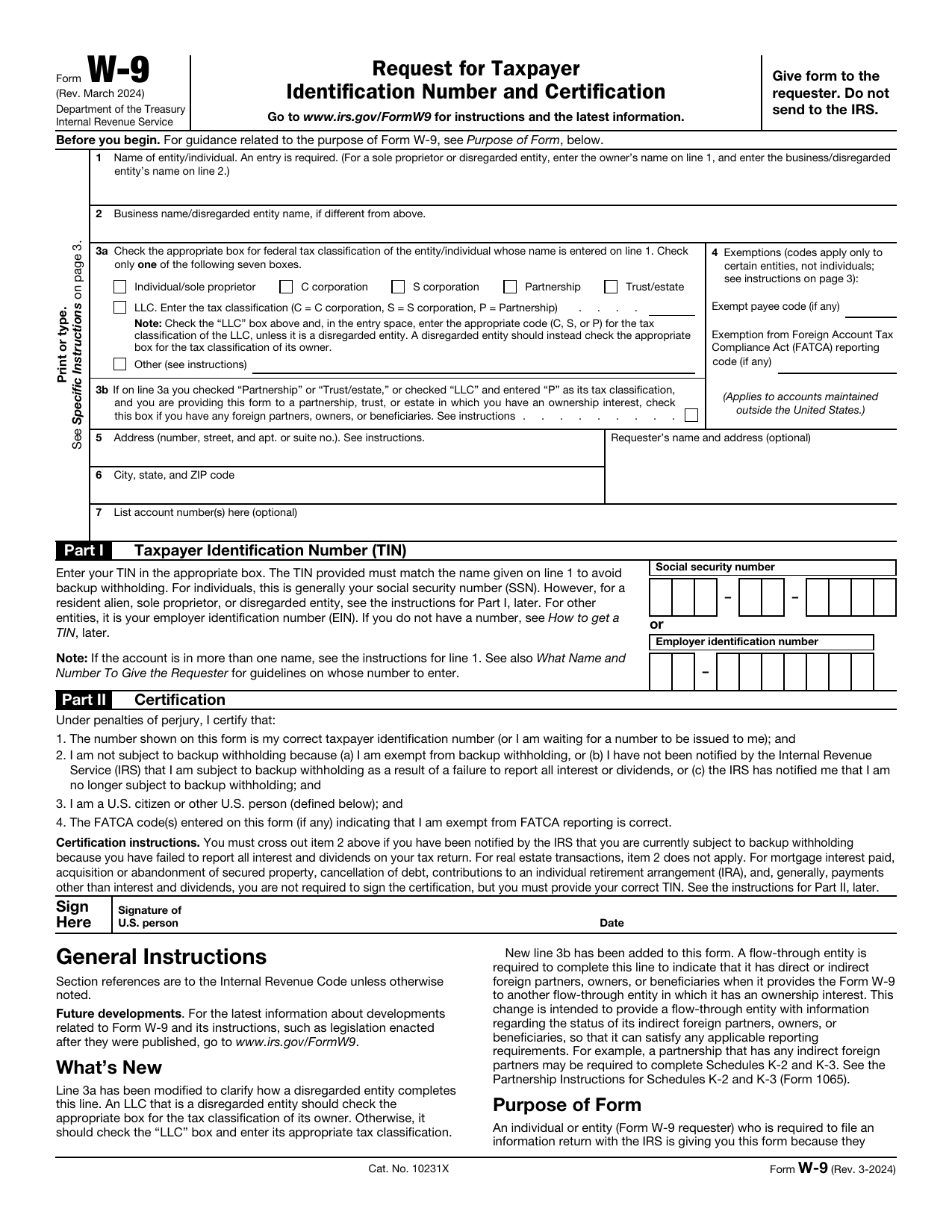 W-9 FormTax FormsGive a requester your correct TIN and certify your U.S. person and backup withholding status in a fillable, printable copy.Updated Oct 5, 2026
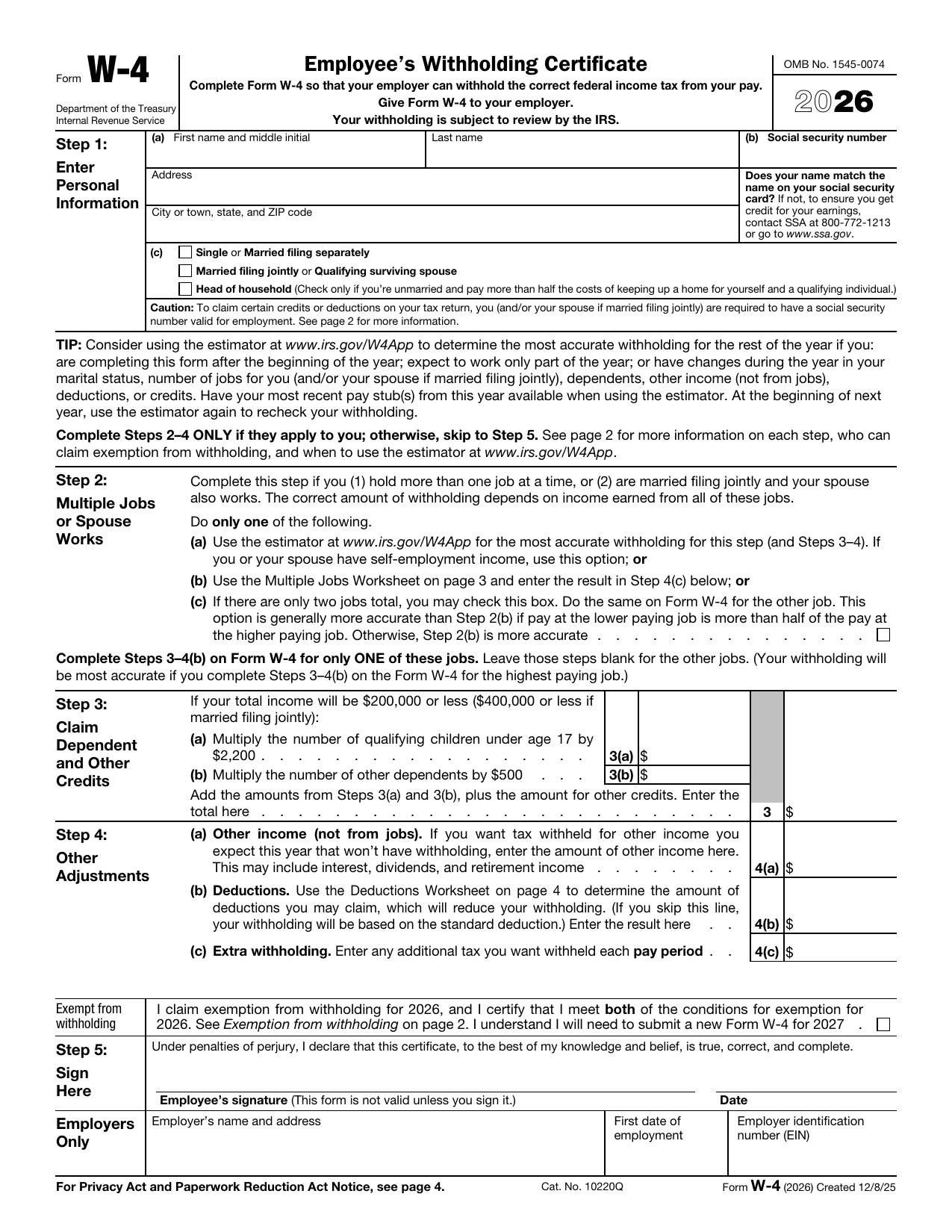 W-4 FormTax FormsSet how much federal income tax your employer withholds from your pay. A fillable, printable copy is ready here.Updated Oct 5, 2026
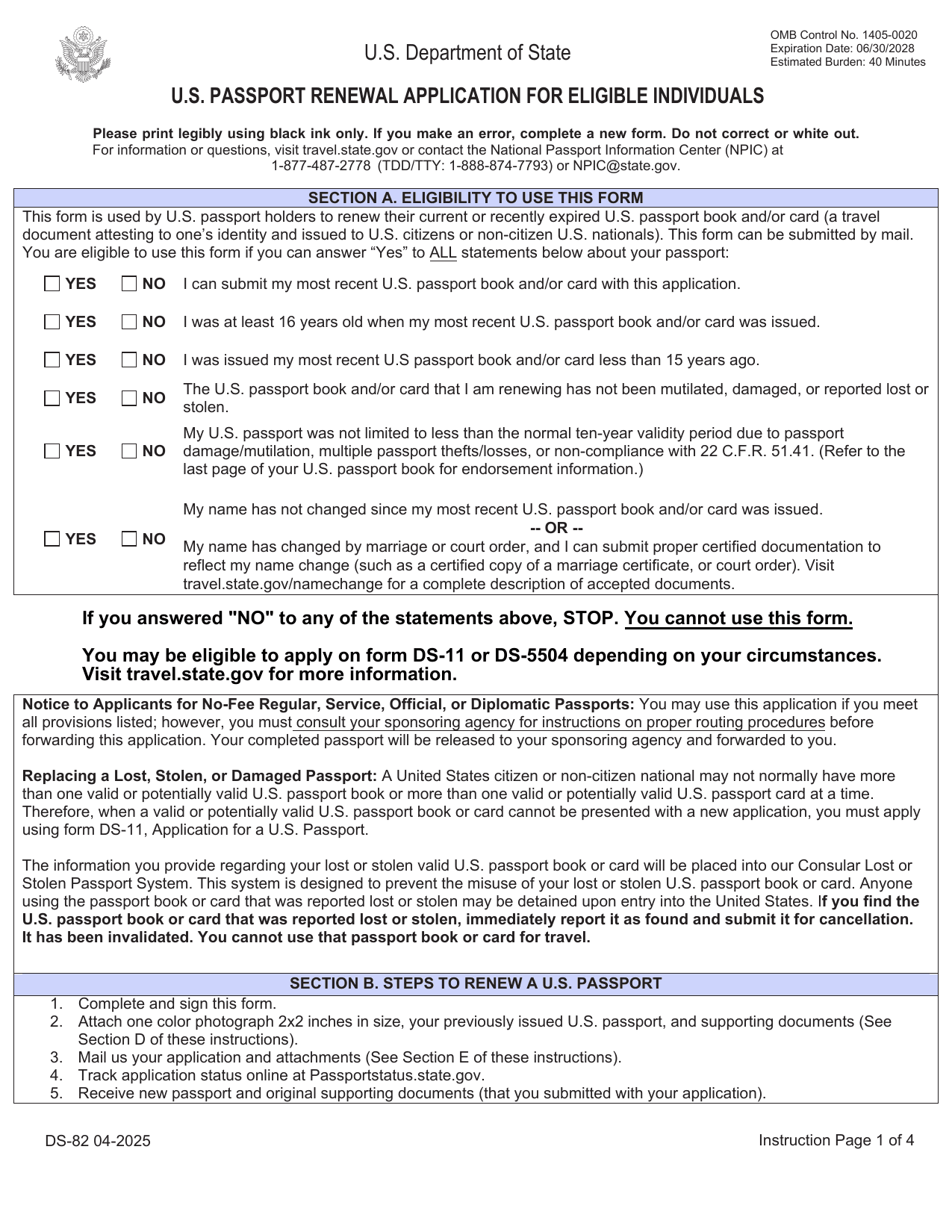 DS-82 FormImmigration & Travel FormsPrepare to renew your eligible adult passport book or card by mail with the fillable, printable copy ready here.Updated Oct 5, 2026
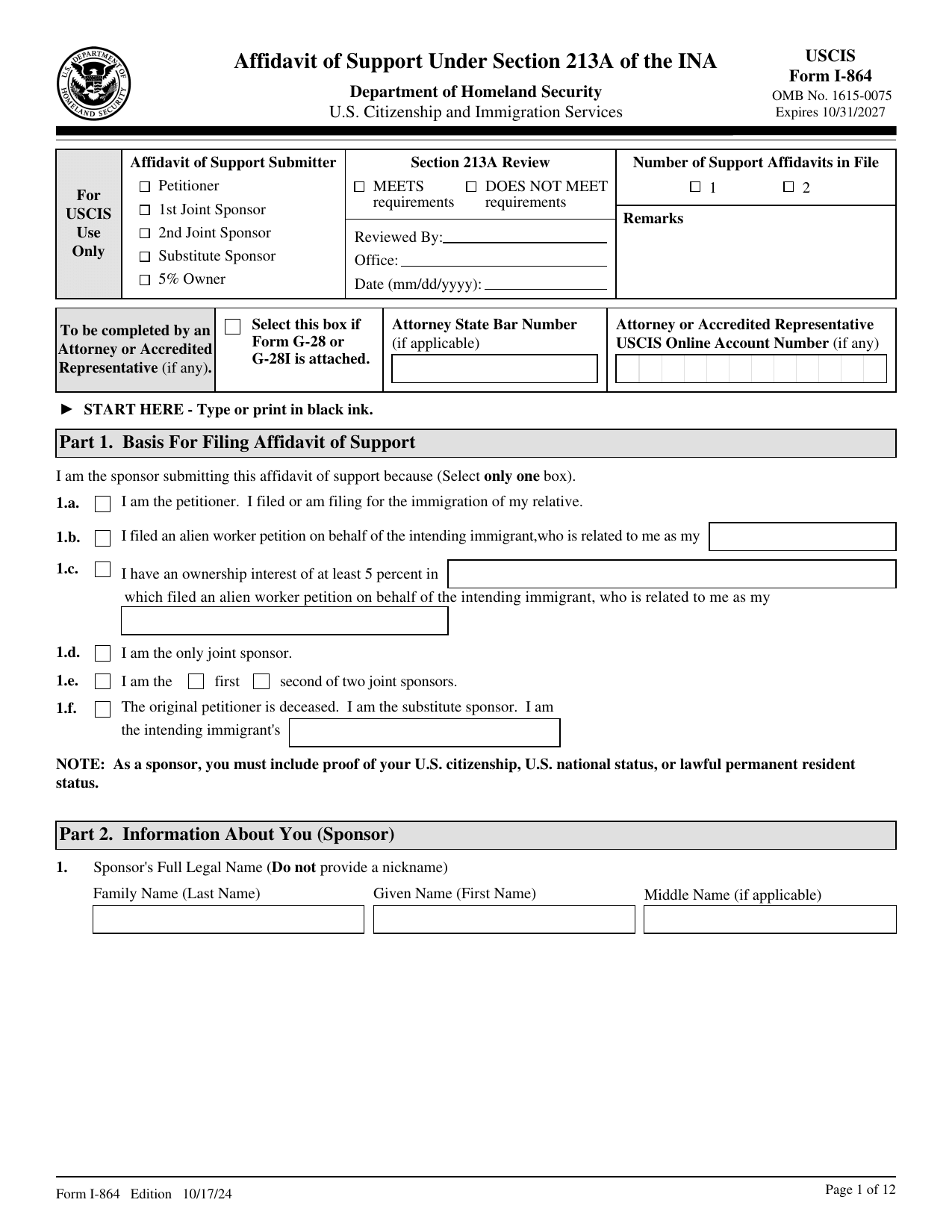 I-864 FormImmigration & Travel FormsMake your binding promise to support an intending immigrant; a fillable, printable copy is ready here.Updated Oct 5, 2026