

Fill Out Form SSA-11-BK in 2026
Request to manage payments for someone unable to do so or have payments made to you, with a fillable, printable copy here.
This website is not affiliated with any government agency.
How it works

1. Open the form
Click “Fill form” above to open the form in our editor.

2. Add details
Complete all required fields to finalize your form.

3. Save as PDF
Download your filled form as a PDF, ready to print or submit anywhere.
What is Form SSA-11-BK?
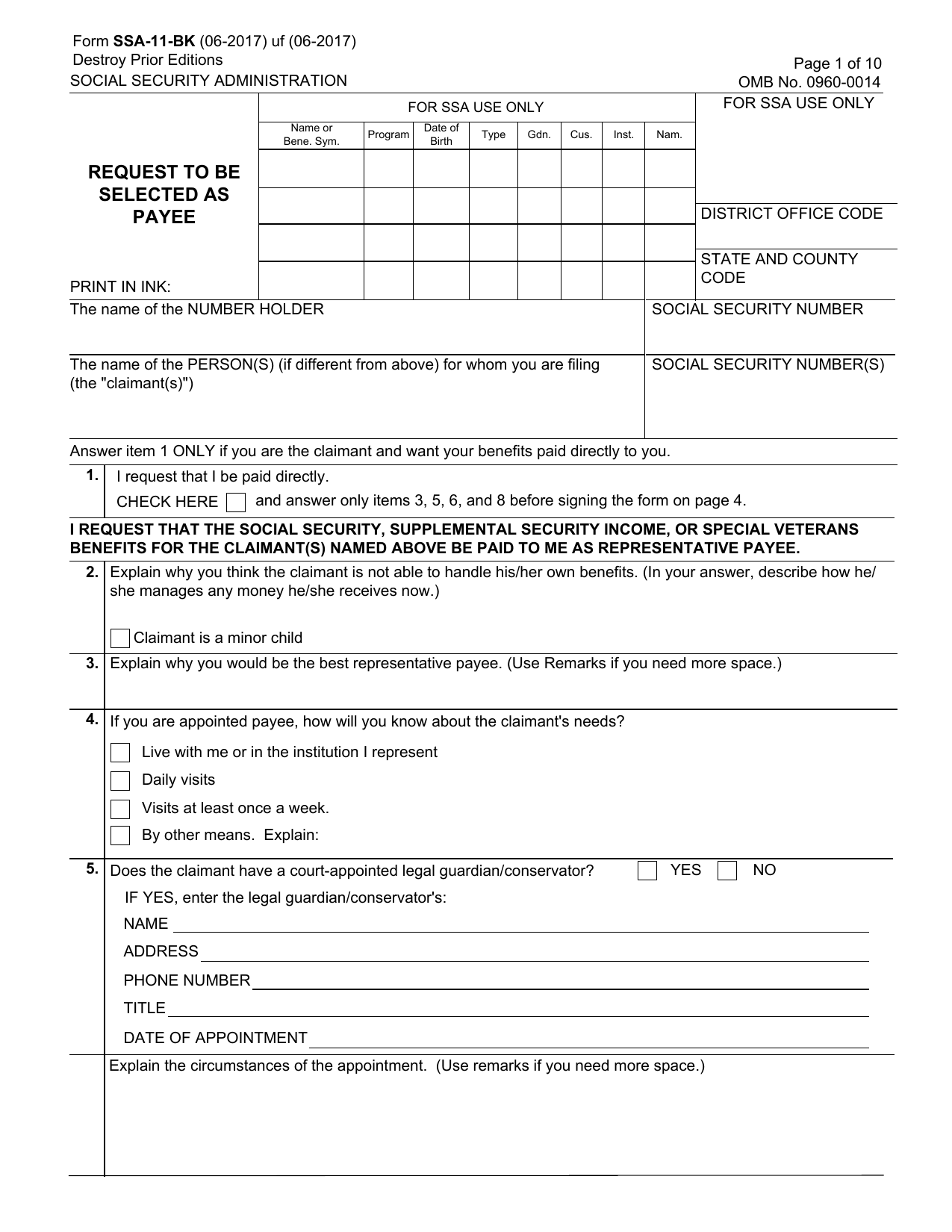
The SSA-11-BK Form, Request to be Selected as Payee, is the paper application you complete when you want the Social Security Administration (SSA) to appoint you as a representative payee. This payee manages Social Security or Supplemental Security Income (SSI) benefits for someone who cannot manage the money alone. You may also see it called the SSA-11 rep payee form.
SSA uses your answers to review your relationship with the beneficiary, your qualifications, your concern for their well-being, and how you plan to use the payments. The SSA-11-BK helps protect beneficiaries, such as children or adults with disabilities, from misuse or neglect. The search phrase Form SSA-11 (Request to be Selected as Payee) refers to this application. Completing it does not appoint you as payee. SSA reviews the information and decides who should serve.
What is Form SSA-11-BK used for?
You use the SSA-11-BK Form to apply as a representative payee when Social Security’s electronic system, eRPS, cannot be used. This may happen when someone cannot manage their own Social Security, SSI, or Special Veterans Benefits. The application asks SSA to send those payments to you so you can manage them for the recipient.
The SSA-11 rep payee form also explains why the recipient needs help. You provide details about your relationship to them, your qualifications, any concerns about their well-being, and how you plan to use the payments. A claimant may also use Form SSA-11-BK to ask SSA to pay benefits directly to them instead of through a payee.
How to fill out Form SSA-11-BK
- 1Click Fill Form below to open Form SSA-11-BK in our editor.
- 2Enter your relationship to the claimant, personal qualifications, and concerns for the claimant’s well-being.
- 3Explain why the claimant cannot manage benefits and how the claimant handles money now.
- 4Describe why you would be the best payee and how you will learn about the claimant’s needs.
- 5Provide your identity and Social Security Number details based on your supporting documents.
- 6Acknowledge your duties to use or save funds properly, keep records, and report required changes.
- 7Download or print the finished form, then contact your local SSA office to complete the required interview.
Where to get a blank Form SSA-11-BK
You can get a blank SSA-11-BK Form PDF through PDFLeader. The Social Security Administration issues the Form, and our platform has a blank copy preloaded in the browser and ready to complete. You do not need to download a template from another source.
PDFLeader helps you fill out and download the completed form for your future use. PDFLeader does not file or submit Form SSA-11-BK to the Social Security Administration.
Where to send Form SSA-11-BK
The SSA-11-BK Form is not filed online or uploaded through a public portal. Send the completed form by mail to your local Social Security Administration field office, or bring it to that office in person. SSA uses the paper form only when staff cannot process the request through the Electronic Representative Payee System.
SSA also requires a face-to-face interview with a field office technician. If you mail the form, you must still visit your local Social Security office for the interview. Check with that office for its mailing details and interview process.
Who needs to complete Form SSA-11-BK?
You need to complete Form SSA-11-BK if you are an individual applying to serve as a representative payee for someone who receives OASDI or SSI benefits. Private businesses, institutions, and state or local government agencies must also provide this information when they apply. During a face-to-face interview, an SSA field office technician may complete the electronic version in eRPS using the applicant’s answers.
Afterward, Social Security Administration field office staff use the information to approve or deny the application. They review your relationship with the recipient, your qualifications, your concern for the recipient’s well-being, and how you plan to use the payments if SSA appoints you as payee.
How to sign Form SSA-11-BK
Download the filled Form SSA-11-BK from PDFLeader, then print it. Sign the paper form by hand in front of the SSA claims representative during your in-person interview. If you sign with an X, two witnesses who know you must watch you sign, then add their signatures and full addresses. Electronic and digital signatures are not accepted for this Form. Checking the latest SSA updates before signing is recommended. PDFLeader does not submit the form.
What information/documents are required?
For the SSA-11-BK Form, have the number holder’s name and Social Security Number, plus the name and Social Security Number of each person(s) for whom you are filing. Be ready to explain any direct payment request, why the claimant cannot manage benefits, your relationship and qualifications, and how you stay informed of the claimant’s needs.
Gather details about any legal guardian or conservator, including the appointment circumstances, and the claimant’s living arrangements. For a minor child, have parental status and contact information for each living natural or adoptive parent. Also prepare the names and relationships of relatives or close friends who provide support, with the type and amount of support. Have relevant court appointment papers and other records available if they support your answers. Later items ask about your finances, felony convictions or warrants, and your sworn signature.
When is Form SSA-11-BK needed?
The SSA-11-BK Form has no fixed due date. Complete it as soon as you learn that a beneficiary cannot manage Social Security or SSI payments due to age, disability, or incapacity.
Contact the Social Security Administration promptly to apply to become the beneficiary’s representative payee. If possible, complete the form before benefits begin. Acting early can help prevent payment delays, interruptions, or funds being sent to someone who should not manage them.
When is Form SSA-11-BK not required?
Form SSA-11-BK is not required when SSA processes the representative payee application electronically through its Electronic Representative Payee System (eRPS). The applicant must still complete the SSA-11 application, but does not need the paper version.
SSA uses the paper form only when eRPS is unavailable or cannot process the application, such as when an applicant does not have a Social Security number. Follow SSA-11-BK instructions if SSA tells you to prepare the paper form. You can fill it out in PDFLeader and download it, but PDFLeader does not submit or file it with SSA.
FAQ

Who is the number holder on Form SSA-11?
The number holder is the worker whose Social Security earnings record supports the claim. This person earned Social Security credits through wages or self-employment. The number holder may also be the claimant, but they can be different people. For example, a child may receive benefits on a parent's earnings record.
What is the purpose of Form SSA-11-BK?
The SSA-11-BK Form is a paper application for a person or organization seeking appointment as a representative payee. The Social Security Administration uses it when staff cannot process the application through the Electronic Representative Payee System, known as eRPS.
Who is the claimant on Form SSA-11-BK, and how does that differ from the number holder?
The claimant is the person applying for or receiving benefits. The number holder is the worker whose earnings record supports those benefits. They may be the same person. They are different when, for example, a child receives benefits based on a parent's work record.
Can Form SSA-11-BK be filed electronically, or must it be submitted on paper?
The SSA-11-BK Form PDF is used as a paper application when SSA staff cannot use eRPS, such as when an applicant does not have a Social Security number. In most other cases, SSA staff enter the application in eRPS during an interview. You can complete and download the form with PDFLeader, but PDFLeader does not submit or file it with the SSA.
What happens if Item 1, the direct payment request, is checked on Form SSA-11-BK?
Check Item 1 only if you are the claimant and want SSA to pay benefits directly to you. You should then complete Items 3, 5, 6, and 8 and sign the form. If you do not check Item 1, SSA treats the application as a request to appoint a separate representative payee.
Does PDFLeader have a refund policy?
Yes. The Refund Policy sets out the cases where a refund applies and how to send a request.
What if I have any issues and need help?
We've got your back 24/7! Just call +1 (844) 548-9416 or email support@pdfleader.com, and we'll sort things out for you.
How do I cancel PDFLeader?
You can cancel your subscription from account settings, or contact the support team and ask them to cancel it. You keep access until the current billing period is over.
Related forms
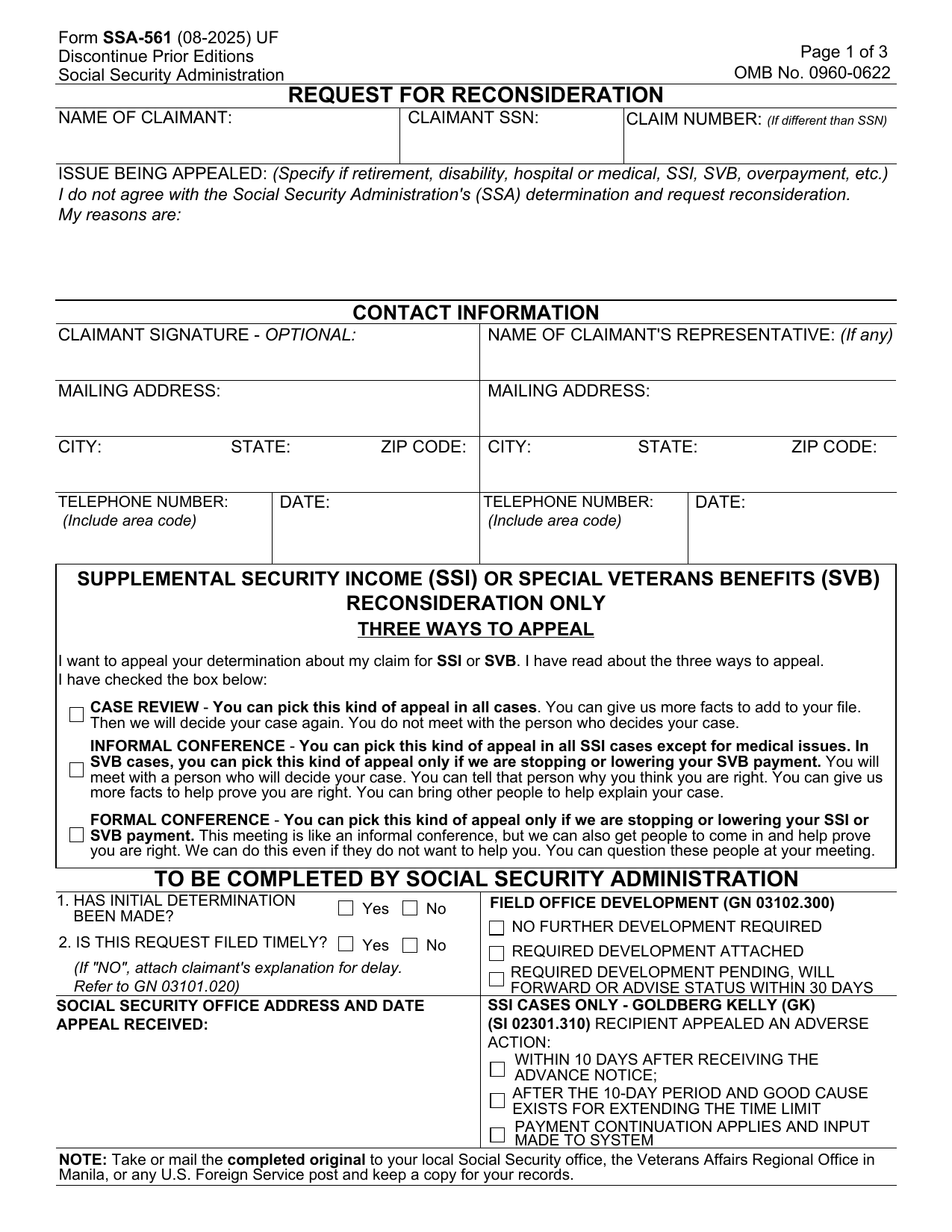 SSA-561-U2 FormLegal FormsAsk SSA to reconsider your disability denial or non-medical benefits decision; a fillable, printable copy is ready here.Updated Oct 6, 2026
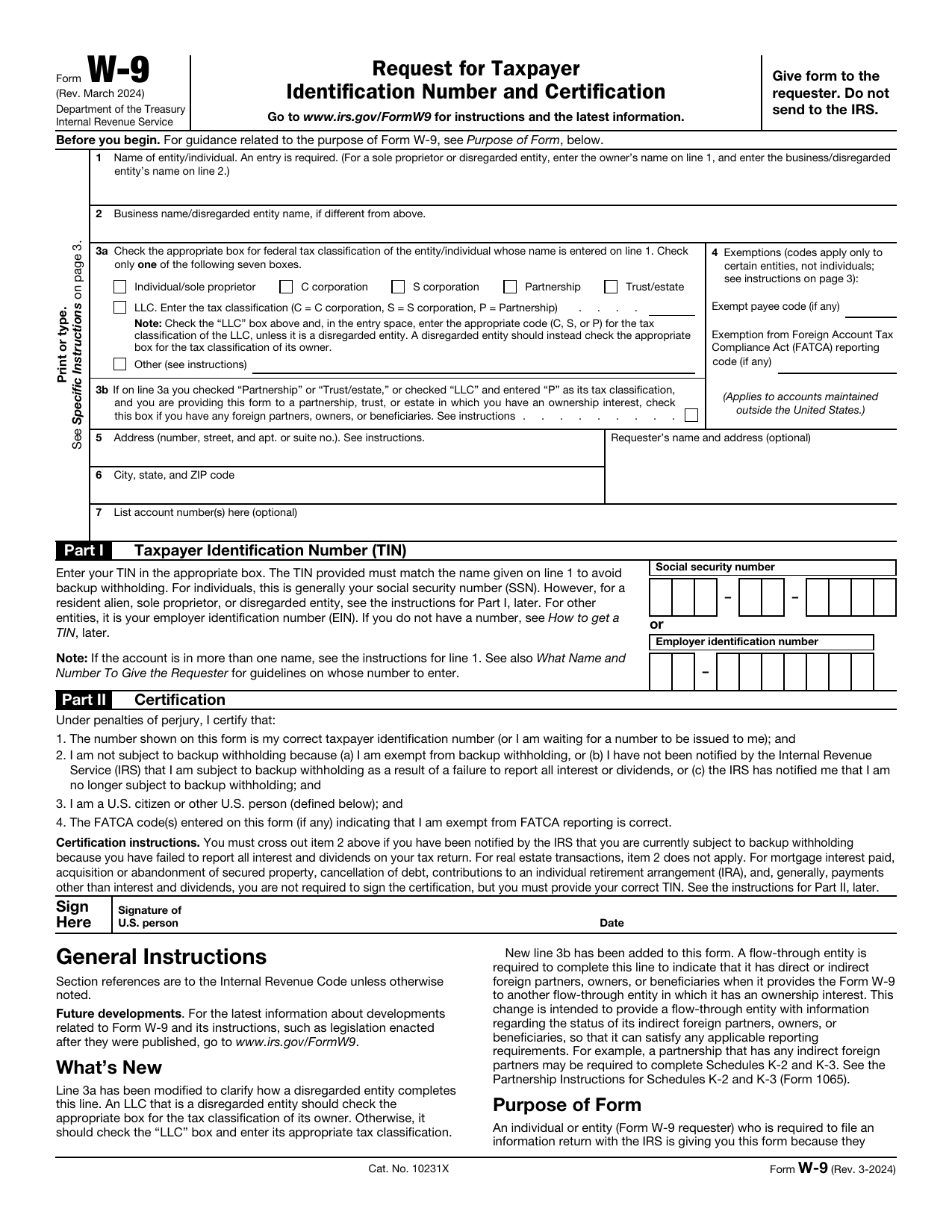 W-9 FormTax FormsGive a requester your correct TIN and certify your U.S. person and backup withholding status in a fillable, printable copy.Updated Oct 5, 2026
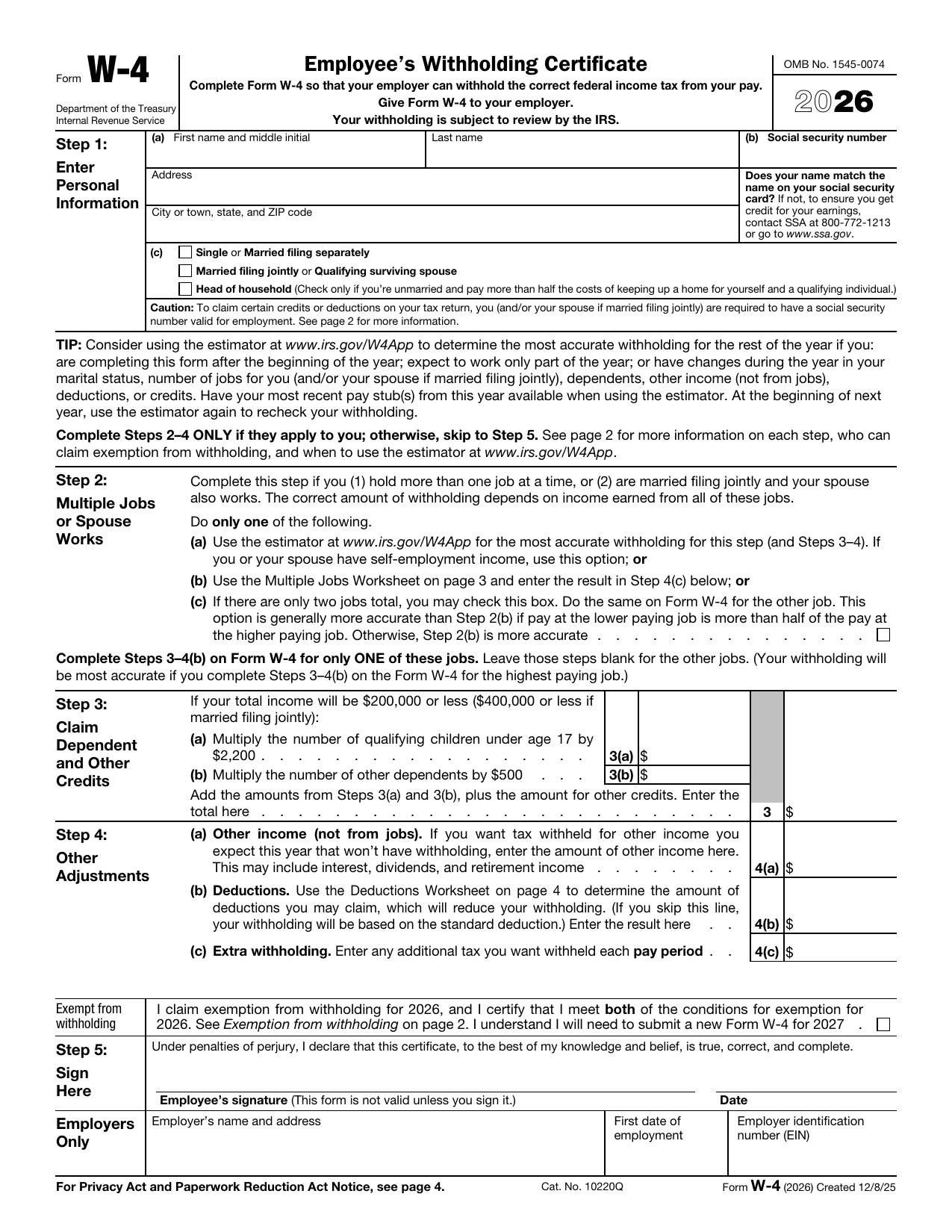 W-4 FormTax FormsSet how much federal income tax your employer withholds from your pay. A fillable, printable copy is ready here.Updated Oct 5, 2026
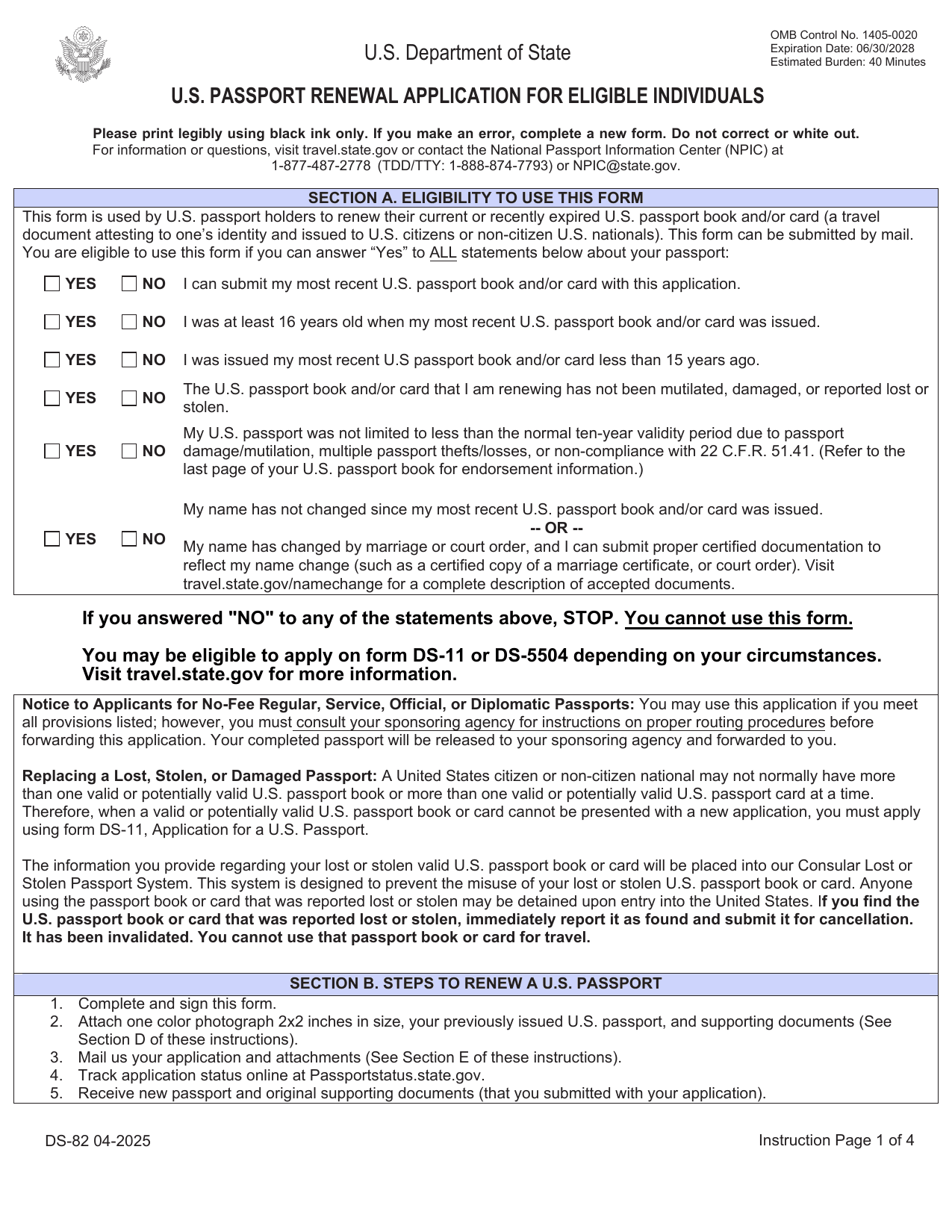 DS-82 FormImmigration & Travel FormsPrepare to renew your eligible adult passport book or card by mail with the fillable, printable copy ready here.Updated Oct 5, 2026