

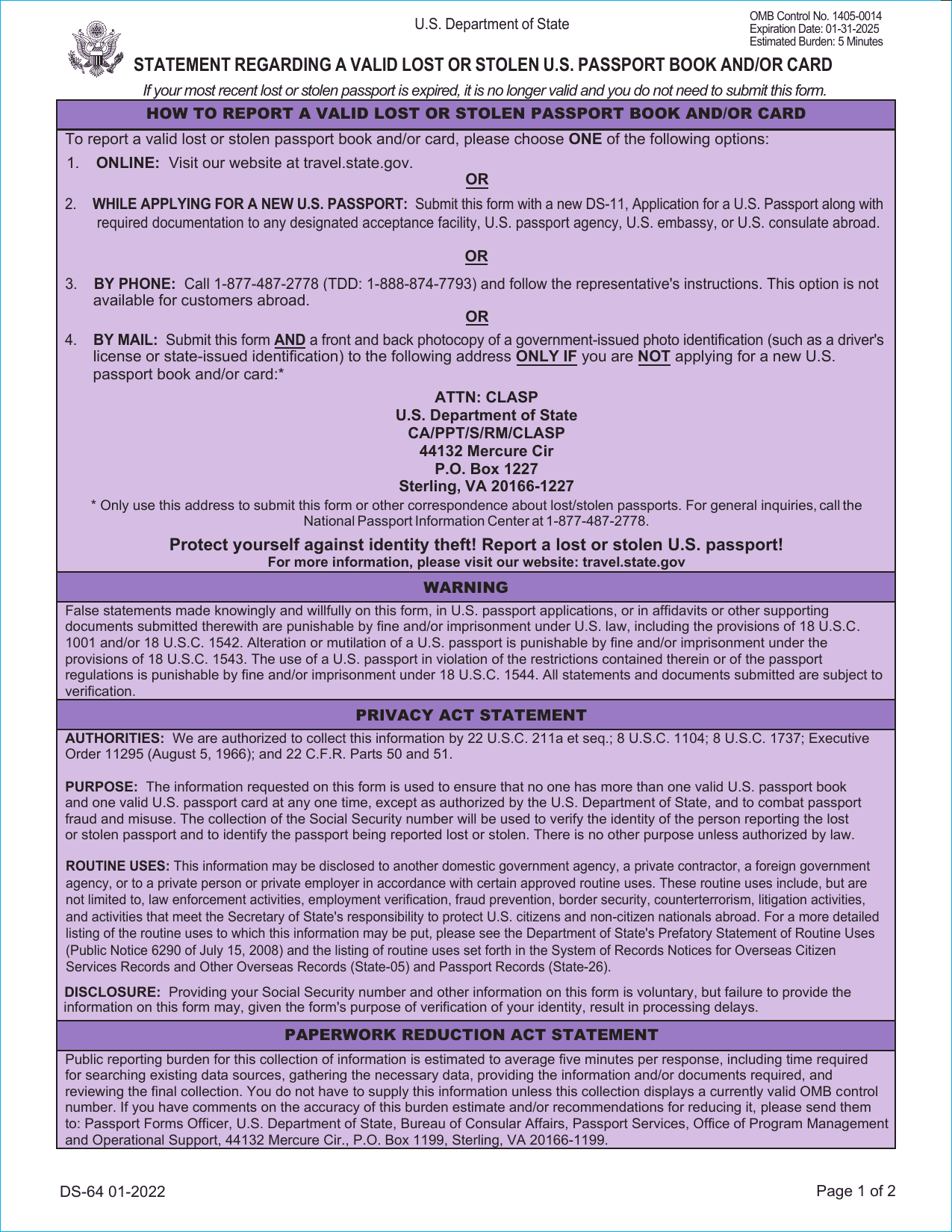
Form DS-64: Fill Out Online in 2026
Prepare your report to flag and invalidate a lost or stolen passport number with the fillable, printable copy ready here.
This website is not affiliated with any government agency.
How it works

1. Open the form
Click “Fill form” above to open the form in our editor.

2. Add details
Complete all required fields to finalize your form.

3. Save as PDF
Download your filled form as a PDF, ready to print or submit anywhere.
What is Form DS-64?
Form DS-64 is the Statement Regarding a Lost or Stolen U.S. Passport Book and/or Card. You use it to report a missing passport when you apply for a new one and cannot turn in the original. A U.S. citizen may not normally hold more than one valid or potentially valid passport book and one valid passport card at the same time. This statement explains why you cannot present your prior document.
The U.S. Department of State places the report in the Consular Lost and Stolen Passport System. This helps stop another person from using your passport and protects your identity from fraud. After a passport is reported lost or stolen, it is no longer valid for travel. If you later find it, you must not use it. The DS-64 passport Form is a report, not a replacement passport application by itself.
What is Form DS-64 used for?
You use passport Form DS-64 after your valid U.S. passport book or passport card is lost or stolen. Reporting the loss helps prevent another person from using your passport and helps ensure you do not hold more than one valid passport of each type unless the Department of State allows it.
The report flags and cancels the passport number in Department of State and Customs and Border Protection systems. It also links a future replacement application to the reported loss. If someone tries to use the reported passport to enter the United States, that person may be detained.
How to fill out Form DS-64
- 1Click the Fill form button to open Form DS-64 in our editor.
- 2Enter your full name, date and place of birth, current address, and any name change since passport issuance.
- 3Provide your Social Security number. Disclosure is voluntary, but the form requests it.
- 4Add the lost or stolen passport book or card number, if known.
- 5Describe how, where, and when the loss or theft occurred, plus your efforts to recover the passport.
- 6Explain why you cannot present the previous passport with a new passport application.
- 7Download or print the finished form.
Where to get a blank Form DS-64
You can get a blank Form DS-64 from the U.S. Department of State. It is issued by the Bureau of Consular Affairs, Passport Services, Office of Program Management and Operational Support (CA/PPT/S/PMO).
PDFLeader has a blank DS-64 Form PDF pre-loaded in our browser-based editor, so you do not need to download a template from another source. You can fill out the form and download the completed PDF for future use. PDFLeader does not file or submit Form DS-64 for you.
Where to send Form DS-64
After completing the DS-64 Form PDF, you can mail it to the designated U.S. Department of State passport processing office listed on the form. You may also report the loss or theft through the State Department’s online portal. An online report cancels the passport within one business day, so do not use this option if you plan to recover and keep using the passport.
If you are applying for a replacement passport, take passport Form DS-64 to a passport acceptance facility and submit it in person with Form DS-11. Do not send the DS-64 lost passport Form separately when the acceptance facility will handle both forms with your application.
Who needs to complete Form DS-64?
U.S. citizens whose valid passport book or passport card was lost or stolen need to complete Form DS-64. Only the passport holder can report the loss or theft. For a minor, a parent or legal guardian may complete the DS-64 passport Form on the child’s behalf. You also need the statement when applying for a new passport if you cannot present the prior valid or potentially valid passport.
The U.S. Department of State’s Bureau of Consular Affairs uses the details afterward. It enters the report in the Consular Lost or Stolen Passport System and cancels the document to guard against misuse. Border officials may also flag the passport. A person who tries to use a reported passport book may be detained when entering the United States.
How to sign Form DS-64
After filling out Form DS-64 in PDFLeader, download the completed form, print it, and add your original handwritten signature and date in black ink. Do not add any other handwritten marks. Electronic and digital signatures are not accepted. Check the latest instructions on travel.state.gov before signing. PDFLeader does not submit the form, so you must handle submission outside our platform.
What information/documents are required?
Before completing passport Form DS-64, have the document type and status ready: U.S. passport card and/or U.S. passport book, and lost or stolen. Gather your last name, first name, middle name, date of birth, place of birth, Social Security number, current address, and contact information. If your name has changed since the passport was issued, provide the name shown on that passport.
For item 2d, note any prior lost or stolen U.S. passport book or card, how many times this happened, the dates, and whether you filed a police report. If you did, give when and where you notified the police. Describe any recovery efforts. For item 2e, state whether this DS-64 passport Form is connected to a new passport application. No supporting document is listed as a required attachment. You must certify the statement, then sign and date it.
When is Form DS-64 needed?
Form DS-64 has no fixed deadline. If your valid U.S. passport book or card is lost or stolen, report it to the U.S. Department of State right away.
Timing matters because prompt reporting helps protect you from identity theft and fraudulent use. The State Department’s Online Form Filler Tool can cancel the passport within one business day. Reports sent by mail or made by phone may take several weeks to be received and processed. Do not wait until you apply for a replacement passport.
When is Form DS-64 not required?
Form DS-64 is not required when you present your previous passport with your new passport application because it was not lost or stolen. You also do not use this form if the passport is damaged but remains in your possession. Follow the State Department’s process for replacing a damaged passport instead.
If you only want to report a passport as lost or stolen and are not applying for a replacement, you do not need to include Form DS-64 with a new application. Report the loss through an accepted State Department reporting method. If you later apply without the old passport, follow the current instructions for passport Form DS-64 and the replacement application.
FAQ

Can the DS-64 be submitted online?
Yes. Use the U.S. Department of State's Online Form Filler to report the passport lost or stolen. The passport is usually canceled within one business day, and you receive an email confirmation. PDFLeader lets you fill out and download the blank DS-64 Form PDF, but it does not submit it.
Do I need a DS-82 Form to renew my passport instead?
No. You cannot renew a lost or stolen passport by mail with Form DS-82. To get a replacement, report the loss and apply in person with Form DS-11. Form DS-64 may also be required if you have not already reported the passport online.
What's the fastest way to replace a lost passport?
Report the loss through the Department of State's Online Form Filler, then apply for a replacement in person using Form DS-11. If you have urgent travel, contact a passport agency about an appointment and expedited service. Eligibility and appointment rules apply.
Do I need to attach a photo ID copy when mailing the DS-64?
Yes. If you mail Form DS-64 without applying for a new passport at the same time, include photocopies of the front and back of a valid government-issued photo ID, such as a driver's license or state ID.
Is there a fee to file Form DS-64?
No fee is charged to report a passport lost or stolen with Form DS-64. Standard passport fees apply if you apply for a replacement passport.
Does PDFLeader have a refund policy?
Yes. The Refund Policy sets out the cases where a refund applies and how to send a request.
What if I have any issues and need help?
We've got your back 24/7! Just call +1 (844) 548-9416 or email support@pdfleader.com, and we'll sort things out for you.
How do I cancel PDFLeader?
You can cancel your subscription from account settings, or contact the support team and ask them to cancel it. You keep access until the current billing period is over.
Related forms
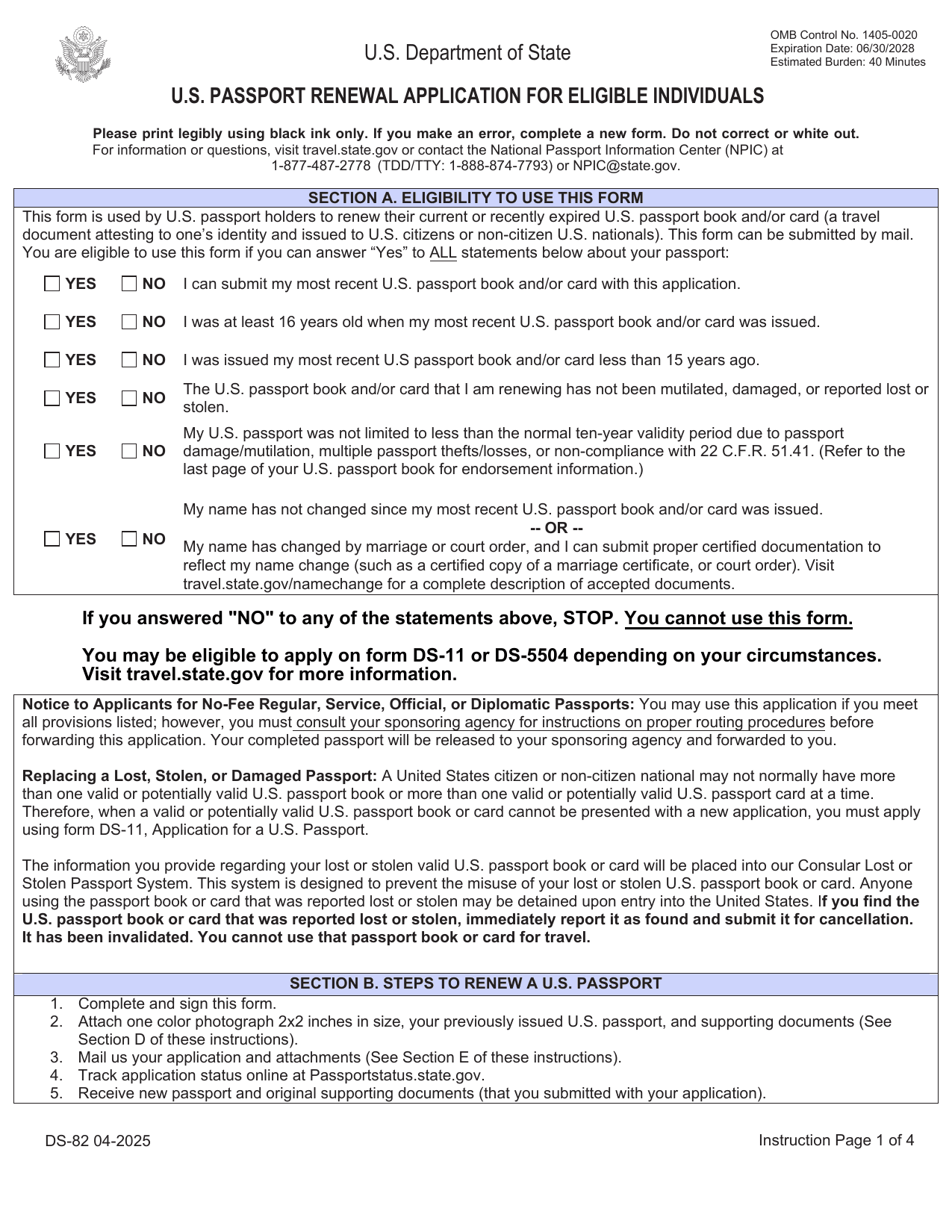 DS-82 FormImmigration & Travel FormsPrepare to renew your eligible adult passport book or card by mail with the fillable, printable copy ready here.Updated Oct 5, 2026
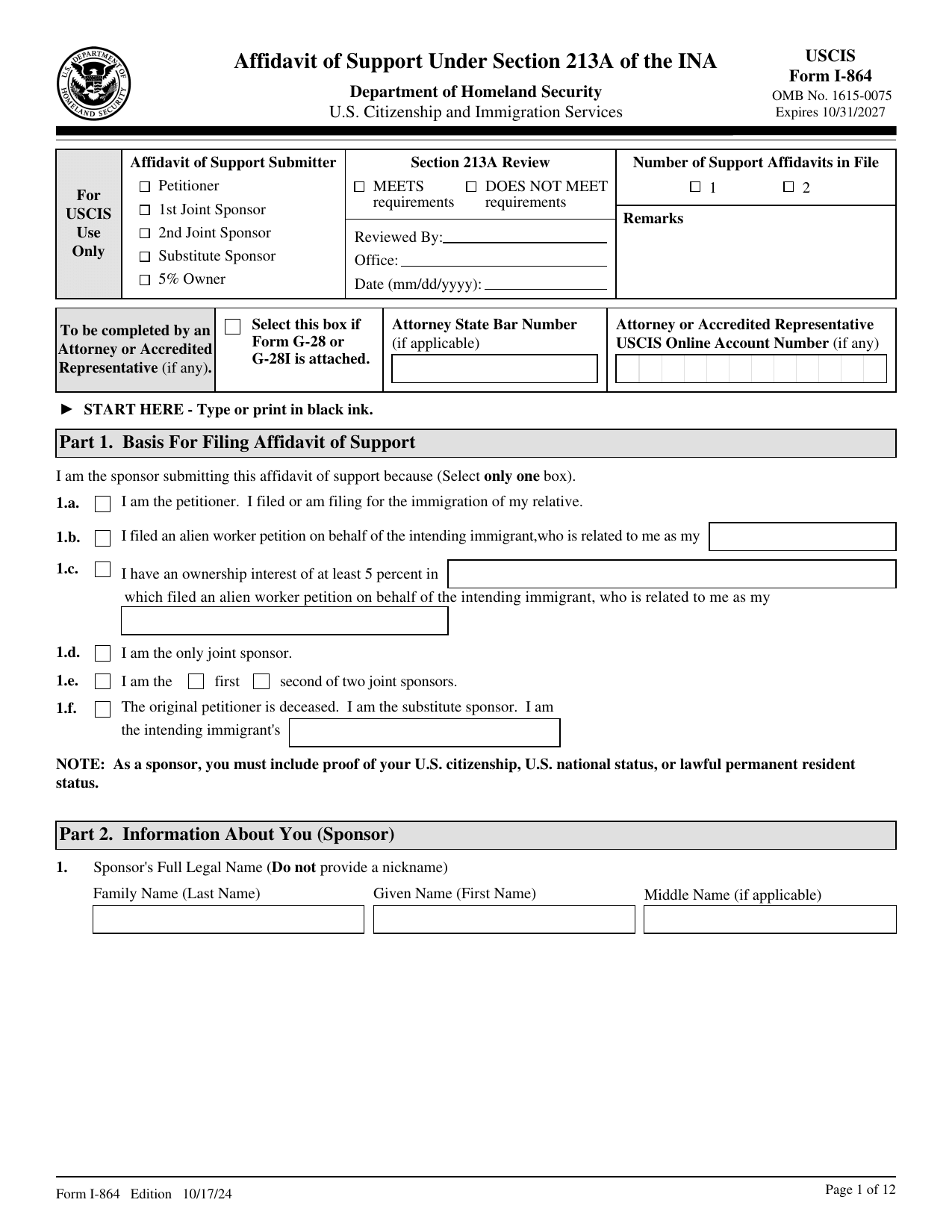 I-864 FormImmigration & Travel FormsMake your binding promise to support an intending immigrant; a fillable, printable copy is ready here.Updated Oct 5, 2026
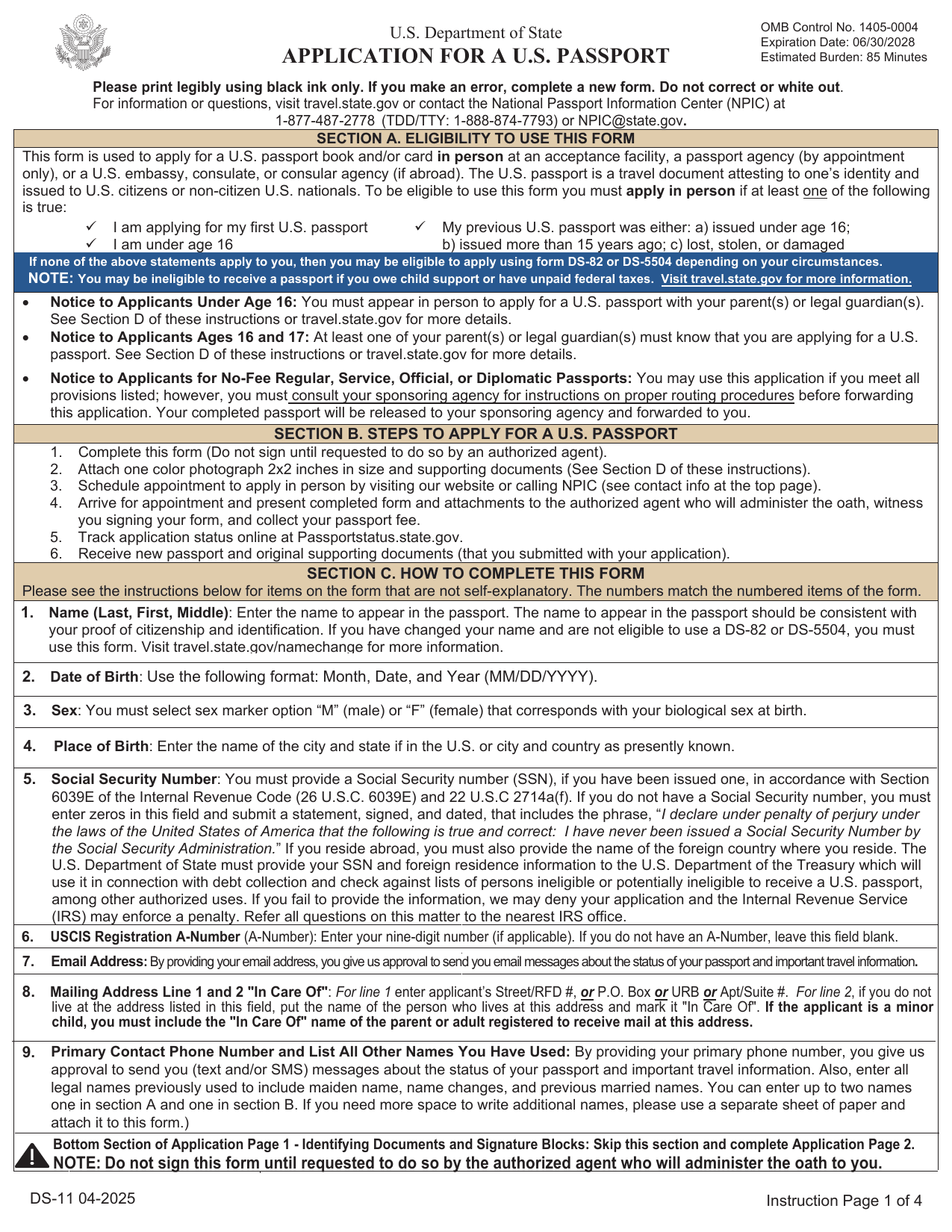 DS-11 FormImmigration & Travel FormsGet a fillable, printable copy here for your first passport, a child under 16, or to replace one lost, stolen, or damaged.Updated Oct 5, 2026
 I-983 FormImmigration & Travel FormsLink your STEM work to your degree, set goals, and show supervision and evaluations in a fillable, printable copy ready here.Updated Oct 6, 2026