

Fill Out Form FTB 3561 in 2026
Report your finances for an FTB tax debt payment plan or hardship review, with a fillable, printable copy ready here.
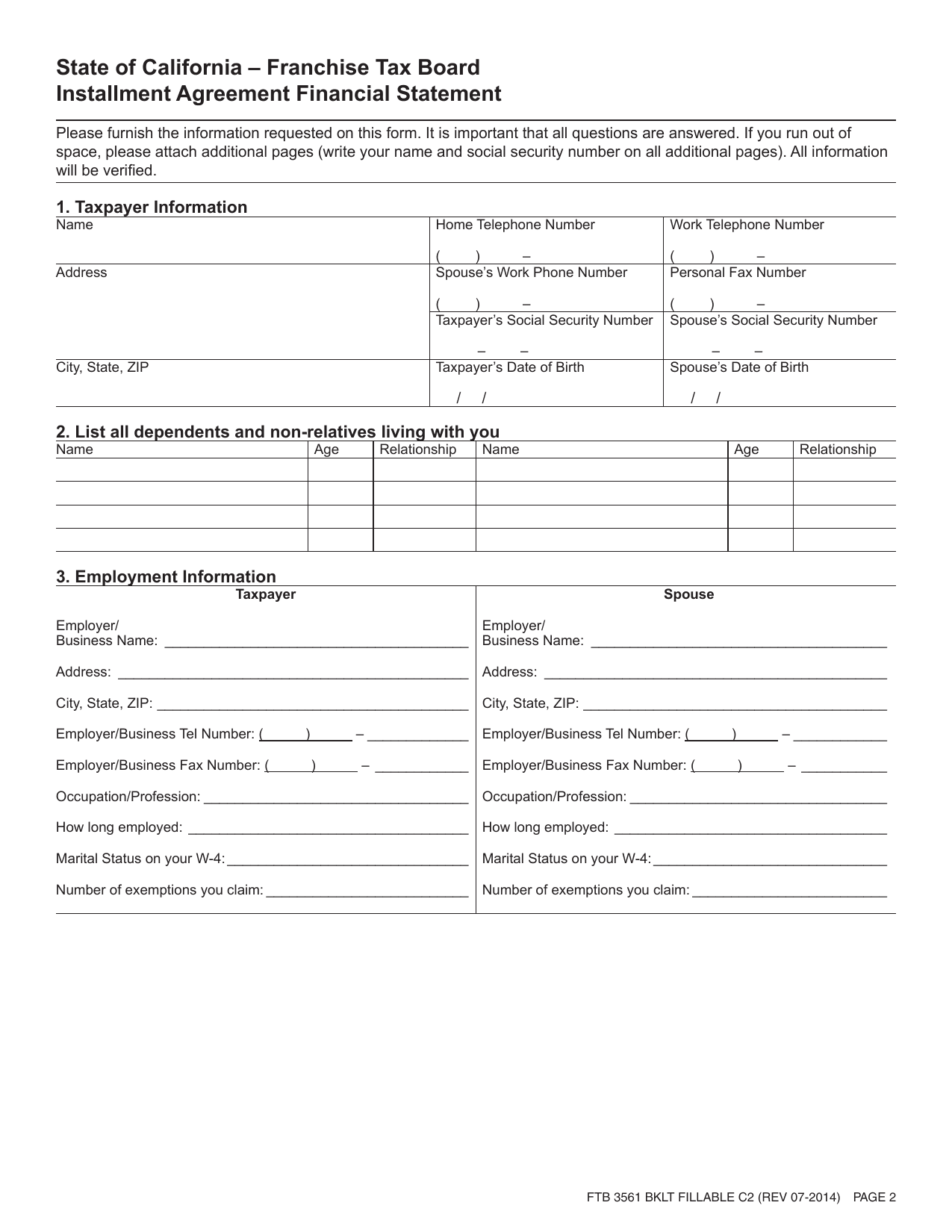
This website is not affiliated with any government agency.
How it works

1. Open the form
Click “Fill form” above to open the form in our editor.

2. Add details
Complete all required fields to finalize your form.

3. Save as PDF
Download your filled form as a PDF, ready to print or submit anywhere.
What is Form FTB 3561?
FTB 3561, Financial Statement, is a California Franchise Tax Board document for people who owe past-due state taxes. You use it to report your current income, expenses, assets, debts, and other financial details. The FTB reviews this information to decide how you may satisfy the unpaid tax liability.
The FTB may request Form 3561 if you owe more than $25,000, need over 60 months to pay, or ask for hardship status because you cannot meet basic living costs while paying the debt. It may also be required for a larger balance or a long-term payment plan. The document serves a purpose similar to IRS Form 433-F, but it is for California state tax matters. Complete every section that applies and use current, accurate figures supported by your records.
What is Form FTB 3561 used for?
The FTB uses Form 3561 to review your current finances when you have an unpaid California tax debt. The details help the agency decide how much you can pay and how you may settle the balance.
You may need to complete it when asking for an installment agreement above set debt limits or when you need more time to pay. It can also support a request for hardship status, such as Currently Not Collectible. The FTB compares your income, assets, expenses, and debts with IRS Allowable Living Standards, also called Collection Financial Standards, to assess your ability to pay.
How to fill out Form FTB 3561
- 1Click the Fill Form button to open Form FTB 3561 in our editor.
- 2Enter all taxpayer and spouse identification, contact, and address details.
- 3Report every bank, retirement, and investment account, including accounts with a zero balance.
- 4List real estate, vehicles, boats, life insurance, amounts owed, and equity.
- 5Enter all monthly income and expenses. Type “0” or “none” instead of leaving fields blank.
- 6Download or print the finished form, then keep a copy with any requested supporting documents.
Where to get a blank Form FTB 3561
The California Franchise Tax Board issues this form. You can get a blank Form 3561 directly in PDFLeader, where it is pre-loaded in our browser-based editor. You do not need to find and download a template from another source.
PDFLeader lets you fill out the blank Form FTB 3561 and download the completed PDF for future use. PDFLeader does not file or submit the form to the California Franchise Tax Board, so you must send it through a method the agency accepts.
Where to send Form FTB 3561
After downloading Form 3561, send it to the California Franchise Tax Board unit handling your case. This may be the collections unit, filing enforcement unit, or program office that requested your financial statement. Follow the directions on the form or in the notice you received.
Mail is the usual method. Some FTB units may let you upload the form through the agency’s secure taxpayer portal or send it by fax. Use these options only if the requesting unit gives you instructions. Do not deliver it in person unless the FTB tells you to do so.
Who needs to complete Form FTB 3561?
Individuals and businesses that owe California income tax and cannot pay the full balance may need to complete Form FTB 3561. The FTB may require Form 3561 if you owe more than $25,000, need over 60 months to pay, or request hardship status. You must report your income, expenses, assets, and debts.
After you send the completed form to the FTB, collection staff review your finances and set a payment amount based on your ability to pay. For a self-employed taxpayer, an FTB employee must receive the financial statement before approving an installment agreement. The account may also need approval from a supervisor or lead.
How to sign Form FTB 3561 online
Review your FTB letter and current submission instructions before signing, since the official instructions do not name one required signature method. Checking the latest updates for Form 3561 is recommended. You can add a simple electronic signature on PDFLeader, then download the completed form. PDFLeader does not create digital signatures or submit forms, so send it outside our platform as directed by the FTB.
What information/documents are required?
Before completing FTB Form 3561, Financial Statement, gather Taxpayer, Spouse/RDP, and Dependents Information, including names, SSNs, addresses, and marital status. Have Employment Information for you and your spouse, such as each workplace’s name, address, and contact details. Collect bank statements showing each institution, account type, account number, and current balance.
For Real Property, use mortgage statements and ownership records to report the address, county, purchase date, current value, balance owed, and lender. For Motor Vehicles, gather registration and loan records showing the year, make, license number, purchase date, value, balance, and lender. Prepare Income records for taxable and non-taxable income, including wages, retirement income, and net rental income that relates to Schedule E of Form 1040. Review bills and receipts for Monthly Living Expenses and Section H – Other. The Taxpayer and Spouse/RDP must sign the Signature and Declaration.
When is Form FTB 3561 needed?
Form FTB 3561 has no fixed annual due date. Submit it by the response date printed on the FTB letter that requested it. There is no single statutory deadline that applies to every taxpayer.
If you do not respond on time, interest continues to build. The FTB may also add a collection cost recovery fee or restart involuntary collection. A submitted financial statement is generally valid for 12 months, but the FTB may request an updated Form 3561 sooner if your financial situation changes.
When is Form FTB 3561 not required?
Owing $25,000 or less and being able to pay the balance within 60 months removes the need to complete FTB 3561. The FTB usually grants an installment agreement in this case without a full financial review.
You must provide the financial statement if you owe more than $25,000 or need over 60 months to pay. The FTB does not publish another exemption or a substitute form that waives this requirement above either threshold.
FAQ

How current must the financial information on Form FTB 3561 be?
Use figures that reflect your finances when you complete the form. Report present bank balances, income, expenses, assets, and debts rather than older amounts.
Should jointly owned assets and debts be reported on Form FTB 3561?
Yes. Report jointly owned accounts, property, investments, and debts. Identify the ownership details and use current balances supported by your records.
Can you use estimated amounts on Form FTB 3561?
Use actual current amounts whenever records are available. The FTB may ask for documents that support your assets, debts, income, and expenses, so do not guess or leave required fields blank. If an exact figure is unavailable, contact the FTB representative handling your case for instructions.
Do you need to report your spouse’s or registered domestic partner’s finances on Form FTB 3561?
Yes. Include the requested personal, employment, income, account, asset, and debt information for your spouse or registered domestic partner. Both people must sign the declaration when the form requires both signatures.
How can you correct Form FTB 3561 after sending it to the FTB?
Contact the FTB representative handling your case as soon as you find the error. Explain what needs to change and ask if you should provide updated documents or a revised Form FTB 3561. Keep copies of the correction and any supporting records.
Does PDFLeader have a refund policy?
Yes. The Refund Policy sets out the cases where a refund applies and how to send a request.
What if I have any issues and need help?
We've got your back 24/7! Just call +1 (844) 548-9416 or email support@pdfleader.com, and we'll sort things out for you.
How do I cancel PDFLeader?
You can cancel your subscription from account settings, or contact the support team and ask them to cancel it. You keep access until the current billing period is over.
Related forms
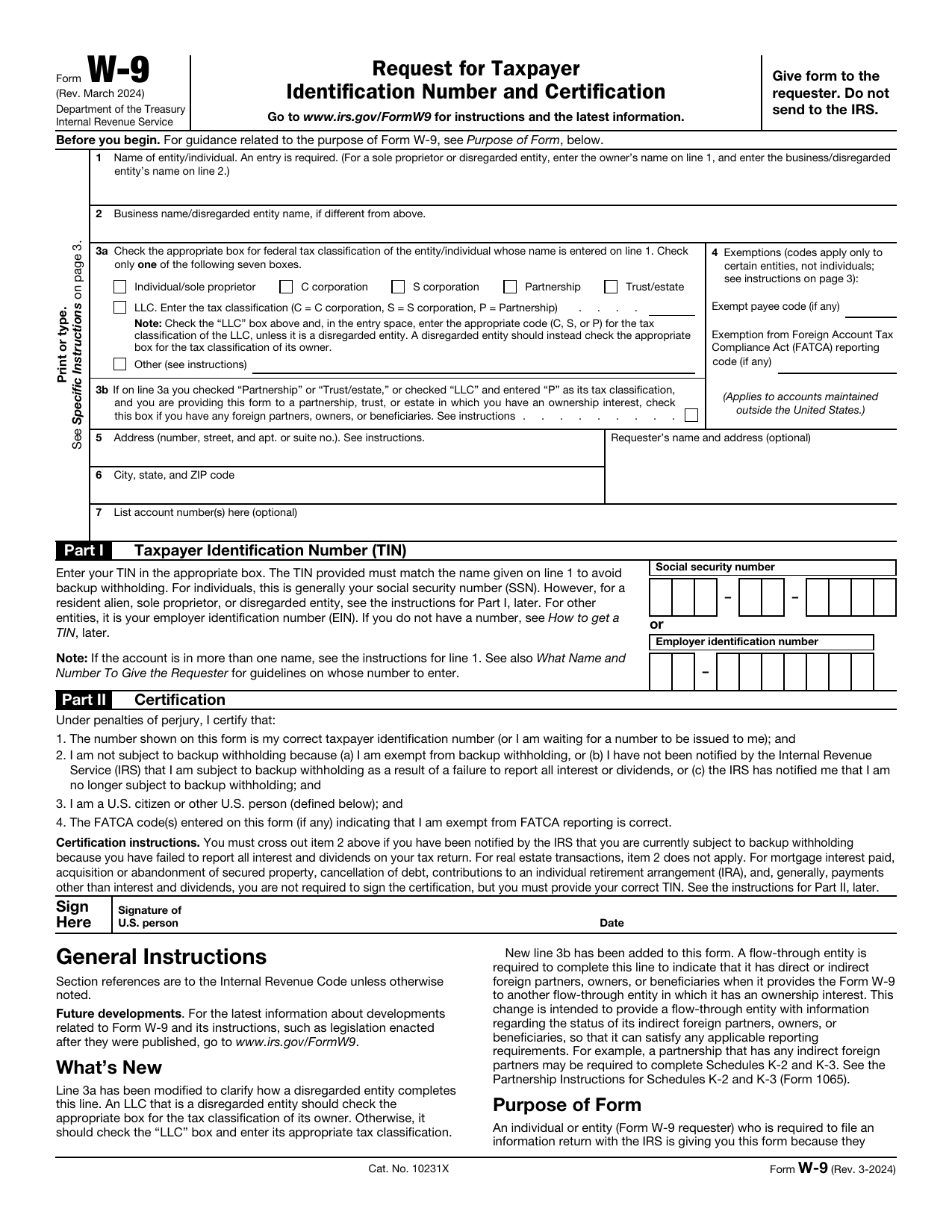 W-9 FormTax FormsGive a requester your correct TIN and certify your U.S. person and backup withholding status in a fillable, printable copy.Updated Oct 5, 2026
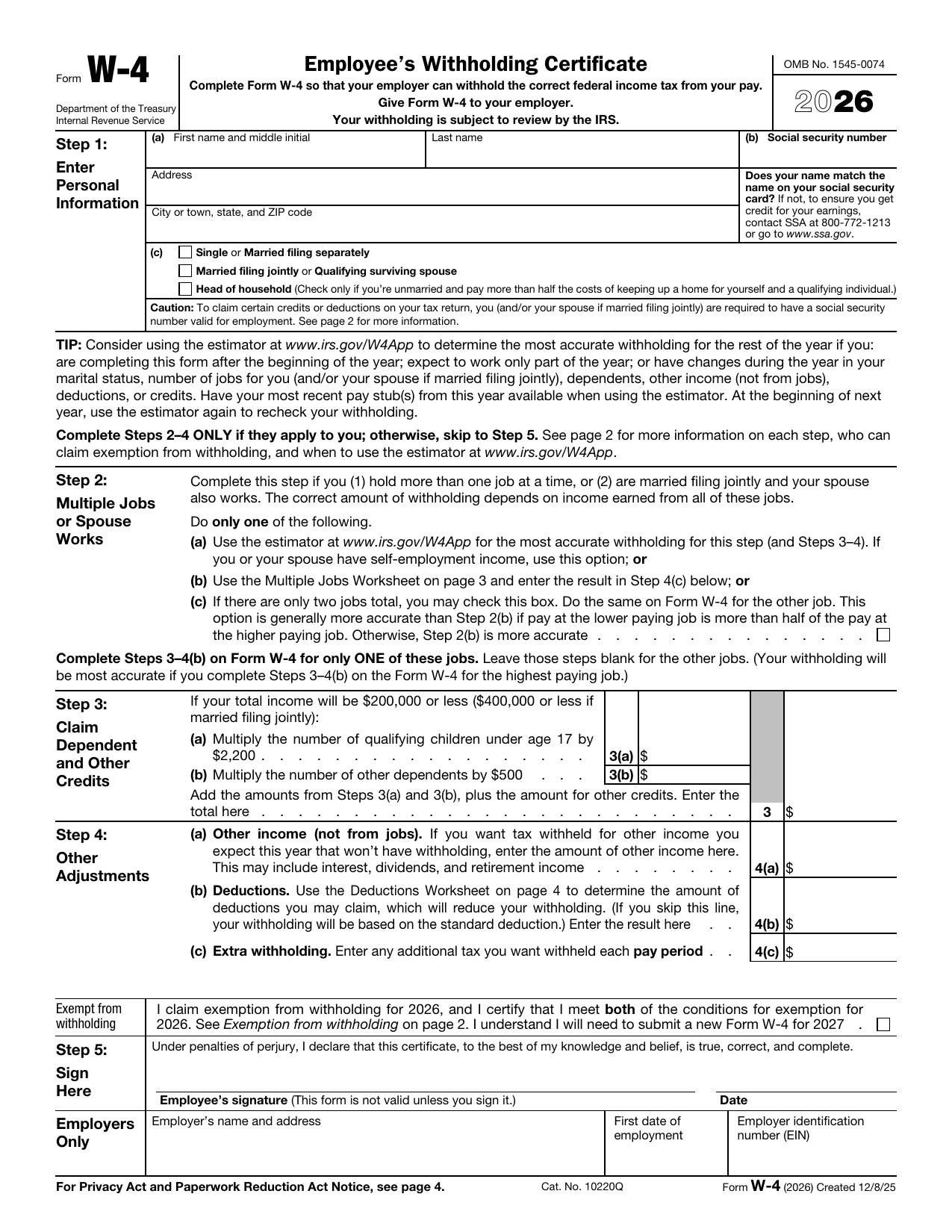 W-4 FormTax FormsSet how much federal income tax your employer withholds from your pay. A fillable, printable copy is ready here.Updated Oct 5, 2026
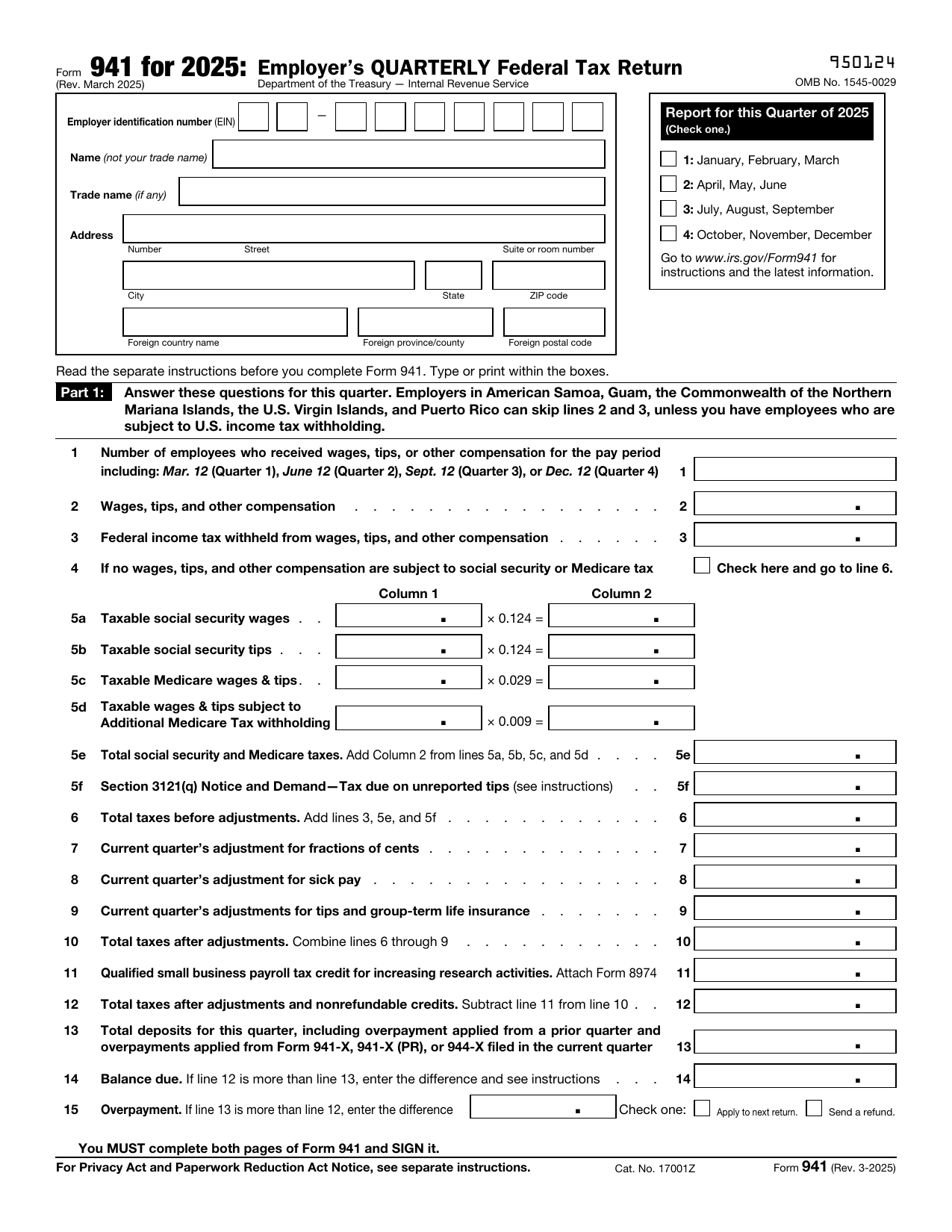 941 FormTax FormsReport your quarterly wages, withheld income tax, and payroll tax share with a fillable, printable copy ready here.Updated Oct 5, 2026
 8850 FormTax FormsAsk your state agency to certify your new hire for the work opportunity credit. Your fillable, printable copy is ready here.Updated Oct 5, 2026