

Form DAF 988: Fill Out Online in 2026
Record your military leave type, dates, emergency contact, and days charged in the fillable, printable copy ready here.
This website is not affiliated with any government agency.
How it works

1. Open the form
Click “Fill form” above to open the form in our editor.

2. Add details
Complete all required fields to finalize your form.

3. Save as PDF
Download your filled form as a PDF, ready to print or submit anywhere.
What is Form DAF 988?
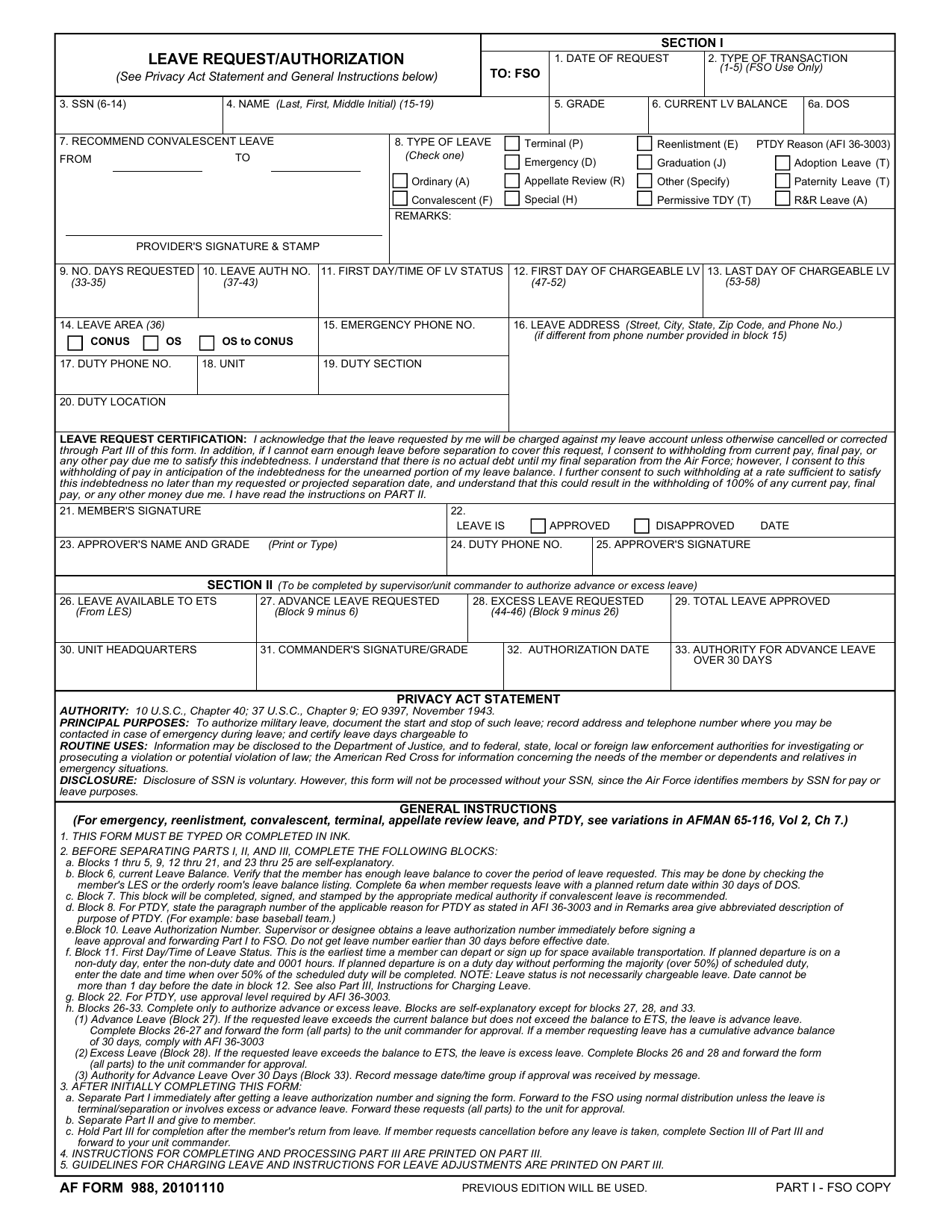
DAF Form 988, Leave Request/Authorization, is used by Department of the Air Force personnel to request time away from duty. It applies to Air Force and Space Force service members. Some files may be labeled af 988 leave form PDF, reflecting the Form’s former Air Force name.
The Form records the requested leave dates, contact details, and approval decision. Before leaving, a service member must have an approved leave authorization or special order. The member must also have enough money to cover travel and other expenses. This process helps the unit track the member’s status and creates an official record of authorized time away from duty.
What is Form DAF 988 used for?
You use DAF Form 988 to request military leave and send it to a supervisor or commander for approval. It covers ordinary, emergency, and convalescent leave, as well as permissive temporary duty, known as PTDY, and advance or excess leave. Someone searching for an AF 988 leave form PDF may need it before taking one of these types of leave.
The form also records when your leave starts and ends, where you can be reached during an emergency, and how many days count against your leave balance. After you return, it helps confirm the leave dates and chargeable days.
How to fill out Form DAF 988
- 1Click Fill Form to open Form DAF 988 in our editor.
- 2Enter the date of request, member’s SSN, name, and grade in Section I.
- 3Check the correct leave type, such as Ordinary, Emergency, Convalescent, or PTDY.
- 4Add the departure and return dates and times.
- 5Provide the destination, duty station, and pay area details.
- 6Enter the address and phone number where the member can be reached during leave.
- 7Have the leave-approving authority mark Approved or Disapproved and add the decision date.
- 8Complete the Instructions for Members acknowledgment section as required.
- 9Download or print the completed AF 988 leave form PDF for future use.
Where to get a blank Form DAF 988
The Department of the Air Force issues DAF Form 988 through its official publications system. Because it was formerly designated AF Form 988, older records may use the search phrase AF 988 leave form PDF.
PDFLeader has a blank copy pre-loaded in our browser-based editor, so you do not need to download a template elsewhere. You can fill out the form and download the completed copy for future use. PDFLeader does not file or submit the form.
Where to send Form DAF 988
After you download the completed Form DAF 988, submit it to your approving authority. This is usually your immediate supervisor or unit commander. You can send it electronically through the Air Force LeaveWeb system when your unit uses that process.
There is no standard mail process or outside agency that receives this form. If your unit requires a paper copy, give it in person to the supervisor, commander, or office named in your unit instructions. Follow your command’s rules for approval and record storage.
Who needs to complete Form DAF 988?
The requesting Air Force service member completes the member section of the AF 988 leave form PDF. This includes requests for regular leave, emergency leave, or permissive temporary duty. The member’s supervisor or approving authority completes Section II. The supervisor or a designee gets a leave authorization number before signing the approval. A medical authority also completes Block 7 when the request involves convalescent leave.
After approval, supervisors and leave processing staff use Form DAF 988 to approve, track, and manage the leave record. The Air Force finance office processes Part I for pay and accounting purposes. Part III is kept for completion after the service member returns, so the leave record can be closed.
How to sign Form DAF 988 online
You can sign Form DAF 988 electronically on PDFLeader, then download the completed form. A simple electronic signature is not standard for this form. Air Force processing may require a CAC-based digital signature, which PDFLeader does not support, or a handwritten signature on a paper copy. Check the latest Air Force updates before signing. PDFLeader does not submit the form, so you must complete the required submission process elsewhere.
What information/documents are required?
Before completing an AF 988 leave form PDF, have the Date of Request, your SSN, Name (Last, First, Middle Initial), Grade, and Current LV (Leave) Balance ready. Check the balance against your LES or the orderly room leave listing. For convalescent leave, the appropriate medical authority must complete, sign, and stamp Recommend Convalescent Leave.
Choose the Type of Leave and prepare any PTDY reason or Remarks. Enter the No. Days Requested. Your supervisor or designee gets the Leave Authorization Number from the unit orderly room just before signing the approval, no more than 14 days before the effective date. You will also need the leave dates and times, leave area, emergency contact number, and details for the Leave Request Certification. The certification confirms that leave will be charged to your account and that pay may be withheld if the leave is not earned before separation.
When is Form DAF 988 due?
DAF Form 988 is due before your requested leave period begins. There is no single calendar deadline. Your leave dates set the timing, and you must send the form to the approving authority early enough to receive approval before departure.
If you submit through the Air Force LeaveWeb system, allow time for review and possible delays. Before leaving, you must have an approved leave authorization or special order. You must also have enough funds to cover travel and other leave expenses.
When is Form DAF 988 not required?
You generally do not need Form DAF 988 when your organization processes leave through a different system. This applies to Department of Defense civilian employees and other non-military personnel. Military members traveling under permanent change of station (PCS) orders also follow a separate leave process.
Available sources do not identify other exemptions or dollar-based thresholds. Before deciding not to prepare the form, check the current AFI 36-3003 and ask your unit leave office which process applies to your situation.
FAQ

How do I correct or cancel an approved DAF Form 988?
Do not change an approved DAF Form 988 yourself. Contact your unit's orderly room or personnel office. Staff can amend or cancel the record in LeaveWeb or myFSS. If corrected, the form will receive a new authorization and must be signed by the approving official.
What should I enter if my actual departure or return time changes?
Enter the actual departure and return dates and times in the related TIME DEPART PERM, DATE, TIME RETURN PERM, and DATE fields. Use the times you left and returned, not the times listed in your original request.
Can one DAF Form 988 cover more than one type of leave?
No. Select only one leave-type box for each DAF Form 988 request, such as ordinary, emergency, convalescent, or permissive temporary duty leave. Submit a separate request if you need another leave type.
Where can I find the leave authorization number for DAF Form 988?
The leave authorization number is assigned electronically. In LeaveWeb, open the Open Leave tab and select the View icon for the authorized request. A green leave number shows that the request has been authorized.
How long should a completed DAF Form 988 be kept?
DAF Form 988 does not state a set retention period. Ask your unit records manager or personnel office to check the current Records Disposition Schedule under DAFI 33-322 and AFRIMS. Follow that schedule for the official retention period.
Does PDFLeader have a refund policy?
Yes. The Refund Policy sets out the cases where a refund applies and how to send a request.
What if I have any issues and need help?
We've got your back 24/7! Just call +1 (844) 548-9416 or email support@pdfleader.com, and we'll sort things out for you.
How do I cancel PDFLeader?
You can cancel your subscription from account settings, or contact the support team and ask them to cancel it. You keep access until the current billing period is over.
Related forms
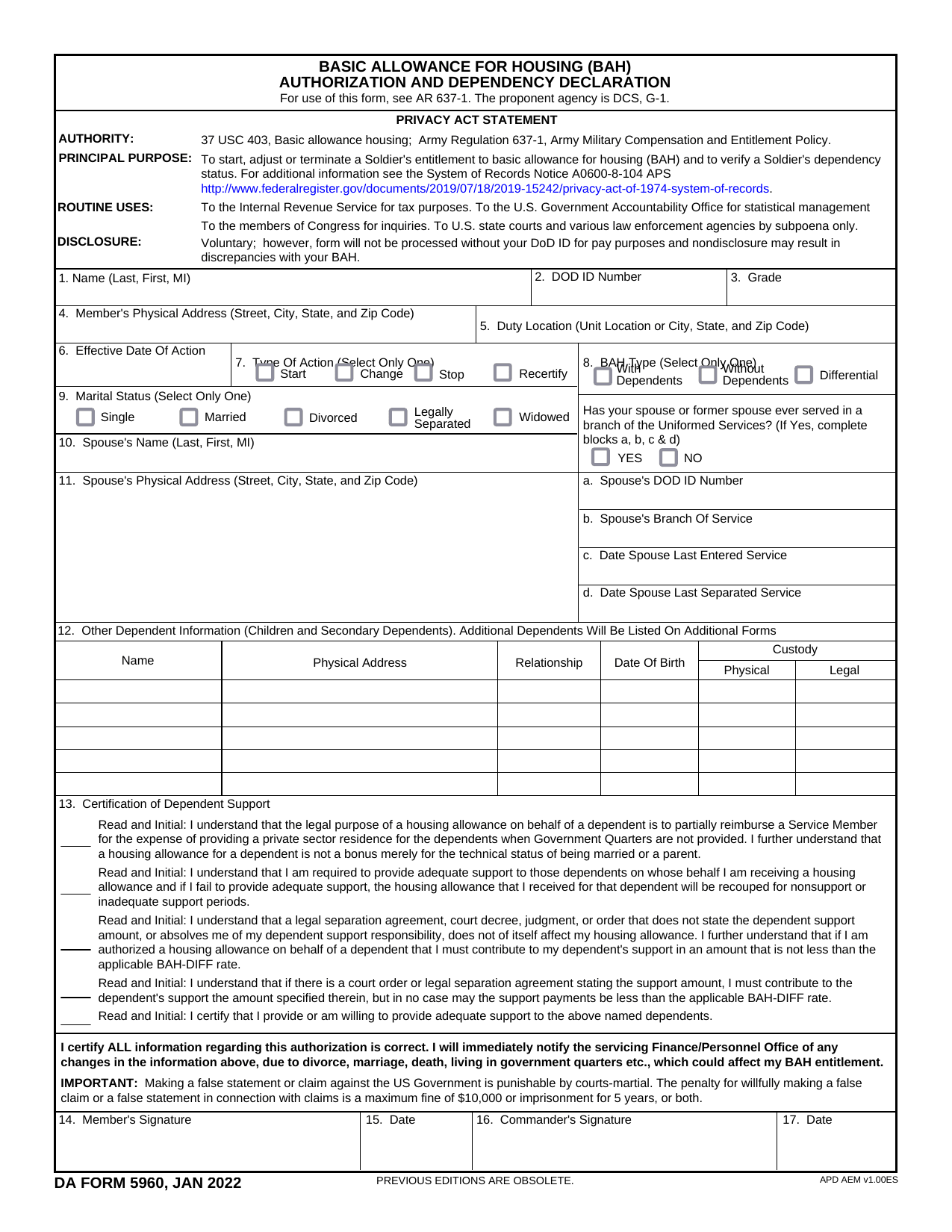 DA Form 5960Military FormsStart, stop, or change your BAQ or VHA entitlement using the fillable, printable copy ready here.Updated Oct 6, 2026
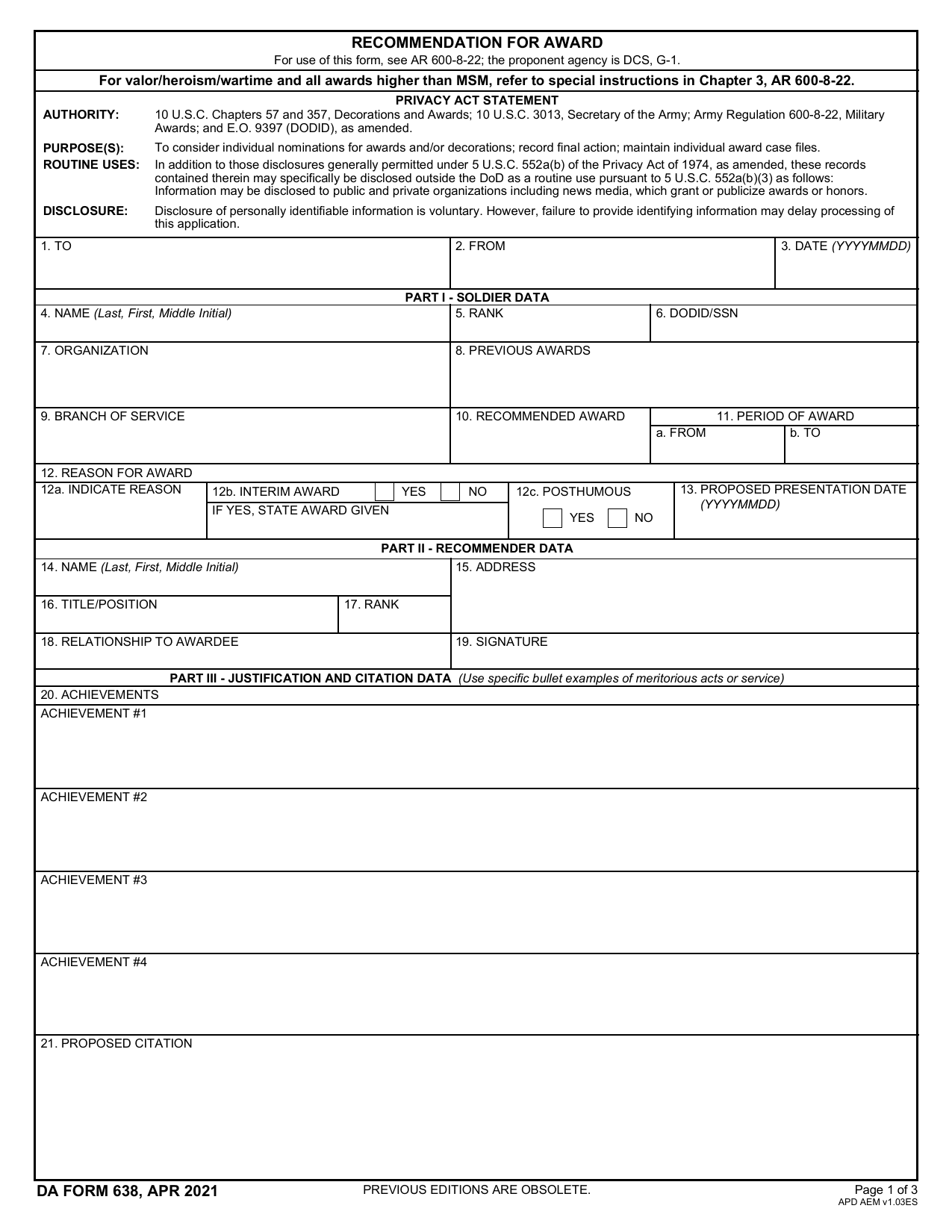 DA 638 FormMilitary FormsRecommend a Soldier for most awards, add justification and reviewers' decisions in a fillable, printable copy ready here.Updated Oct 6, 2026
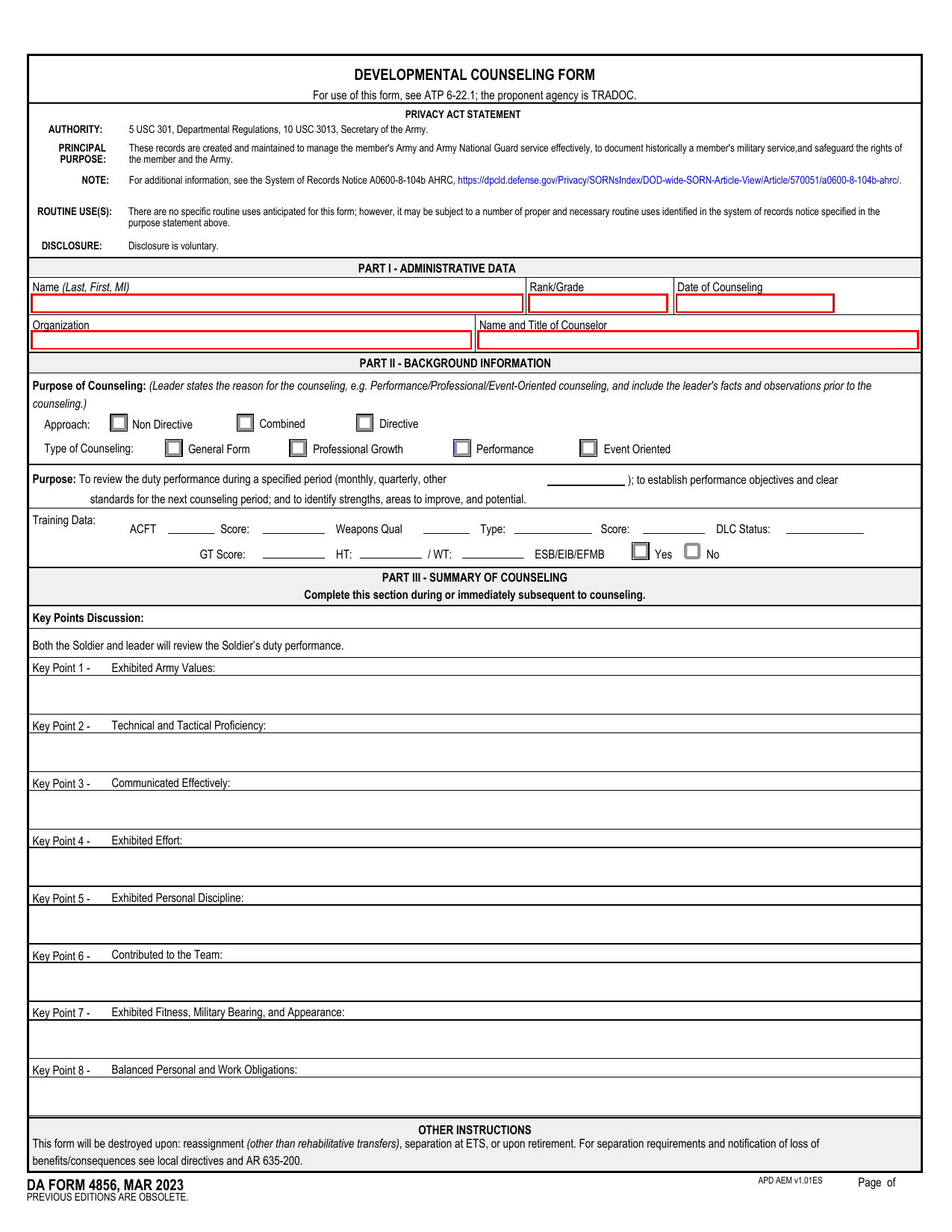 DA 4856 FormMilitary FormsA fillable, printable copy is ready here for you to record counseling sessions, agreed actions, goals, and follow-up results.Updated Oct 6, 2026
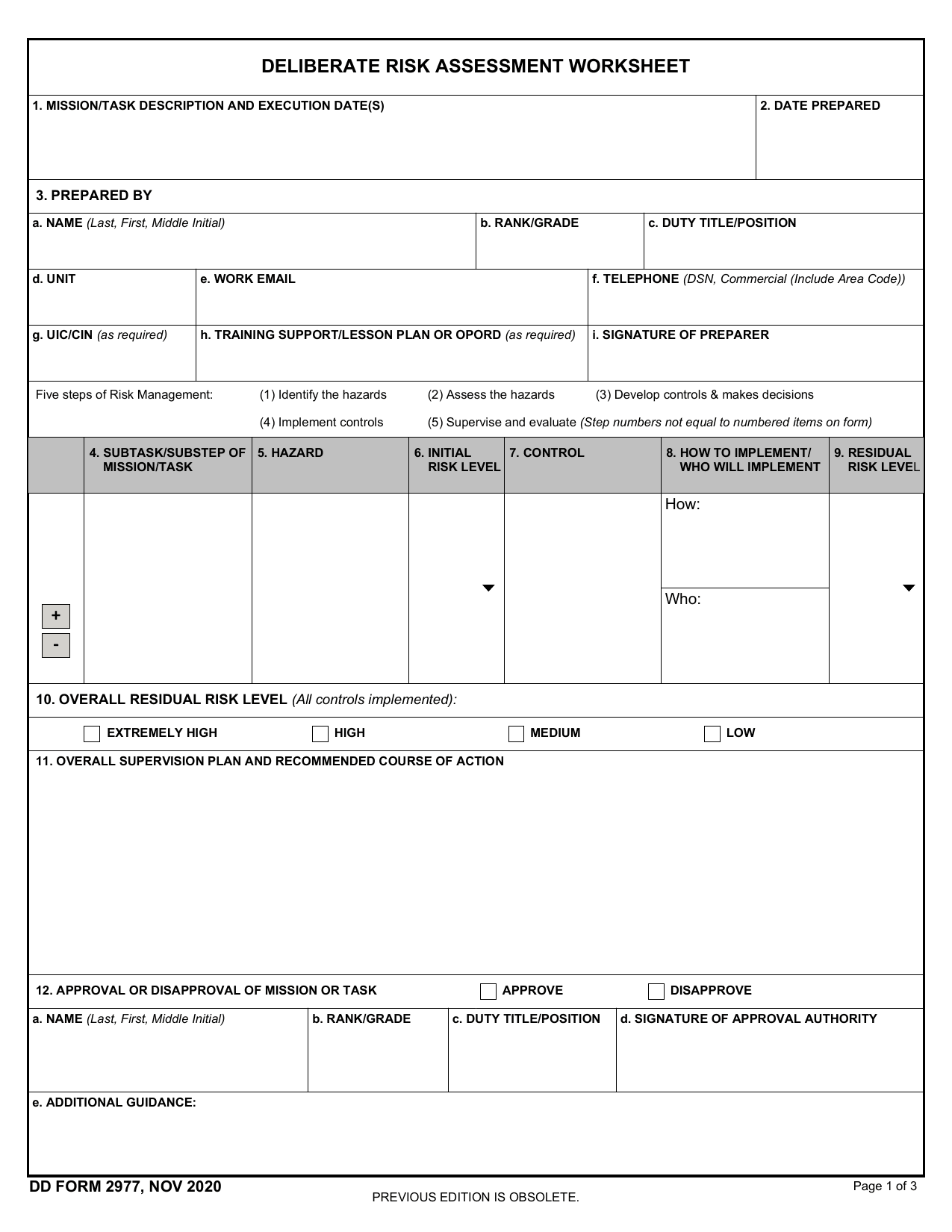 DD Form 2977Military FormsAssess your mission hazards, set controls, and record residual risk approval in the fillable, printable copy ready here.Updated Oct 6, 2026