

DD Form 2977: Fill Out Online in 2026
Assess your mission hazards, set controls, and record residual risk approval in the fillable, printable copy ready here.
This website is not affiliated with any government agency.
How it works

1. Open the form
Click “Fill form” above to open the form in our editor.

2. Add details
Complete all required fields to finalize your form.

3. Save as PDF
Download your filled form as a PDF, ready to print or submit anywhere.
What is DD Form 2977?
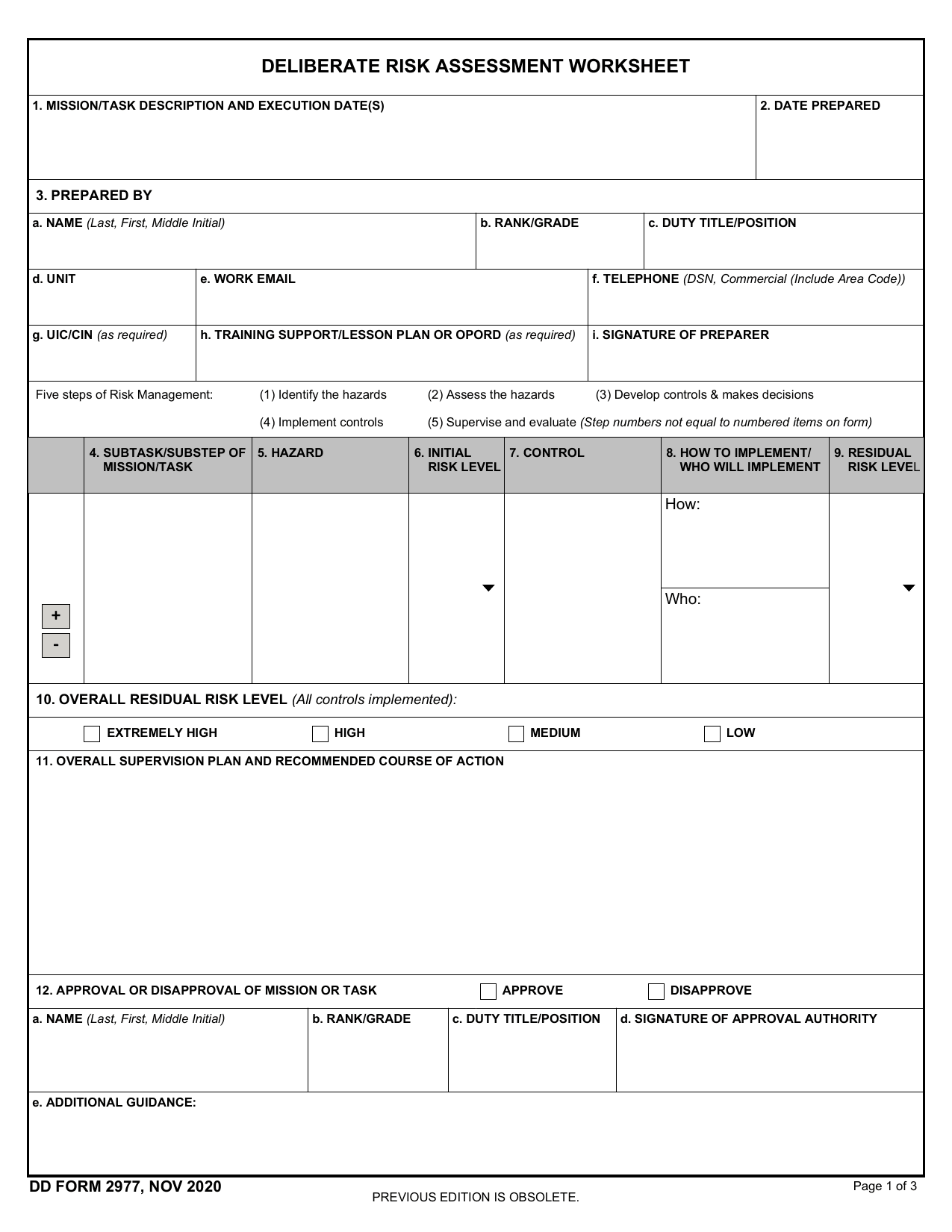
DD Form 2977, Deliberate Risk Assessment Worksheet, is the Army’s standard record for a deliberate risk assessment. Leaders and planners use it before missions, training, and other activities that may expose people or equipment to hazards. The DD Form 2977 PDF provides one format for documenting each step of the Army risk management process.
The worksheet helps you identify hazards, assess the initial risk, choose controls, and assign responsibility for putting those controls in place. It also records the remaining risk after controls are applied. The proper approval authority can then accept, reduce, or reject that residual risk before the activity begins. Leaders continue to supervise the controls and review the results during and after the activity. This process supports safer decisions while protecting personnel, equipment, and mission success.
What is DD Form 2977 used for?
Army leaders use DD Form 2977 before training, missions, maintenance work, or other activities that may involve hazards. It records risks linked to a task, operation, facility, or piece of equipment. Leaders then assess each hazard, choose controls, and decide how to reduce the risk.
The completed form shows the risk that remains after controls are in place. An approval authority can accept, reduce, or reject that risk before the activity begins. The record can also support later planning or an investigation.
How to fill out DD Form 2977
- 1Click Fill Form to open DD Form 2977 in our editor.
- 2Enter the Mission/Task Description and execution date.
- 3Add the date the form was prepared.
- 4Provide the Prepared By details, including rank, name, and duty title.
- 5List each Subtask/Substep and related Hazard.
- 6Select the Initial Risk Level using the risk assessment matrix.
- 7Describe Controls and How to Implement/Who Will Implement them.
- 8Determine each Residual Risk Level and the Overall Residual Risk Level.
- 9Complete the Supervision Plan and Recommended Course of Action, then mark approval or disapproval.
- 10Download or print the completed form.
Where to get a blank DD Form 2977
The Department of Defense issues DD Form 2977. You can get an official blank copy through the DoD Forms Management Program. Army users can also check the Army Publishing Directorate.
PDFLeader has a blank DD Form 2977 preloaded in our browser-based editor, so you do not need to download a template from another website. PDFLeader helps you fill out and download the completed form for future use, but it does not file or submit it.
Where to send DD Form 2977
Route your completed DD Form 2977 through your chain of command. Your unit may require you to give it in person to your commanding officer or designated authority, or send it through an approved internal unit system. A safety officer or NCO may review it before the commander or designated Risk Decision Authority signs off.
Do not mail it to an outside agency or upload it through a public government portal. Submission rules can differ by unit and activity, so ask your chain of command which internal method and approval path apply.
Who needs to complete DD Form 2977?
A supervisor, unit leader, or person planning the mission or task usually prepares DD Form 2977. This person must know the operation and its hazards. Reviewers with relevant military expertise then assess and validate the details. The Risk Decision Authority gives final approval and certifies the risk assessment.
After completion, the form goes to the proper military authorities for review and approval. Supervisors and safety officers use it to apply control measures during the mission. Commanders check it before they approve a task or training event. The completed form may also be kept in personnel or equipment maintenance files for future reference.
How to sign DD Form 2977
Check the latest DoD and unit instructions before signing, since requirements may change. Fill out DD Form 2977 in PDFLeader, download the completed form from our platform, then print it and sign the required signature block by hand. PDFLeader does not support CAC/PIV digital signatures or submit the form.
What information/documents are required?
Have the Mission/Task Description and Execution Date(s), Date Prepared, and Prepared By details ready. Prepared By includes name, rank/grade, duty title/position, unit, work email, telephone, UIC/CIN, and signature. You also need the related Training Support/Lesson Plan or OPORD, if one applies.
For each Subtask/Substep of Mission/Task, gather the Hazard, Initial Risk Level, Control, How to Implement/Who Will Implement, and Residual Risk Level. Use the form’s risk assessment matrix to set probability, severity, and risk levels. Then prepare the Overall Residual Risk Level, Overall Supervision Plan and Recommended Course of Action, and Approval or Disapproval of Mission/Task. For later sections, keep Risk Assessment Review details, Feedback and Lessons Learned, and Additional Comments or Remarks on hand. Review details include the date, reviewer’s name, rank/grade, duty title, and signature.
When is DD Form 2977 needed?
DD Form 2977 has no fixed universal due date. Complete and review it before any military operation or training exercise that involves potential risks. The timing depends on the activity and its planned start date.
Reassess the worksheet if hazards, controls, personnel, equipment, or operating conditions change. Your unit or command may set an earlier deadline. Check the governing operation order, known as the OPORD, and local command policy for exact timing and review requirements.
When is DD Form 2977 not required?
DD Form 2977 is not required when your Service or command’s risk-management policy does not call for it for the mission or task, or permits another approved way to record the assessment. The official instructions provide no general exemption or risk threshold.
Do not assume that a low-risk task removes the requirement. Check the current regulation and local command policy before deciding not to prepare the worksheet. If Army policy requires a deliberate risk assessment, use DD Form 2977 rather than the outdated DA Form 7566 Composite Risk Management Worksheet.
FAQ

Which tool is used to complement a DD Form 2977?
Use the Risk Assessment Matrix with DD Form 2977. The matrix compares the probability and severity of each hazard. It then gives an initial risk level of Low, Moderate, High, or Extremely High to enter on the form.
Can I do my own risk assessment?
Yes. If you conduct the deliberate risk assessment, you may prepare and sign the form. The designated risk approval authority must still review and approve it before the operation or training begins.
Can you give an example of a completed risk assessment?
A DD Form 2977 example might list dense brush as a laceration hazard. The control could require long sleeves and eye protection. Other entries may cover heat exhaustion or getting lost, with controls and a residual risk level for each hazard.
Is there a standard risk assessment template?
Yes. DD Form 2977 is the standard U.S. Army worksheet for deliberate risk assessments. It replaced DA Form 7566, the Composite Risk Management Worksheet. Use the current edition required by your unit.
What are examples of risks to document on a risk assessment?
Document hazards tied to the mission or task. A DD Form 2977 sample may include cuts from dense brush, heat exhaustion from high temperatures, or getting lost during land navigation. List a matching control for each hazard, such as protective clothing, water and rest plans, GPS trackers, or verified map checkpoints.
Does PDFLeader have a refund policy?
Yes. The Refund Policy sets out the cases where a refund applies and how to send a request.
What if I have any issues and need help?
We've got your back 24/7! Just call +1 (844) 548-9416 or email support@pdfleader.com, and we'll sort things out for you.
How do I cancel PDFLeader?
You can cancel your subscription from account settings, or contact the support team and ask them to cancel it. You keep access until the current billing period is over.
Related forms
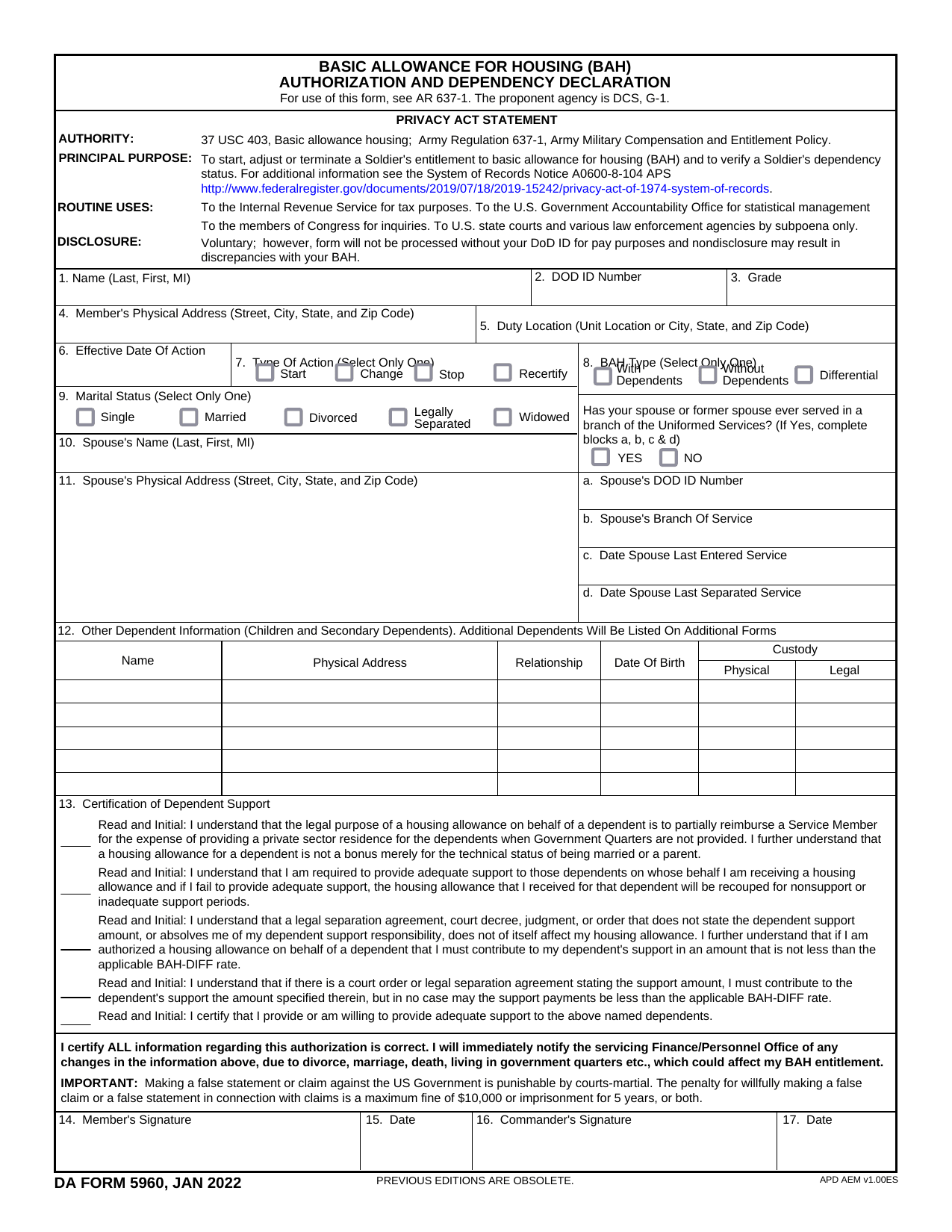 DA Form 5960Military FormsStart, stop, or change your BAQ or VHA entitlement using the fillable, printable copy ready here.Updated Oct 6, 2026
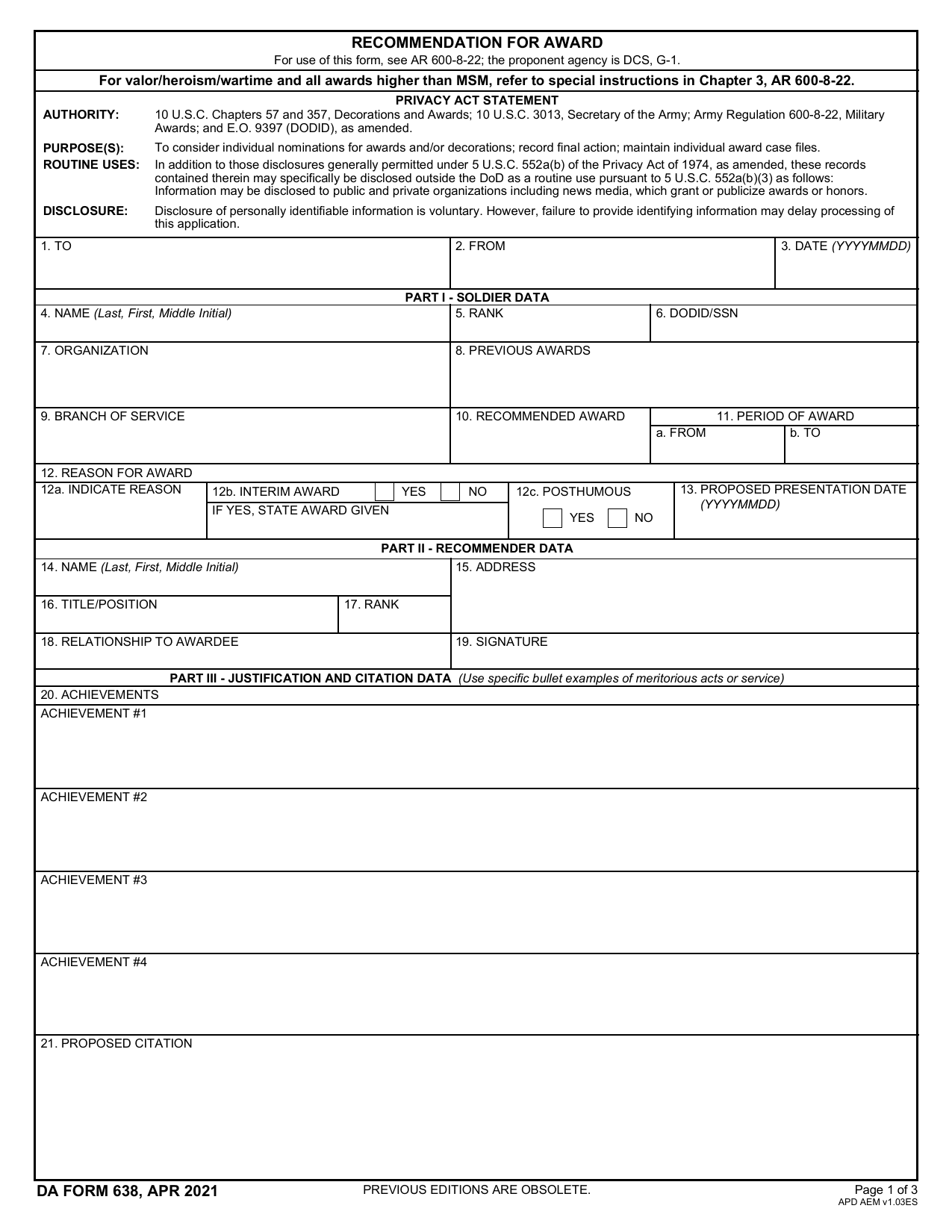 DA 638 FormMilitary FormsRecommend a Soldier for most awards, add justification and reviewers' decisions in a fillable, printable copy ready here.Updated Oct 6, 2026
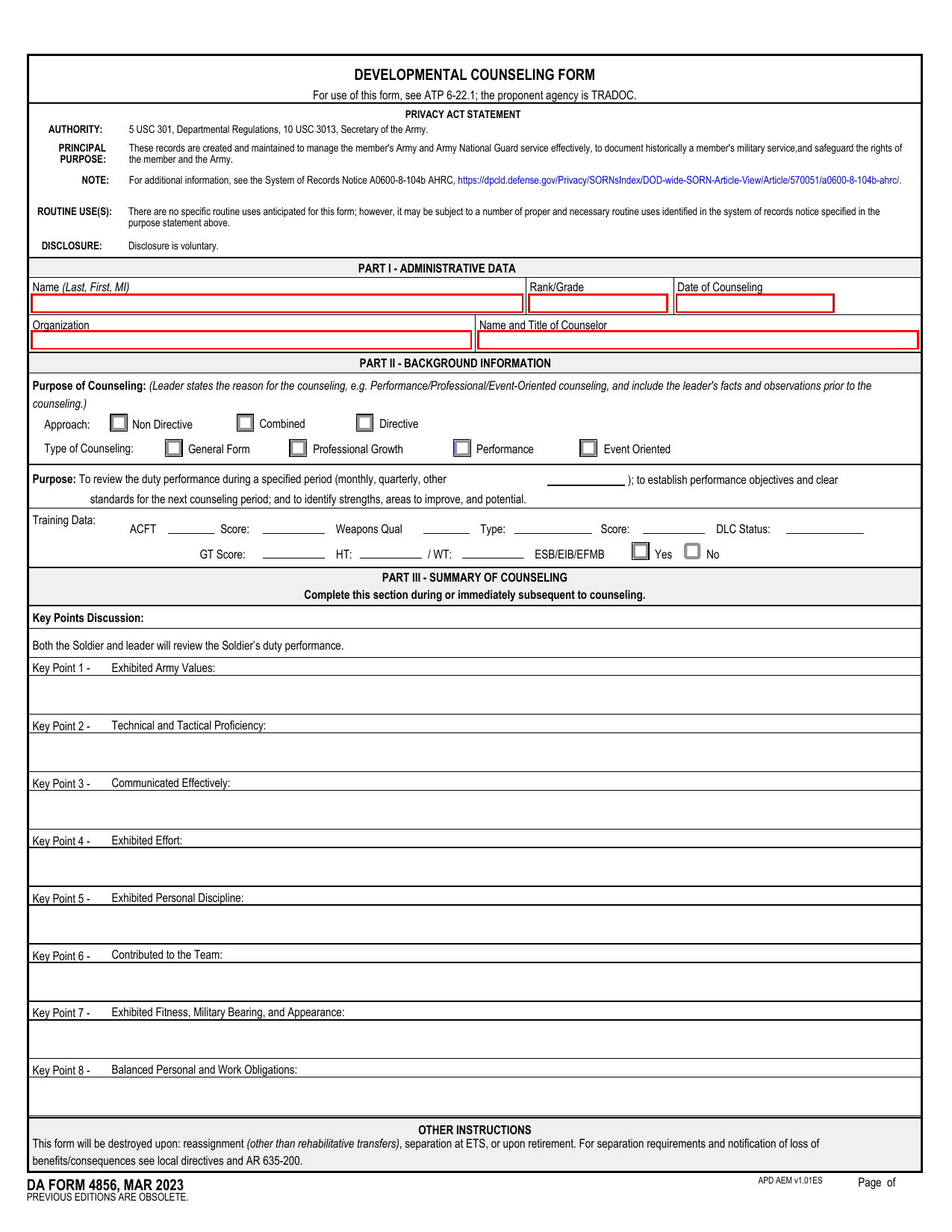 DA 4856 FormMilitary FormsA fillable, printable copy is ready here for you to record counseling sessions, agreed actions, goals, and follow-up results.Updated Oct 6, 2026
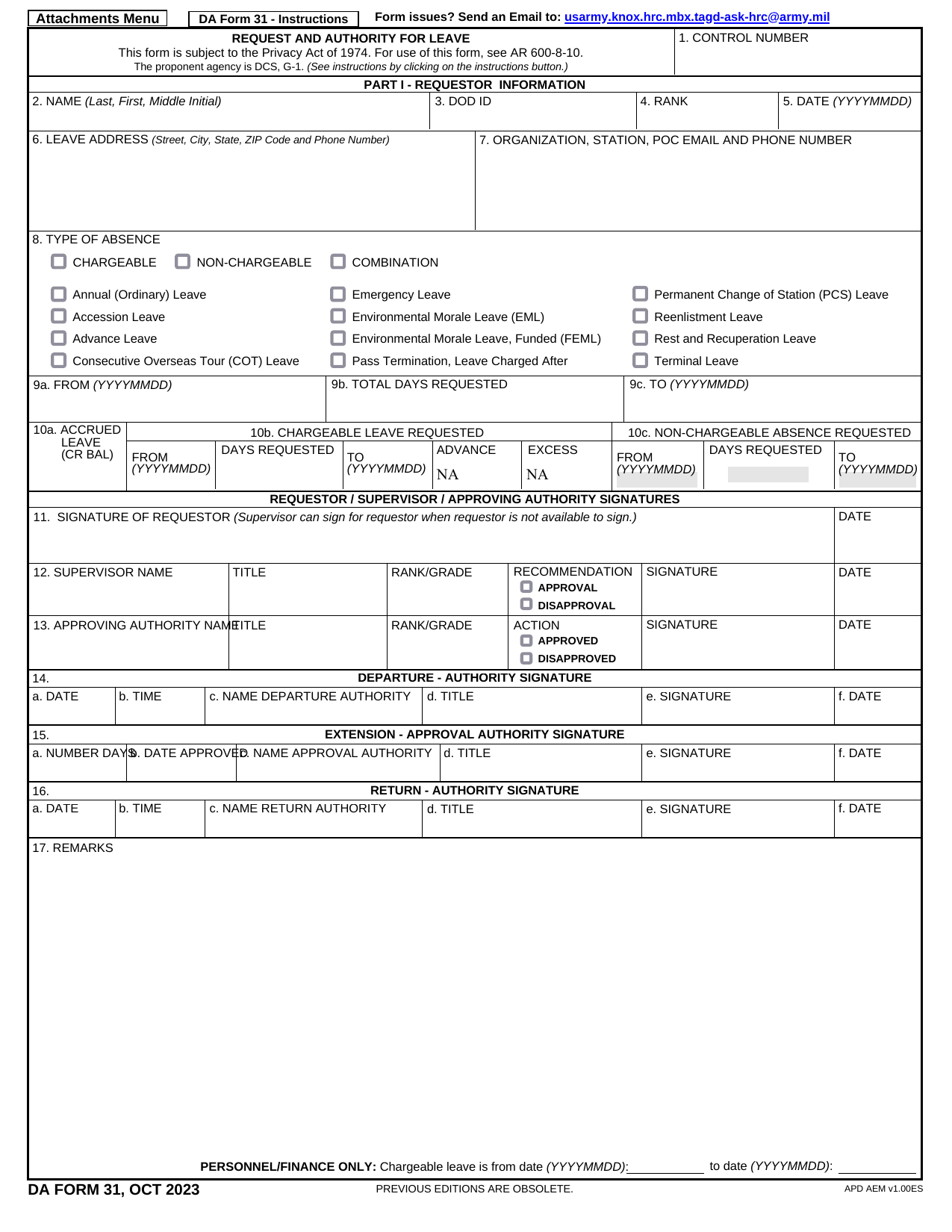 DA 31 FormMilitary FormsRecord your leave dates and absence type, with space for authorization, in the fillable, printable copy ready here.Updated Oct 6, 2026