

Form DA 31: Fill Out Online in 2026
Record your leave dates and absence type, with space for authorization, in the fillable, printable copy ready here.
This website is not affiliated with any government agency.
How it works

1. Open the form
Click “Fill form” above to open the form in our editor.

2. Add details
Complete all required fields to finalize your form.

3. Save as PDF
Download your filled form as a PDF, ready to print or submit anywhere.
What is Form DA 31?
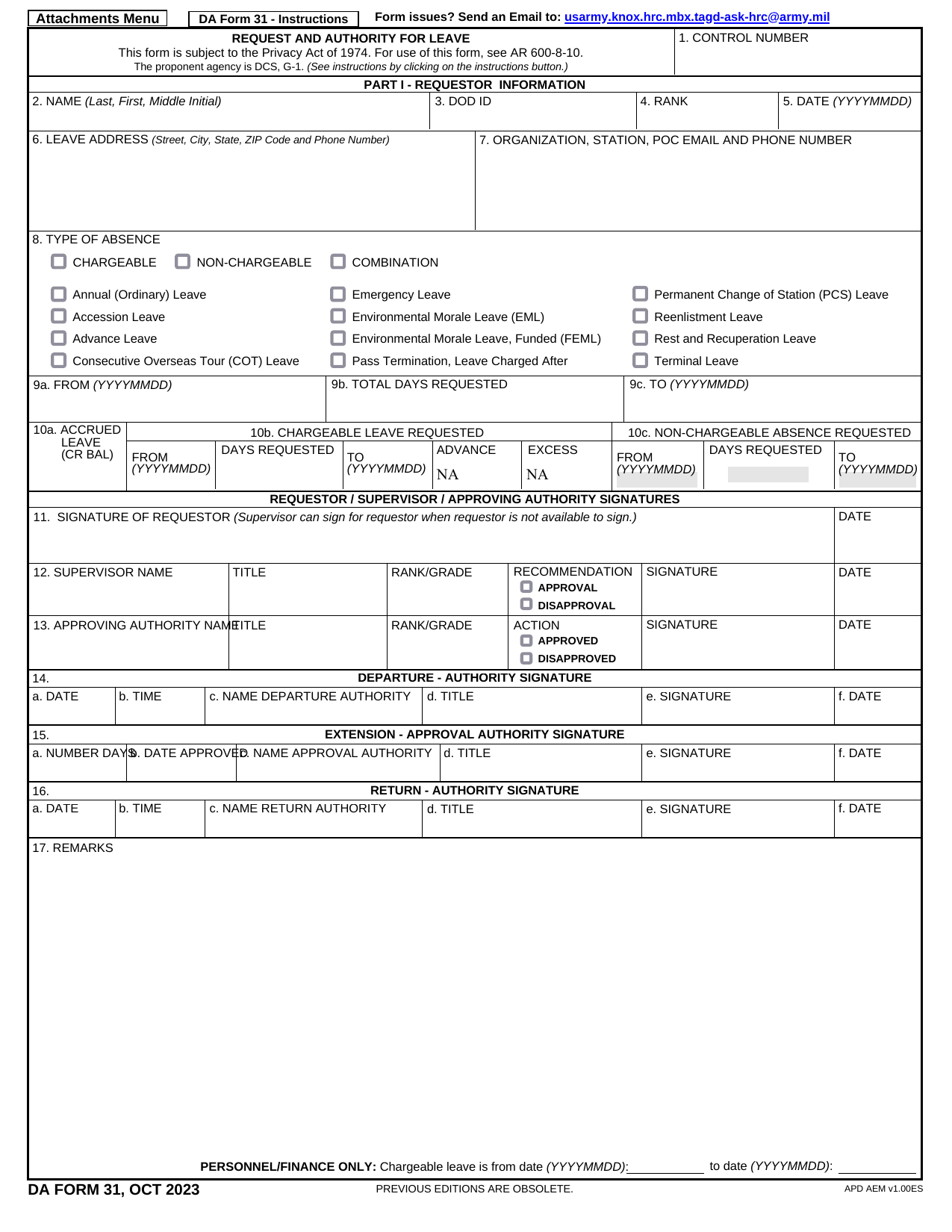
DA Form 31, Request and Authority for Leave, is the U.S. Army’s standard document for requesting time away from duty. Often called DA 31, it records the type of leave, the requested dates, and other details needed for review. A commander or another authorized official must approve the request before the Soldier leaves duty.
The form creates an official record that the absence was requested and approved under Army rules. Soldiers must carry the approved form while on leave. This record can show that you followed military procedures and did not intend to be absent without leave, known as AWOL. You may also see the document called a DA 31 leave Form or DA-31 Form.
What is Form DA 31 used for?
Soldiers use the Army DA 31 to request emergency leave, vacation leave, travel, or an extended pass. It records the requested dates and shows whether the proper authority approved the absence.
The approved DA 31 Form also serves as proof that the Soldier has permission to be away and should be carried during leave. Sections for extensions, departure checks, and return confirmation help the Army verify the actual leave period. Finance staff use this information to calculate chargeable leave and update the Soldier’s leave balance.
How to fill out Form DA 31
- 1Click Fill Form to open Form DA 31 in our editor.
- 2Enter your name, DoD ID, rank, and date.
- 3Add your organization and station, leave address, phone number, and email.
- 4Select chargeable or non-chargeable leave, then enter the From and To dates.
- 5State the reason or justification if required, such as advance or emergency leave.
- 6Have your supervisor mark the recommendation.
- 7Have the approving authority record the decision.
- 8Complete Parts II and III only for OCONUS emergency-leave travel or dependent travel authorization.
- 9Download or print the completed form.
Where to get a blank Form DA 31
DA Form 31 is issued by the U.S. Department of the Army and published through the Army Publishing Directorate (APD). Its use is governed by Army Regulation 600-8-10. You can also check the APD website if you need the official source for Army publications.
PDFLeader has a blank DA 31 fillable document preloaded in our browser-based editor, so you do not need to download a template from another site. PDFLeader helps you fill out and download the completed form for future use. PDFLeader does not file or submit the form to the Army or your unit.
Where to send Form DA 31
Send your completed DA 31 through your chain of command. It normally goes first to your immediate supervisor, then to your unit commander for review and approval. Your unit’s S-1 or administrative office often manages the routing.
If your unit uses IPPS-A, enter the leave request there, attach any required documents, and submit it through the portal. The request then routes electronically through your chain of command. If your unit requires a printed DA 31 Form, deliver it in person to the designated supervisor or administrative office. Some units may accept it by mail. Check your unit’s local procedure before sending the form.
Who needs to complete Form DA 31?
The Soldier requesting chargeable leave completes blocks 2 through 8 and 9a through 10b of Form DA 31. The Soldier signs block 11 and sends the form with a copy of the Leave and Earnings Statement (LES) to the supervisor. The supervisor checks the entries, recommends approval or disapproval, and signs the form. The approving authority or commander then approves or disapproves the request, signs block 13, and gives a reason in block 17 if the request is denied.
After approval, personnel and finance offices use Form DA 31 for pay accounting and leave-record checks. The form and LES go back to the personnel office. The Soldier copy, original, and organization copy are kept under unit procedures.
How to sign Form DA 31
DA Form 31 requires signatures from the Soldier, supervisor, and approving authority. Check the latest updates and your unit’s rules before signing. You can fill out and download the form with PDFLeader, but our platform does not support digital signatures or submit the form. If your unit requires a DoD PKI/CAC-based digital signature, use a certificate-based tool after downloading. You can also print the form for handwritten signatures.
What information/documents are required?
Before completing DA Form 31, have your NAME (Last, First, Middle Initial), SSN, GRADE/RANK, and DATE ready. You also need your LEAVE ADDRESS AND TELEPHONE NUMBER (Include Area Code), including the street, city, state, and ZIP code. Choose the TYPE OF LEAVE: ordinary, permissive TDY, emergency, or other.
Check your leave records for the NUMBER OF DAYS (Accrued / Requested / Advanced) to enter in fields 9a, 9b, and 9c. You must also provide the SIGNATURE OF REQUESTOR in field 11. The DA 31 Form does not list a supporting document that must be attached. Ask your unit if it requires proof for your leave type, such as emergency leave documentation.
When is Form DA 31 needed?
Form DA 31 has no fixed due date. If your unit directs you to use it, submit the form as far before your planned departure as possible. A common guideline is at least 30 days in advance. This gives your chain of command time to review and approve the request. Processing time may vary by unit and command structure.
Soldiers now normally submit absence requests through IPPS-A. Use DA Form 31 only when your unit or S-1 office tells you to do so, and follow any local submission deadline.
When is Form DA 31 not required?
DA Form 31 is not required when a short absence is covered by a regular or special pass instead of leave. For a unit fully migrated to IPPS-A, submit the electronic absence request in that system. IPPS-A creates the digital equivalent, so you do not need a paper form or a DA 31 fillable file.
A supervisor signing for an unavailable requestor does not create an exemption. It only allows the supervisor to complete the signature step for the requestor. The request still must be recorded through the required paper or electronic process.
FAQ

What is the 59-minute rule in the military?
The 59-minute rule is an informal, supervisor-approved absence of less than one hour. It may cover minor tardiness or an early release, but it is not an entitlement or award. No Army regulation creates a formal 59-minute rule, and the absence is not recorded on DA Form 31.
What happens to unused military leave?
Service members generally may carry up to 60 days of accrued leave into the next fiscal year. Leave above that limit may be lost after September 30 unless Special Leave Accrual applies. At separation or retirement, you may sell back up to 60 days over your military career. Payment is based on basic pay only.
How far in advance should DA Form 31 be submitted?
There is no single lead time for every Army unit. Many units ask Soldiers to submit an Army DA 31 about 30 days before leave, while other units set different deadlines. Follow your command's local policy and allow time for review before making firm travel plans.
Can DA Form 31 be denied or cancelled after approval?
Yes. A commander may deny a DA 31 Form or cancel approved leave when military necessity requires your presence, such as for an unexpected operation or exercise. Your command should tell you about the decision and any required return to duty.
What information must be included on DA Form 31?
The current DA 31 leave Form PDF requests details such as your name, DoD ID number, rank, organization, leave type, dates, number of days, leave address and required signatures. Older editions may use different identifying fields. Complete the edition your unit requires and check that all entries are accurate before submitting it through your command's process.
Does PDFLeader have a refund policy?
Yes. The Refund Policy sets out the cases where a refund applies and how to send a request.
What if I have any issues and need help?
We've got your back 24/7! Just call +1 (844) 548-9416 or email support@pdfleader.com, and we'll sort things out for you.
How do I cancel PDFLeader?
You can cancel your subscription from account settings, or contact the support team and ask them to cancel it. You keep access until the current billing period is over.
Related forms
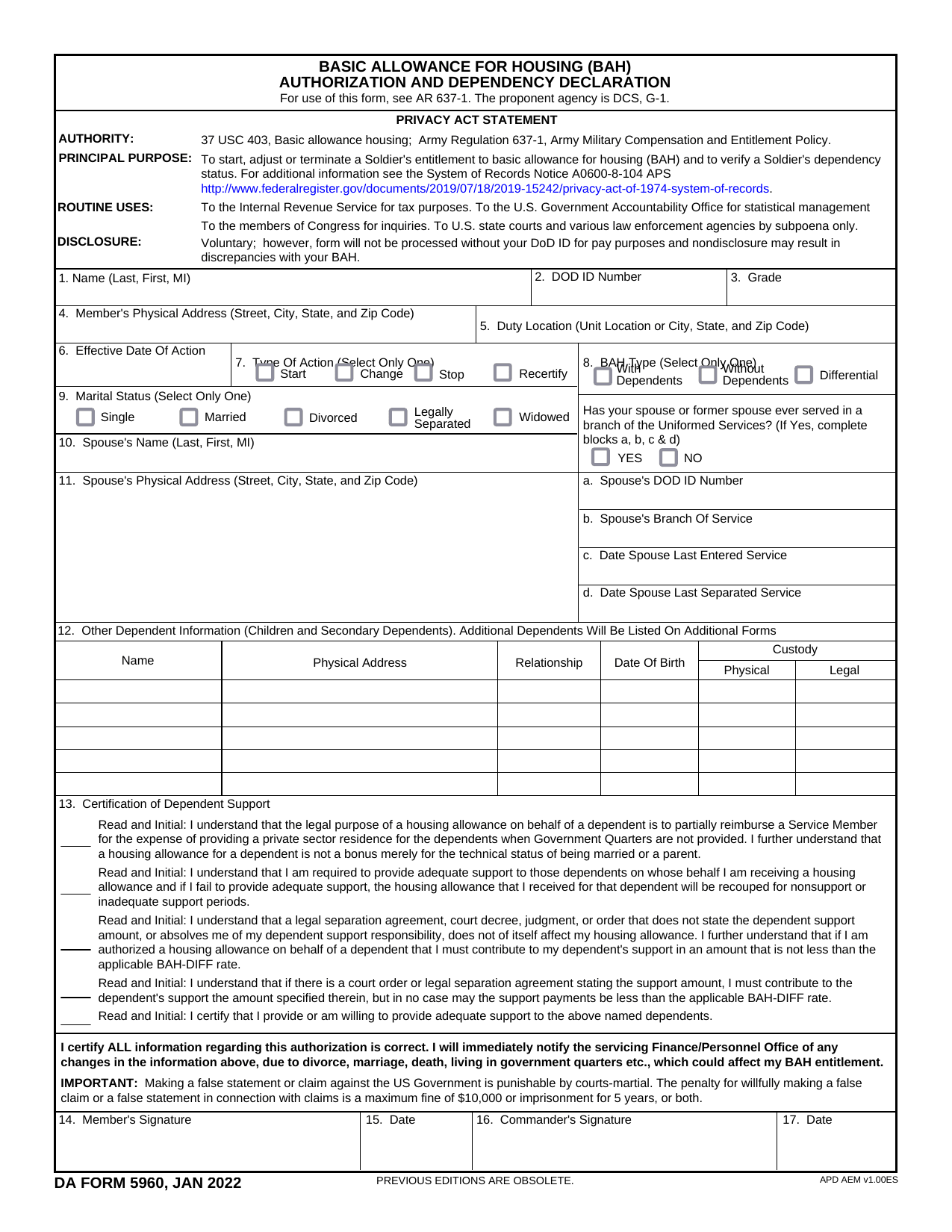 DA Form 5960Military FormsStart, stop, or change your BAQ or VHA entitlement using the fillable, printable copy ready here.Updated Oct 6, 2026
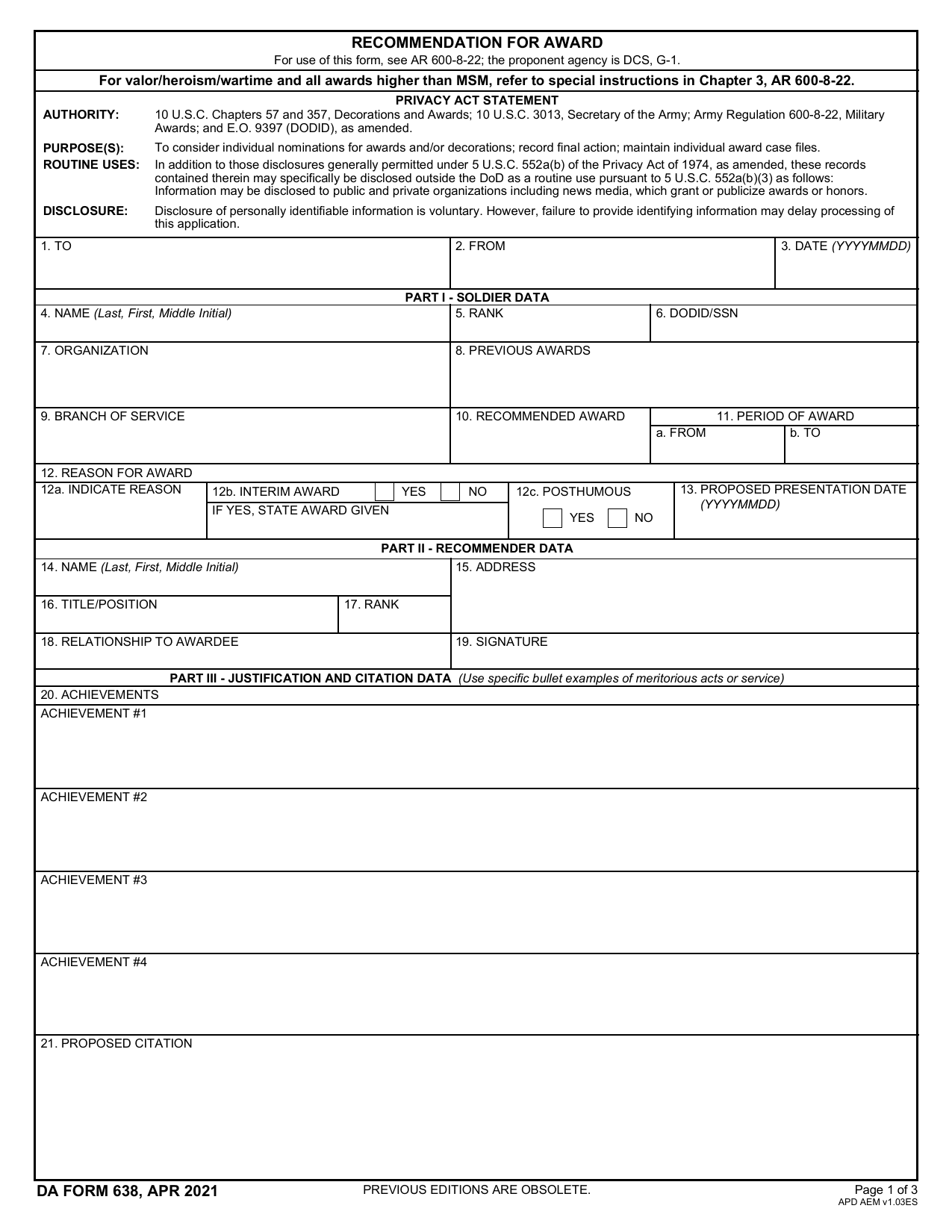 DA 638 FormMilitary FormsRecommend a Soldier for most awards, add justification and reviewers' decisions in a fillable, printable copy ready here.Updated Oct 6, 2026
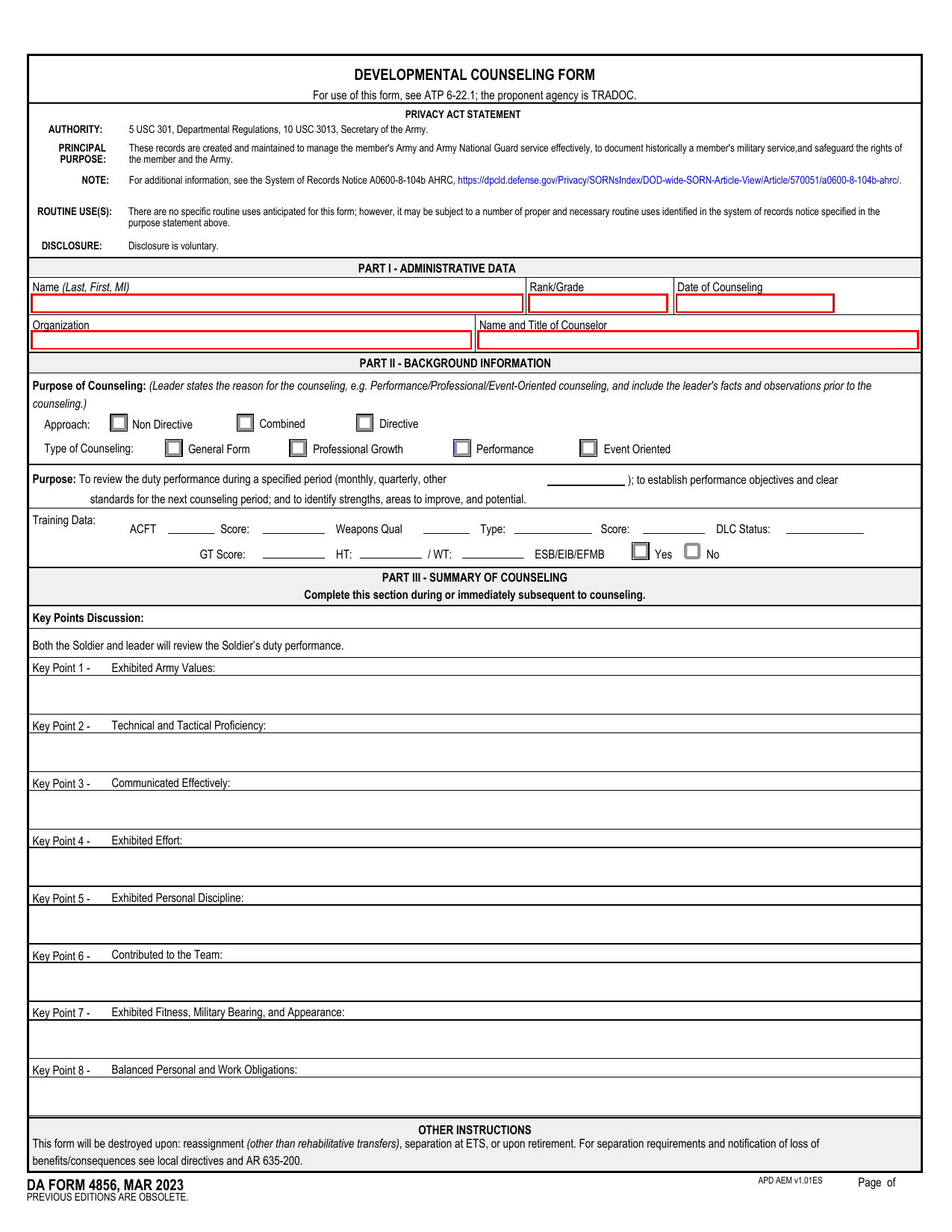 DA 4856 FormMilitary FormsA fillable, printable copy is ready here for you to record counseling sessions, agreed actions, goals, and follow-up results.Updated Oct 6, 2026
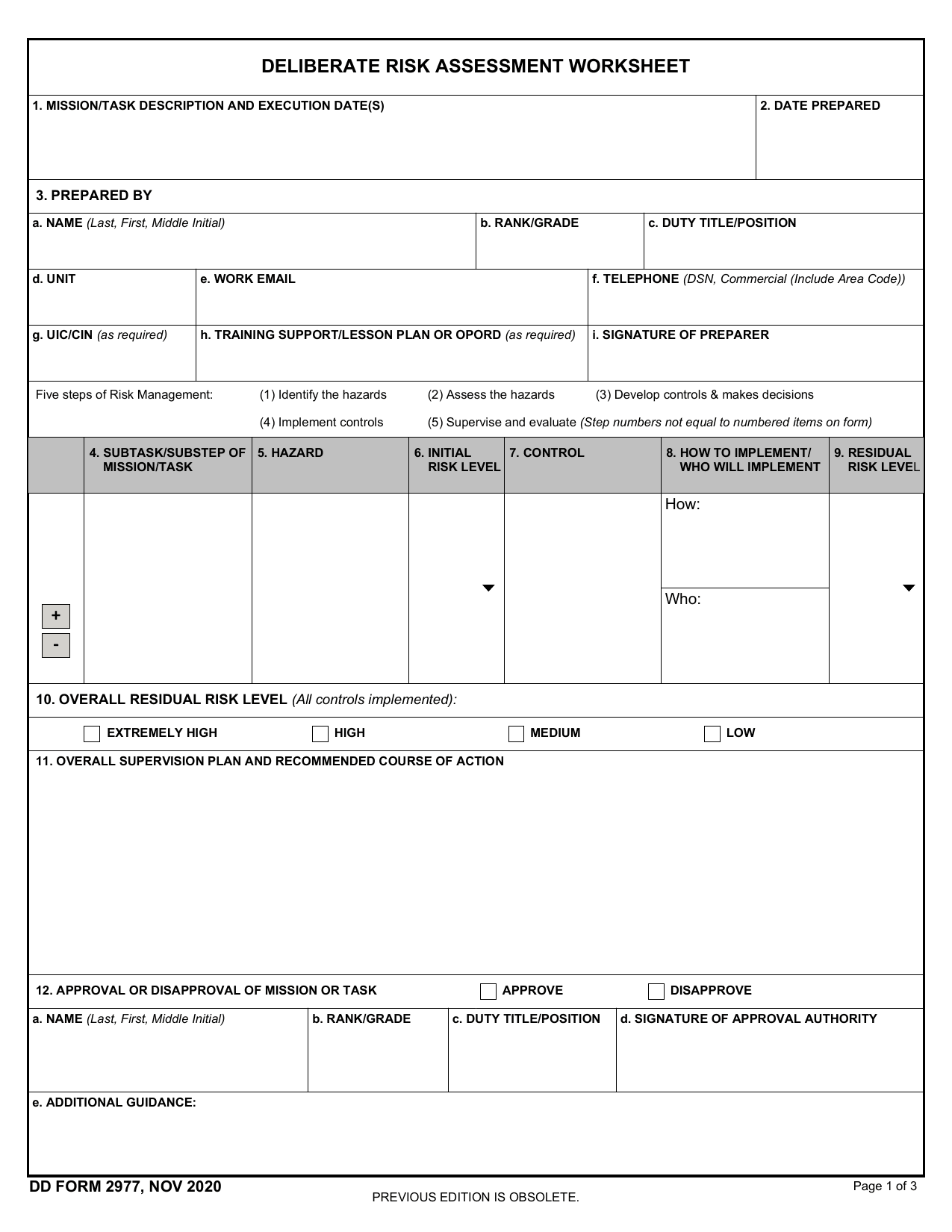 DD Form 2977Military FormsAssess your mission hazards, set controls, and record residual risk approval in the fillable, printable copy ready here.Updated Oct 6, 2026