

Fill Out DA Form 1380 Online in 2026
Document your nonunit Reserve training to support pay or retirement point credit with a fillable, printable copy ready here.
This website is not affiliated with any government agency.
How it works

1. Open the form
Click “Fill form” above to open the form in our editor.

2. Add details
Complete all required fields to finalize your form.

3. Save as PDF
Download your filled form as a PDF, ready to print or submit anywhere.
What is DA Form 1380?
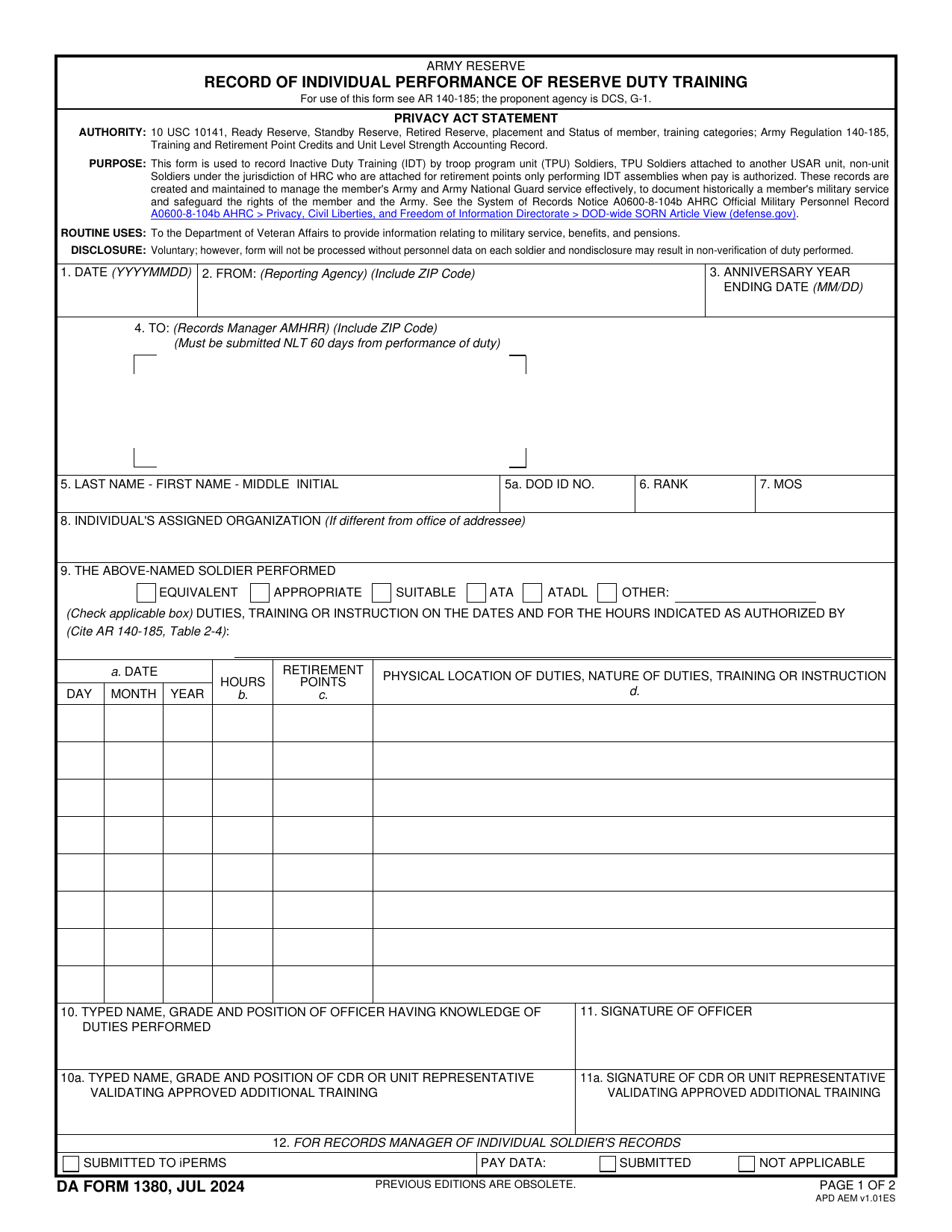
DA Form 1380, Record of Individual Performance of Reserve Duty Training, is a U.S. Army Reserve document. It records nonunit Reserve training, except Army Extension Courses. It also covers equivalent duty performed by reservists assigned to USAR units outside their regular unit training. Army Regulation 140-185 governs its use.
The form shows when you performed the duty, what type of training you completed, and how many hours or periods you served. An authorized official certifies the record. The Army uses this information to award retirement points and, when allowed, issue pay. Without a correct record, your duty may not count toward these benefits or support your military status and career progress. You can check DA Form 1380 Army Pubs sources for the current official version and instructions.
What is DA Form 1380 used for?
DA Form 1380 records nonunit Reserve training or other approved duty, except Army Extension Courses. It may cover training projects, professional or trade convention attendance, and duty performed while attached to another unit. The proponent agency chief, designated military representative, or attached unit commander certifies the duty, based on the activity.
The form supports eligible pay, including dental and medical readiness period payments. It also gives Soldiers paid or unpaid retirement point credit. Units must process this duty by the last day of each month. A responsible officer signs copies sent to the custodian of the Soldier’s Army Military Human Resource Record, or AMHRR, so the duty becomes part of the official personnel record.
How to fill out DA Form 1380
- 1Click the Fill Form button below to open DA Form 1380 in our editor.
- 2Enter the Soldier’s name, grade, branch, and organization or unit.
- 3Add the records manager’s name and address in Item
- 44. Check the applicable duty or training type box in Item 9.
- 5Enter the name of the person or office that authorized the duty, training, or instruction.
- 6Record each date, the hours in Column b, and the duty description. Complete these details by the last day of the covered month.
- 7Download or print the completed form for submission to the correct records custodian or iPERMS.
Where to get a blank DA Form 1380
PDFLeader has a blank DA Form 1380 preloaded in our browser-based editor, so you do not need to download a template from another site. The Department of the Army issues the form. The Office of the Chief of Army Reserve (OCAR) is the proponent agency, and AR 140-185 prescribes its use.
PDFLeader helps you fill out and download the completed form for future use. PDFLeader does not file or submit it to the Army. You must send it through the channel required by your unit.
Where to send DA Form 1380
If you are a unit member, send the original DA Form 1380 to your assigned unit. Give it to the unit in person or use its approved electronic command channel. Ask your servicing personnel office which method it accepts.
If you are a nonunit member, send the original and duplicate to Human Resources Command, Attention: Personnel Actions Branch. Officer and enlisted records go to separate HRC Personnel Actions Branch email mailboxes, not by standard postal mail. There is no public portal for direct submission. Confirm the right mailbox and any local steps with your servicing personnel office before sending the form.
Who needs to complete DA Form 1380?
For training in an attached status, the commanding officer of the unit of attachment prepares DA Form 1380. For an attachment to another service, the reservist completes every item except the signature, then gets the signature of an authorized official from the attached unit. For other Reserve training, the area commander directs who prepares it.
After completion, the form and DD Form 577 Signature Card go to the records custodian named in Item 4. Administrative staff review the information for accuracy and completeness. The records manager then files it to support retirement-point credit and pay processing.
How to sign DA Form 1380 online
The responsible officer must sign DA Form 1380 to confirm the entries. You can add a simple electronic signature on PDFLeader and download the completed form. PDFLeader does not create CAC-based digital signatures or submit the form. Check the latest Army updates and your unit’s instructions. If a CAC-based digital signature is required, add it elsewhere before submission.
What information/documents are required?
Before completing the DA Form 1380 PDF, have the DATE, FROM reporting agency address with ZIP Code, RETIREMENT YEAR ENDING, and TO custodian name and address with ZIP Code. You also need the reservist’s LAST NAME – FIRST NAME – MIDDLE INITIAL, GRADE, BRANCH, and INDIVIDUAL’S ASSIGNED ORGANIZATION if it differs from the addressee.
Keep the duty authorization and training or attendance records on hand. Use them to check the duty type and enter each DATE, HOURS, RETIREMENT POINTS, and NATURE OF DUTIES, TRAINING OR INSTRUCTION. The Form does not list a supporting attachment, but these records help confirm the entries. You also need the certifying officer’s TYPED NAME, GRADE AND POSITION and SIGNATURE. The records custodian completes the final administrative checkboxes for reported or extracted pay data, or marks Not applicable.
When is DA Form 1380 due?
DA Form 1380 must be prepared by the last day of each duty month for nonunit Reserve training or equivalent duty. If the duty is for retirement points only, submit the completed Form within 30 days after you perform the duty.
A submission made more than 30 days after the duty requires a memorandum of lateness from the commander. Your unit may set an earlier internal cutoff, often within 72 hours, so it can process pay on time. Follow the deadline your unit gives you when it is stricter than the Army-wide timing.
When is DA Form 1380 not required?
DA Form 1380 is not required when you complete regular unit training with your assigned USAR unit. The unit records that attendance on its roster or DA Form 1379. You also do not prepare this form for Army Extension Courses.
For inactive duty training drills, you do not need a separate DA Form 1380 if you sign the paid-assembly attendance roster. Active-duty Soldiers do not use this form. Under AR 140-185, reservists generally prepare it for eligible nonunit training, equivalent duty, or other appropriate duty that the assigned unit does not record through its normal attendance process.
FAQ

What is the anniversary year ending date on DA Form 1380?
The Anniversary Year Ending date, or AYE, is the last day of your current Reserve retirement year. Enter it in Item 3 using the date shown in your official retirement point record. It is often based on the date you entered an active Reserve status.
Is the anniversary year ending date always December 31?
No. Your AYE is tied to your Reserve service record, so it may fall on any date during the year. Do not enter December 31 unless that date appears in your official record.
Does the anniversary year ending date match the duty date?
Not usually. The duty date shows when you performed the training or duty. The AYE shows when your Reserve retirement year closes. These dates serve different purposes.
Where can you verify your anniversary year ending date?
Check your official retirement point record or ask your unit administrator or records manager. Use the date in the Army personnel system rather than estimating it from an earlier service date.
What date format should you use for the anniversary year ending date?
Enter the date in the format required by your unit or records manager. A common format is YYYY/MM/DD, such as 2017/05/05. Some units may accept MM/DD, so follow the guidance for your record.
Does PDFLeader have a refund policy?
Yes. The Refund Policy sets out the cases where a refund applies and how to send a request.
What if I have any issues and need help?
We've got your back 24/7! Just call +1 (844) 548-9416 or email support@pdfleader.com, and we'll sort things out for you.
How do I cancel PDFLeader?
You can cancel your subscription from account settings, or contact the support team and ask them to cancel it. You keep access until the current billing period is over.
Related forms
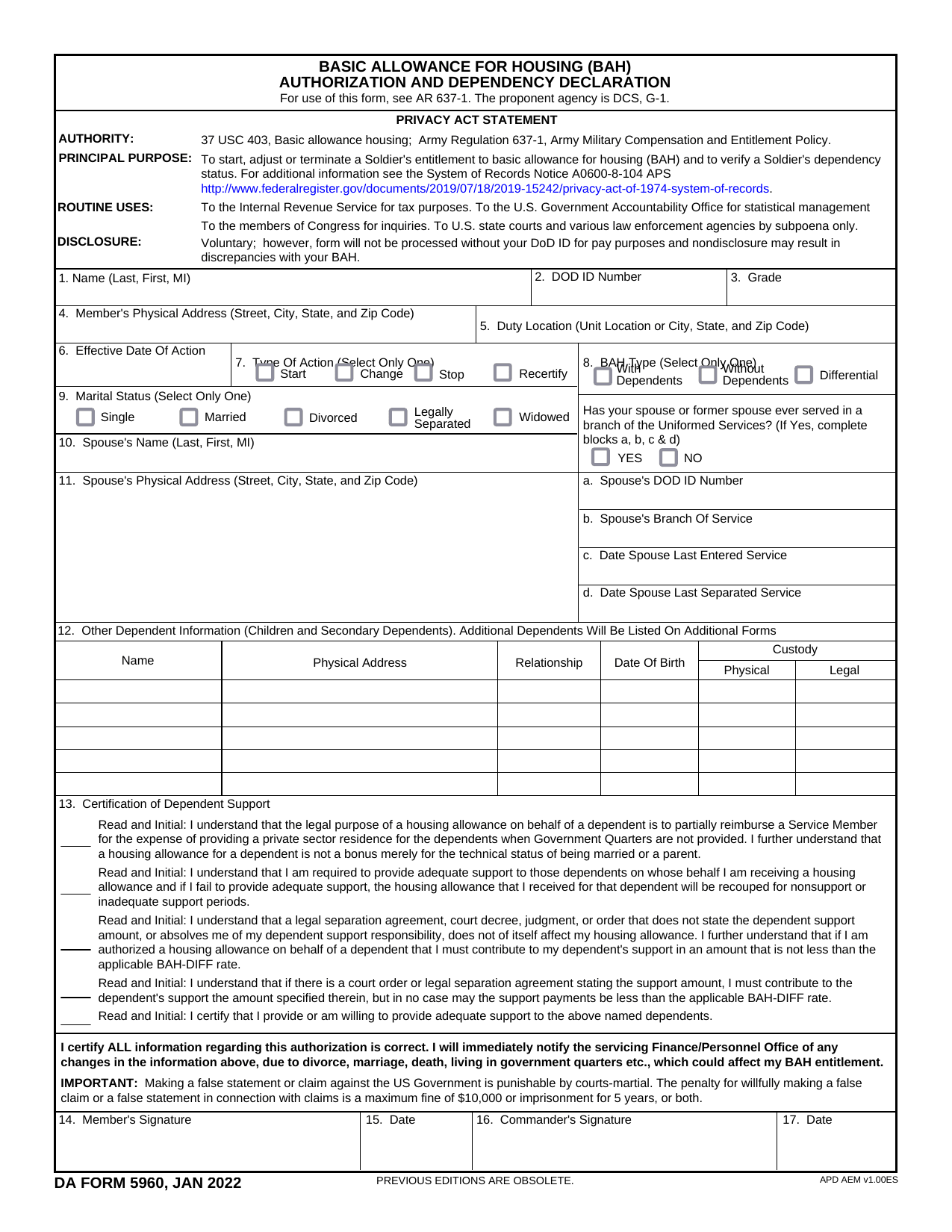 DA Form 5960Military FormsStart, stop, or change your BAQ or VHA entitlement using the fillable, printable copy ready here.Updated Oct 6, 2026
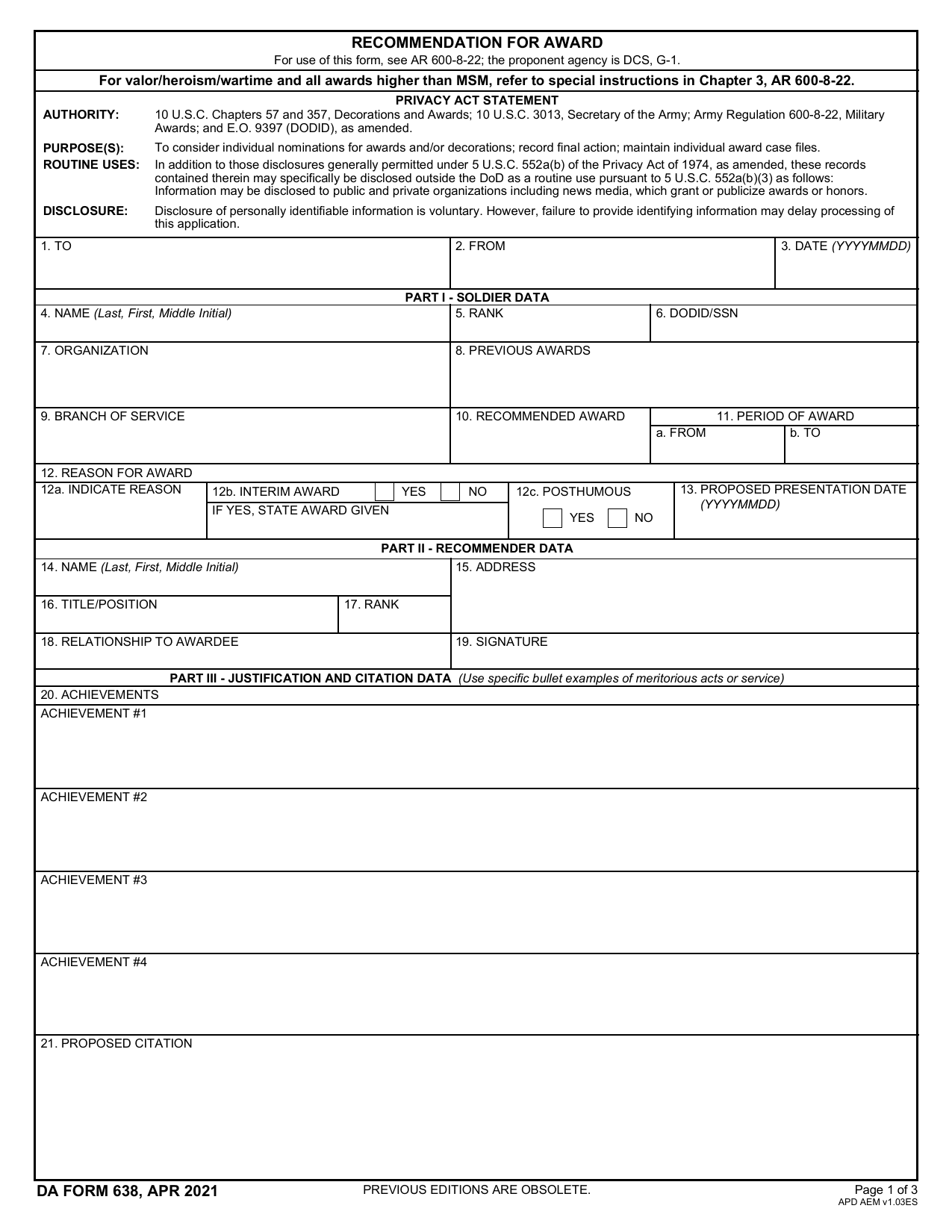 DA 638 FormMilitary FormsRecommend a Soldier for most awards, add justification and reviewers' decisions in a fillable, printable copy ready here.Updated Oct 6, 2026
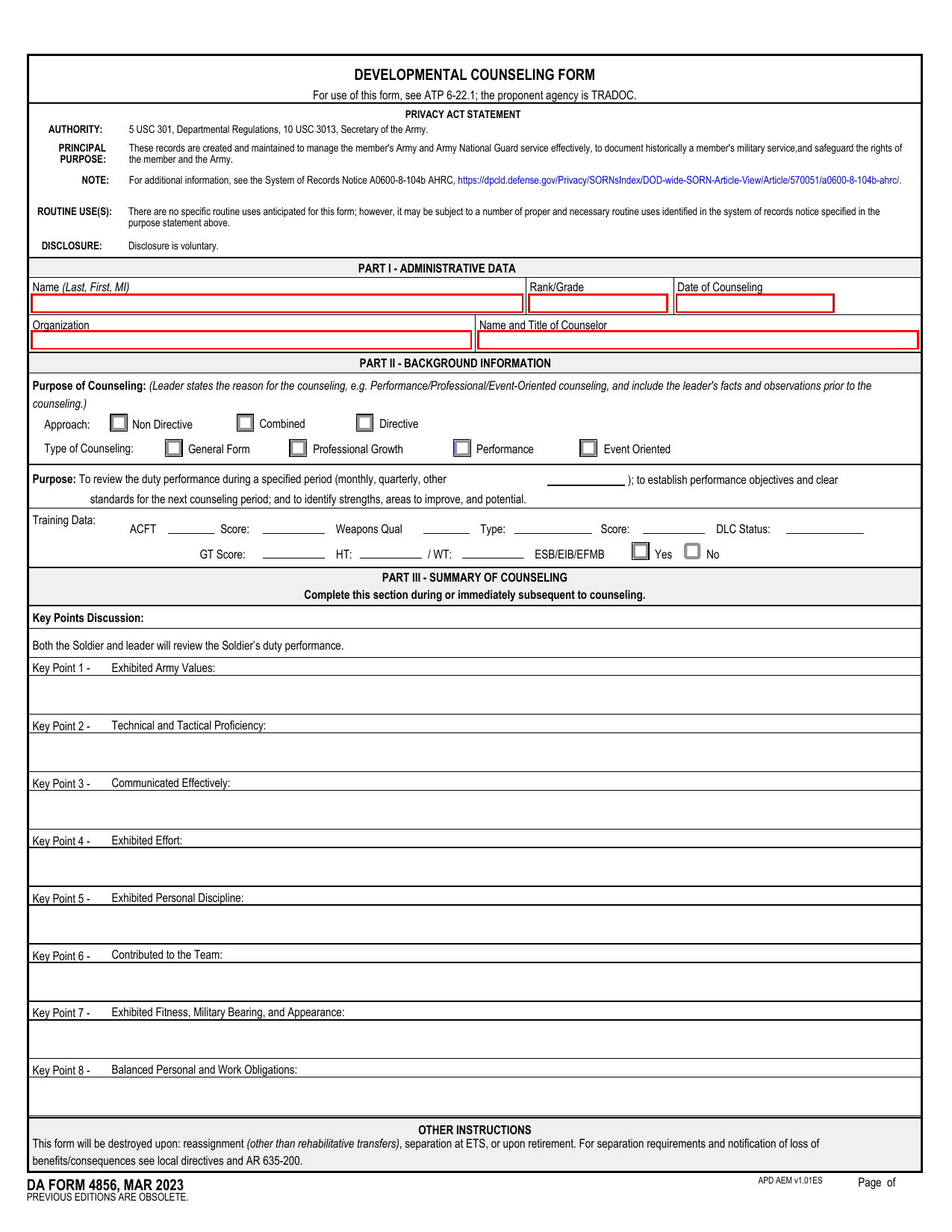 DA 4856 FormMilitary FormsA fillable, printable copy is ready here for you to record counseling sessions, agreed actions, goals, and follow-up results.Updated Oct 6, 2026
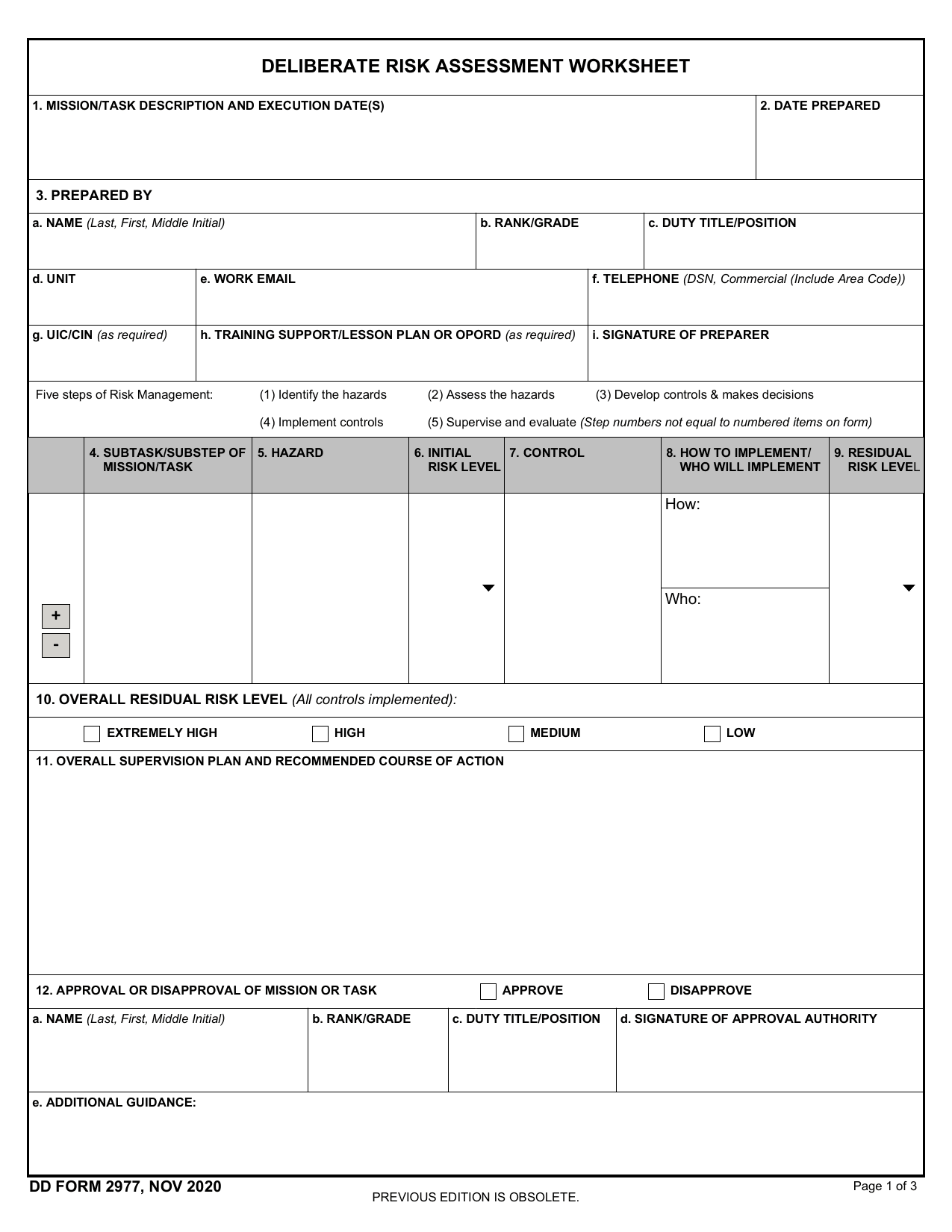 DD Form 2977Military FormsAssess your mission hazards, set controls, and record residual risk approval in the fillable, printable copy ready here.Updated Oct 6, 2026