

Form DA 2823: Fill Out Online in 2026
Record your firsthand account of an Army-related incident for an official inquiry; a fillable, printable copy is ready here.
This website is not affiliated with any government agency.
How it works

1. Open the form
Click “Fill form” above to open the form in our editor.

2. Add details
Complete all required fields to finalize your form.

3. Save as PDF
Download your filled form as a PDF, ready to print or submit anywhere.
What is Form DA 2823?
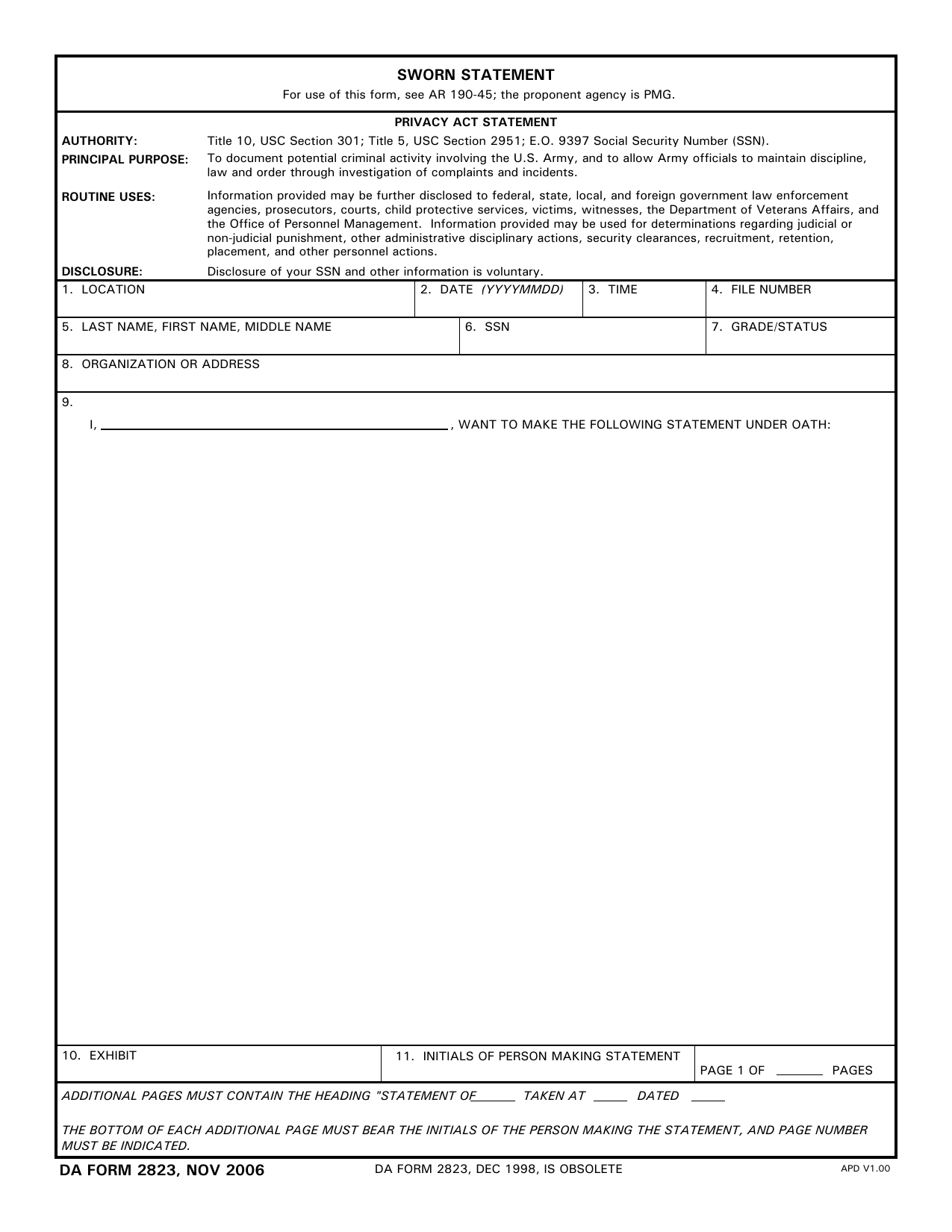
DA Form 2823, Sworn Statement, is an official U.S. Army form used to record what a person saw, heard, or knows about an incident. It helps document possible criminal activity involving the Army. Army officials may use the statement when investigating complaints, incidents, or conduct that could affect military discipline, law, and order.
The person giving the statement records the facts in their own words and signs under oath. An authorized official also signs to confirm that the oath was given. Because a false sworn statement can lead to serious penalties, the completed form may serve as evidence in an investigation, legal proceeding, or administrative action. A DA Form 2823 example can help you understand the layout, but your statement must reflect only what you personally know and believe to be true.
What is Form DA 2823 used for?
You may be asked to complete DA Form 2823 during an Army investigation into a complaint, incident, or possible crime. It records what a witness, subject, or other involved person knows. Investigators and boards of officers can then use the sworn statement to establish facts and help maintain discipline, law, and order.
The statement may also serve as evidence in a court-martial, disciplinary action, or other legal or administrative proceeding. In some cases, it can support a claim for benefits or another official matter by creating a signed record of the facts you provide.
How to fill out Form DA 2823
- 1Click the Fill Form button under this section to open Form DA 2823 in our editor.
- 2Enter the location, date, time, and file number in boxes 1–4.
- 3Provide the statement giver’s name and Social Security number in boxes 5–6.
- 4Add the person’s rank or grade and organization, address, or contact details in boxes 7–8.
- 5Complete DA Form 3881 first if the person is a subject or suspect.
- 6Write the statement as a dated narrative or in question-and-answer format.
- 7Download or print the completed form for the oath and signature process.
Where to get a blank Form DA 2823
You can get a blank Form DA 2823 from the Army Publishing Directorate. The Department of the Army issues the form, and the Provost Marshal General is the proponent agency under AR 190-45.
PDFLeader also has a blank copy pre-loaded in our browser-based editor, so you do not need to download a template from another source. PDFLeader helps you fill out and download the completed form for future use, but it does not file or submit it.
Where to send Form DA 2823
After you complete and download DA Form 2823, deliver it in person to the investigating officer, investigating board, or military law enforcement agent handling the case, such as CID or the military police. You may also give it to the officer who administers the oath, if instructed.
Do not mail the form or send it through an online portal. Once signed and dated, it becomes a permanent part of the investigative file. Information from the statement may also be shared with non-military law enforcement agencies when authorized.
Who needs to complete Form DA 2823?
Witnesses, subjects, or suspects who saw or took part in an incident under investigation may need to complete Form DA 2823. An investigating officer or interviewer also helps record the statement. If the person giving the statement cannot or will not sign it, the person who took the statement must explain why and certify that the record is accurate.
Military legal officials, commanders, and law enforcement staff use the completed form during investigations and legal proceedings. Copies may become part of the related Law Enforcement Report and case file. Prosecutors, review boards, and investigators may then use the statement to assess the incident.
How to sign Form DA 2823
After filling out Form DA 2823 in PDFLeader, download it from our platform and print it. Sign it by hand, in person, before an authorized official who administers the oath. Do not use an electronic or digital signature for the sworn statement. Check the latest form version and current Army guidance before signing. PDFLeader does not submit or file the completed form.
What information/documents are required?
Have the case or incident record ready for 1. LOCATION, 2. DATE (YYYYMMDD), 3. TIME, and 4. FILE NUMBER, if known. Use official records to confirm 5. LAST NAME, FIRST NAME, MIDDLE NAME and 6. SSN. You will also need your 7. GRADE/STATUS and 8. ORGANIZATION OR ADDRESS, including current contact details.
For 9. STATEMENT (under oath) / AFFIDAVIT block, gather any notes or records needed to write a clear, complete account. Each page needs the initials of the person making the statement and the correct PAGE ___ OF ___ PAGES / EXHIBIT details. The person making the statement and the person administering the oath must complete the required signature sections. Confirm the DA Form 2823 authority to administer oaths before the affidavit is signed.
When is Form DA 2823 needed?
Form DA 2823 has no fixed due date. Complete and submit it within the timeline set for the investigation or legal matter. Your commander, investigator, or chain of command may give you an internal deadline to keep the case moving and prevent delays.
For legal proceedings, follow the deadline set by the court or other responsible authority. If you have not received a date, ask your unit, chain of command, or investigator when the signed statement is needed.
When is Form DA 2823 not required?
A DA Form 2823 is not required when the investigating officer or board president decides that a witness does not need to swear to the statement. Under Army Regulation 15-6, the officer may choose whether to place the witness under oath. Even for a sworn statement, the regulation recommends DA Form 2823 but does not make its use mandatory.
A new sworn statement is also unnecessary if a prior written statement or exhibit provides the needed evidence. If a witness is unavailable or refuses to sign, the person who took the statement should note the reason and certify that the statement is accurate.
FAQ

Who has the authority to administer an oath under DA Form 2823?
Authorized people include investigating officers, board presidents or members, staff judge advocates, legal officers, military judges, and trial counsel. Other personnel may administer the oath if a regulation or law grants them that authority.
Who may witness a DA Form 2823?
A person authorized to administer oaths may witness the statement. This may include an investigating officer or board member. The authorized person must be present when the person making the statement takes the oath.
What should the person making the statement do after making a mistake on DA Form 2823?
The person making the statement should correct the mistake and initial each change. If the error is significant or affects the meaning of the statement, prepare a new form. All changes should remain clear and documented.
What regulation governs the use of DA Form 2823?
Army Regulation 190-45 governs the use of DA Form 2823. The Office of the Provost Marshal General, identified as PMG on the form, is the proponent agency.
What happens if the witness is unavailable or refuses to sign the statement?
The person who took the statement should record why the witness did not sign. That person must sign the note and certify that the statement is an accurate summary of what the witness said. Follow the responsible office's procedure before relying on an unsigned statement.
Does PDFLeader have a refund policy?
Yes. The Refund Policy sets out the cases where a refund applies and how to send a request.
What if I have any issues and need help?
We've got your back 24/7! Just call +1 (844) 548-9416 or email support@pdfleader.com, and we'll sort things out for you.
How do I cancel PDFLeader?
You can cancel your subscription from account settings, or contact the support team and ask them to cancel it. You keep access until the current billing period is over.
Related forms
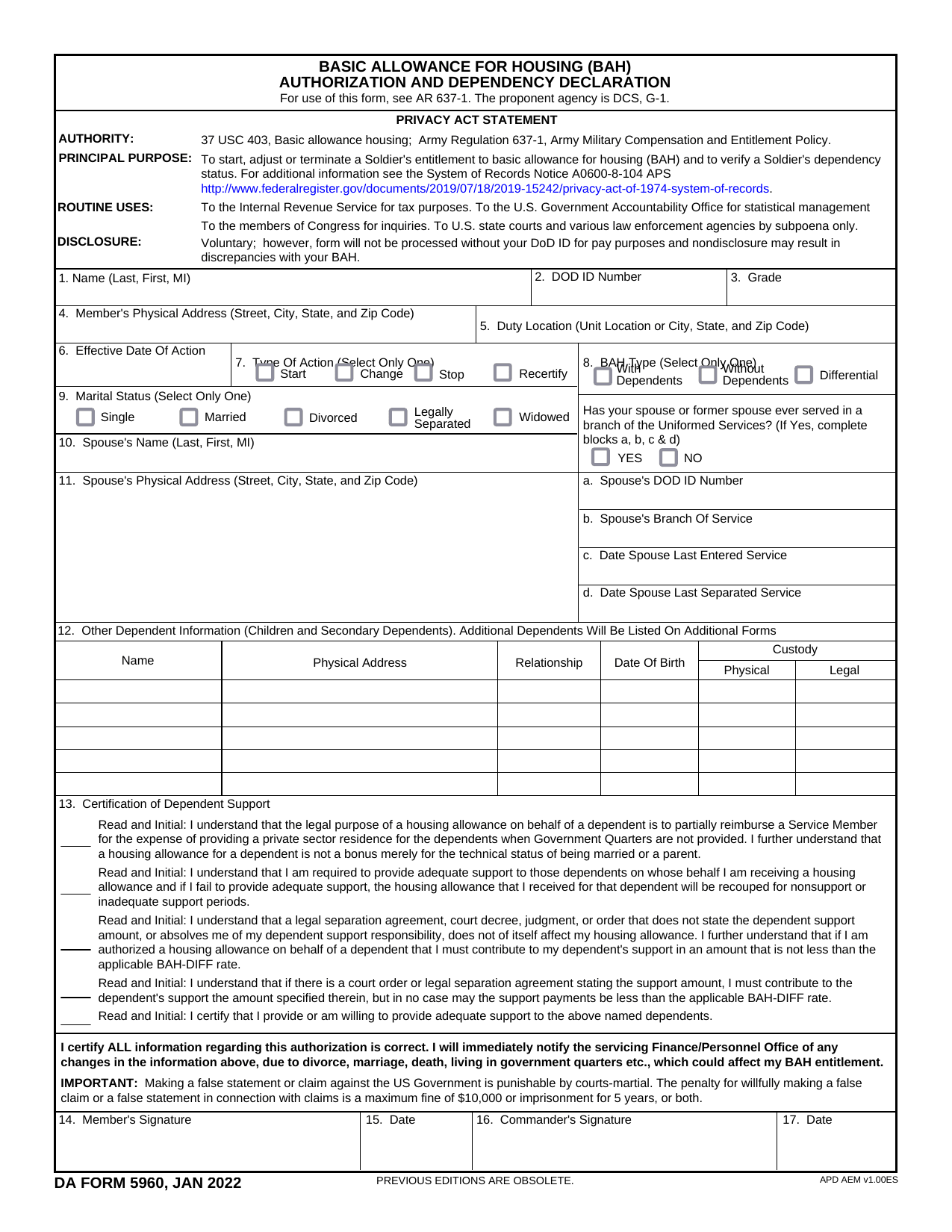 DA Form 5960Military FormsStart, stop, or change your BAQ or VHA entitlement using the fillable, printable copy ready here.Updated Oct 6, 2026
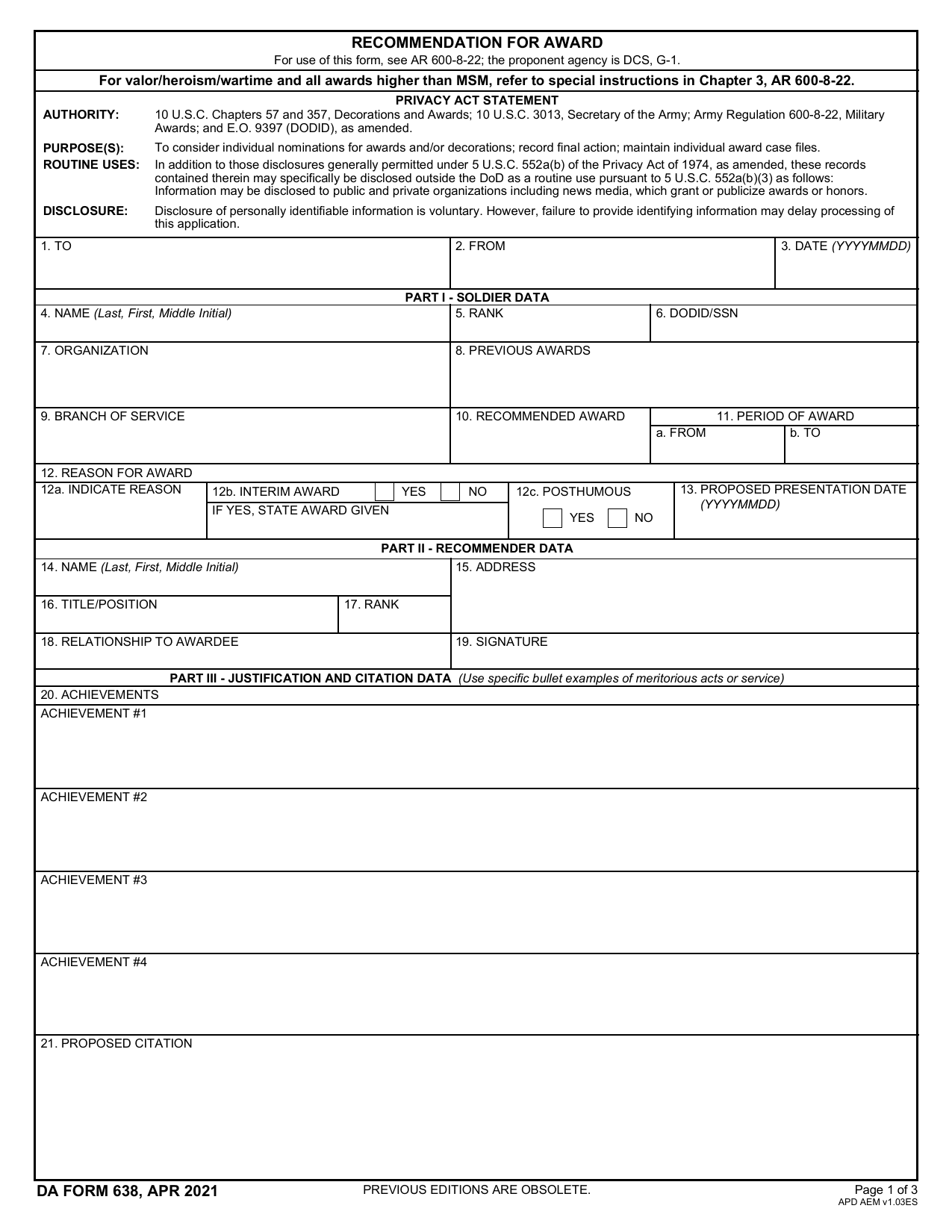 DA 638 FormMilitary FormsRecommend a Soldier for most awards, add justification and reviewers' decisions in a fillable, printable copy ready here.Updated Oct 6, 2026
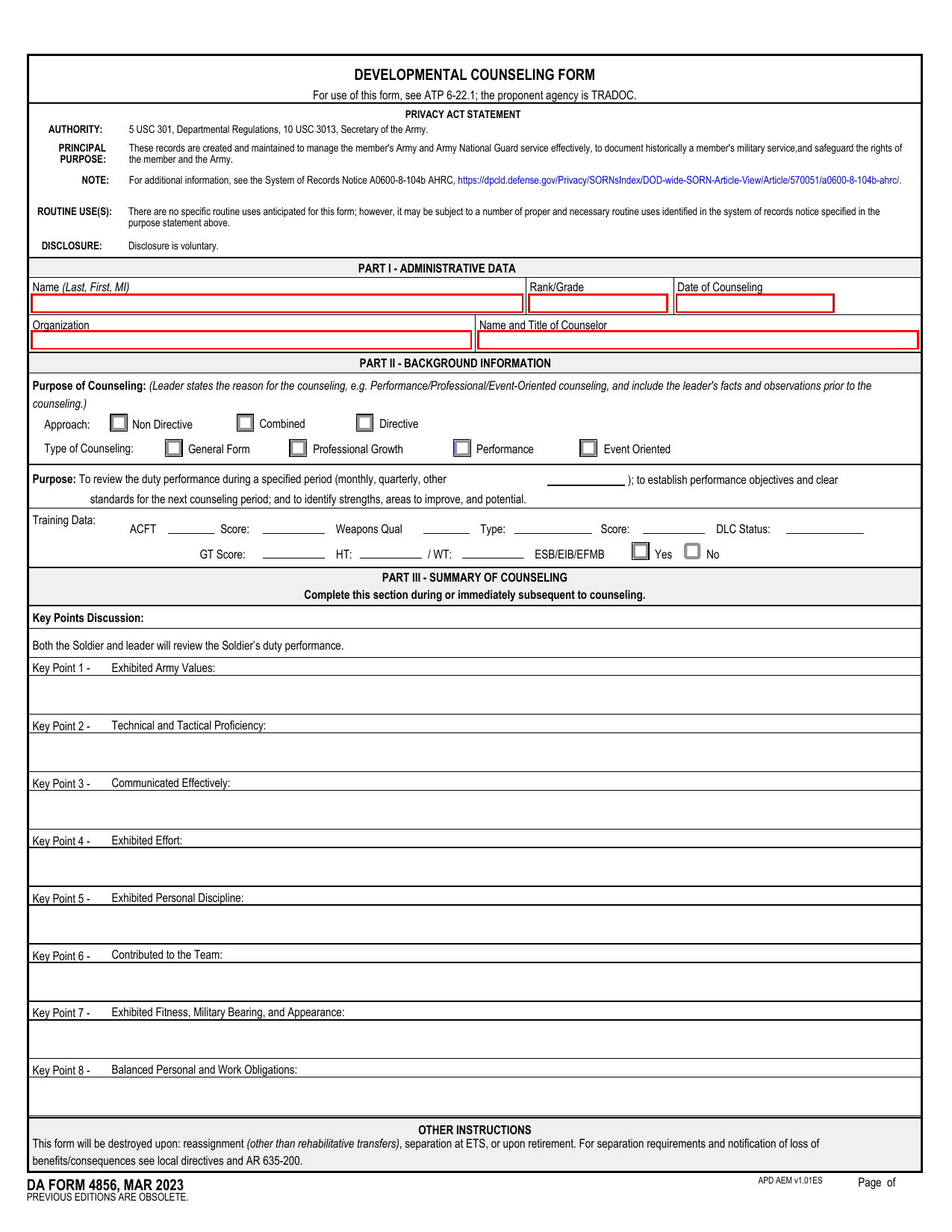 DA 4856 FormMilitary FormsA fillable, printable copy is ready here for you to record counseling sessions, agreed actions, goals, and follow-up results.Updated Oct 6, 2026
 DD Form 2977Military FormsAssess your mission hazards, set controls, and record residual risk approval in the fillable, printable copy ready here.Updated Oct 6, 2026