

Fillable Form DA 4187 (2026)
Request a personnel action and record your commander's approval or denial in a fillable, printable copy ready here.
This website is not affiliated with any government agency.
How it works

1. Open the form
Click “Fill form” above to open the form in our editor.

2. Add details
Complete all required fields to finalize your form.

3. Save as PDF
Download your filled form as a PDF, ready to print or submit anywhere.
What is Form DA 4187?
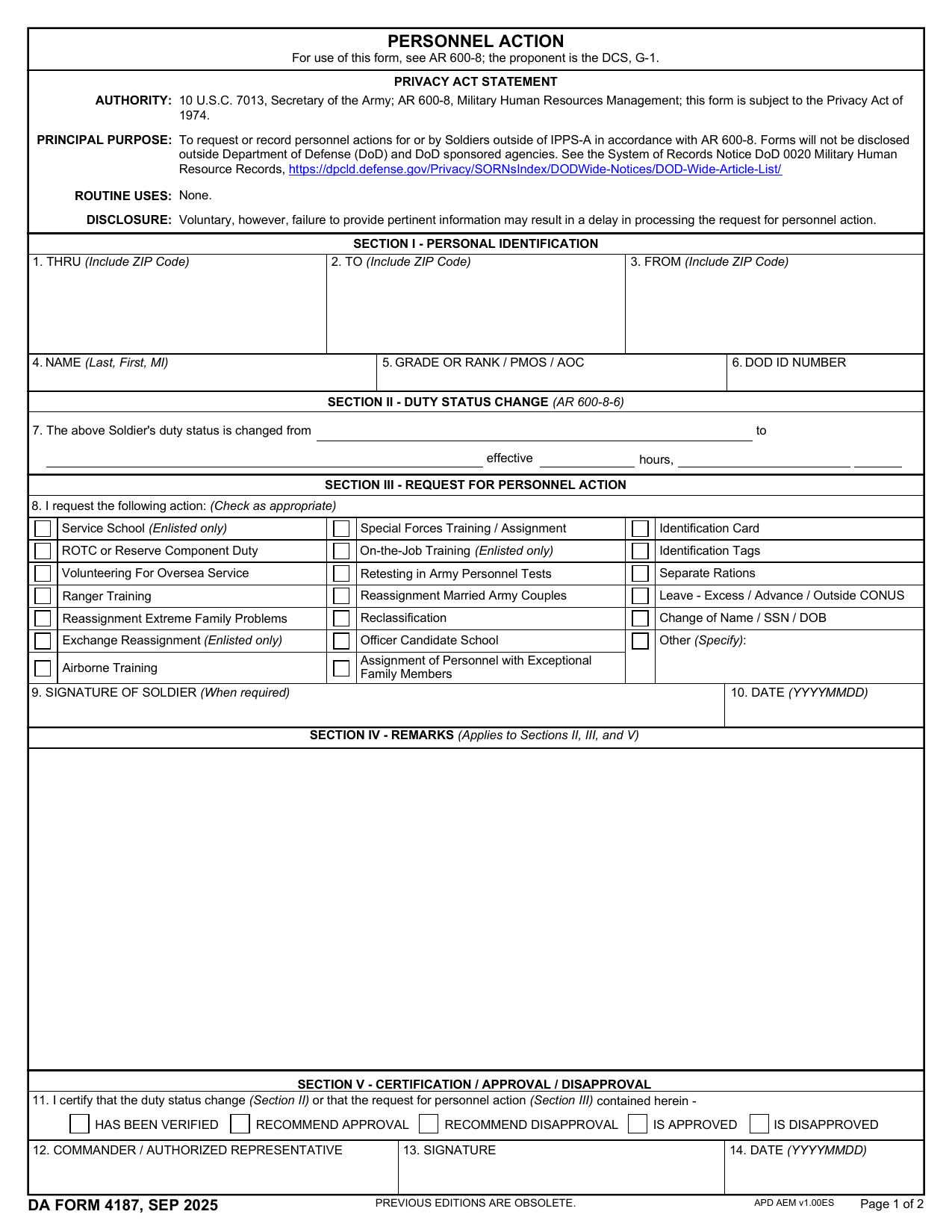
Form DA 4187, Personnel Action, is the U.S. Army document used to request or record a personnel action for a Soldier. Army personnel prepare it under DA PAM 600-8 procedures. Common requests include reassignment, training, changes in duty status, and other actions that affect a Soldier’s service record or career.
The form gives the Soldier or requesting official space to identify the action and explain why it is needed. The request then goes through the proper chain of command. A commander or other authorized official may recommend approval, approve the request, or deny it, based on the action and Army rules. An accurate DA 4187 example can help you understand the format, but the required details and supporting documents depend on the specific request.
What is Form DA 4187 used for?
A Soldier uses Form DA 4187 to request a personnel action, such as leave, training, reassignment, a name change, promotion, rank change, or special duty. It can also record a change in duty status or a move to another unit or duty station. A DA 4187 stop meal deductions request may apply when a Soldier’s meal entitlement changes.
The request gives the commander the details needed to approve or deny the action. Once the commander makes a decision, the completed form records that decision for the Soldier’s personnel file and supports the related administrative update.
How to fill out Form DA 4187
- 1Click the Fill form button to open Form DA 4187 in our editor.
- 2Enter your name, grade or rank, and SSN or DoD ID in Section I, Personal Identification.
- 3Record the old status, new status, and effective date and time in Section II, if applicable.
- 4Check the personnel action you are requesting in Section III.
- 5Add remarks or justification that supports your request in Section IV.
- 6Download or print the finished form for routing through your chain of command or unit S1.
Where to get a blank Form DA 4187
PDFLeader has a blank DA Form 4187 preloaded in our browser-based editor, so you do not need to download a template from another site. The U.S. Department of the Army issues the form, and the proponent agency is the Deputy Chief of Staff, G-1 (DCS, G-1).
You can also find the official DA Form 4187 PDF through the Army Publishing Directorate, sometimes located by searching for DA Form 4187 Army Pubs. PDFLeader lets you fill out and download the completed form for future use, but it does not file or submit it.
Where to send Form DA 4187
Once you have completed and downloaded DA Form 4187, give it to your immediate supervisor or commander for verification and any required signature. Then send it to your unit’s S1 or personnel office for processing and filing. The S1 routes it through the chain of command and, if needed, to a higher approval authority or personnel command.
Follow your unit’s instructions for delivery. You may submit a printed copy in person to the S1, or use a secure portal if your unit allows electronic submission. Use mail only when the unit or receiving authority directs you to do so. There is no single portal, mailing address, or delivery method for every Army unit.
Who needs to complete Form DA 4187?
Soldiers complete Form DA 4187 when requesting a personnel action on their own behalf, such as reassignment, reclassification, or leave. A unit commander or authorized representative must complete and sign the required section to certify or recommend the request. Other authorized recommenders may add endorsements based on the type of action.
After completion, unit personnel staff and the proper approval authority process the form. Depending on the request, the Military Personnel Data Center and Human Resources Command may review it and send the approved information to the relevant records office, promotion work center, or designated chief. The Soldier then receives any resulting orders or assignment instructions.
How to sign Form DA 4187 online
You can add a simple electronic signature to Form DA 4187 on PDFLeader, then download it. Army guidance calls for either a handwritten signature on a printed copy or a CAC digital signature, which PDFLeader does not support. Check the latest Army updates before signing. If required, print and sign the form by hand or add your CAC digital signature elsewhere, then send it to your commander. PDFLeader does not submit the form.
What information/documents are required?
Before completing DA Form 4187, have the To, Thru, and From routing details, including your rank, name, and unit. For Section I, gather your grade or rank, name in last, first, middle initial order, PMOS or AOC, Social Security number or DOD ID number, and any required mailing addresses. For Section II, confirm the Prior Duty Status, New Duty Status, and Effective Date/Time.
For Section III, know which personnel action you are requesting and what to enter under Other, if needed. Prepare details for Section IV – Remarks. Keep any documents that confirm the request, duty status, or effective date ready if your unit requires them. Section V needs the Commander/Authorized Representative’s determination. The Soldier and approving official must complete the required signature and DATE (YYYYMMDD) blocks.
When is Form DA 4187 needed?
Form DA 4187 has no fixed universal due date. The deadline depends on the personnel request or action and your unit’s rules.
Prepare and submit the form before the Soldier’s eligibility date so there is enough time to process the request and start any related entitlements on time. Submit it as early as your situation allows. Check the exact timeline with your unit’s administrative office or chain of command, since local requirements and processing times may vary.
When is Form DA 4187 not required?
Form DA 4187 is not required when the personnel action falls outside U.S. Army procedures or an action-specific form applies. Civilians and members of other military branches follow their own administrative rules. For example, Army personnel may use DA Form 3838 for certain civilian or professional training not held on a military installation.
You may not need to complete the form yourself if a commander or HR office starts it to record an action. This does not remove the Army’s need for the form. DA PAM 600-8 and AR 600-8-6 guide the decision based on the specific personnel action. They do not set broad exemptions based on time or dollar amounts.
FAQ

Can more than one personnel action be requested on one DA Form 4187?
Yes. You may request more than one action on one DA Form 4187. Mark each applicable box in Section III. If an action is not listed, select "Other" and describe the request. Your unit may require separate forms when actions need different approval routes.
Can you correct a DA Form 4187 after it has been signed?
No. Do not change a DA Form 4187 after it has been signed. Prepare a corrected form and obtain new signatures. If an S1 clerk finds an administrative error, the clerk may return the request for correction and resubmission.
Who is the approval authority for DA Form 4187?
The approval authority depends on the action and your Army component. It may be the servicing military personnel division, brigade S1, or a unit administrator or Reserve Personnel Action Center for Army Reserve requests. A commander or authorized representative typically signs Section V. Ask your unit S1 which authority applies to your request.
How can you check the status of a DA Form 4187 request?
A paper DA Form 4187 has no built-in tracking. Contact your unit S1 or the office that received the request. If the action was submitted as an IPPS-A Personnel Action Request, sign in to your IPPS-A profile to view its place in the approval process.
Is DA Form 4187 still used with the Integrated Personnel and Pay System-Army?
In most cases, IPPS-A uses a self-service Personnel Action Request instead of the multipurpose DA Form 4187. The form may still be required for actions handled outside IPPS-A or under current Army guidance. Check with your unit S1 before preparing it.
Does PDFLeader have a refund policy?
Yes. The Refund Policy sets out the cases where a refund applies and how to send a request.
What if I have any issues and need help?
We've got your back 24/7! Just call +1 (844) 548-9416 or email support@pdfleader.com, and we'll sort things out for you.
How do I cancel PDFLeader?
You can cancel your subscription from account settings, or contact the support team and ask them to cancel it. You keep access until the current billing period is over.
Related forms
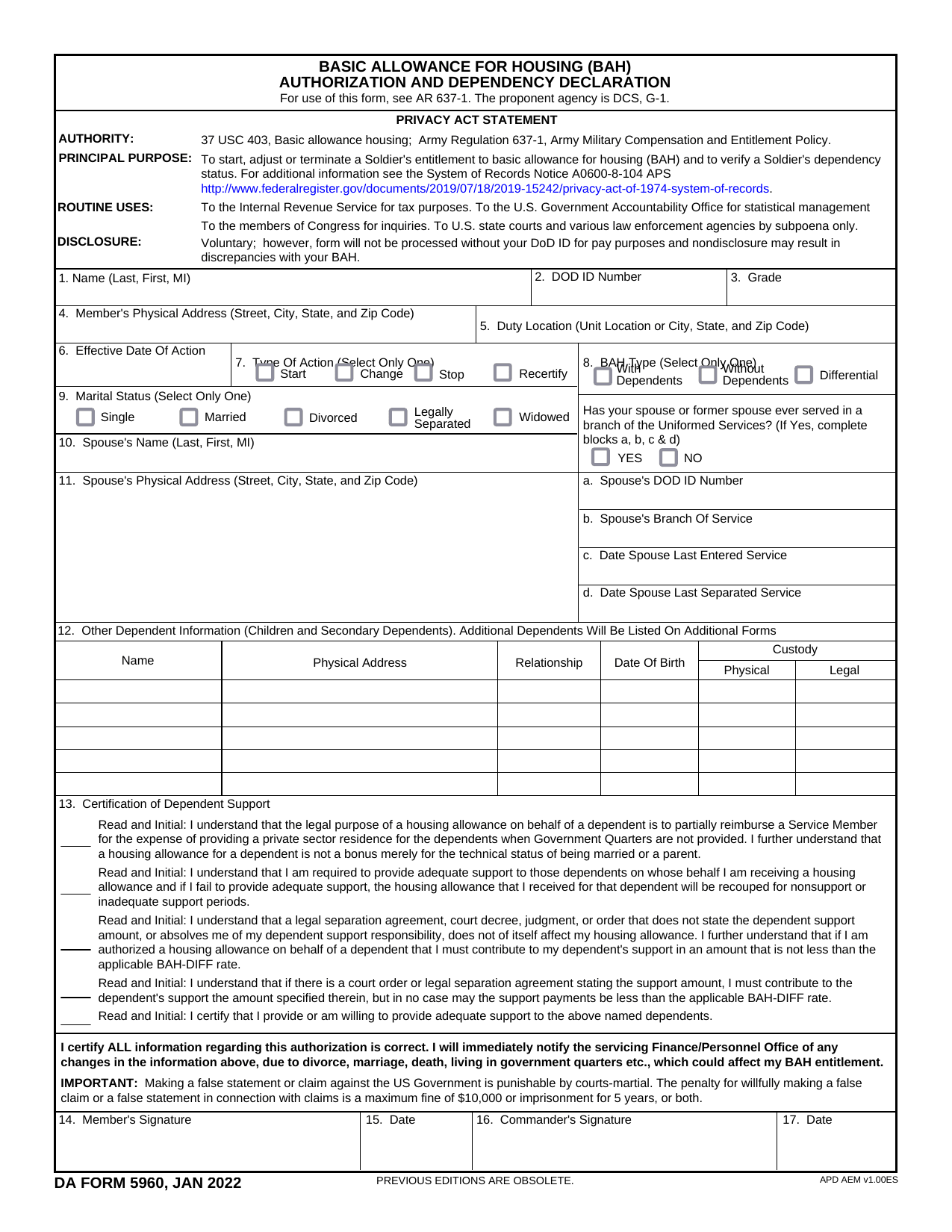 DA Form 5960Military FormsStart, stop, or change your BAQ or VHA entitlement using the fillable, printable copy ready here.Updated Oct 6, 2026
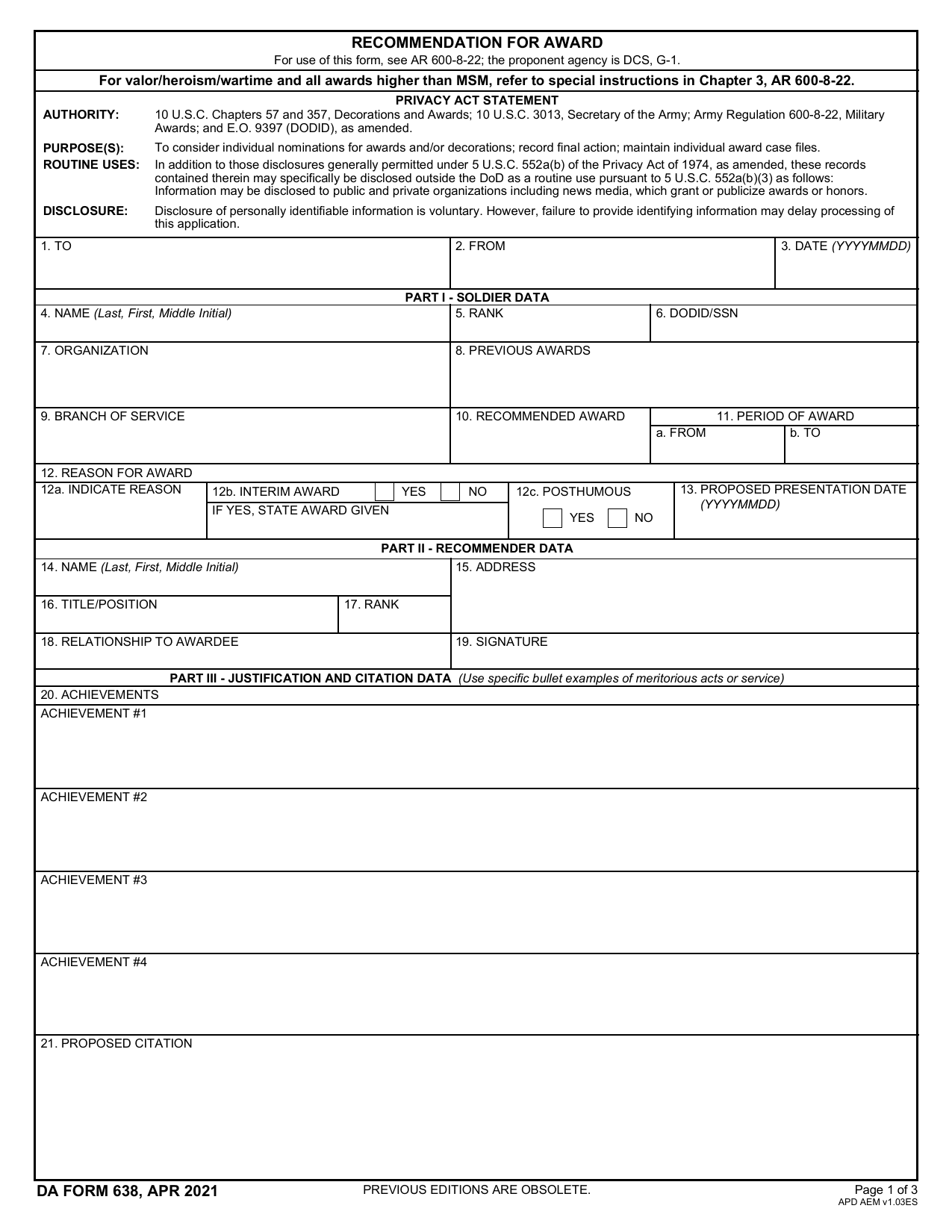 DA 638 FormMilitary FormsRecommend a Soldier for most awards, add justification and reviewers' decisions in a fillable, printable copy ready here.Updated Oct 6, 2026
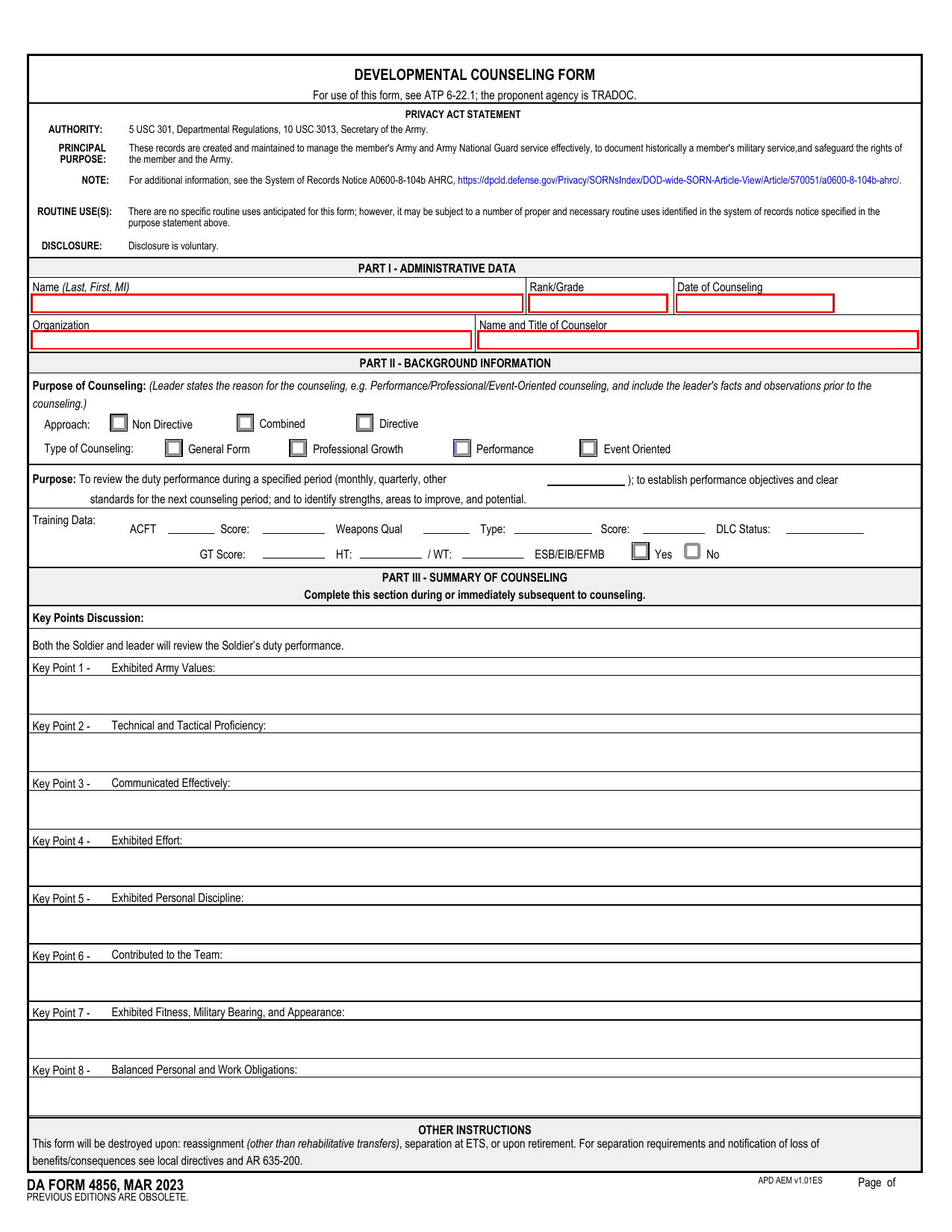 DA 4856 FormMilitary FormsA fillable, printable copy is ready here for you to record counseling sessions, agreed actions, goals, and follow-up results.Updated Oct 6, 2026
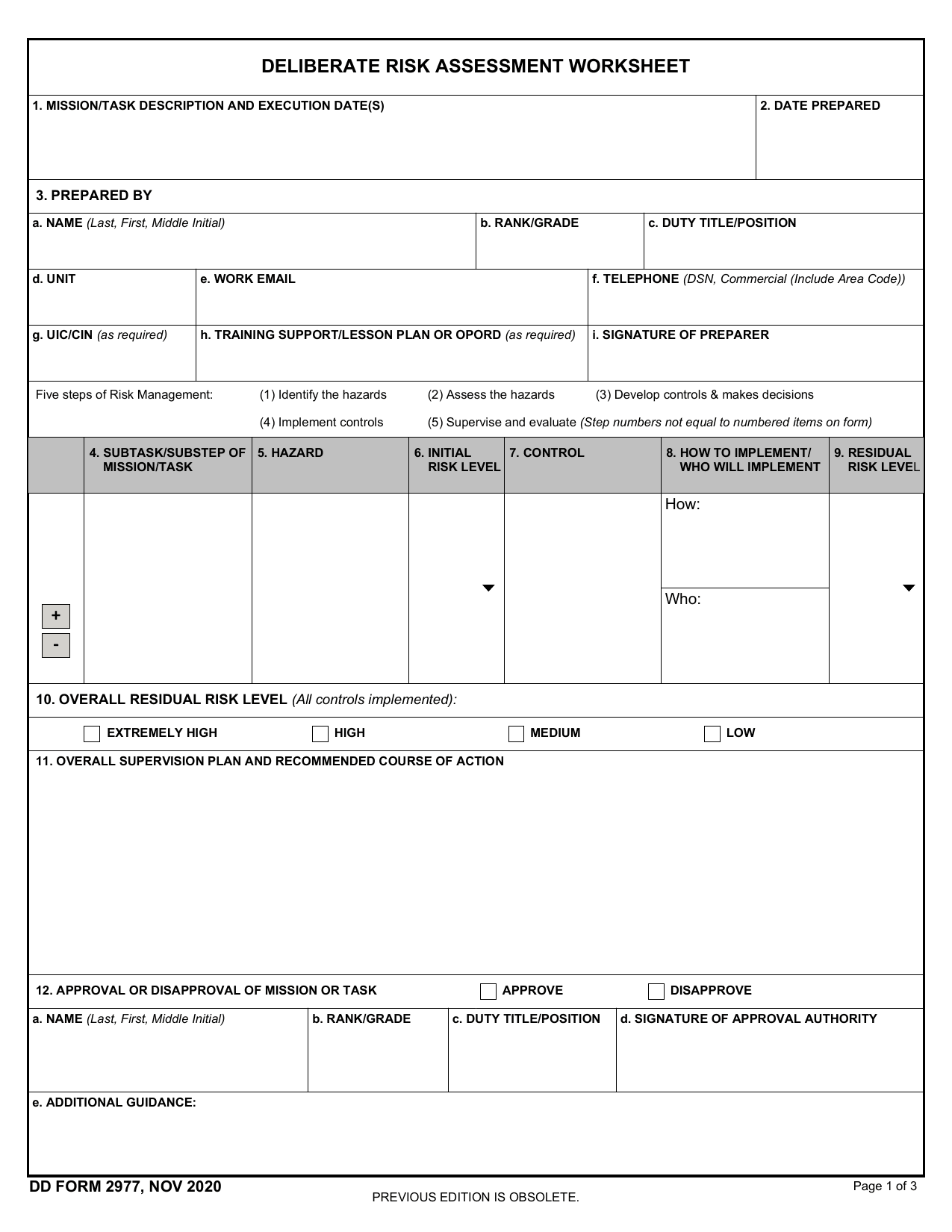 DD Form 2977Military FormsAssess your mission hazards, set controls, and record residual risk approval in the fillable, printable copy ready here.Updated Oct 6, 2026