

Fill Out Form DA 4651 in 2026
Use this fillable, printable copy to request Army Reserve reassignment after you secure a position, or attachment only.
This website is not affiliated with any government agency.
How it works

1. Open the form
Click “Fill form” above to open the form in our editor.

2. Add details
Complete all required fields to finalize your form.

3. Save as PDF
Download your filled form as a PDF, ready to print or submit anywhere.
What is Form DA 4651?
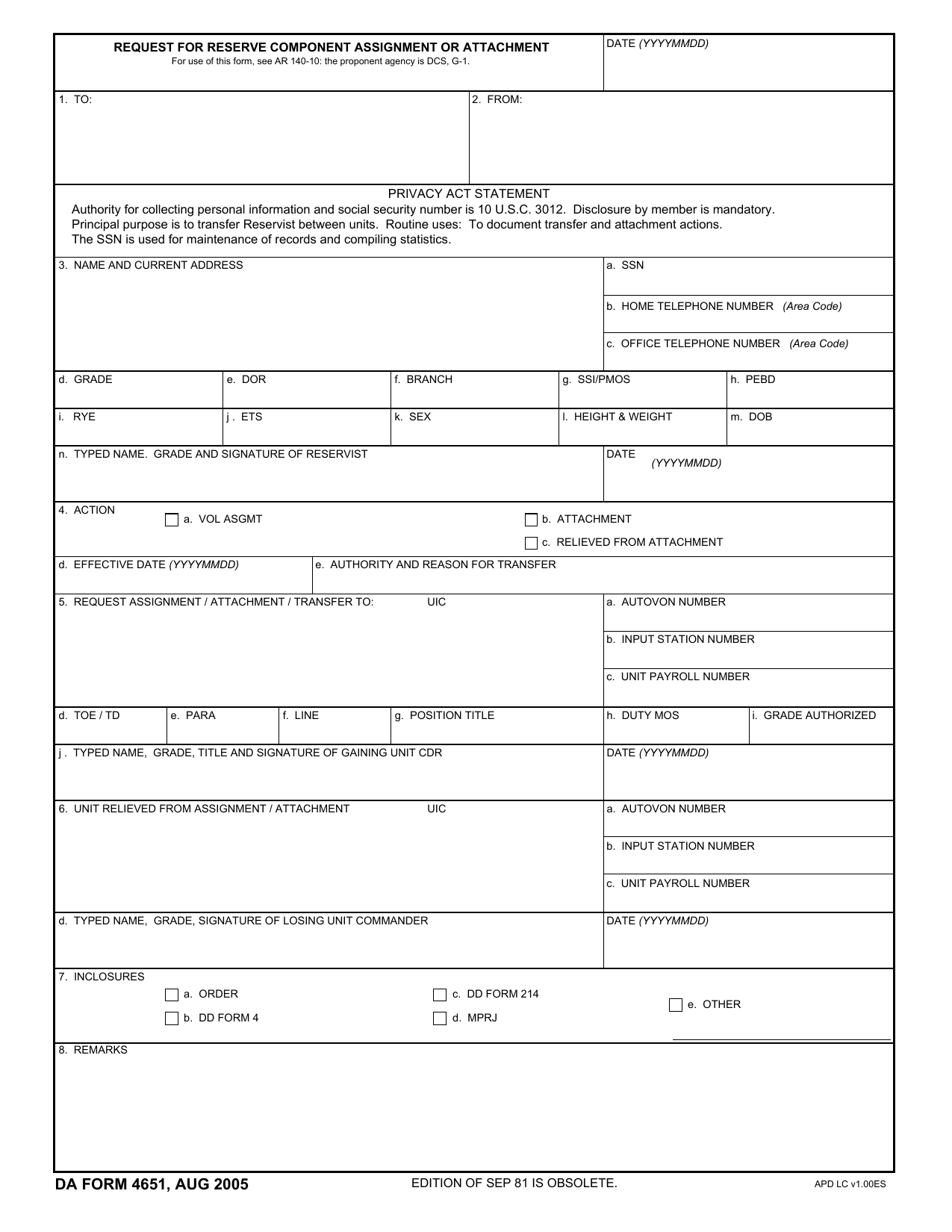
DA Form 4651, Request for Reserve Component Assignment or Attachment, is an official U.S. Army document. Army Reserve Soldiers use it to request assignment or attachment to another Reserve unit. The form records the Soldier’s information, current unit, requested unit, and reason for the request.
You must send the completed form through your chain of command. The commanders of both the losing unit and gaining unit must agree to the move and sign the form. A transfer is not approved until the required officials have reviewed and authorized it. Once complete, DA Form 4651 provides a formal record of the approved assignment or attachment. Check current Army guidance before preparing the request, since your unit may require supporting documents or added routing steps.
What is Form DA 4651 used for?
A Soldier uses DA Form 4651 after securing a position in another Army Reserve unit and asking to transfer there. The form records the proposed reassignment and the agreement of both the gaining and losing unit commanders. It may also request attachment to another unit without a full reassignment.
The form also supports transfers tied to an ROTC scholarship or a statutory or contractual service obligation. These cases may require added processing under Army rules. Once processed, the details help maintain the Soldier’s personnel record and support statistical tracking for Reserve Component readiness.
How to fill out Form DA 4651
- 1Click Fill Form below to open Form DA 4651 in our editor.
- 2Enter the member’s name, SSN, grade, DOR, branch, PMOS, DOB, address, and contact details.
- 3Select the requested action and add the effective date, authority, and reason.
- 4Provide the gaining unit UIC, TOE/TD, position, duty MOS, and authorized grade.
- 5List the losing unit details if requesting relief from assignment or attachment.
- 6Check Box 7 and gather each required inclosure for later filing.
- 7Download the finished form or print a copy.
Where to get a blank Form DA 4651
Get a blank Form DA 4651 directly in PDFLeader. A blank copy is pre-loaded in our browser-based editor, so you do not need to download a template from another source.
The U.S. Department of the Army issues the form. It lists RCPAC as the proponent agency and points users to AR 140-10 for guidance. You can also check DA 4651 Army Pubs information through official Army publications channels. PDFLeader helps you fill out and download the form, but it does not file or submit it.
Where to send Form DA 4651
After you download DA Form 4651, give it to your current or losing unit commander through your unit’s administrative or personnel channels. This is often done in person or through the internal method your unit requires. Do not send it by standard mail to a public address or upload it to a central online portal.
The losing unit commander forwards the form to the gaining unit commander for signature. Both commanders must agree to a reassignment before the request moves through the chain of command for approval. For attachment orders, the form goes to your HRC Career Manager, who publishes the attachment order.
Who needs to complete Form DA 4651?
The Reserve Component Soldier requesting reassignment or attachment must complete the Soldier sections of Form DA 4651. Commanders of both the losing unit and gaining unit must review and sign their parts. The request is not complete without agreement from both commanders.
After the Soldier fills in the request, the receiving unit reviews and signs it. The Soldier’s unit commander and retention NCO use the form during reassignment counseling. Unit personnel and administrative staff then send the documents through the chain of command. They process and file the approved paperwork to finalize the transfer.
How to sign Form DA 4651
Official Army sources do not state a specific signature method for DA Form 4651. Before signing, check the latest Army updates and instructions from your unit. You may need to add a handwritten signature after printing or use a DoD-approved CAC/PKI digital signature. PDFLeader does not support digital signatures, so download your completed form and use a certificate-based tool if one is required. PDFLeader does not submit the form.
What information/documents are required?
Before you start, have the DATE in YYYYMMDD format and details for TO and FROM. For NAME AND CURRENT ADDRESS, gather your SSN, home and office telephone numbers, grade, DOR, branch, SSI/PMOS, PEBD, RYE, ETS, sex, height and weight, DOB, and typed name and grade. You must also sign this section.
For ACTION, know if you are requesting VOL ASGMT, ATTACHMENT, or RELIEVED FROM ATTACHMENT. Have the EFFECTIVE DATE and AUTHORITY AND REASON FOR TRANSFER. Gather the gaining unit’s UIC, communications and payroll numbers, and position details for REQUEST ASSIGNMENT / ATTACHMENT / TRANSFER TO. Also collect the losing unit details for UNIT RELIEVED FROM ASSIGNMENT / ATTACHMENT. For INCLOSURES (Box 7), attach any required orders, DD Form 4, DD Form 214, Personnel Record Jacket (MPRJ), or other supporting records. Both gaining and losing unit commanders must sign the form.
When is Form DA 4651 needed?
Form DA 4651 has no fixed due date under official Army guidance. Submit it when you request reassignment or attachment to or from a Reserve Component unit.
Prepare the form as soon as a vacancy is found or the transfer process begins. This gives the losing and gaining unit commanders time to review and approve the request before it is processed. Your unit may set local timing rules, so check with the staff handling your personnel action.
When is Form DA 4651 not required?
An involuntary assignment, transfer, or attachment does not require DA Form 4651. The Soldier’s request and signature apply only to voluntary actions. This requirement also does not apply when processing participants in the Health Professions Scholarship Program or ROTC Advanced Scholarship Program.
For an enlisted IRR Soldier moving to a troop program unit, retention NCO officials use DA Form 4187 to request assignment orders instead. The 50-mile and 100-mile reasonable commuting distance rules do not waive DA Form 4651. Those limits affect where a Soldier may be assigned, not which form the action requires.
FAQ

What is RYE on DA Form 4651?
RYE means Retirement Year Ending. Enter the date in Box 3i. If you have no break in service, the RYE is one year after your Retirement Year Beginning date, minus one day. For an RYB of July 2, 1986, the RYE would be July 1, 1987.
How do you transfer between Reserve units?
First, find a Reserve unit that can accept you. Complete DA Form 4651 and send it through your chain of command. The gaining and losing unit commanders must agree to the reassignment and sign the form before the request is complete. Approval is not automatic.
What must Box 7 contain on DA Form 4651?
Box 7, Inclosures, lists the records attached to your request. These may include orders, DD Form 4, DD Form 214, a Military Personnel Records Jacket, or other supporting records. List and attach only the items that apply to your requested action.
Is providing your SSN mandatory on DA Form 4651?
Yes. The form's Privacy Act statement says disclosure is mandatory. The SSN is used to identify records, document transfer or attachment actions, maintain records, and compile statistics. The authority listed on the form is 10 U.S.C. 3012.
What counseling must occur before a Soldier transfers using this form?
Before the transfer, the Soldier should receive reassignment counseling from the unit commander and retention noncommissioned officer. The request and related records then move through the chain of command for review and approval.
Does PDFLeader have a refund policy?
Yes. The Refund Policy sets out the cases where a refund applies and how to send a request.
What if I have any issues and need help?
We've got your back 24/7! Just call +1 (844) 548-9416 or email support@pdfleader.com, and we'll sort things out for you.
How do I cancel PDFLeader?
You can cancel your subscription from account settings, or contact the support team and ask them to cancel it. You keep access until the current billing period is over.
Related forms
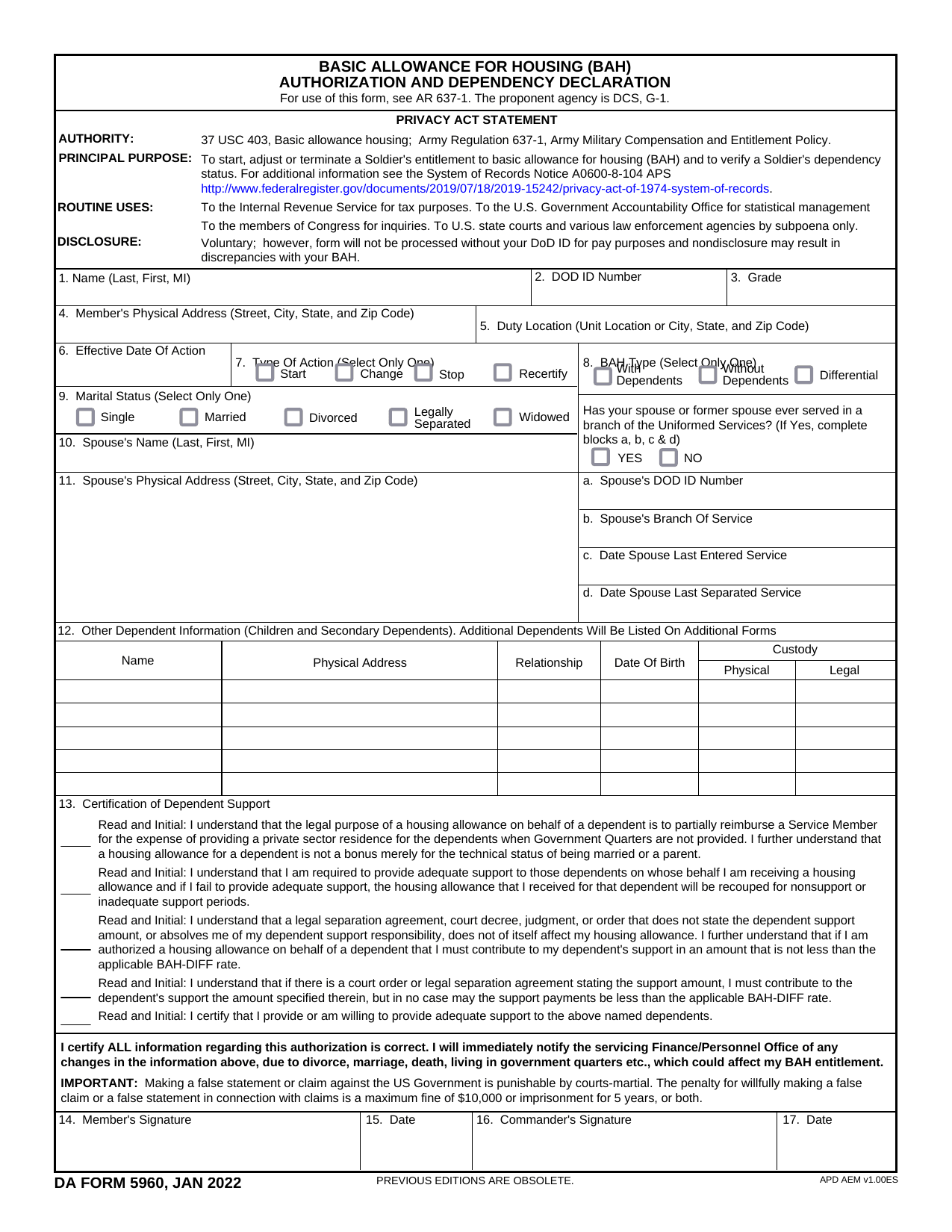 DA Form 5960Military FormsStart, stop, or change your BAQ or VHA entitlement using the fillable, printable copy ready here.Updated Oct 6, 2026
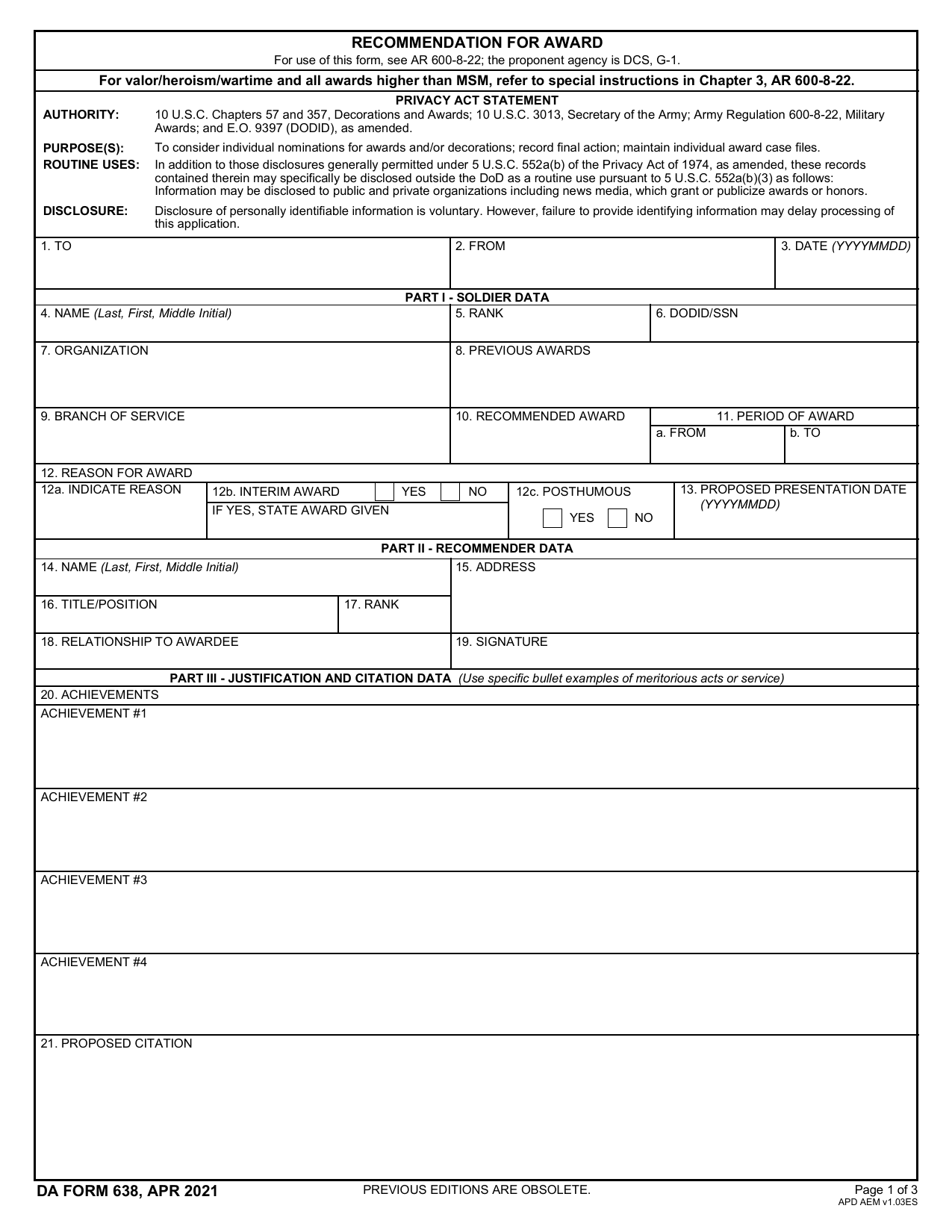 DA 638 FormMilitary FormsRecommend a Soldier for most awards, add justification and reviewers' decisions in a fillable, printable copy ready here.Updated Oct 6, 2026
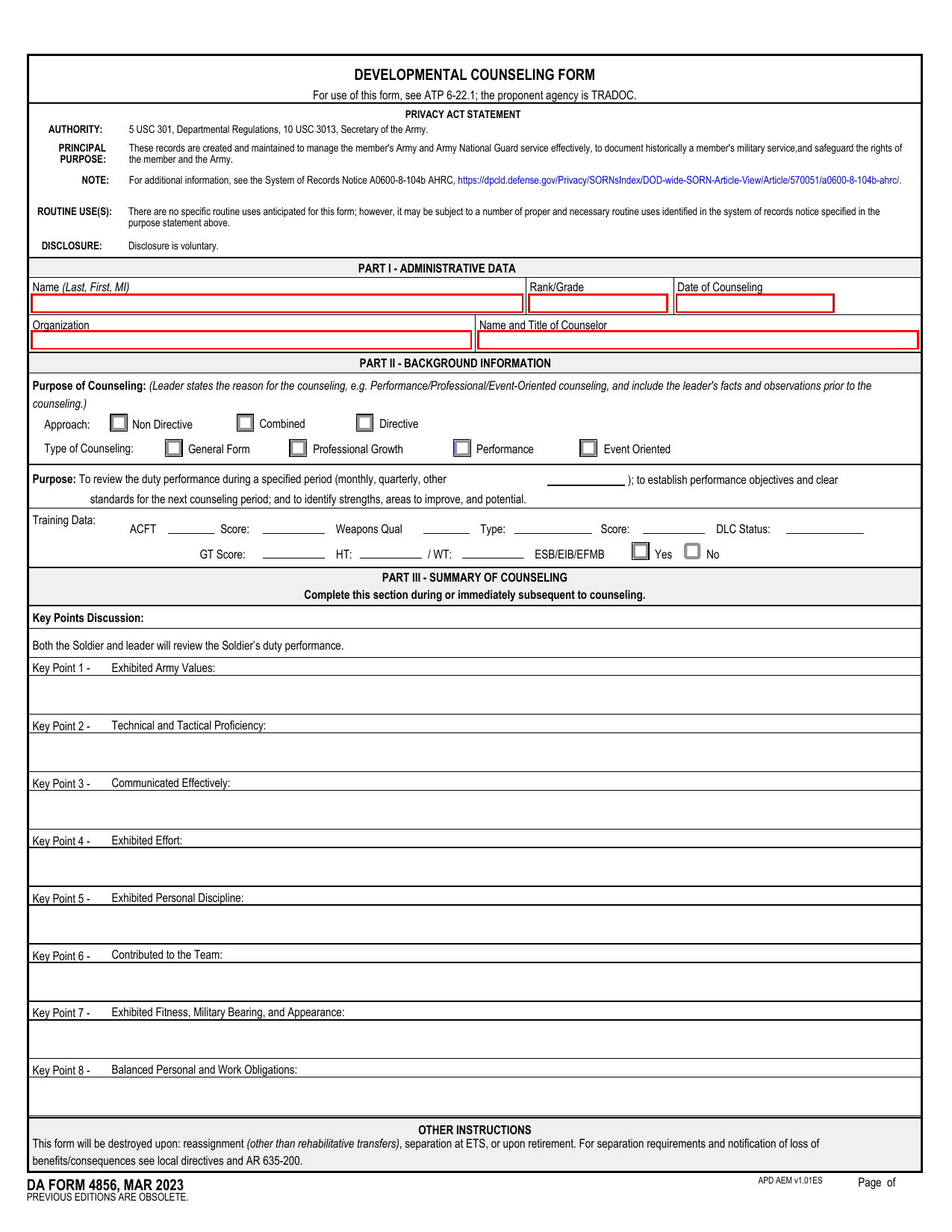 DA 4856 FormMilitary FormsA fillable, printable copy is ready here for you to record counseling sessions, agreed actions, goals, and follow-up results.Updated Oct 6, 2026
 DD Form 2977Military FormsAssess your mission hazards, set controls, and record residual risk approval in the fillable, printable copy ready here.Updated Oct 6, 2026