

DA Form 6: Fill Out Online in 2026
Keep a separate roster for each duty to track work and make fair assignments; your fillable, printable copy is ready here.
This website is not affiliated with any government agency.
How it works

1. Open the form
Click “Fill form” above to open the form in our editor.

2. Add details
Complete all required fields to finalize your form.

3. Save as PDF
Download your filled form as a PDF, ready to print or submit anywhere.
What is DA Form 6?
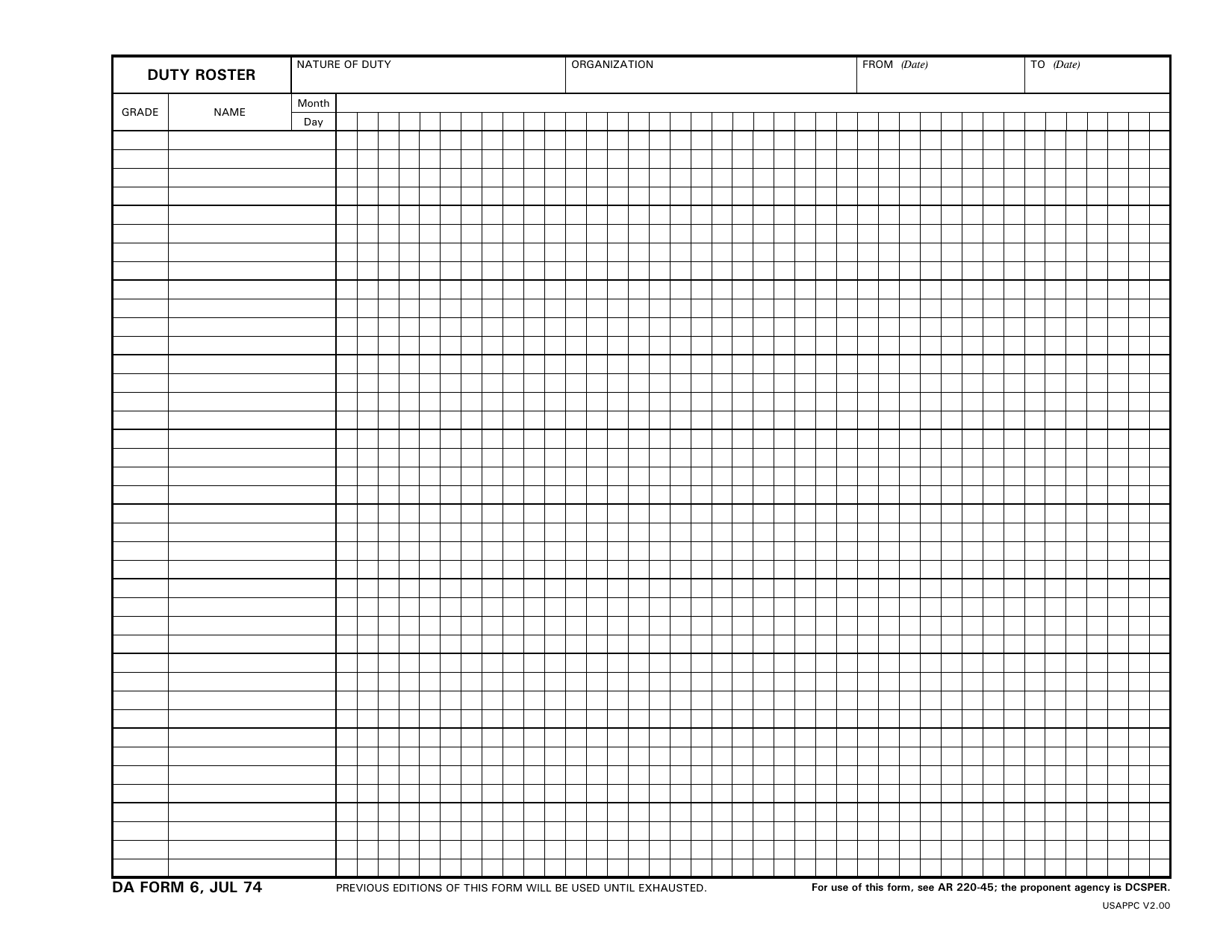
DA Form 6, titled Duty Roster, is a U.S. Army document used to record duty performed by each person in an organization. Army Regulation 220-45 governs its use. The record helps leaders make fair duty assignments based on prior service. You may see DA6 Army used as a search phrase for this duty roster, though the official title is DA Form 6.
Units can use the roster for guard duty, details, and other rotating tasks. By showing who has served and when, it helps prevent the same soldiers from carrying too much of the workload. The DA6 Form also supports accountability by creating a record of who performed each duty. An accurate roster helps the unit stay organized and ready for its mission.
What is DA Form 6 used for?
Leaders use the DA6 Form to record each person’s completed duties and make fair future assignments. The DA6 Army roster process helps them compare past duty and decide who should serve next.
A separate roster is kept for each duty that requires individual assignments. Most details are assigned from the applicable roster, except approved special duty details. Leaders may also enter unit names instead of individual names when they need to track duty by unit.
How to fill out DA Form 6
- 1Prepare a separate DA6 Form for each type of duty.
- 2Enter the grade, name, organization, duty type, and roster’s From and To dates.
- 3List personnel by grade or rank, then alphabetically, under your unit’s AR 220-45 method.
- 4Assign continuing numbers to each person and match each number to a duty date within the month.
- 5Mark authorized absences with A, details with D, or unavailability with U. Hold or continue numbering as required.
- 6Follow the DA6 Army roster rules in AR 220-45 and DA Pam 220-45.
- 7Add the authorized signature if your unit accepts electronic signatures, then download the form for posting or distribution.
Where to get a blank DA Form 6
The U.S. Department of the Army issues DA Form 6, Duty Roster. The term DA6 Army is also used in searches for this official record. The latest version was released on July 1, 1974. Army Regulation 220-45 prescribes the form, and the Deputy Chief of Staff for Personnel is the proponent agency.
PDFLeader has a blank DA6 Form preloaded in our browser-based editor, so you do not need to download a template from another source. You can fill out the form and download it for future use. PDFLeader does not file or submit the form.
Where to send DA Form 6
After you download the completed DA6 Form, route it within your unit or organization. The DA6 Army duty roster does not go to an external agency, public portal, or central records office. Do not send it by postal mail.
Follow your unit’s internal process. This may mean giving the downloaded form in person to your first sergeant, personnel or S1 office, unit leadership, or commander, as directed. Unit leadership posts the roster and maintains it with the unit’s records. If an electronic method is allowed, use only the unit-approved internal channel. There is no central online submission process.
Who needs to complete DA Form 6?
Under AR 220-45, the unit commander is responsible for maintaining duty rosters and may assign preparation to designated personnel. The DA6 Army duty-roster process is often handled by a first sergeant, squad or section leader, or unit administrative NCO. A DA6 Form should be completed by the person the commander authorizes under the unit’s procedures.
After completion, unit personnel use the roster to determine detail assignments. Supervisors, such as first sergeants, also reference it to track assigned duties, including charge of quarters, and confirm that assignments follow the applicable roster.
Do you need to sign DA Form 6?
No signature is needed for DA Form 6. The form does not appear to include a required signature line. Since Army requirements can change, check the latest template on the Army Publishing Directorate site and review AR 220-45 before use. You can fill out the blank DA6 Form in PDFLeader and download it. PDFLeader does not submit the form.
What information/documents are required?
Before completing DA Form 6, gather the NATURE OF DUTY, ORGANIZATION, FROM (Date), and TO (Date). You also need each soldier’s GRADE and NAME. List names alphabetically down the left side. Check current unit personnel records to confirm ranks and name spellings. Then prepare the Month and Day calendar entries and the sequence numbers used to track duty rotation.
The DA6 Form has no printed signature block. Check your unit SOP for any local approval rules. If commander or supervisor approval is required after you complete the DA6 Army duty roster, keep the required memo or other endorsement with the roster as directed by your unit.
When is DA Form 6 due?
DA Form 6 is due by the 25th of the month before the duty roster takes effect. For example, a roster that starts in June must be ready by May 25.
Units that use an alternative automated system approved by the G-1 may be exempt from this deadline. Post rosters only for days when a detail is selected. Check your unit’s standard operating procedures and the current AR 220-45 for timing and format rules.
When is DA Form 6 not required?
DA Form 6 is not required when the Deputy Chief of Staff, G-1, gives a unit written approval to use another method that meets the intent of AR 220-45. It is also normally not required for assignments involving authorized special duty details because those details are excepted from the applicable rosters.
No other exemptions or replacement forms are authorized. This rule applies to the DA6 Form, also known in some searches as the DA6 Army duty roster.
FAQ

How is duty rotation kept fair on DA Form 6?
For DA6 Army duty rotation, personnel are listed by rank and name, then given sequential numbers. The eligible person with the highest number is assigned the duty. Each person's number rises with each duty day, so assignments rotate by the roster rather than personal choice.
What do the duty status symbols on DA Form 6 mean?
"D" marks someone who was eligible but not selected because of a prior detail or another duty. "U" marks someone unavailable for a misconduct-related reason, such as AWOL, arrest, confinement, or sickness not in line of duty. "A" covers an approved absence, such as leave, pass, temporary duty, or a line-of-duty illness. A diagonal line in the applicable block shows that the duty was performed.
Can one DA Form 6 track more than one type of duty?
No. A separate DA6 Form should be maintained for each type of duty that requires personnel details. This keeps each rotation and its assignment order separate.
How are substitutions or missed duties recorded on DA Form 6?
Record the person who performs the duty with the required completion mark. For the person who misses the duty, enter the status letter that matches the reason, such as "D," "U," or "A." If a nonchargeable absence carries over to a new roster, a superscript number, such as "A3," may be added by hand to show the remaining period.
How long should completed DA Forms 6 be kept?
AR 220-45 does not give one fixed retention period. Your unit should check the Records Retention Schedule–Army in the Army Records Information Management System. DA Pam 25-403 explains how to use these records rules and find the current disposition instructions.
Does PDFLeader have a refund policy?
Yes. The Refund Policy sets out the cases where a refund applies and how to send a request.
What if I have any issues and need help?
We've got your back 24/7! Just call +1 (844) 548-9416 or email support@pdfleader.com, and we'll sort things out for you.
How do I cancel PDFLeader?
You can cancel your subscription from account settings, or contact the support team and ask them to cancel it. You keep access until the current billing period is over.
Related forms
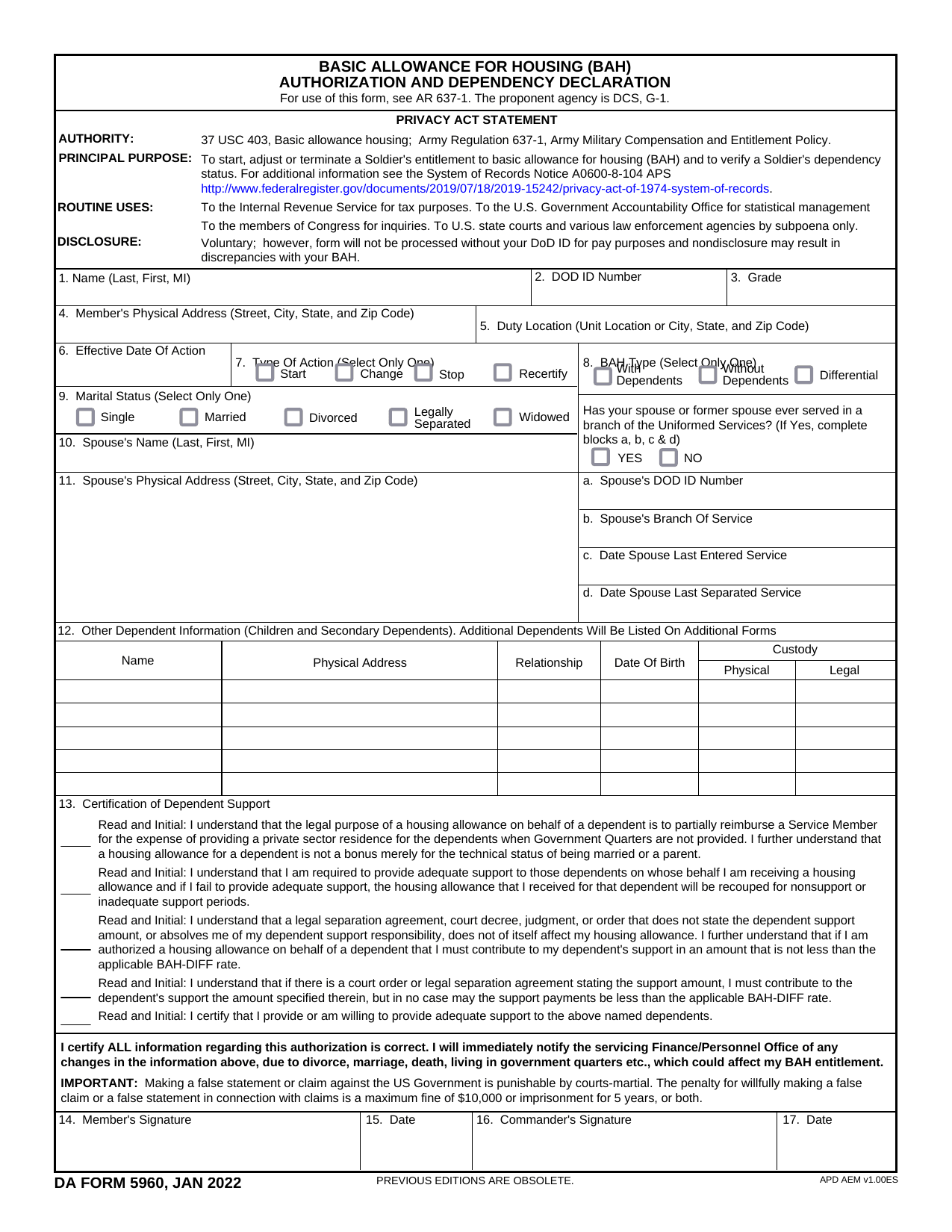 DA Form 5960Military FormsStart, stop, or change your BAQ or VHA entitlement using the fillable, printable copy ready here.Updated Oct 6, 2026
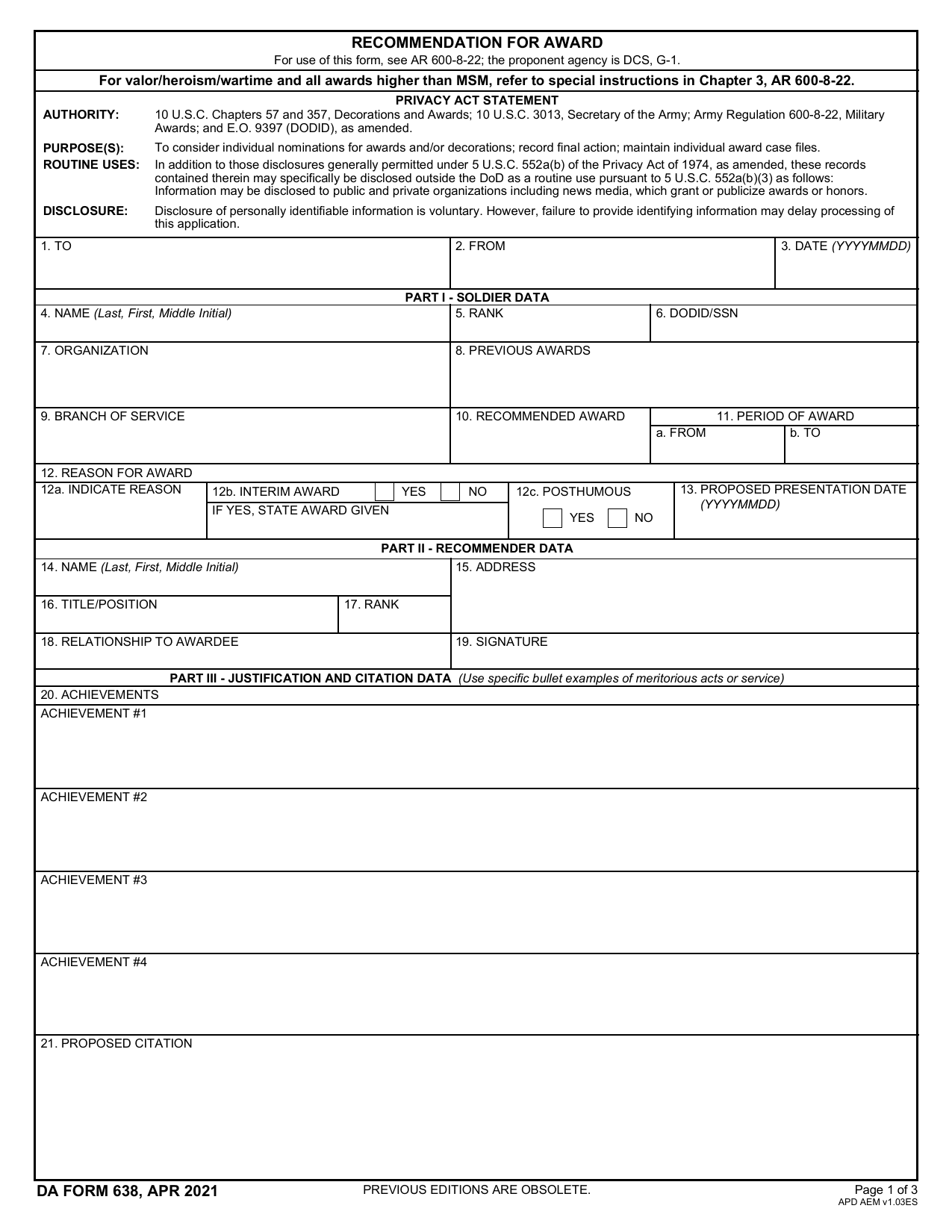 DA 638 FormMilitary FormsRecommend a Soldier for most awards, add justification and reviewers' decisions in a fillable, printable copy ready here.Updated Oct 6, 2026
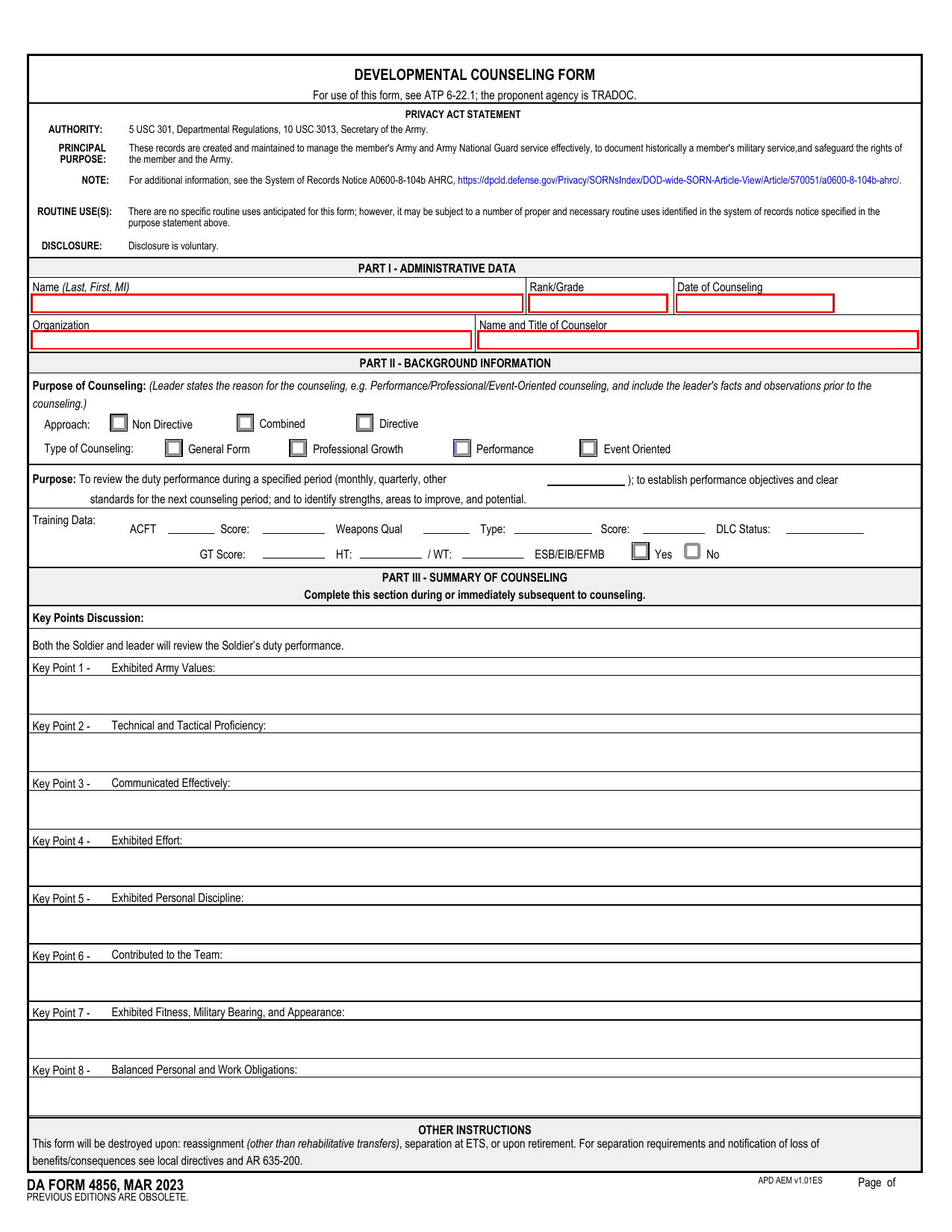 DA 4856 FormMilitary FormsA fillable, printable copy is ready here for you to record counseling sessions, agreed actions, goals, and follow-up results.Updated Oct 6, 2026
 DD Form 2977Military FormsAssess your mission hazards, set controls, and record residual risk approval in the fillable, printable copy ready here.Updated Oct 6, 2026