

Fill Out DA Form 7801 Online in 2026
Record your weapon, range, firing-position scores, and qualification result with a fillable, printable copy ready here.
This website is not affiliated with any government agency.
How it works

1. Open the form
Click “Fill form” above to open the form in our editor.

2. Add details
Complete all required fields to finalize your form.

3. Save as PDF
Download your filled form as a PDF, ready to print or submit anywhere.
What is DA Form 7801?
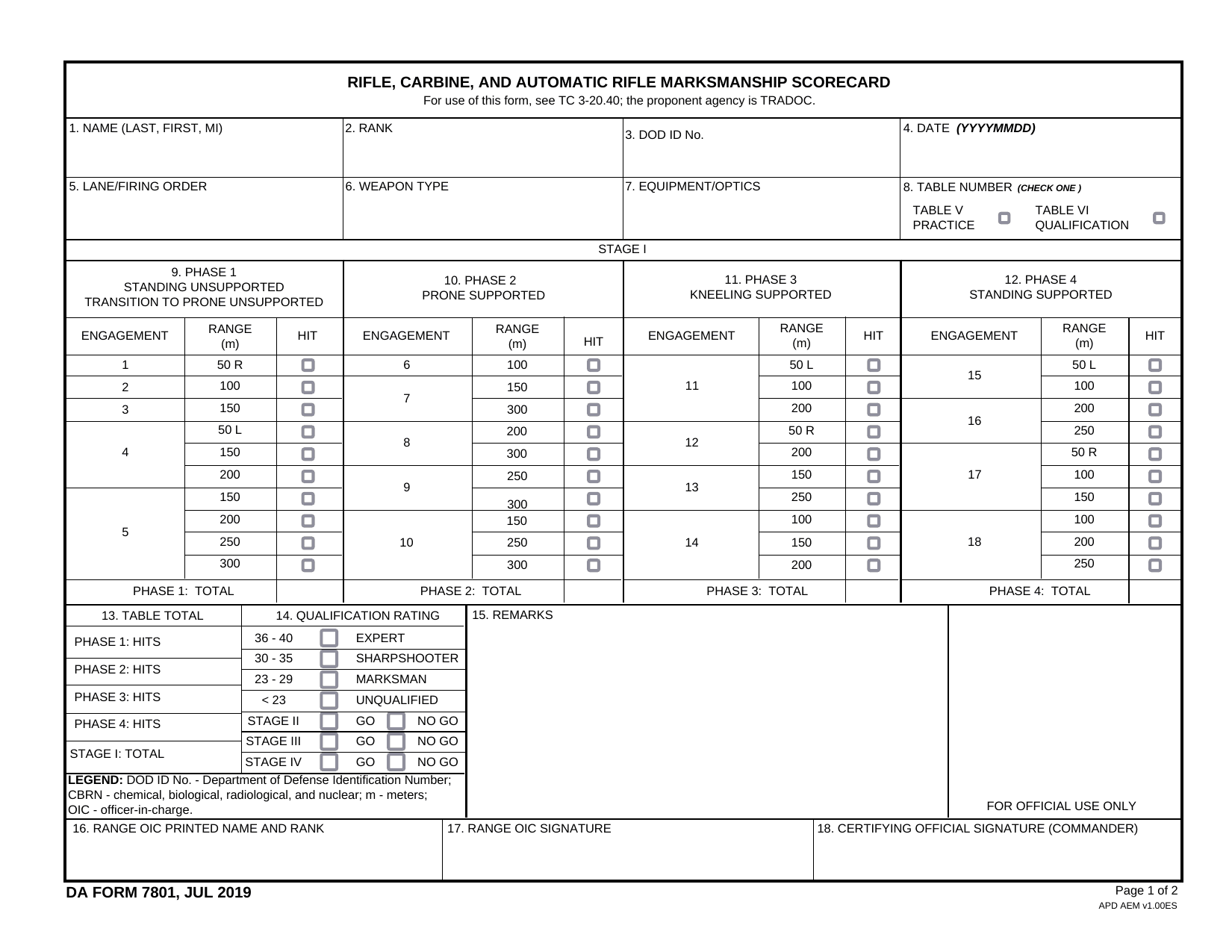
DA Form 7801 is the U.S. Army’s official scorecard for rifle, carbine, and automatic rifle marksmanship qualification. It records a Soldier’s firing results and shows the marksmanship qualification level earned. You may also see the form called DA 7801 or DA7801 in searches and unit records.
Army personnel use the recorded scores to track individual and unit performance. The results support training reviews, readiness checks, and accountability. They may also affect a Soldier’s eligibility for certain assignments. Each entry must match the Soldier’s actual qualification results, since the completed scorecard becomes part of the Army’s performance record. A DA Form 7801 PDF should be completed under the rules and instructions used for the qualification event.
What is DA Form 7801 used for?
Range staff use DA Form 7801 to record a Soldier’s scores during rifle, carbine, or automatic rifle practice and qualification. It confirms whether the event was practice or qualification and shows scores for each firing position. It also records shooter, weapon, and range details.
The results determine the Soldier’s marksmanship qualification level. They can also document day live-fire performance and CBRN or night-fire certification. Units use the data to track training, review individual and unit performance, maintain accountability, and support promotion-point records.
How to fill out DA Form 7801
- 1Click the Fill Form button to open DA Form 7801 in our editor.
- 2Enter the Soldier’s full name, rank, and Department of Defense identification number.
- 3Add the date, lane, and firing order.
- 4Record the weapon type and any attached equipment.
- 5Check whether the scorecard covers practice or qualification firing.
- 6Enter each score under the correct firing or shooting position.
- 7Download the completed form, then print it if needed.
Where to get a blank DA Form 7801
You can get a blank DA Form 7801 PDF from the Army Publishing Directorate, the official source for Department of the Army publications. The U.S. Department of the Army issued this version on July 1, 2019.
PDFLeader also has a blank copy preloaded in our browser-based editor, so you do not need to find and download a template first. PDFLeader helps you fill out and download the completed form, but it does not file or submit it to the Army.
Where to send DA Form 7801
After you download the completed DA Form 7801, give it to your range officer or designated marksmanship instructor for review. This is usually done in person according to your unit’s local procedures.
The reviewer forwards the scorecard to the unit headquarters or administrative office. That office enters the results in your training or personnel record. If your unit allows electronic transfer within its internal systems, use the method it provides. Do not mail the form to an outside address or upload it to an external federal portal. DA Form 7801 stays within your unit’s administrative channel.
Who needs to complete DA Form 7801?
The firing Soldier and the range officer, or officer in charge, share responsibility for completing DA Form 7801. The Soldier provides the required personal details and completes the firing session. The range officer oversees the session and records the scores. The officer in charge signs the completed form, and the unit commander authenticates it.
Unit training and personnel staff use the completed form afterward. They review the scores to confirm the Soldier’s marksmanship qualification level and track individual or unit performance. The results may also affect eligibility for certain Army assignments. The unit should keep the completed form in its records for at least 12 months.
How to sign DA Form 7801
Official Army sources do not give separate signature instructions for this scorecard. Ask your unit who must sign and where, and check the latest updates from the Army Publishing Directorate before you complete it. Fill in DA Form 7801, download the completed form from PDFLeader, then print and sign it by hand. PDFLeader does not submit the form.
What information/documents are required?
Before completing DA Form 7801, have the Soldier’s Name, SSN/DoD ID Number, Grade/Rank, Unit, Date, and Lane/Firing Order. You also need the Weapon/Equipment details, including the firearm, equipment, and optics used.
Keep the range scoring record at hand for Table Selection and the Hit/Miss Scoring Grid. It must show the selected table, each phase, range in meters, time in seconds, and every hit, miss, or no-fire result. Record the phase totals and overall total. Add any lane safety or range officer comments in Remarks. The Officer in Charge must sign to certify the scorecard, and the Unit Commander must authenticate it. The completed document is kept in unit records for at least 12 months and uploaded to the Digital Training Management System.
When is DA Form 7801 needed?
DA Form 7801 has no fixed calendar deadline. Complete it during the marksmanship event or immediately after it, while scores and event details are still fresh and can be checked.
The range or scoring officer and the unit commander must sign it at that time. Prompt completion and signatures validate the qualification results for official records and promotion-point purposes. Do not wait until a later date if that could make the scores or supporting details harder to verify.
When is DA Form 7801 not required?
DA Form 7801 is not required when you qualify with a weapon other than a rifle, carbine, or automatic rifle. For pistol or machine gun qualification, use the scorecard assigned by your unit, such as DA Form 7814 or DA Form 5790-R. You also do not need this form for informal or practice shooting that does not meet official qualification standards.
A valid legacy qualification card dated before October 1, 2020, could also support promotion points within its two-year use limit. That exception has now expired. Public DA instructions do not clearly confirm these cases, so check your unit’s S3 or marksmanship SOP before choosing a scorecard.
FAQ

What are the three types of marksmanship badge scores?
The three Army marksmanship qualification levels are Marksman, Sharpshooter, and Expert.
Which marksmanship badge levels correspond to DA Form 7801 scores?
DA Form 7801 scores correspond to Marksman, Sharpshooter, and Expert. Expert is the highest level, while Marksman is the lowest passing level.
How are the three DA Form 7801 qualification levels ranked?
The levels rank from Marksman as the lowest passing grade, to Sharpshooter as the middle grade, and Expert as the highest grade.
Is Sharpshooter higher than Marksman on DA Form 7801?
Yes. Sharpshooter is above Marksman and below Expert in the Army marksmanship qualification levels.
Does PDFLeader have a refund policy?
Yes. The Refund Policy sets out the cases where a refund applies and how to send a request.
What if I have any issues and need help?
We've got your back 24/7! Just call +1 (844) 548-9416 or email support@pdfleader.com, and we'll sort things out for you.
How do I cancel PDFLeader?
You can cancel your subscription from account settings, or contact the support team and ask them to cancel it. You keep access until the current billing period is over.
Related forms
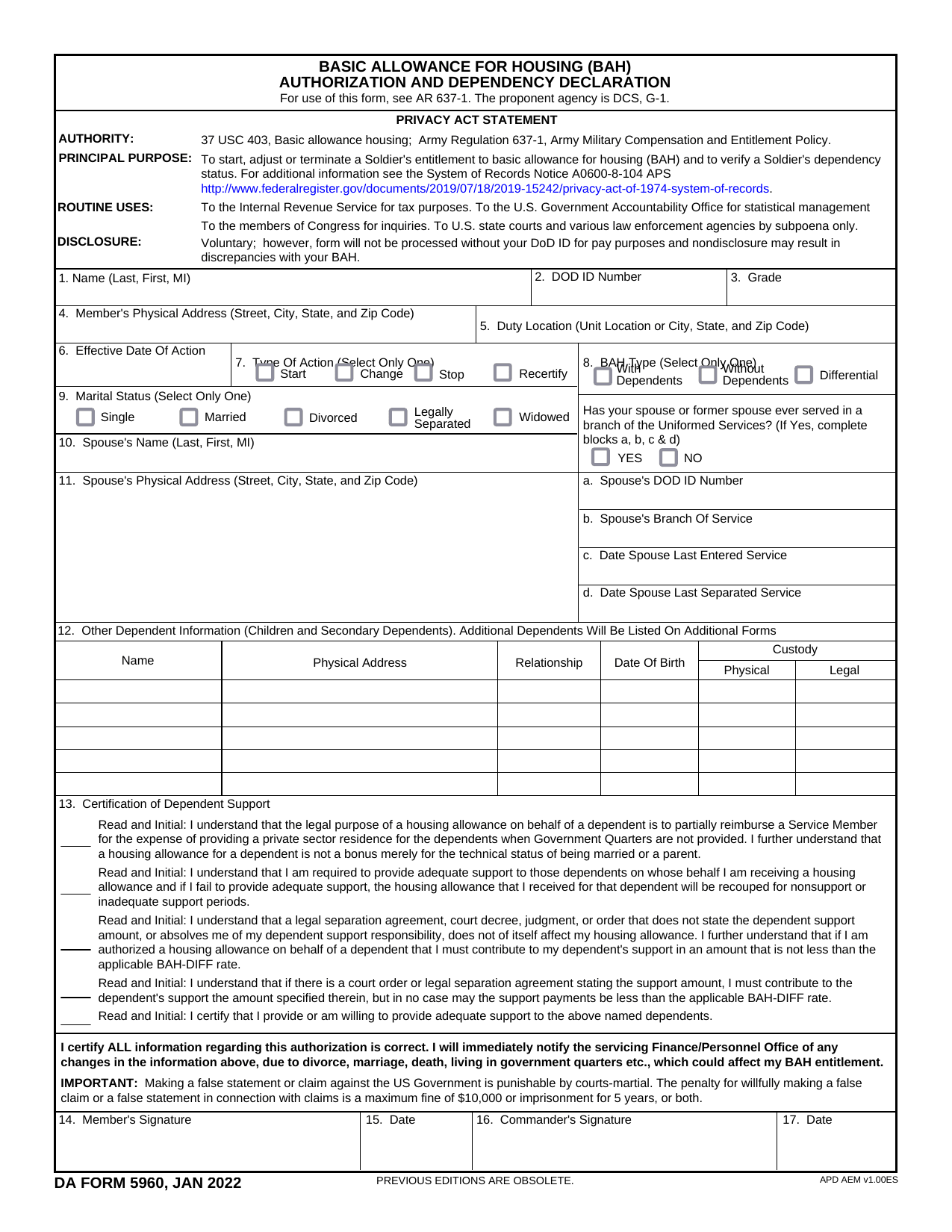 DA Form 5960Military FormsStart, stop, or change your BAQ or VHA entitlement using the fillable, printable copy ready here.Updated Oct 6, 2026
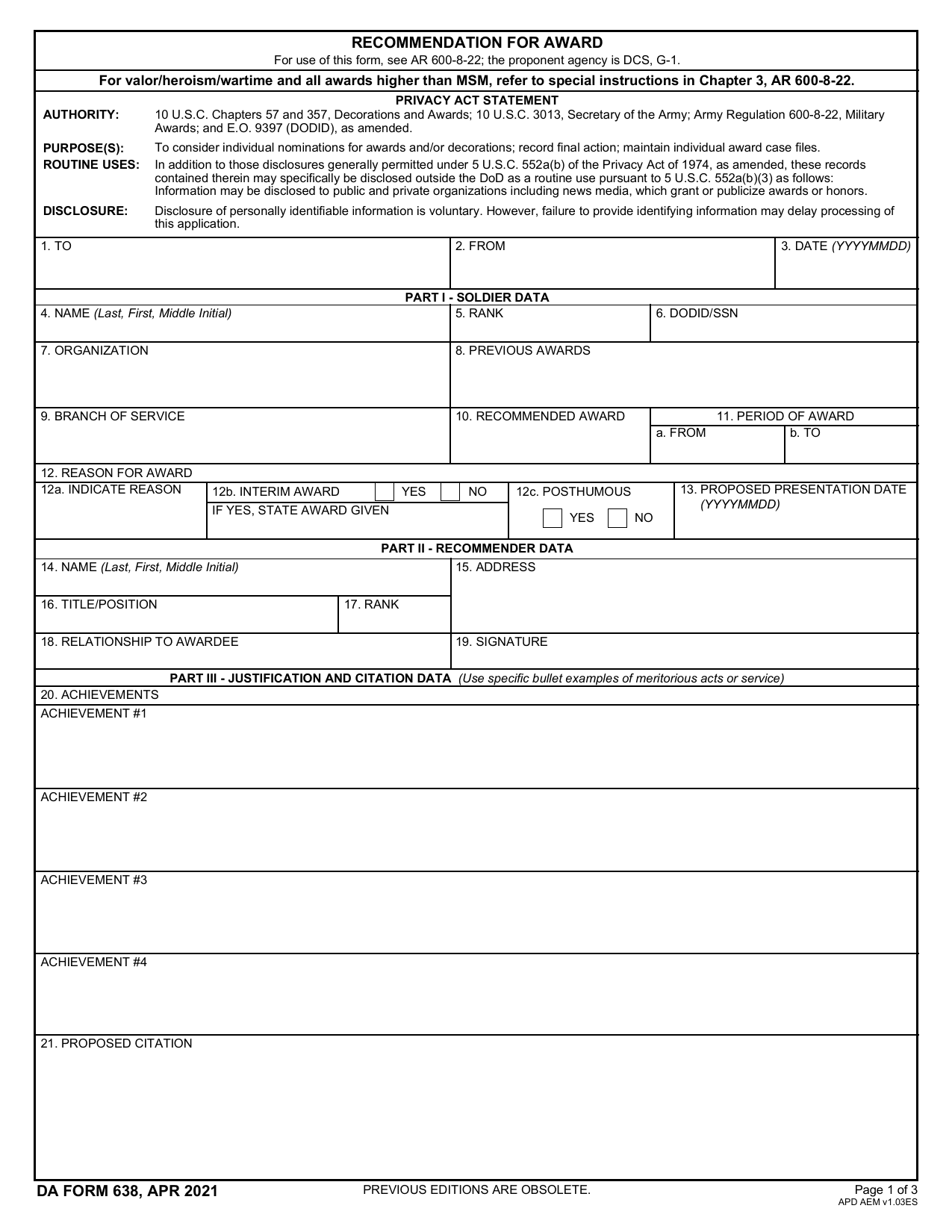 DA 638 FormMilitary FormsRecommend a Soldier for most awards, add justification and reviewers' decisions in a fillable, printable copy ready here.Updated Oct 6, 2026
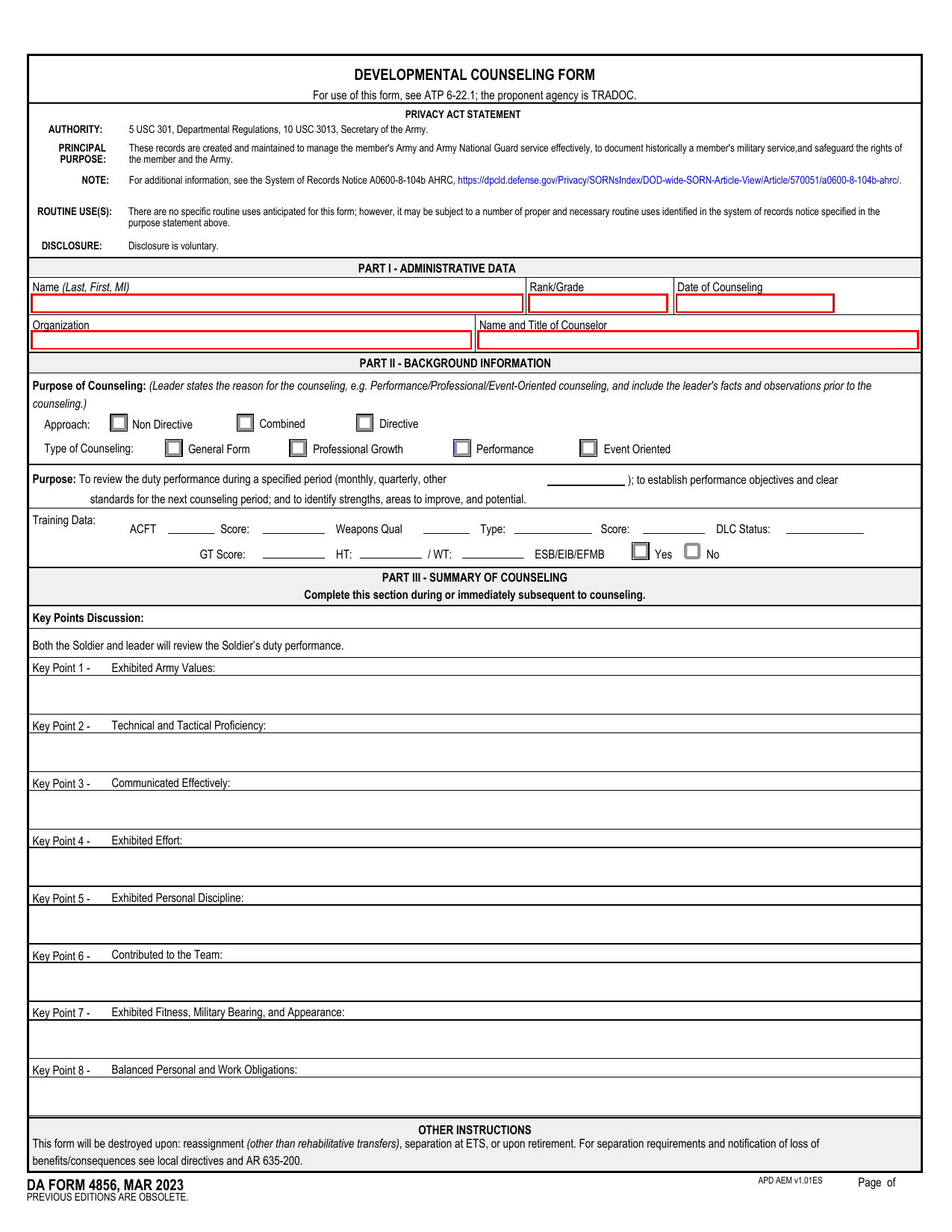 DA 4856 FormMilitary FormsA fillable, printable copy is ready here for you to record counseling sessions, agreed actions, goals, and follow-up results.Updated Oct 6, 2026
 DD Form 2977Military FormsAssess your mission hazards, set controls, and record residual risk approval in the fillable, printable copy ready here.Updated Oct 6, 2026