

Form DD 1150: Fill Out Online in 2026
Record your request to issue, transfer, or turn in government property with a fillable, printable copy ready here.
This website is not affiliated with any government agency.
How it works

1. Open the form
Click “Fill form” above to open the form in our editor.

2. Add details
Complete all required fields to finalize your form.

3. Save as PDF
Download your filled form as a PDF, ready to print or submit anywhere.
What is Form DD 1150?
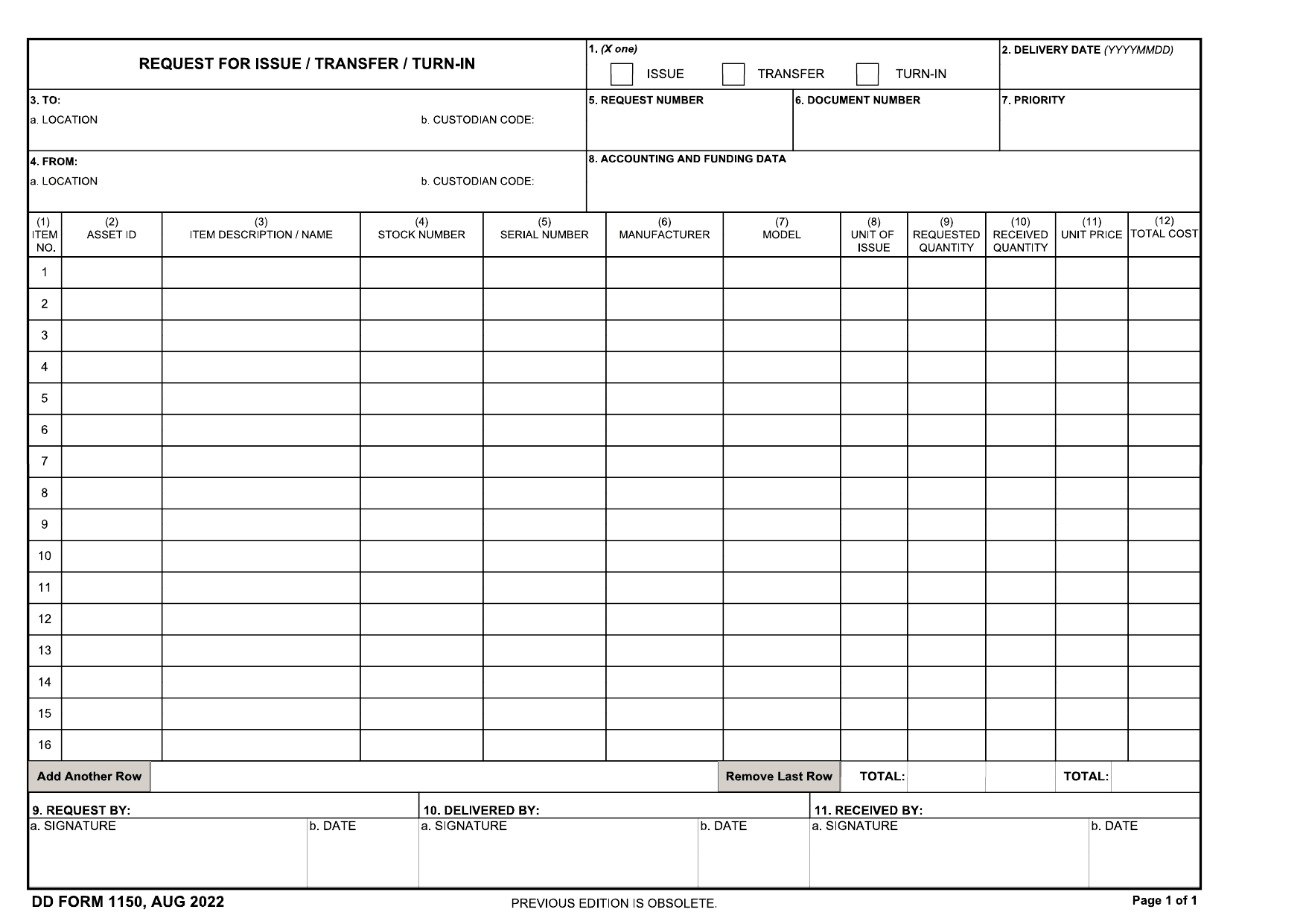
DD Form 1150, Request for Issue/Transfer/Turn-In, is a Department of Defense document. It records when military equipment or supplies are issued to a person, moved between units or locations, or returned to storage. If you need a DD Form 1150 fillable PDF, confirm that you are using the current version required by your unit.
The form lists key details such as delivery dates, shipping and receiving locations, custodians, accounting data, and item identification. It also provides space for signatures from the parties involved. These details create an official paper trail for government property.
Follow your unit’s DD Form 1150 instructions before you complete or sign the document. An accurate record helps the Department of Defense track assets, assign responsibility, and reduce the risk of equipment becoming lost or unaccounted for.
What is Form DD 1150 used for?
You may need Form DD 1150 when government equipment is issued to an authorized person, transferred between property holders, moved to another facility, or returned to a supply depot. It also covers excess or unusable equipment that must be turned in.
The completed form records who had custody, who received the property, and what items changed hands. This supports equipment tracking and related financial records. In some cases, it can also serve as an issue receipt for food given to Army cooks.
How to fill out Form DD 1150
- 1Click the Fill Form button to open DD Form 1150 in our editor.
- 2Mark the transaction type: ISSUE, TRANSFER, or TURN-IN.
- 3Complete the TO and FROM blocks with the location and custodian codes.
- 4Enter the delivery date and the required accounting or funding data.
- 5Fill in End Item Identification, including name/manufacturer, model, serial number, stock number, description, quantities, and unit price.
- 6Download the finished form or print it. For an issue, prepare three copies for filing and distribution.
Where to get a blank Form DD 1150
The Department of Defense issues Form DD 1150. You can obtain a blank copy through official Department of Defense forms resources. PDFLeader also provides a DD Form 1150 fillable PDF pre-loaded in our browser-based editor, so you do not need to download a template from another source.
Our platform lets you fill out the form and download the completed copy for future use. PDFLeader does not file or submit Form DD 1150. Follow the process set by your unit or property management office to send the completed form to the right office.
Where to send Form DD 1150
After you download Form DD 1150, route it within your organization or unit. Do not send it to an outside agency. Submit it through your supply or logistics channel, such as the property book officer, supply support activity, or accountable property officer.
If your unit uses a supply or logistics management portal, upload the completed form there and follow local routing rules. An accepted electronic signature may be used if your service and system allow it. For paper processing, deliver the form in person or send it by internal mail to the receiving or issuing custodian. That custodian signs and processes it under unit procedures.
Who needs to complete Form DD 1150?
Supply officers and unit commanders complete Form DD 1150 when equipment changes custody, moves to another facility, or returns to a supply depot. Military personnel and contractors may also complete and sign the parts tied to their role. These roles include Requested By, Delivered By, and Received By.
After completion, the receiving activity’s accountable property officer (APO) and other supply staff use the form to check item details and track government property. They place the completed form in the hand receipt file with related issue or turn-in records. If a supply depot fills the request, it may issue DD Form 1348 to confirm that the materiel was released from stock.
How to sign Form DD 1150
Download your filled Form DD 1150 from PDFLeader, print it, and add your handwritten signature where required. Check the latest updates and ask your local S4 or logistics office about system-specific signature rules. Some official electronic systems may require a CAC/PKI digital signature, which PDFLeader does not provide. PDFLeader does not submit the completed form, so send or file it through the method your office requires.
What information / documents are required?
Have the Date Materiel Required in YYYYMMDD format and choose Issue, Transfer, or Turn-In. Gather the To and From locations and custodian codes, plus a unique Request Number. Keep the related budget records ready for Accounting and Funding Data, including the fund code, line item number, and project code.
For each item or service, provide the Stock Number, Description/Coding, Unit of Issue, Quantity, Supply Action, Unit Price, and Total Cost. You may also need the NAME AND MANUFACTURER, MODEL, SERIAL NUMBER, and PUBLICATION reference, along with sheet and grand totals. DD Form 1150 does not name a required supporting document, but your item and funding records should support each entry. The Requested By officer signs first. Delivered By signs when the item is released, and Received By signs on delivery. Each signer must add the date.
When is Form DD 1150 needed?
DD Form 1150 has no fixed calendar deadline. You complete it when equipment or supplies will be issued, transferred between locations or custodians, or turned in.
Prepare the form before the property movement takes place. This timing helps ensure that accountability records are updated when the issue, transfer, or turn-in occurs. Follow any earlier cutoff set by your unit or responsible property office. Check local procedures for routing and approval time before the planned transaction date.
When is Form DD 1150 not required?
When no property is being issued, transferred, or turned in, you do not need Form DD 1150. Do not use it for classified or cryptographic property, hazardous or dangerous material, or live animals. These items require special custody clearances and handling procedures, so a DD Form 1150 fillable PDF is not the right record.
Form DD 1150 is also not required when an authorized substitute covers the transaction. For example, Army procedures may allow DA Form 3161 and Form DD 1150 to serve interchangeably as change documents. Check the applicable DD Form 1150 instructions and your command’s rules before choosing the record.
FAQ

Can DD Form 1150 cover more than one item on the same request?
Yes. You may list several line items on one DD Form 1150 when they are part of the same issue, transfer, or turn-in. Enter each item's name, manufacturer, model, stock number, and quantity on its own line.
How should partial issues, transfers, or turn-ins be recorded on DD Form 1150?
For each line item, enter the quantity actually issued, transferred, or turned in, separate from the quantity requested. Mark any balance that is still due. Procedures can vary by service, so check your local supply rules before completing the entry.
What document number should you enter on DD Form 1150?
Enter the transaction document number assigned through your organization's correct document register. Use the register that applies to the item's property class, such as expendable or nonexpendable. If the wrong type of number was assigned, cancel the transaction when permitted and resubmit it with a valid number.
How do you correct an error on a completed DD Form 1150?
Follow your service and local supply procedures. In many cases, you should cancel the incorrect document and submit a corrected one. If a nonexpendable transaction cannot be canceled, record it in the proper register and file it with a signed statement from the property book officer that explains the error and circumstances.
How long should completed DD Form 1150 records be kept?
DD Form 1150 does not state one retention period for every organization. Keep completed records for the period set by your service's records schedule and local supply policy. Ask your records officer or supply office which rule applies before destroying a record.
Does PDFLeader have a refund policy?
Yes. The Refund Policy sets out the cases where a refund applies and how to send a request.
What if I have any issues and need help?
We've got your back 24/7! Just call +1 (844) 548-9416 or email support@pdfleader.com, and we'll sort things out for you.
How do I cancel PDFLeader?
You can cancel your subscription from account settings, or contact the support team and ask them to cancel it. You keep access until the current billing period is over.
Related forms
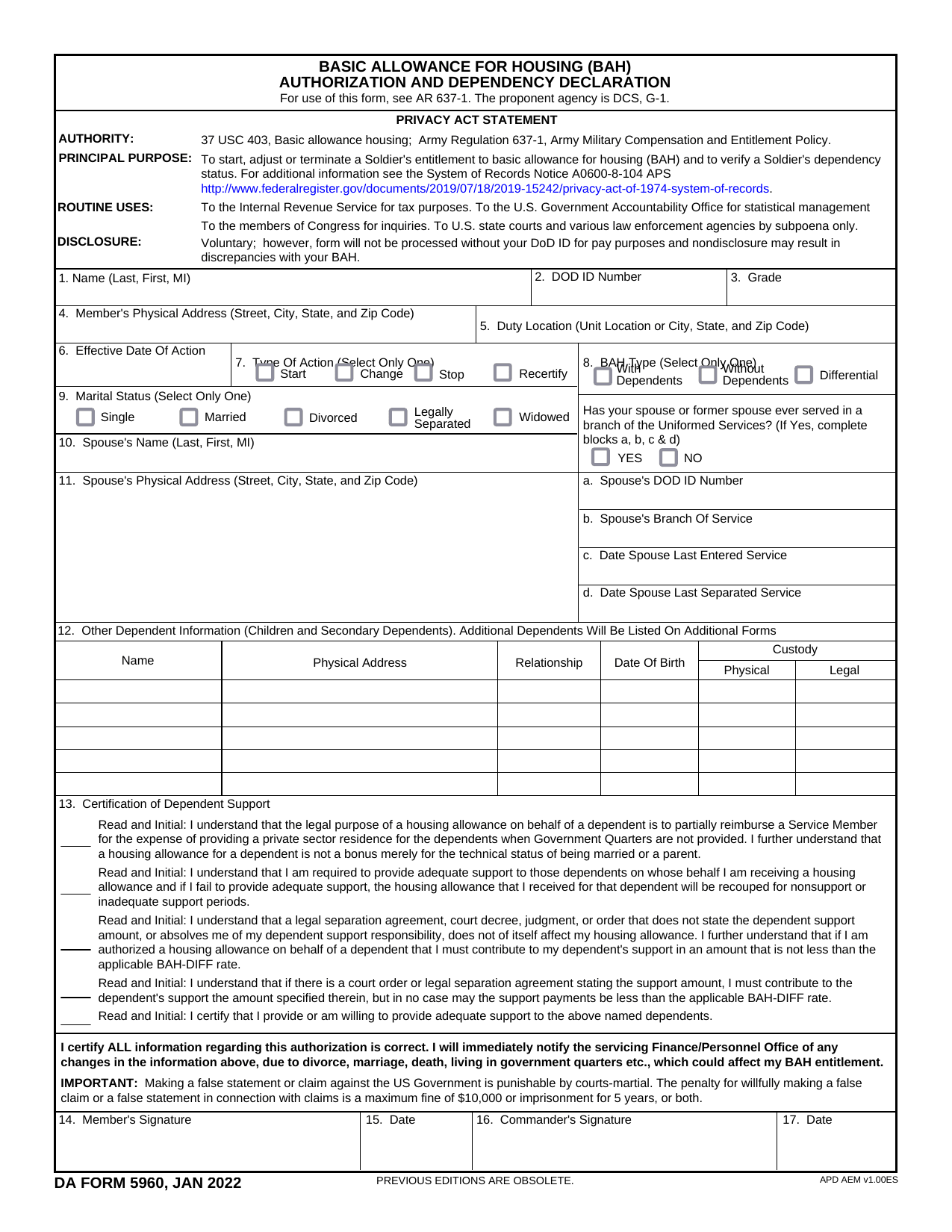 DA Form 5960Military FormsStart, stop, or change your BAQ or VHA entitlement using the fillable, printable copy ready here.Updated Oct 6, 2026
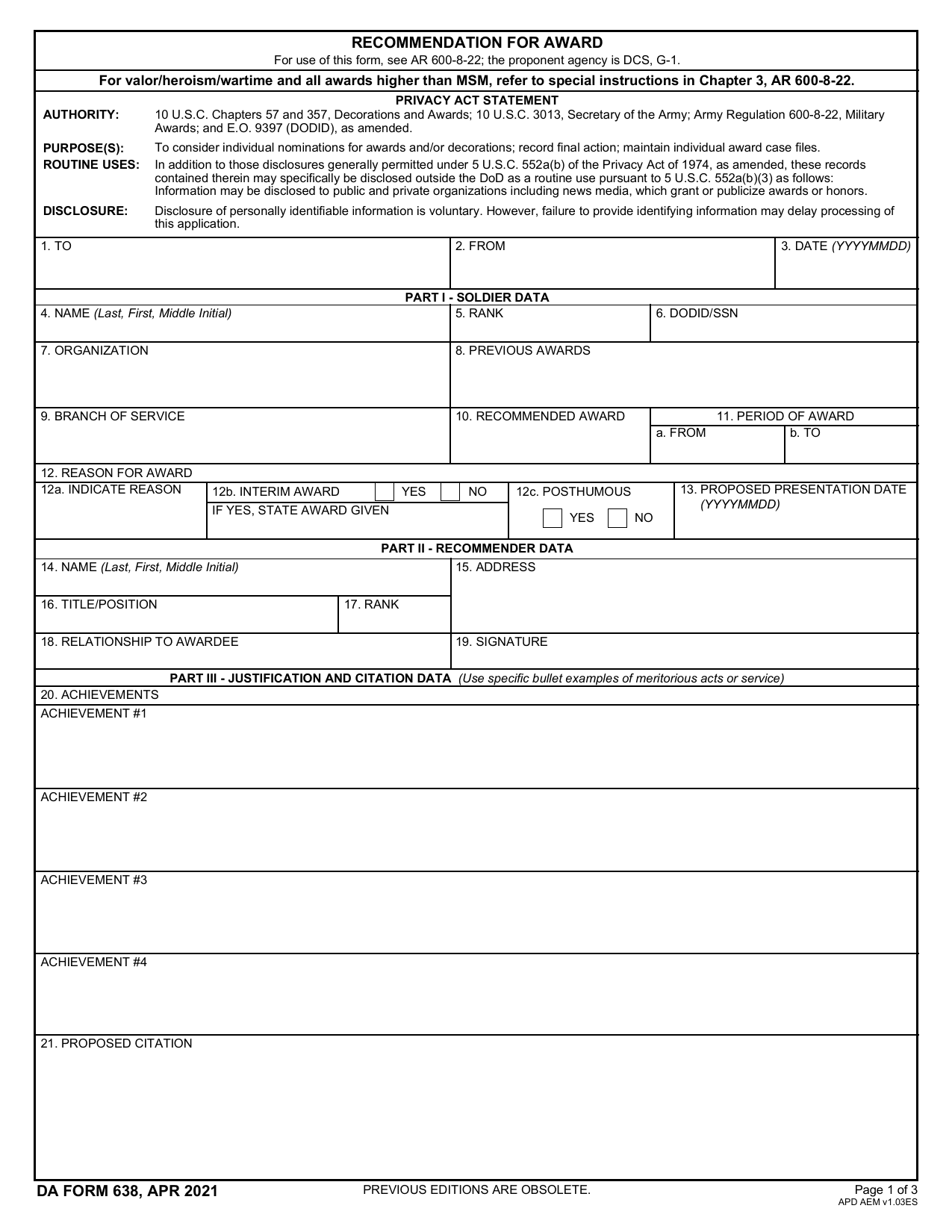 DA 638 FormMilitary FormsRecommend a Soldier for most awards, add justification and reviewers' decisions in a fillable, printable copy ready here.Updated Oct 6, 2026
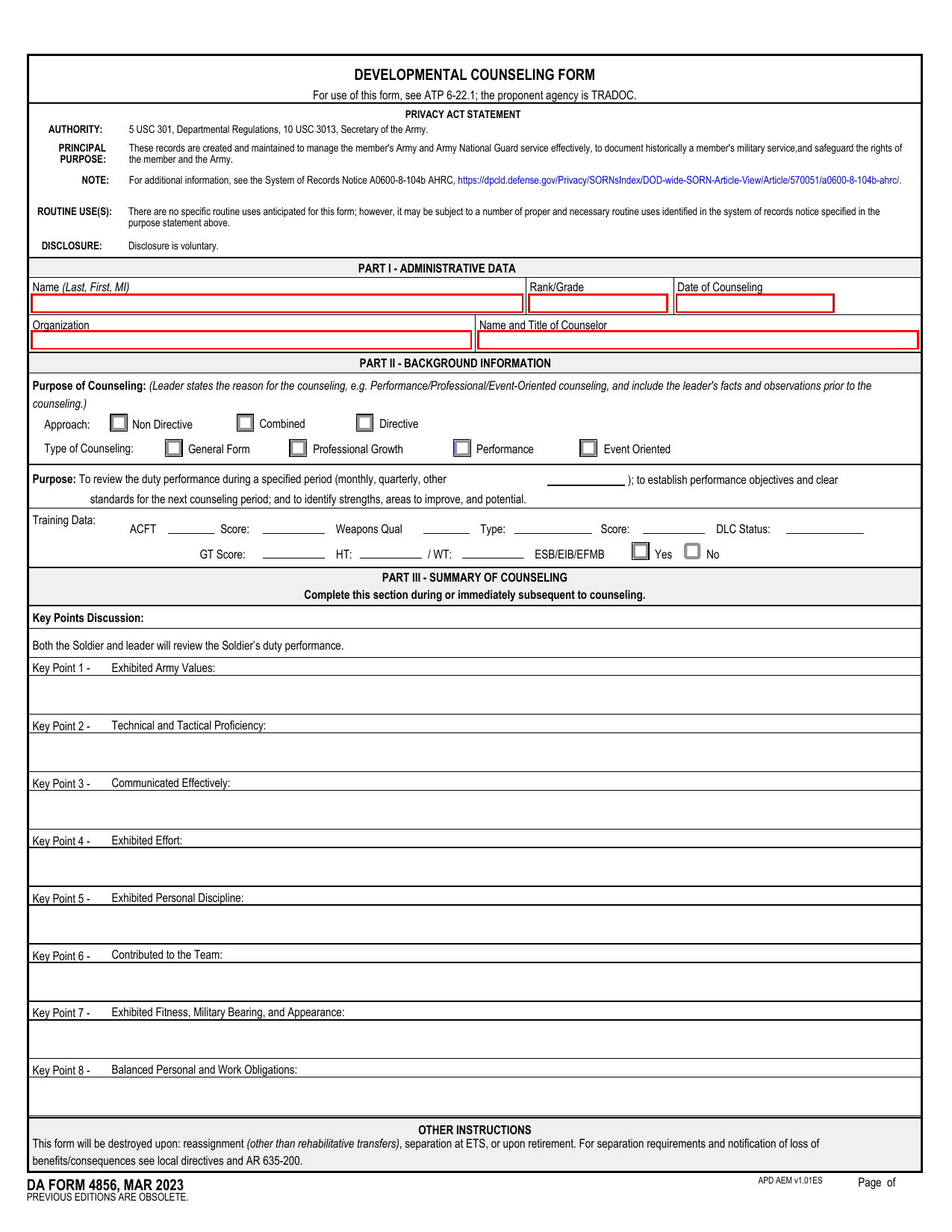 DA 4856 FormMilitary FormsA fillable, printable copy is ready here for you to record counseling sessions, agreed actions, goals, and follow-up results.Updated Oct 6, 2026
 DD Form 2977Military FormsAssess your mission hazards, set controls, and record residual risk approval in the fillable, printable copy ready here.Updated Oct 6, 2026