

Form DD 1299: Fill Out Online in 2026
Give details to assess your property shipment or storage and prepare documents in the fillable, printable copy here.
This website is not affiliated with any government agency.
How it works

1. Open the form
Click “Fill form” above to open the form in our editor.

2. Add details
Complete all required fields to finalize your form.

3. Save as PDF
Download your filled form as a PDF, ready to print or submit anywhere.
What is Form DD 1299?
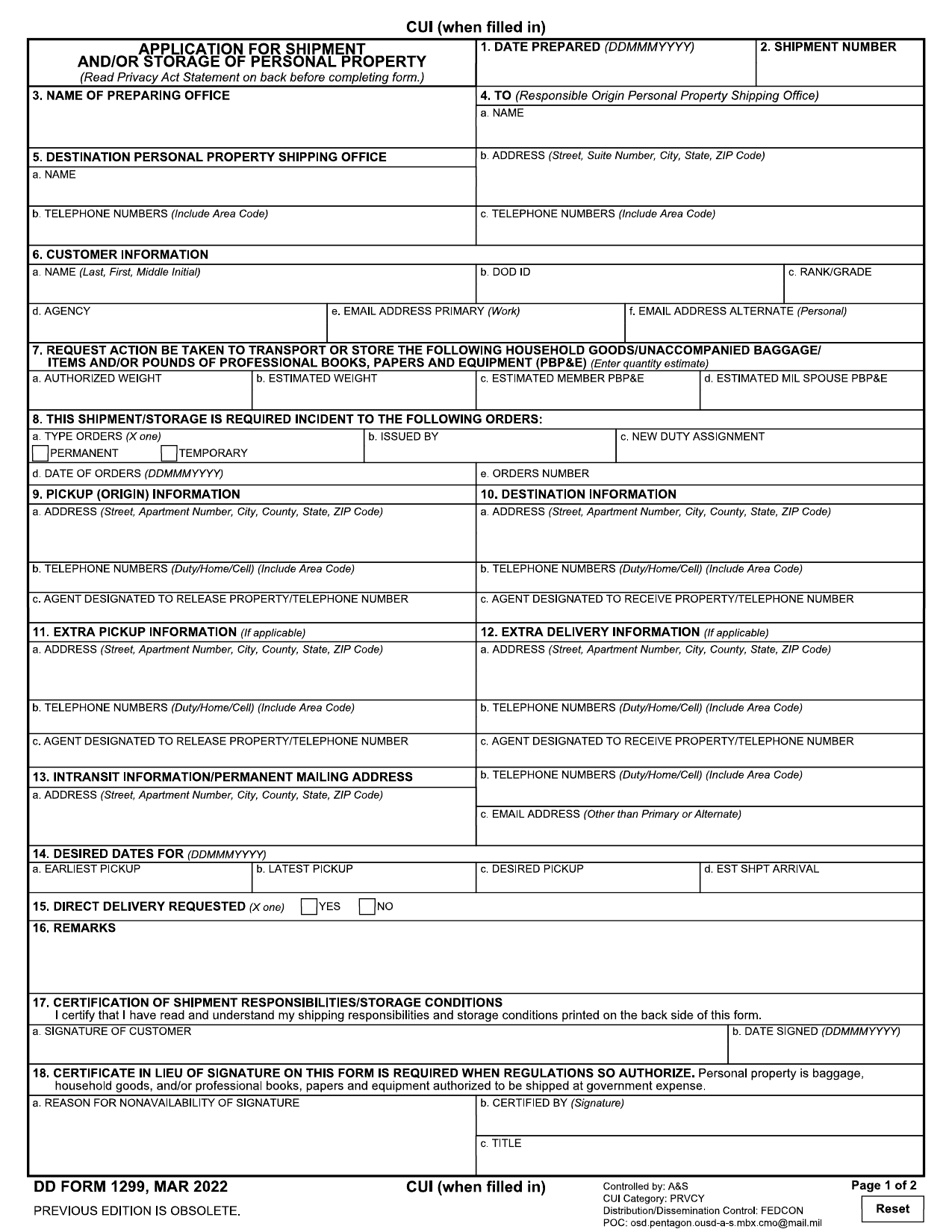
Form DD 1299, Application for Shipment and/or Storage of Personal Property, is a Department of Defense document. Service members and other eligible people use it to request government-paid shipment or storage of household goods during a military move, reassignment, or deployment. A DD 1299 fillable copy lets you enter the required details in an electronic version of the blank form.
Once approved, the document serves as the official authorization given to commercial carriers and shipping agents. It identifies the requested service and helps make sure the property is moved under a valid government order, tracked during transit, and billed to the proper agency. Search terms such as DD Form 1299 Army and DD Form 1299 Navy refer to this same DoD document. You may also see the blank electronic file described as a DD Form 1299 PDF. Without approved authorization, the move or storage may not qualify for government payment.
What is Form DD 1299 used for?
You use DD Form 1299 when you request government-authorized shipment or storage of personal property. This often happens during a military move or another approved change in duty status. The request helps officials decide what property may be moved or stored under your entitlement.
The approved details are used to prepare the Government Bill of Lading and related shipping papers. Commercial carriers and shipping agents also receive the information as the official order for the shipment or storage. If your goods exceed government limits, the Finance Office may use the form to collect the amount you must pay.
How to fill out Form DD 1299
- 1Click the Fill Form button to open Form DD 1299 in our editor.
- 2Enter DATE PREPARED (DD MMM YYYY) and the shipment number.
- 3Add the preparing and destination shipping office names and addresses. Check each address for accuracy.
- 4Provide your name, rank or grade, SSN, and agency.
- 5List the property for shipment or storage, including quantities and weights for household goods and valuable items.
- 6Specify the requested action, type of orders, and date.
- 7Designate an agent who may receive the property if you cannot.
- 8Download or print the finished form.
Where to get a blank Form DD 1299
The Department of Defense (DoD) issues DD Form 1299. You can get a blank copy through PDFLeader, where it is preloaded in our browser-based editor. If you need a DD 1299 fillable version, you do not have to download a template from another source.
PDFLeader lets you fill out the blank form and download your filled-in PDF for future use. Our platform does not submit or file DD Form 1299. Follow your DoD office’s instructions for sending the downloaded form to the correct location.
Where to send Form DD 1299
Send your downloaded Form DD 1299 to your local origin Transportation Office, also called the Personal Property Shipping Office. This office counsels you and processes your shipment or storage request. The form lists the origin and destination shipping offices that apply to your move.
You may upload the form through the DoD online moving system. Your Transportation Office may also accept it in person, by email, or by fax. Standard mail is not the main delivery method, so use it only if the office tells you to. If the U.S. Department of State manages your move, submit the two required forms to its Transportation and Travel Management Division.
Who needs to complete Form DD 1299?
Service members, military retirees, and eligible DoD civilian employees complete Form DD 1299 when requesting government-funded shipment or storage of personal property for a move. In the Defense Personal Property System, the form is generated after counseling. A transportation office counselor helps generate and review it.
The local transportation office then reviews the completed form and routes it to a transportation service provider. The Finance Office uses it to collect costs. Commercial carriers and shipping agents also receive it as part of the official shipping order.
How to sign Form DD 1299 online
DD Form 1299 includes a signature block, but its instructions do not set a required signing method. Check the latest updates with your local Personal Property Shipping Office, as it may require a handwritten signature or CAC-based digital signature. You can add a simple electronic signature on PDFLeader, then download the form. PDFLeader does not support digital signatures or submission, so complete those steps elsewhere if required.
What information/documents are required?
Before completing the DD 1299 fillable Form, have the Date Prepared in YYYYMMDD format, Shipment Number, and Name of Preparing Office. Gather the Name/Address of Origin Personal Property Shipping Office and the Name of Destination Personal Property Shipping Office/Address, including the street, suite number, city, state, and ZIP code. You also need the member or employee’s name, rank/grade, Social Security number, and agency. For Request Action To Be Taken, prepare quantity and weight estimates for household goods, unaccompanied baggage, items or containers, and professional books, papers, and equipment (PBP&E). Enter “NONE” where applicable. No separate supporting document is listed, but use your shipment and personnel records to confirm each entry. The filer must complete Signature in Box 15a and Date Signed.
When is Form DD 1299 needed?
Form DD 1299 has no fixed due date. Submit it when you request shipment or storage of personal property. Complete and sign the form before sending it to your origin personal property shipping office.
Start the process as soon as your move orders are issued. You will typically submit Form DD 1299 with Form DD 1797 during counseling. Send both well before your scheduled pickup date so the shipping office has time to process your request and you can avoid move delays.
When is Form DD 1299 not required?
You do not need Form DD 1299 when the government does not pay to ship or store your personal property. This includes moves where you arrange and pay for all shipment or storage costs yourself.
You also do not need a separate paper Form DD 1299 when you complete electronic self-counseling through the Defense Personal Property System. DPS creates the equivalent shipment or storage application and lets you self-certify it within the system.
FAQ

Can DD Form 1299 cover more than one shipment or storage request?
No. You generally need a separate signed DD Form 1299 for each shipment or storage request. For example, household goods and unaccompanied baggage may require separate forms. Confirm the number of documents with your Transportation Office.
How do you correct an error on DD Form 1299 after signing it?
Contact your local Transportation Office or Personal Property Processing Office. Staff may ask you to prepare and sign a corrected DD Form 1299. Do not change a signed copy unless the office tells you how to make the correction.
Do family members need a separate DD Form 1299?
Usually not. Dependents are generally covered under the service member's or employee's authorized shipment. A family member may need a separate form if separate orders or an independent shipment entitlement applies. Check with your Transportation Office.
How does DD Form 1299 relate to DD Form 1797?
DD Form 1299 records the shipment or storage application. DD Form 1797 documents counseling and shipment choices based on the member's or employee's entitlement. Your Transportation Office may require both signed forms to process the request.
What should you do if your orders change after you complete DD Form 1299?
Tell your Transportation Office as soon as possible. Changes to your destination, dates, authorization, or shipment type may require an updated DD Form 1299 and a copy of the amended orders. Wait for office instructions before arranging shipment changes.
Does PDFLeader have a refund policy?
Yes. The Refund Policy sets out the cases where a refund applies and how to send a request.
What if I have any issues and need help?
We've got your back 24/7! Just call +1 (844) 548-9416 or email support@pdfleader.com, and we'll sort things out for you.
How do I cancel PDFLeader?
You can cancel your subscription from account settings, or contact the support team and ask them to cancel it. You keep access until the current billing period is over.
Related forms
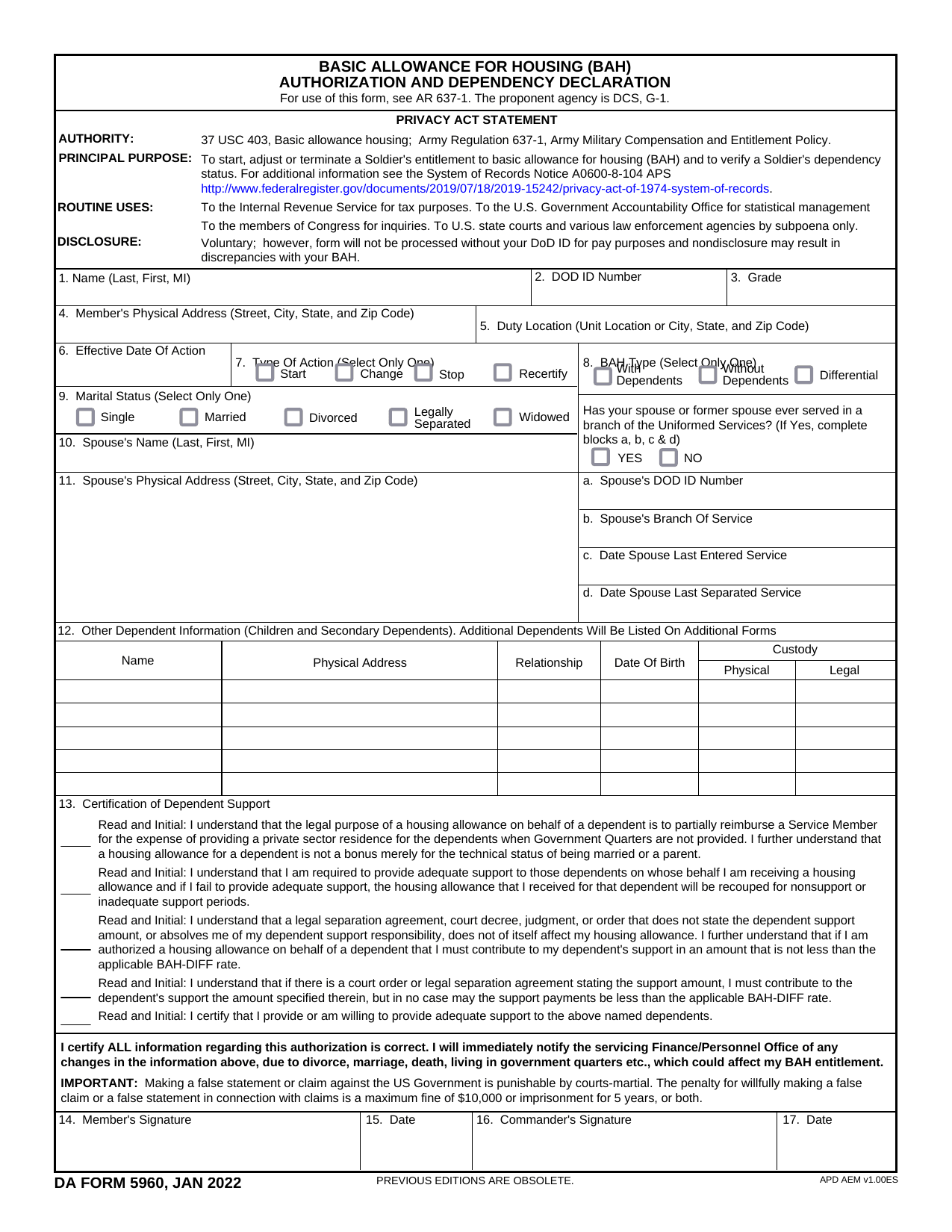 DA Form 5960Military FormsStart, stop, or change your BAQ or VHA entitlement using the fillable, printable copy ready here.Updated Oct 6, 2026
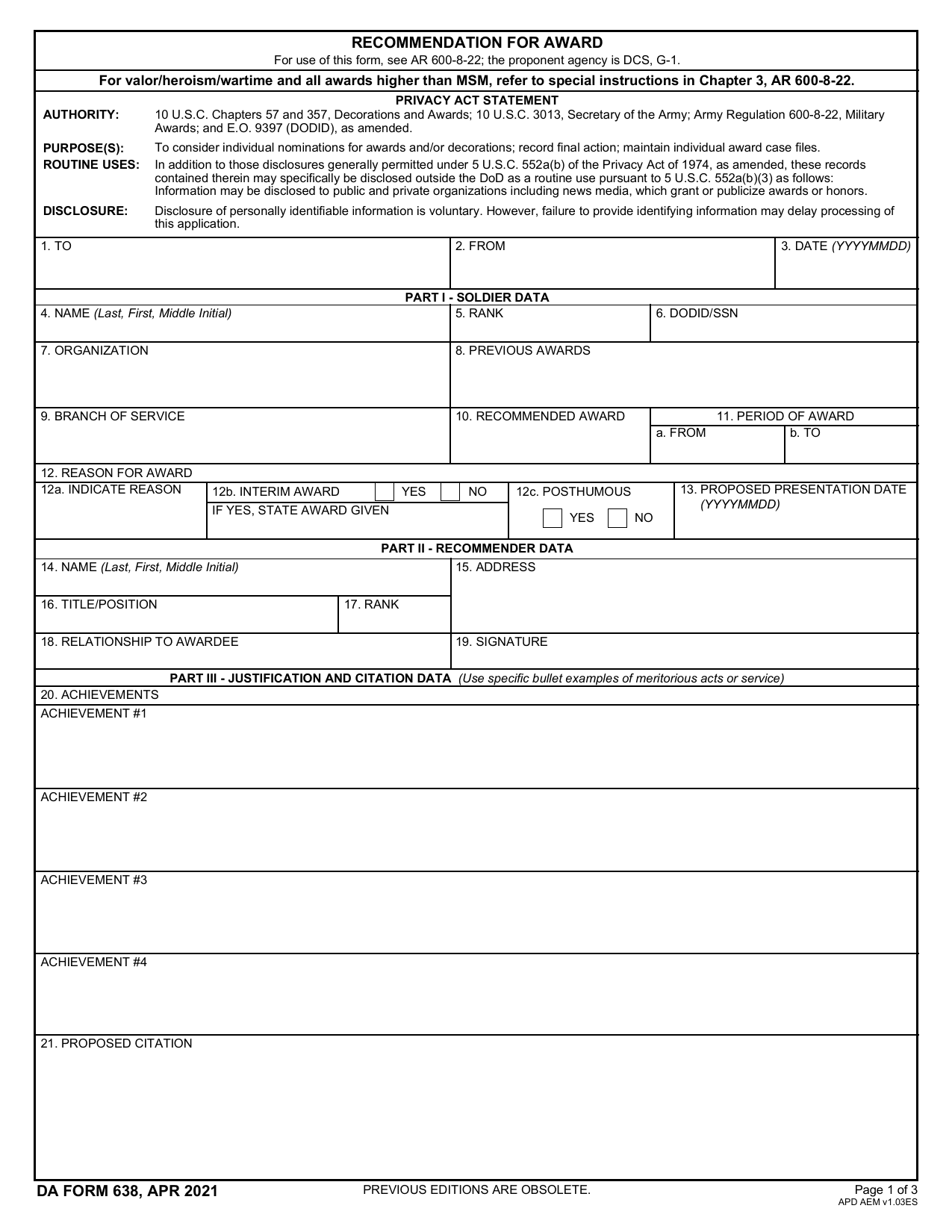 DA 638 FormMilitary FormsRecommend a Soldier for most awards, add justification and reviewers' decisions in a fillable, printable copy ready here.Updated Oct 6, 2026
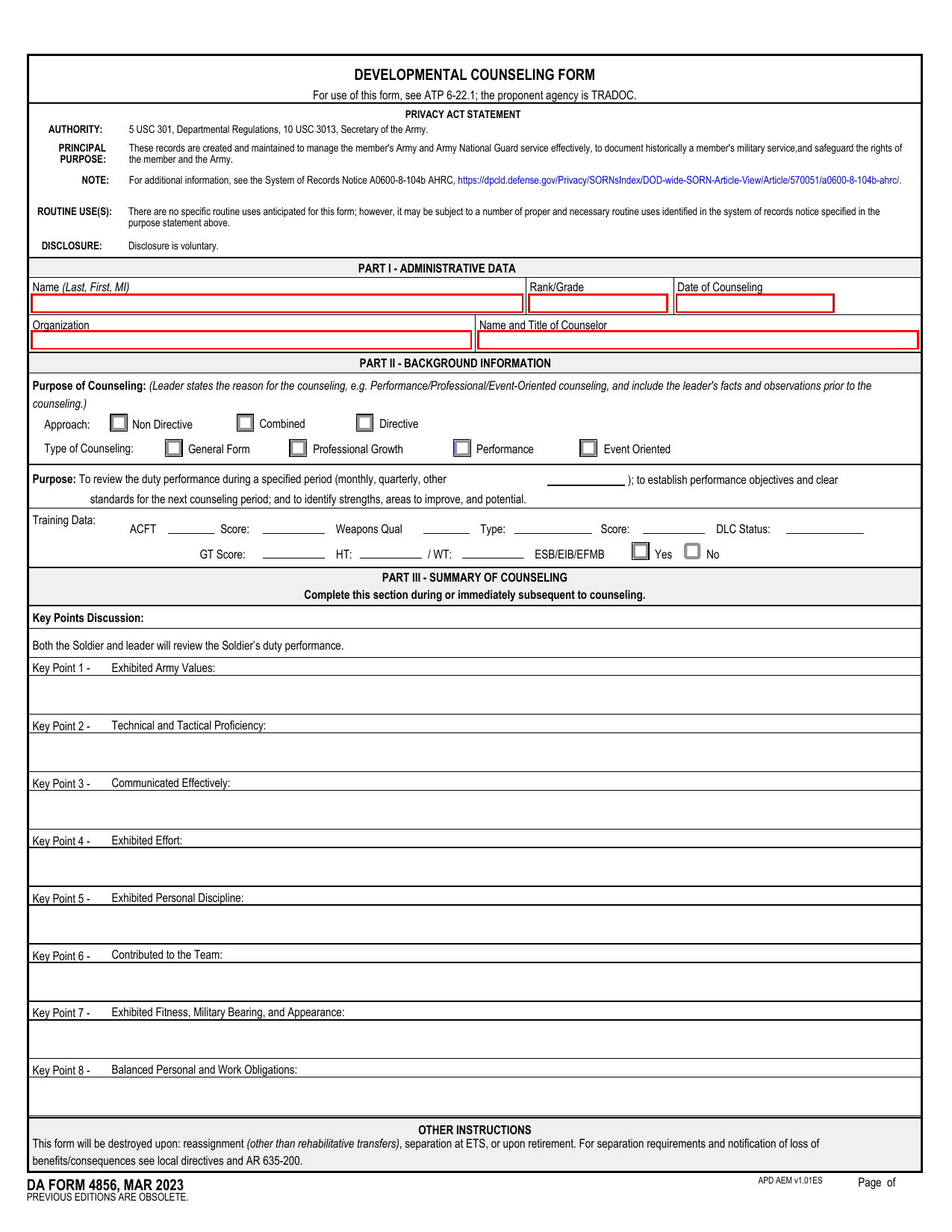 DA 4856 FormMilitary FormsA fillable, printable copy is ready here for you to record counseling sessions, agreed actions, goals, and follow-up results.Updated Oct 6, 2026
 DD Form 2977Military FormsAssess your mission hazards, set controls, and record residual risk approval in the fillable, printable copy ready here.Updated Oct 6, 2026