

DD Form 1750: Fill Out Online in 2026
Certify what you packed in each shipping box for the consignee with the fillable, printable copy ready here.
This website is not affiliated with any government agency.
How it works

1. Open the form
Click “Fill form” above to open the form in our editor.

2. Add details
Complete all required fields to finalize your form.

3. Save as PDF
Download your filled form as a PDF, ready to print or submit anywhere.
What is DD Form 1750?
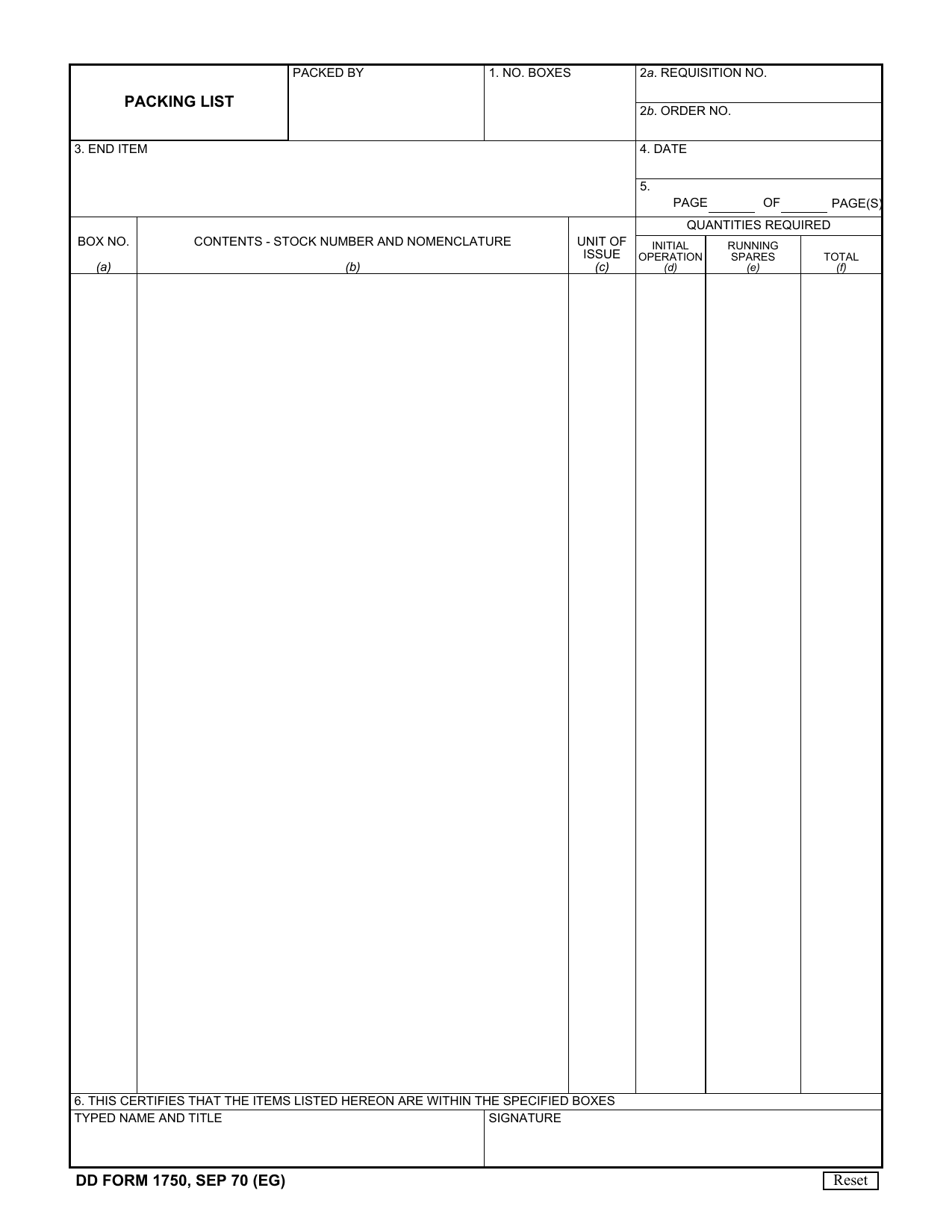
DD Form 1750, Packing List, is a Department of Defense document used to list the contents of boxes in a military shipment. You may also see it called the DD Form 1750 Army packing list. It records the number of boxes, requisition and order numbers, end item descriptions, preparation dates, and the items packed in each box.
A completed DD Form 1750 creates a clear record of what was sent. This helps military units track equipment, confirm that each shipment contains the required items, and reduce the risk of missing property. The recipient can compare the listed contents with the items received and report any shortage or error.
What is DD Form 1750 used for?
DD Form 1750 is used when military supplies or equipment are packed and shipped in numbered boxes. It certifies that each box contains the items listed and helps the consignee check what arrived. Logistics staff can compare the shipment with supply chain records, track packed items, and confirm that materials reach the right destination in an organized and safe way.
For equipment sets, one copy may support property book records. Another copy stays with the equipment as a component parts list, helping staff account for each item.
How to fill out DD Form 1750
- 1Click the Fill Form button to open DD Form 1750 in our editor.
- 2Enter the number of boxes in Item 1.
- 3Record the requisition and order numbers in Items 2a and 2b.
- 4List the end item details in Item 3, including stock number, nomenclature, type number, and assembly directive.
- 5Enter the preparation date in Item 4.
- 6Add each box or container number in Item 5, column a.
- 7Describe its contents by stock number in column b.
- 8Enter unit and quantity data in column c.
- 9Mark column d for Initial Operation or column e for Running Spares.
- 10Number each sheet if needed, then download or print the completed form.
Where to get a blank DD Form 1750
DD Form 1750 is issued by the United States Department of Defense (DoD). You can check the DoD Forms Management Program for official form records. If you search for DD Form 1750 Army pubs, keep in mind that Army publishing sites are not the issuing authority for this DD form.
PDFLeader has a blank DD Form 1750 PDF pre-loaded in our browser-based editor, so you do not need to find a template elsewhere. PDFLeader helps you fill out and download DD Form 1750 for future use, but it does not file or submit the form.
Where to send DD Form 1750
DD Form 1750 is not filed with a central agency or submitted through an online portal. Print the completed form and place it with the physical shipment. If the shipment goes by mail, the packing list travels with it. For a local or hand-delivered shipment, give the form to the receiving unit’s supply or property office in person.
The shipping unit’s transportation or logistics office should keep a copy under its records process. The receiving unit, also called the consignee, keeps its copy in its supply records. Follow your unit’s instructions for the number of copies and where to place them on or inside the shipment.
Who needs to complete DD Form 1750?
Unit supply personnel and shipping or packing crews complete DD Form 1750. This often includes unit supply sergeants who document issued military equipment and account for shipped items. The person who packs and checks the contents should complete the packing details and sign the form to certify that each listed item is in the stated box.
After completion, receiving units and logistics personnel use the form to check the shipment against its listed contents. Consignees review it for accuracy before it is submitted through the required military process. Logistics and supply chain managers then rely on the completed DD Form 1750 to track inventory, confirm receipt, and make sure equipment reaches the proper unit.
How to sign DD Form 1750 online
Open DD Form 1750 in PDFLeader, complete the packing list, and add a simple electronic signature in the signature field. PDFLeader does not create the certificate-based digital signature used by the form’s SIGN button. If that type of signature is required, download the completed form and finish signing outside PDFLeader. You must also submit the form elsewhere. Check the latest DoD updates and instructions before signing or submitting.
What information/documents are required?
Before completing DD Form 1750, have the packer’s name and the total NO. BOXES. Keep the DD Form 1348-1 or order document on hand so you can enter 2a. REQUISITION NO. or 2b. ORDER NO. For 3. END ITEM, gather the stock number, nomenclature, type number if available, and the assembly directive. You also need the 4. DATE and the current and total page numbers for 5. PAGE OF PAGE(S).
For each container, record the BOX NO. and CONTENTS – STOCK NUMBER AND NOMENCLATURE. Have quantity records for Unit of Issue, Initial Operation, Running Spares, and Total. To complete the certification block, the packer must provide a TYPED NAME AND TITLE and SIGNATURE, confirming that the listed items are in the specified boxes.
When is DD Form 1750 needed?
DD Form 1750 has no fixed regulatory deadline. You must prepare and certify it for each shipment or container at the time of packing, before the equipment, parts, or supplies leave the shipping activity.
The timing is tied to each packing and shipping event, not a monthly, annual, or other periodic schedule. Keep one copy with the property books or other records. Place the other copy with the equipment so it remains part of the shipment.
When is DD Form 1750 not required?
DD Form 1750 is not required when a DoD single-line-item shipment uses DD Form 1348-1, DoD Single Line Item Release Document, in place of the packing list. TM 43-0156 permits this substitution.
You also do not need the form for work outside U.S. military or DoD logistics. This includes civilians with no military affiliation and contractors who are not working on military logistics or inventory projects. The official guidance does not provide a general exemption based on a shipment’s dollar value or weight.
FAQ

How do you list items that need more space on DD Form 1750?
Use extra copies of DD Form 1750 as continuation sheets. Enter the filing date in Box 4 and the total number of pages attached to the shipment in Box 5. Keep the pages in order.
What should you enter in the "No. Boxes" column on DD Form 1750?
Enter the total number of boxes or containers in the full shipment or equipment set. This number should cover every box included in the set.
How do you correct an error on a completed DD Form 1750?
DoD instructions do not give a specific correction method. As a general practice, do not alter the certified original. Prepare a new DD Form 1750 with the correct details and provide it through the required shipping or unit process.
Should each shipping container have a copy of DD Form 1750?
Yes. Keep a copy with the shipment so the listed contents can be matched to the specified boxes. For an equipment set, your unit may also retain a copy for property records while another stays with the equipment as a component parts list.
How long should you keep a copy of DD Form 1750?
DD Form 1750 and the reviewed DoD instructions do not state one retention period. Keep a reference copy and follow your military component or unit records-retention schedule for the required length of time.
Does PDFLeader have a refund policy?
Yes. The Refund Policy sets out the cases where a refund applies and how to send a request.
What if I have any issues and need help?
We've got your back 24/7! Just call +1 (844) 548-9416 or email support@pdfleader.com, and we'll sort things out for you.
How do I cancel PDFLeader?
You can cancel your subscription from account settings, or contact the support team and ask them to cancel it. You keep access until the current billing period is over.
Related forms
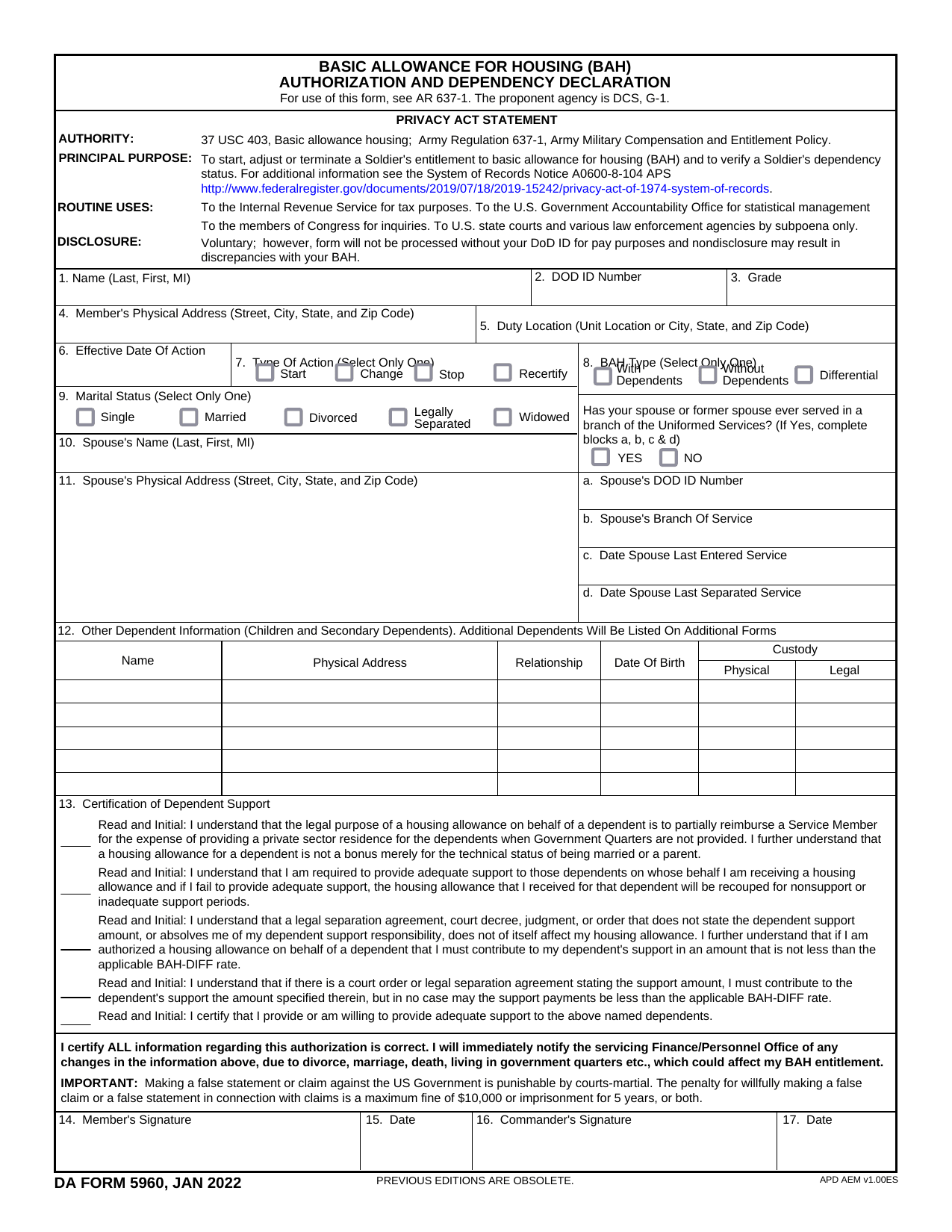 DA Form 5960Military FormsStart, stop, or change your BAQ or VHA entitlement using the fillable, printable copy ready here.Updated Oct 6, 2026
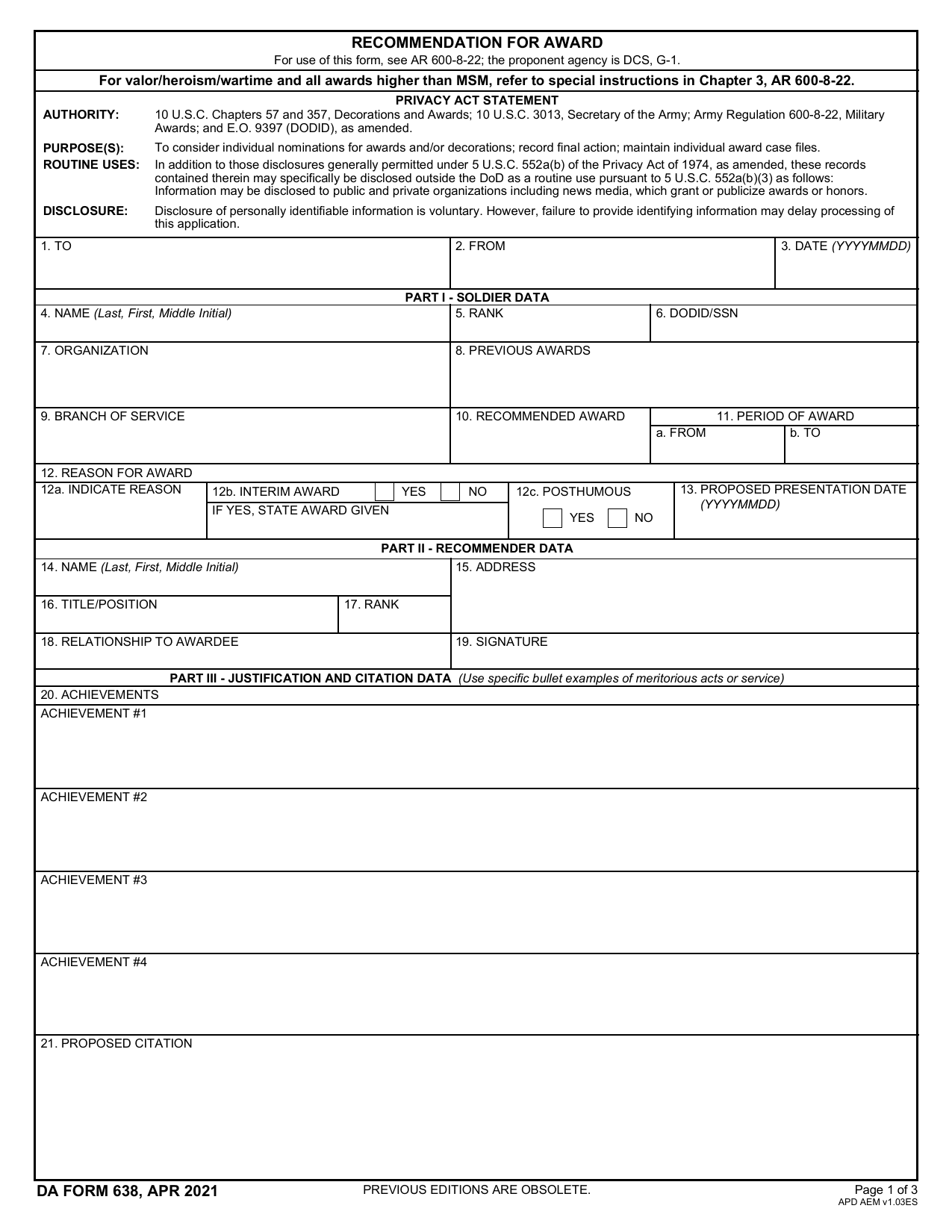 DA 638 FormMilitary FormsRecommend a Soldier for most awards, add justification and reviewers' decisions in a fillable, printable copy ready here.Updated Oct 6, 2026
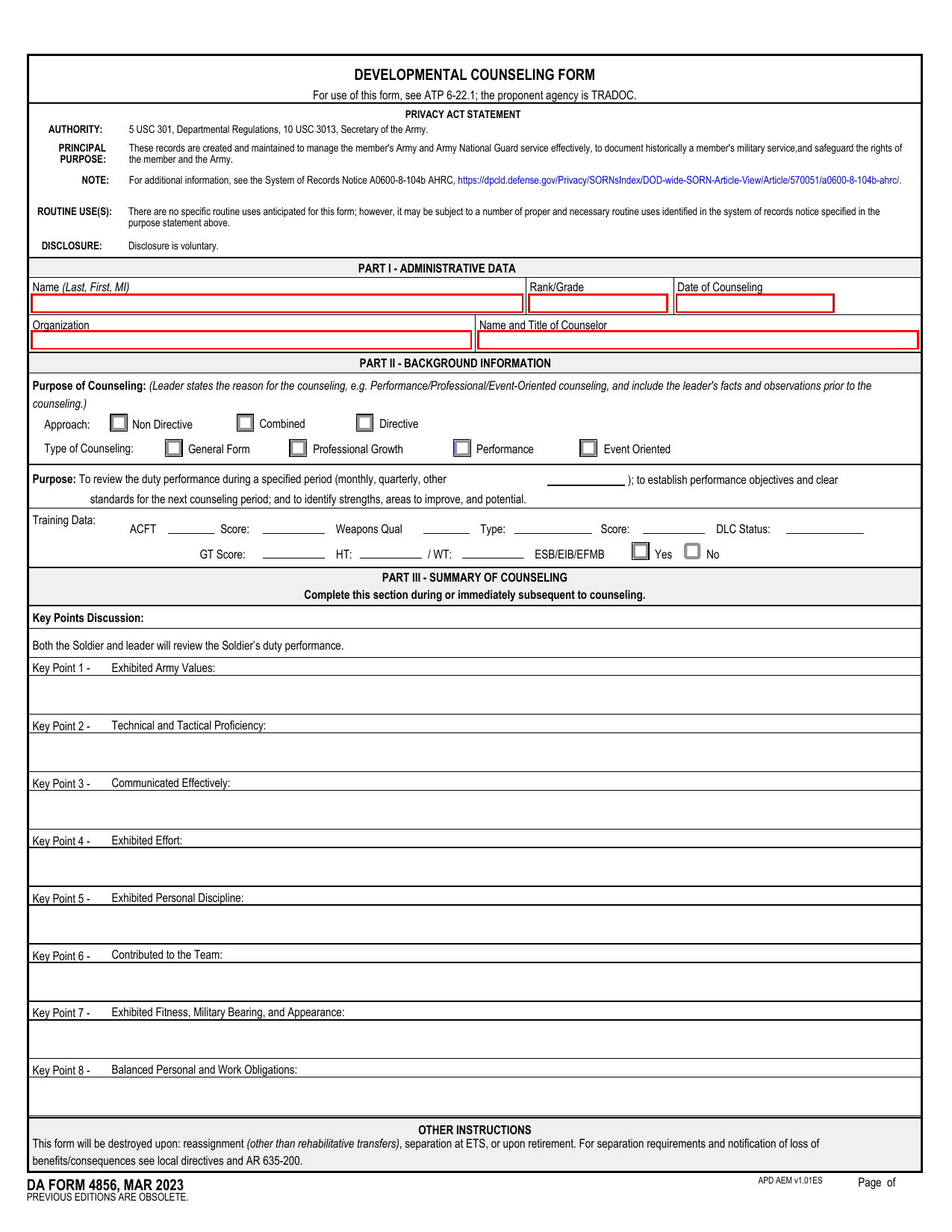 DA 4856 FormMilitary FormsA fillable, printable copy is ready here for you to record counseling sessions, agreed actions, goals, and follow-up results.Updated Oct 6, 2026
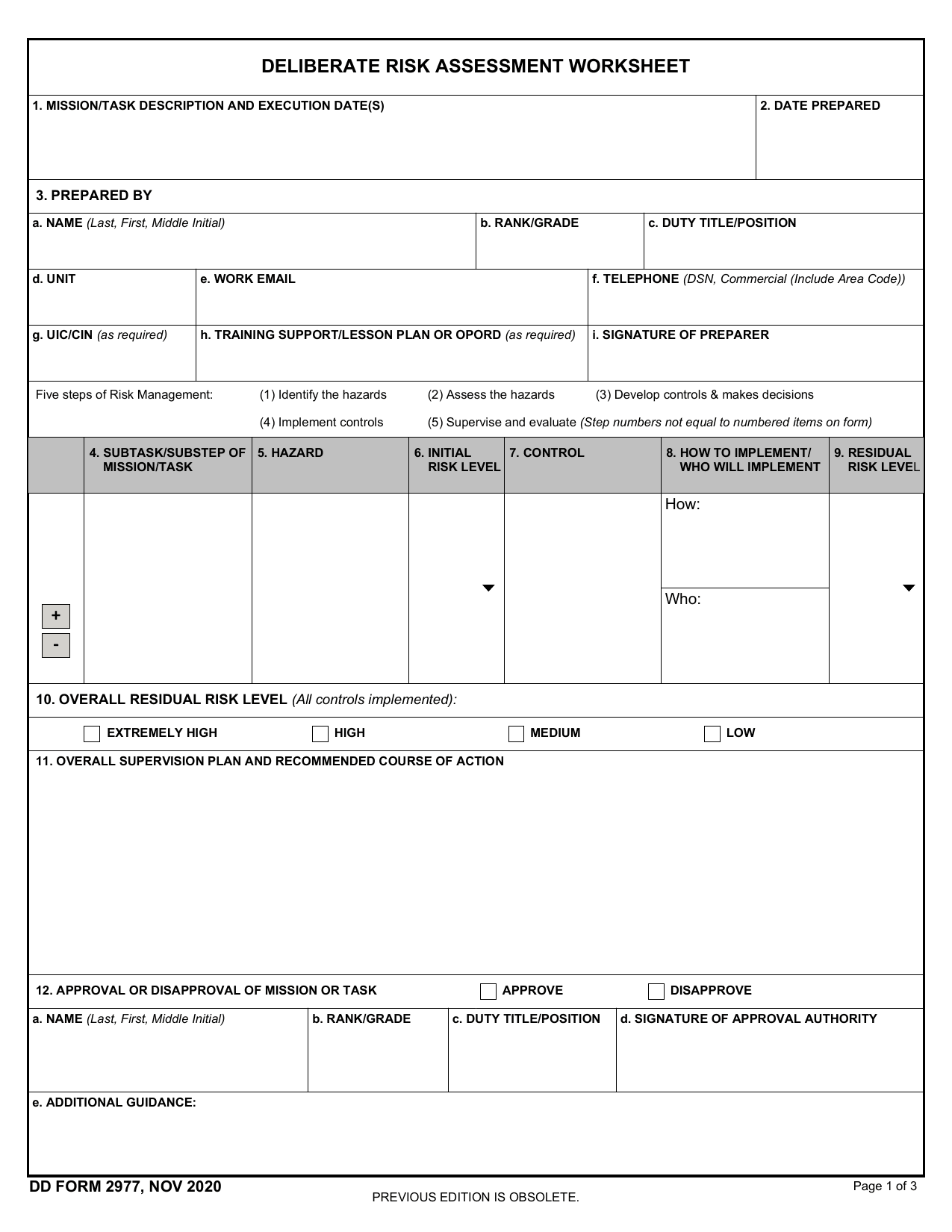 DD Form 2977Military FormsAssess your mission hazards, set controls, and record residual risk approval in the fillable, printable copy ready here.Updated Oct 6, 2026