

Fillable VA Form 21-4142a (2026)
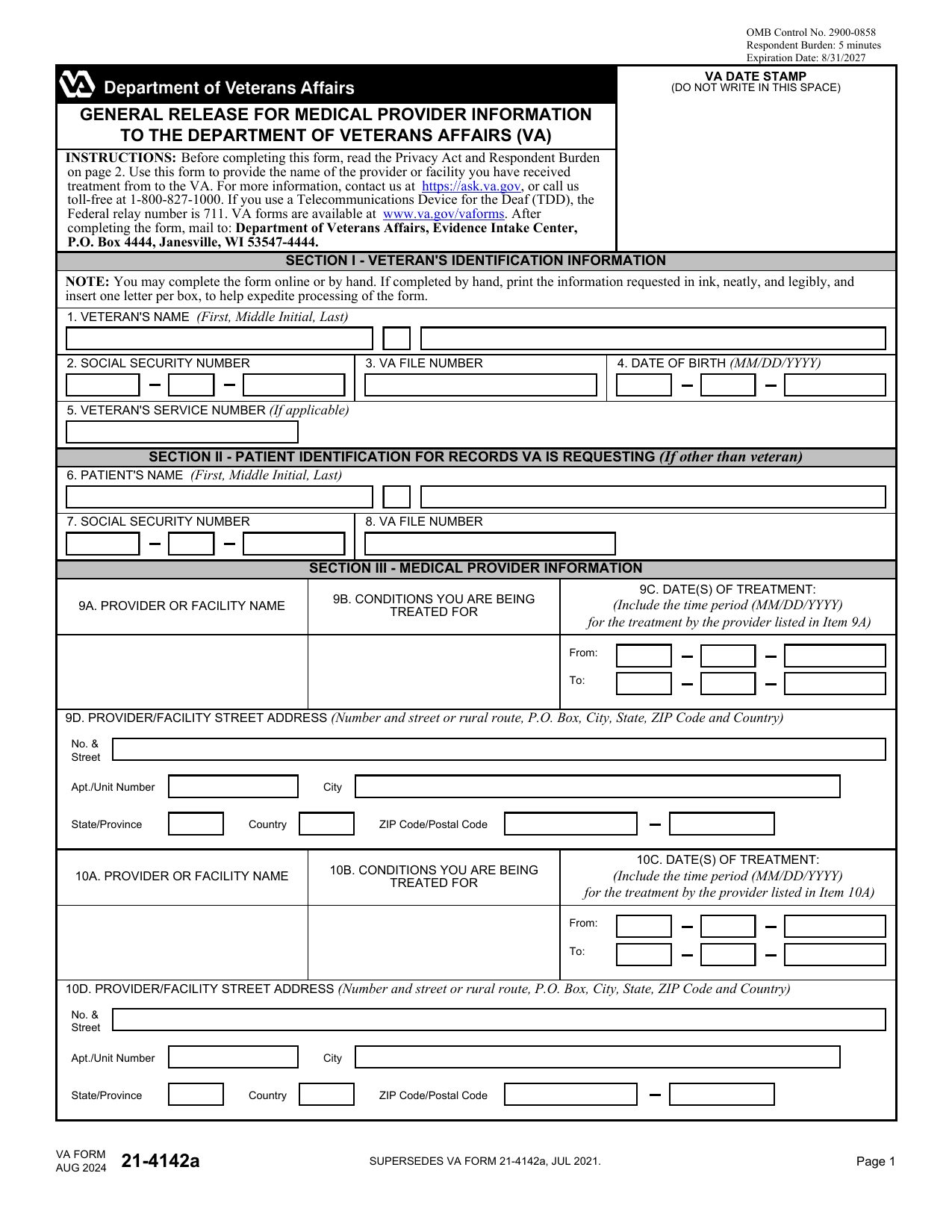
Give VA permission to request records from the private providers you list; your fillable, printable copy is ready here.
This website is not affiliated with any government agency.
How it works

1. Open the form
Click “Fill form” above to open the form in our editor.

2. Add details
Complete all required fields to finalize your form.

3. Save as PDF
Download your filled form as a PDF, ready to print or submit anywhere.
What is VA Form 21-4142a?
VA Form 21-4142a, General Release for Medical Provider Information to the Department of Veterans Affairs, identifies non-VA health care providers that may hold records about your condition. You list each private doctor, hospital, or clinic, along with its address and your treatment dates. The VA uses these details to locate records that may support your disability or benefits claim.
VA forms 21-4142 and 21-4142a work together. Form 21-4142 gives written authorization to release your medical records, while Form 21-4142a tells the VA where to request them. You generally need to complete both forms so the VA can obtain private treatment records. These records help claims staff review your medical history and make a decision on your claim.
What is VA Form 21-4142a used for?
You use VA Form 21-4142a when a VA benefits claim depends on records from a private doctor, hospital, clinic, or other non-VA provider. You list each provider’s name and address, along with the dates of treatment, so VA knows where to request supporting medical records.
The form is often included with a disability claim, such as VA Form 21-526, and works with VA Form 21-4142. VA Form 21-4142 gives permission to release the records, while VA Form 21-4142a identifies the providers that hold them. These records help VA decide if you qualify for benefits.
How to fill out VA Form 21-4142a
- 1Enter the veteran’s name, Social Security number, VA file number, service number, and date of birth in Section I.
- 2Complete Section II only if the medical records belong to someone other than the veteran.
- 3List each medical provider or facility in Section III, including its address, phone number, and treatment dates.
- 4Use another copy of the form if you need to list more than three providers.
- 5Review all entries for accuracy, then download the completed form. Send it to VA with a signed VA Form 21-4142 outside the platform.
Where to get a blank VA Form 21-4142a
The U.S. Department of Veterans Affairs issues VA Form 21-4142a through its Veterans Benefits Administration. You can also get a blank copy from PDFLeader. The form is preloaded in our browser-based editor, so you do not need to find and download a separate template.
PDFLeader lets you fill out the form and download the completed copy for future use. Our platform does not file or submit VA Form 21-4142a to the Department of Veterans Affairs. Follow the VA Form 21-4142a instructions to learn how and where to send it.
Where to send VA Form 21-4142a
After you complete and download the form, you can send it to VA online or by mail. For online delivery, use VA’s online authorization tool, which sends your information directly to VA. Follow the tool’s process rather than mailing another copy unless VA asks for one.
For mail delivery, send the completed VA Form 21-4142a PDF to the Department of Veterans Affairs, Evidence Intake Center. Keep a copy for your records and include any related release documents VA requires.
Who needs to complete VA Form 21-4142a?
Veterans who are applying for disability compensation or pension may need to complete this form. An authorized representative or claimant may also complete it for the veteran. If VA needs records from a private doctor, hospital, or other non-VA source, the person completing VA Form 21-4142 and 21-4142a must list each provider’s name, address, and treatment dates.
Afterward, VA claims-processing staff use the information to request the listed medical records. Vendors working under VA’s Private Medical Records contract may contact the providers and retrieve the records. VA then adds the records to the veteran’s claims file and reviews them when deciding benefit eligibility.
Do you need to sign VA Form 21-4142a?
No signature is needed on VA Form 21-4142a itself. You must attach it to a signed and dated VA Form 21-4142, which authorizes the release of your medical records. With PDFLeader, you can fill out and download the completed form in your browser, but you must submit it elsewhere. Check the latest VA Form 21-4142a instructions before sending VA Form 21-4142 and 21-4142a to the VA.
What information/documents are required?
Have the veteran/beneficiary's name, Social Security number, VA file number, date of birth, and service number, if applicable. For each medical provider, prepare the provider or facility name, complete address, dates of treatment, and conditions treated. Use your medical records, bills, or appointment notes to confirm these details, but you do not need to attach them unless VA asks for them.
Submit the 21-4142a VA Form with a completed and signed VA Form 21-4142. VA needs the signed release before it can request private medical records from the providers listed on VA 21-4142a.
When is VA Form 21-4142a needed?
VA Form 21-4142a has no fixed due date. Submit it when the VA requests it, often after you file a disability claim. You may also submit it with your claim if private, non-VA medical records support your case.
Send the form as soon as you can, ideally with your claim, to help prevent processing delays. Your authorization remains valid for 12 months from the date you sign it. After that period ends, you must complete and sign a new form if the VA still needs access to the records.
When is VA Form 21-4142a not required?
If you already have your private medical records and submit them directly to VA, you do not need to complete VA Form 21-4142a. You may also skip it if you plan to obtain the records and send them to VA yourself.
Your response is voluntary, and there is no penalty for not submitting the form. However, without the required authorization, VA will not request records from a private medical provider on your behalf. No dollar threshold affects this choice.
FAQ

What is the difference between VA Form 21-4142 and 21-4142a?
VA Form 21-4142 authorizes the Department of Veterans Affairs to request records from a private doctor, hospital, or other non-VA source. VA Form 21-4142a lists the providers, facility addresses, and treatment dates connected to those records. VA Form 21-4142 and 21-4142a are usually submitted together.
Can I fill out VA Form 21-4142a online?
Yes. You can provide the authorization through the official online tool on VA.gov. You can also complete a VA Form 21-4142a PDF fillable in PDFLeader, then download it for submission through a method accepted by VA. PDFLeader does not submit or file the form.
Do I need to submit VA Form 21-4142a separately for each private doctor?
Usually, no. One VA Form 21-4142a can list more than one private provider or facility. Enter each provider's name, address, and treatment dates in the available provider fields. Follow VA guidance if you need more space or if VA asks for a separate form.
What information do I need to complete VA Form 21-4142a?
Have the veteran's identifying details ready, including the Social Security number, VA file number, service number, and date of birth, as applicable. You will also need patient details if the records concern someone other than the veteran, plus each provider's name, address, and treatment dates.
Is there a deadline for submitting VA Form 21-4142a?
There is no single deadline that applies to every claim. Your due date depends on the VA claim, request letter, or evidence deadline tied to your case. Check your VA notice and respond by the date shown. Contact VA if the deadline is unclear.
Does PDFLeader have a refund policy?
Yes. The Refund Policy sets out the cases where a refund applies and how to send a request.
What if I have any issues and need help?
We've got your back 24/7! Just call +1 (844) 548-9416 or email support@pdfleader.com, and we'll sort things out for you.
How do I cancel PDFLeader?
You can cancel your subscription from account settings, or contact the support team and ask them to cancel it. You keep access until the current billing period is over.
Related forms
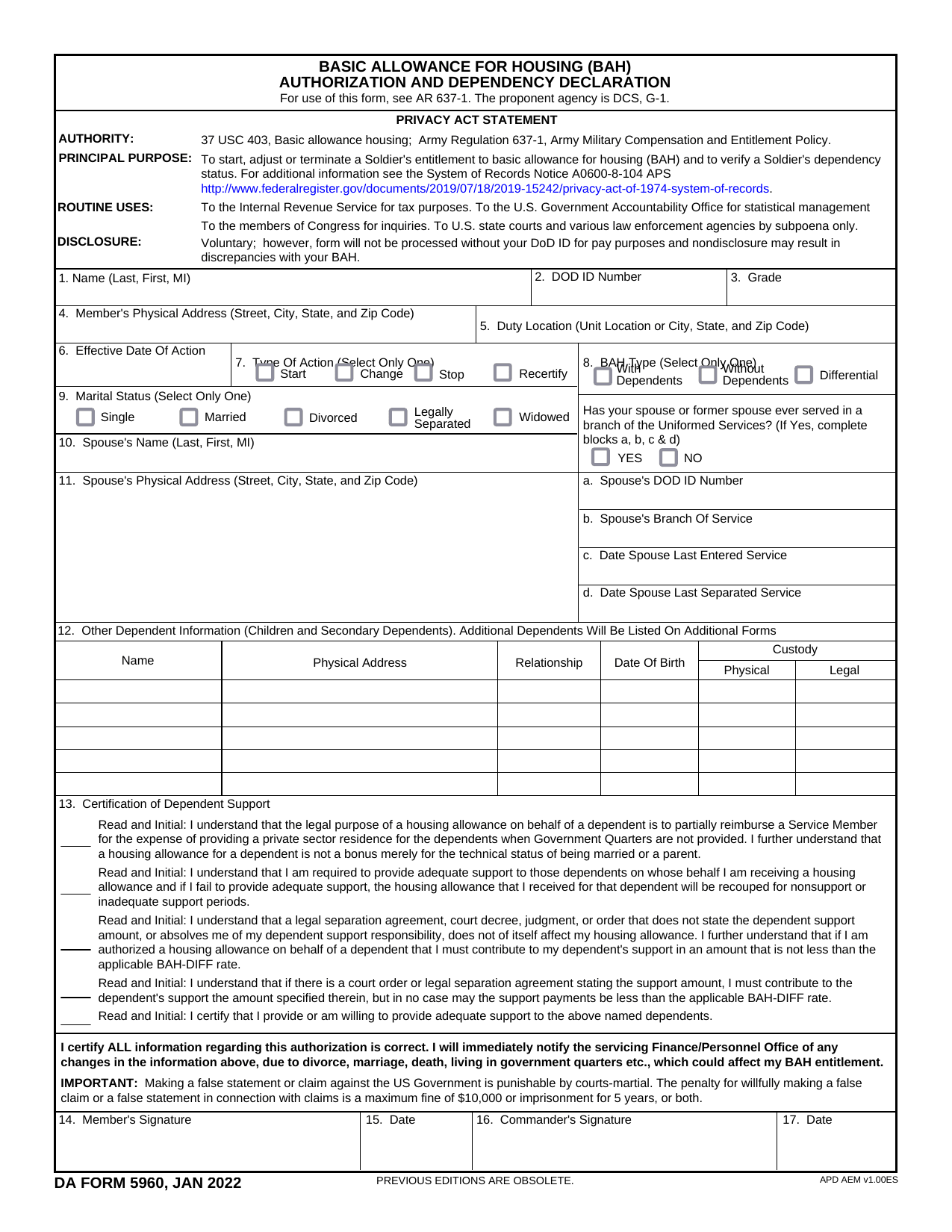 DA Form 5960Military FormsStart, stop, or change your BAQ or VHA entitlement using the fillable, printable copy ready here.Updated Oct 6, 2026
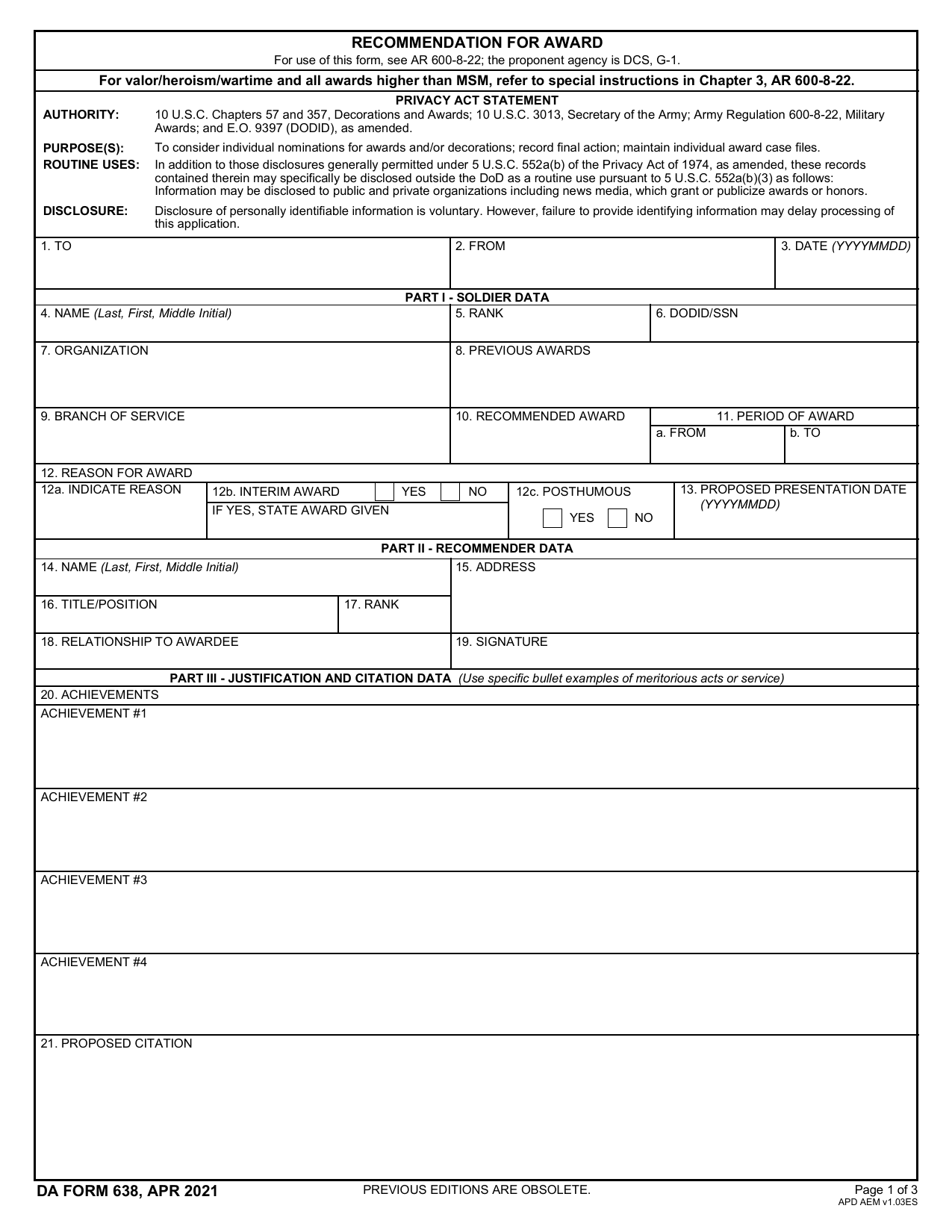 DA 638 FormMilitary FormsRecommend a Soldier for most awards, add justification and reviewers' decisions in a fillable, printable copy ready here.Updated Oct 6, 2026
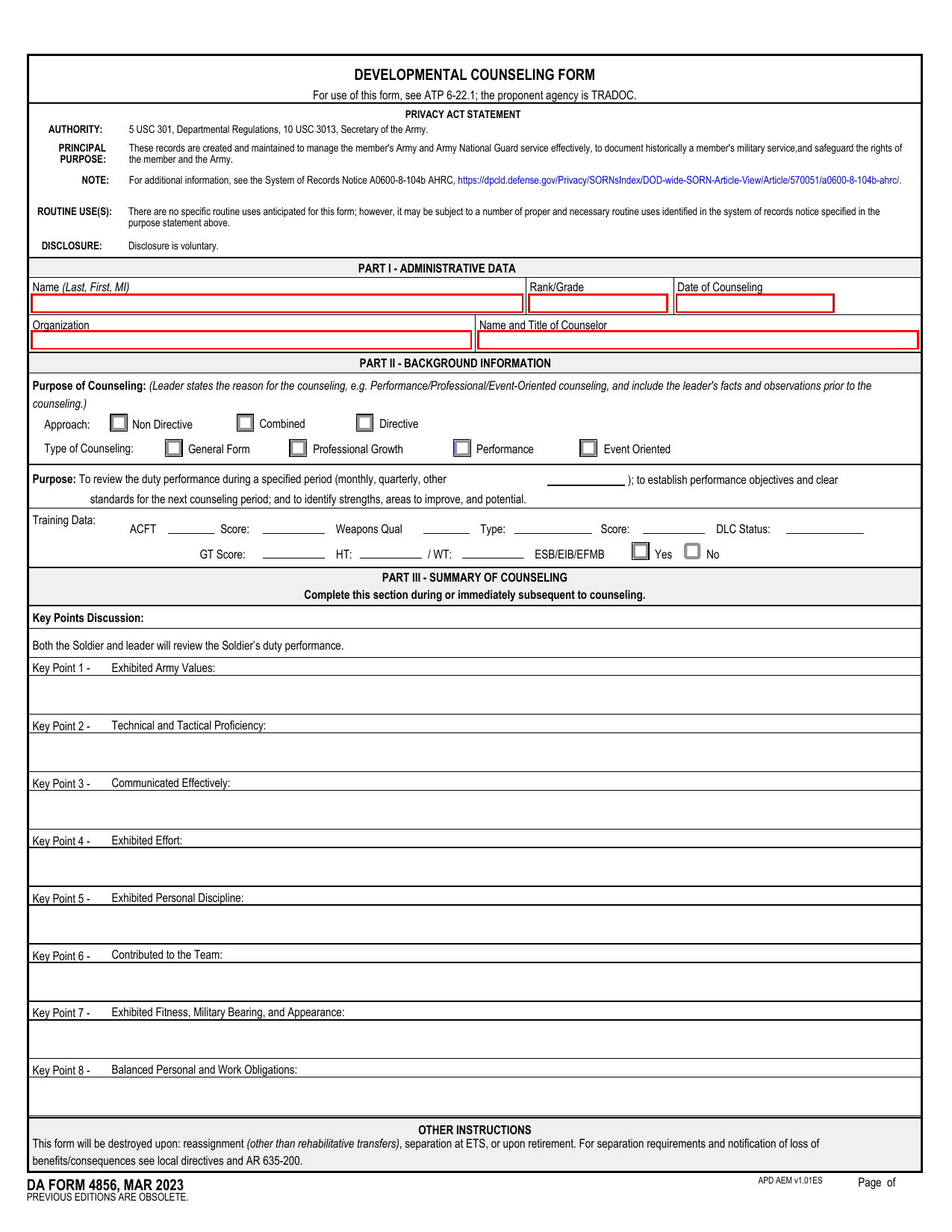 DA 4856 FormMilitary FormsA fillable, printable copy is ready here for you to record counseling sessions, agreed actions, goals, and follow-up results.Updated Oct 6, 2026
 DD Form 2977Military FormsAssess your mission hazards, set controls, and record residual risk approval in the fillable, printable copy ready here.Updated Oct 6, 2026