

Fill Out Form W-2 Online in 2026
Record your wages, tips, other pay, and withheld income and FICA taxes with a fillable, printable copy ready here.
This website is not affiliated with any government agency.
How it works

1. Open the form
Click “Fill form” above to open the form in our editor.

2. Add details
Complete all required fields to finalize your form.

3. Save as PDF
Download your filled form as a PDF, ready to print or submit anywhere.
What is Form W-2?
Form W-2, Wage and Tax Statement, is an IRS form that your employer sends you each year. It reports the wages paid to you and the federal income, Social Security, and Medicare taxes withheld from your pay. You may also see it called a W-2 Form, though the official IRS name is Form W-2.
Your employer files the W-2 Form with the Social Security Administration, which shares the details with the IRS. You use your copy to prepare federal and state income tax returns. The information also helps you check that your income matches government records and spot possible errors or fraud.
You will not find adjusted gross income on W-2 paperwork. Your tax return calculates adjusted gross income using wages from your W-2 and other income, with certain adjustments allowed by tax law.
What is Form W-2 used for?
Your employer gives you Form W-2 after the end of the tax year if you worked as an employee. You use the W-2 Form details to complete Form 1040, including your wages, tips, other pay, and taxes withheld.
Employers file wage and FICA tax details with the Social Security Administration. This record may affect your future Social Security benefits. The IRS also uses the information to check that the income on your tax return matches employer records. The form may show certain workplace benefits, such as health coverage, adoption or dependent care help, and health savings account contributions.
How to fill out Form W-2
- 1Enter the employee’s SSN in Box a exactly as shown on their Social Security card.
- 2Add the employer EIN in Box b and the employer name and address in Box c, matching employment tax records.
- 3Fill Boxes d through f with the control number, if used, and the employee’s full name and address.
- 4Report wages, tips, tax withheld, and Social Security and Medicare amounts in Boxes 1 through 11.
- 5Complete Boxes 12 through 20 with applicable codes, benefits, and state or local tax details.
- 6Check every entry for accuracy and legibility.
- 7Download the completed copies. Do not treat a printed PDF Copy A as an SSA-ready substitute.
Where to get a blank Form W-2
The Internal Revenue Service (IRS) issues Form W-2, Wage and Tax Statement. Employers use it to report employee wages and federal taxes withheld. They file the form with the Social Security Administration (SSA), which sends the information to the IRS.
PDFLeader has a blank Form W-2 pre-loaded in our browser-based editor, so you do not need to download a template from another source. You can fill out the form and download the completed copy for future use. PDFLeader does not file or submit Form W-2. Employers must send the required copies to the SSA, employees, and any other required tax agencies.
Where to send Form W-2
Send Copy A of Form W-2 to the Social Security Administration, not the IRS. Employers can file electronically through the SSA’s Business Services Online portal. If you file 10 or more information returns, electronic filing is required unless the IRS grants a waiver.
If paper filing is allowed, mail Copy A with Form W-3 to the Social Security Administration. Use an official scannable Copy A, since a printed copy of the online form cannot be scanned by the SSA. There is no standard in-person filing method. Give the employee copies directly to each employee rather than sending them to the SSA.
Who needs to complete Form W-2?
Employers engaged in a trade or business must complete Form W-2 for each employee paid for services, including noncash payments. This applies when income, Social Security, or Medicare tax was withheld, or would have been withheld if the employee had not claimed an exemption on Form W-4. It also applies when payments meet the IRS reporting threshold.
Employers file the W-2 Form with the Social Security Administration, generally by January 31. The agency sends relevant wage and tax data to the IRS. Employees use their W-2 to prepare federal and state income tax returns.
Do you need to sign Form W-2?
No, you do not need to sign Form W-2. It has no signature line for the employee or employer. A related Form W-3 may require an employer’s signature when applicable. Check the latest IRS instructions for updates. With PDFLeader, you can fill out the form in your browser and download it. No signature is needed, and PDFLeader does not submit or file the completed form.
What information/documents are required?
Before completing Form W-2, have the employee’s Social Security card and current mailing address on hand. Use the card to confirm Box a, Employee’s Social Security number, and Boxes e and f, Employee’s name and address. You also need the employer’s IRS records for Box b, Employer identification number (EIN), and Box c, Employer’s name, address, and ZIP code. Box d, Control number, may be left blank if the employer does not use one.
Check year-end payroll records for Box 1, Wages, tips, other compensation; Box 2, Federal income tax withheld; and Box 3, Social Security wages. These records should cover all pay and withholding for the tax year.
When is Form W-2 due?
Employers generally must provide Form W-2 to employees and file Copy A with the Social Security Administration by January 31 each year.
For 2026 Forms W-2, the SSA filing deadline is February 1, 2027, because January 31 falls on a Sunday. This date applies to both paper and electronic filing. Extensions are not automatic. An employer may request one 30-day extension by filing Form 8809, but the IRS grants it only in extraordinary circumstances.
When is Form W-2 not required?
You do not have to prepare Form W-2 when wages stay below the reporting threshold and you withheld no federal income, Social Security, or Medicare tax. For wages paid in 2026, the threshold is $2,000. The W-2 Form 2025 uses the prior $600 threshold. Special rules may apply to certain election workers and foreign agricultural workers. Clergy compensation exempt from Social Security and Medicare tax may still require Form W-2 if another reporting rule applies.
You also do not prepare a separate copy when an authorized reporting agent or third-party payer files it on your behalf. Form 4852 is different. An employee may use it as a substitute after trying to get a missing or incorrect W-2 Form. It does not cancel an employer’s duty to issue a required statement.
FAQ

What is Box 12 (and Box 12a) on a W-2 Form?
Box 12 reports certain benefits, compensation, and deferred pay using IRS letter codes. It has four lines, 12a through 12d. The letter in each line identifies the type of amount shown next to it. Box 12a is the first line, not code A. Check the IRS instructions for your specific code to learn how it affects your tax return.
What is Box 14 on a W-2 Form?
Box 14 lets your employer report other tax details, such as union dues or state disability insurance. The IRS does not use one standard list of Box 14 labels. Review the description from your employer and your state's tax guidance to decide where the amount belongs on your return.
What is Box D on a W-2 Form?
Box D shows a control number that an employer may use to track its W-2 records. The IRS does not require this number, so the box may be blank. It is not your Social Security number or employer identification number.
What do the codes on a W-2 Form mean?
The one-letter or two-letter codes in Box 12 identify specific benefits, wages, or deferred compensation. For example, code D reports certain 401(k) contributions, while code DD reports the cost of employer-sponsored health coverage. Each code has its own tax treatment, so match it with the current IRS instructions for Form W-2.
Where is overtime pay reported on a W-2 Form?
A W-2 Form has no separate line for overtime. Taxable overtime is included in Box 1 wages and, when subject to those taxes, in Box 3 Social Security wages and Box 5 Medicare wages. The totals can differ because wage limits and pretax deductions may apply.
When should you receive your W-2 from your employer?
Your employer generally must furnish your W-2 by January 31 after the tax year ends. If that date falls on a weekend or legal holiday, the deadline moves to the next business day. For the W-2 Form 2025, the 2026 deadline was February 2. Contact your employer if it does not arrive, then contact the IRS if you still lack it by the end of February.
How is IRS Form 1099 different from a W-2?
The 1099 vs. W-2 difference depends on the worker's status and the type of payment. Form W-2 reports employee wages and taxes withheld. Form 1099-NEC generally reports at least $600 in nonemployee compensation paid to an independent contractor, and income tax usually is not withheld. Worker status is based on the work relationship, not the form a business prefers to issue.
Is a W-2 the same as Form 1040?
No. An employer issues Form W-2 to report your wages, withholding, and related tax details. You file Form 1040 as your individual income tax return and use information from your W-2 to prepare it. Form W-2 does not show your full tax return or your final adjusted gross income.
How do I get a W-2 from a previous employer?
Contact the former employer's payroll or human resources department and confirm your mailing address. Ask for a reissued copy if the original was lost. A paper replacement generally should be marked "REISSUED STATEMENT." If you cannot reach the employer or have not received the copy by the end of February, contact the IRS for help.
How do I get an old (prior-year) W-2 Form?
Ask the employer that issued the W-2 for a replacement. If that is not possible, request an IRS Wage and Income Transcript through Get Your Tax Record on the IRS website or submit Form 4506-T. A transcript shows reported W-2 data, but it is not an exact copy of the original form and may not include state or local details.
Does PDFLeader have a refund policy?
Yes. The Refund Policy sets out the cases where a refund applies and how to send a request.
What if I have any issues and need help?
We've got your back 24/7! Just call +1 (844) 548-9416 or email support@pdfleader.com, and we'll sort things out for you.
How do I cancel PDFLeader?
You can cancel your subscription from account settings, or contact the support team and ask them to cancel it. You keep access until the current billing period is over.
Related forms
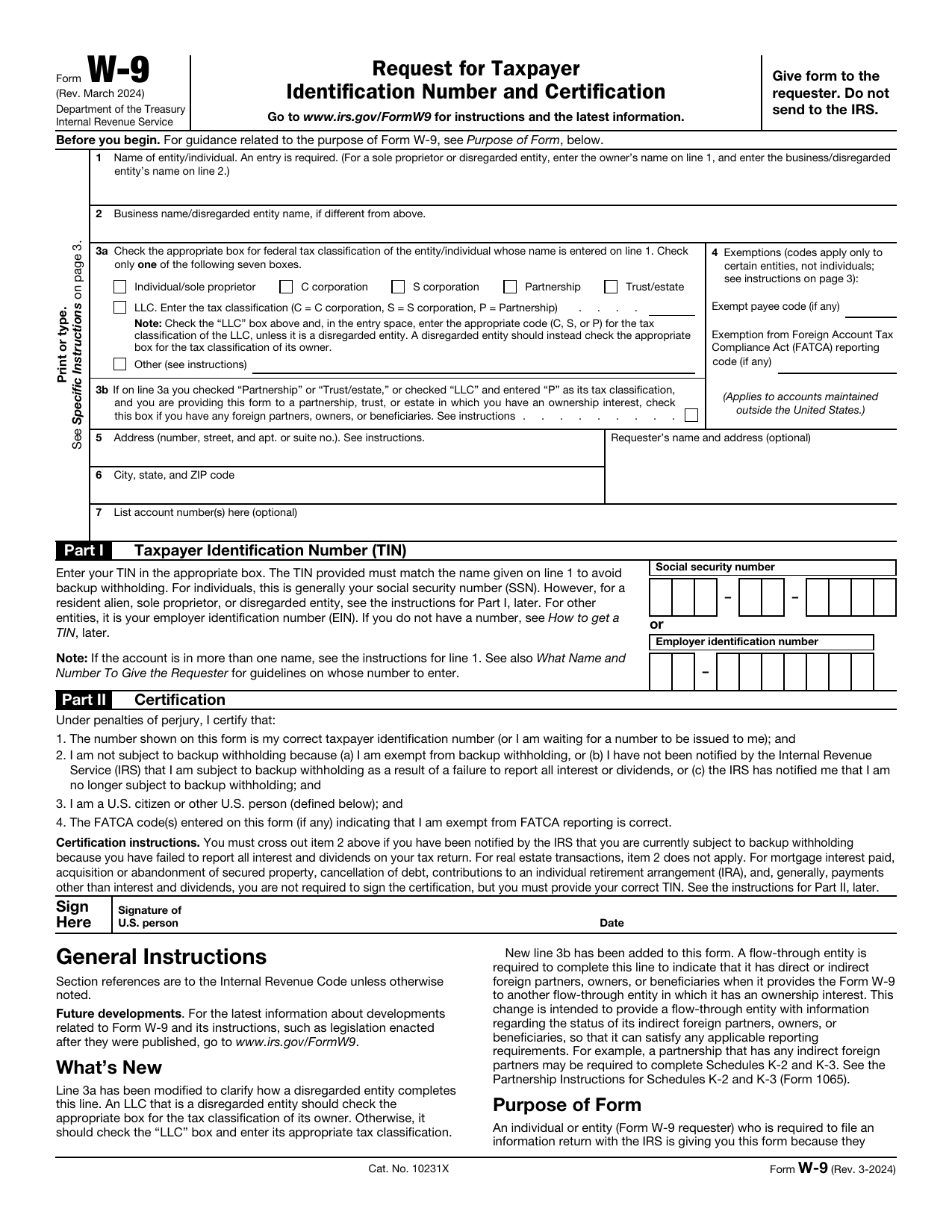 W-9 FormTax FormsGive a requester your correct TIN and certify your U.S. person and backup withholding status in a fillable, printable copy.Updated Oct 5, 2026
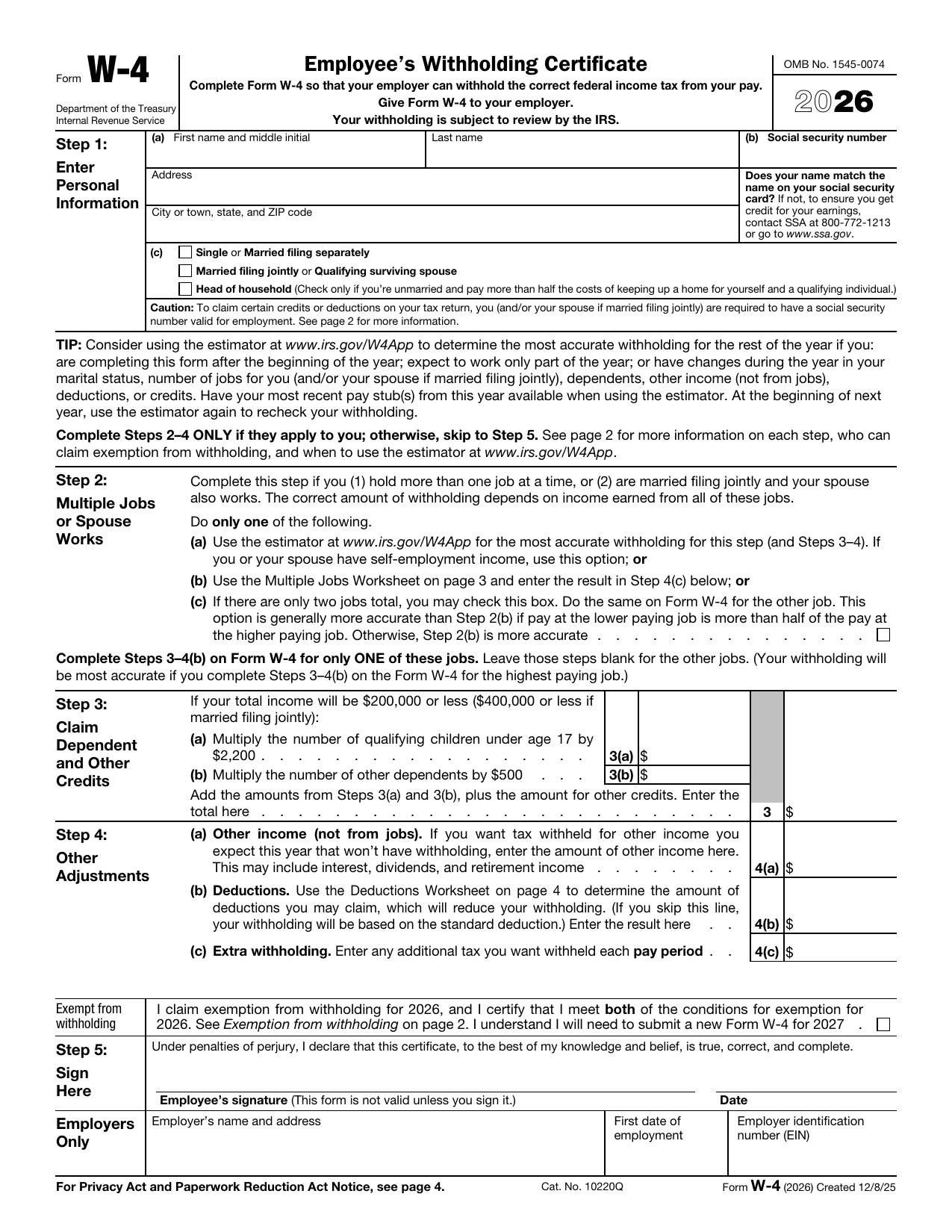 W-4 FormTax FormsSet how much federal income tax your employer withholds from your pay. A fillable, printable copy is ready here.Updated Oct 5, 2026
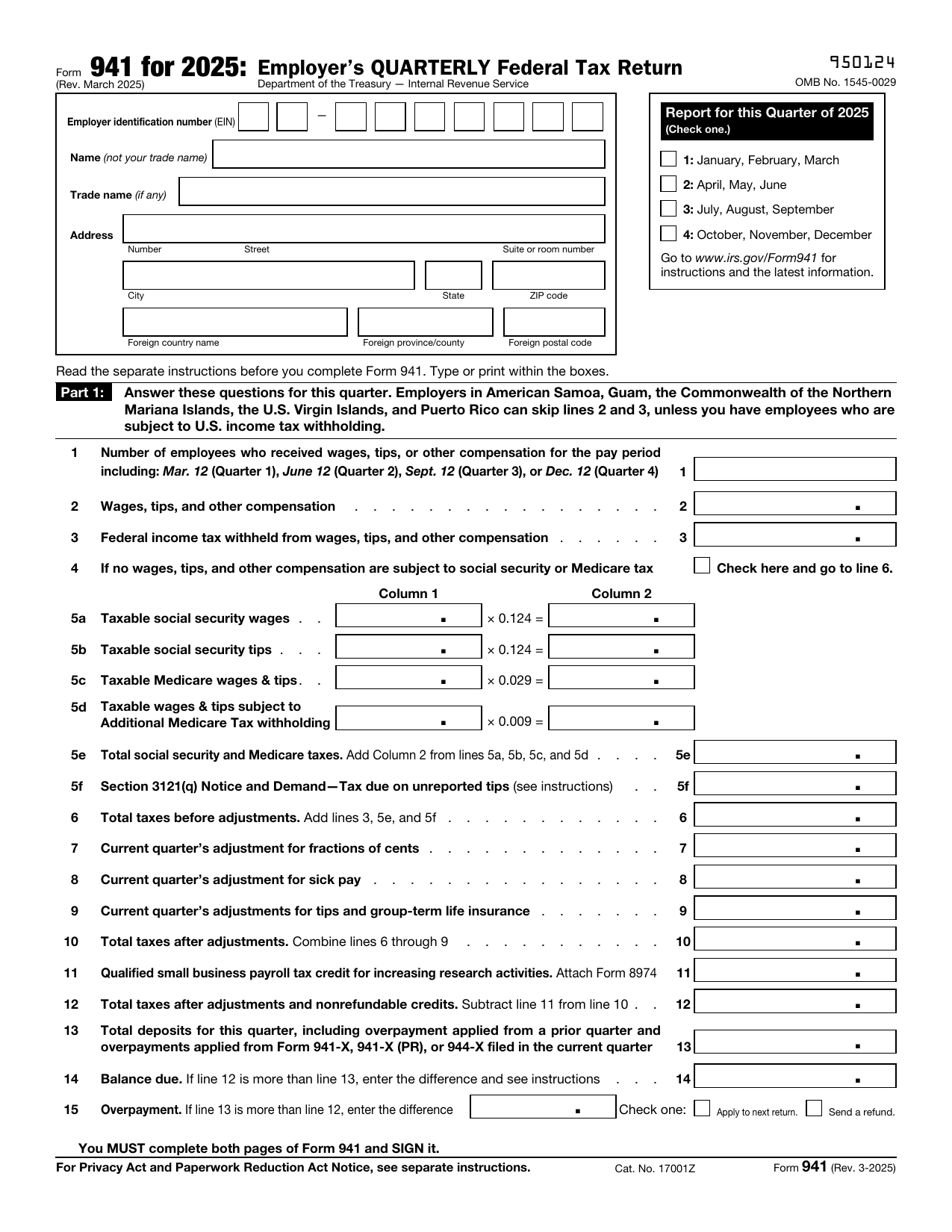 941 FormTax FormsReport your quarterly wages, withheld income tax, and payroll tax share with a fillable, printable copy ready here.Updated Oct 5, 2026
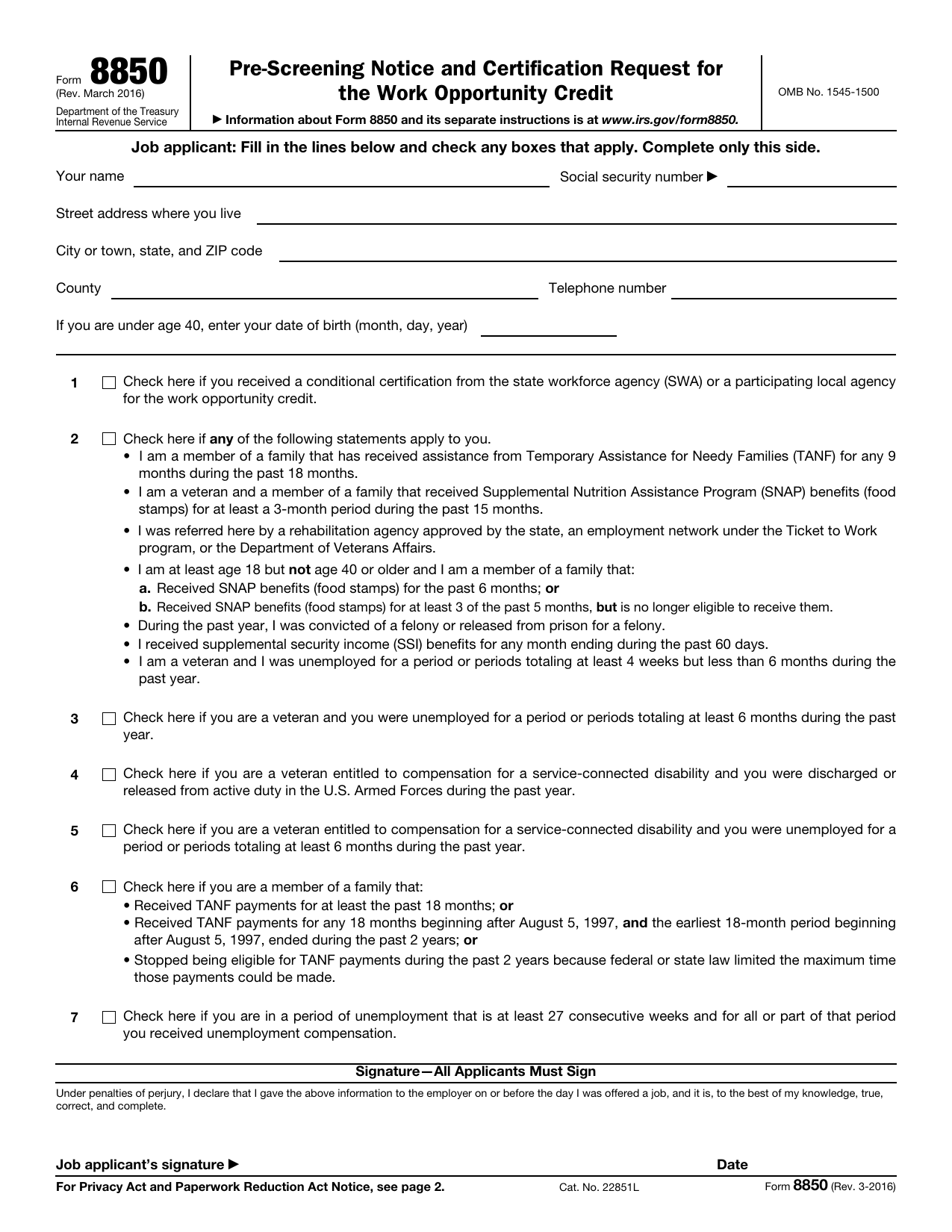 8850 FormTax FormsAsk your state agency to certify your new hire for the work opportunity credit. Your fillable, printable copy is ready here.Updated Oct 5, 2026